
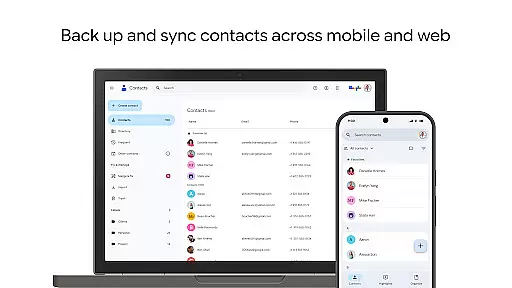
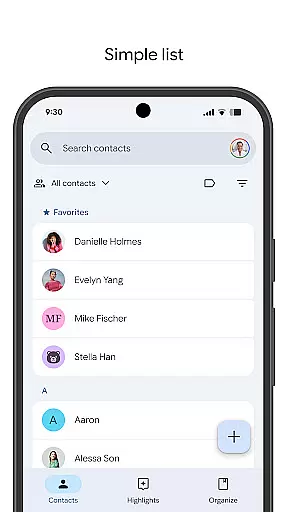
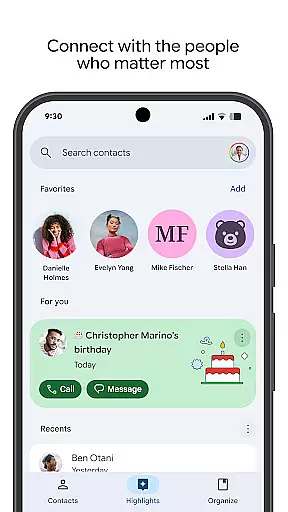
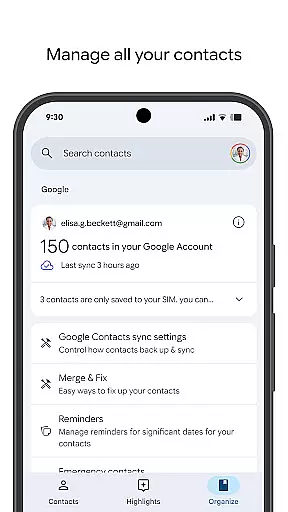
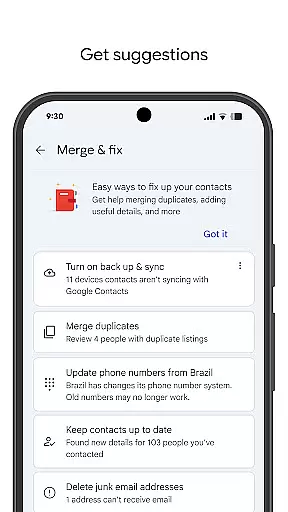
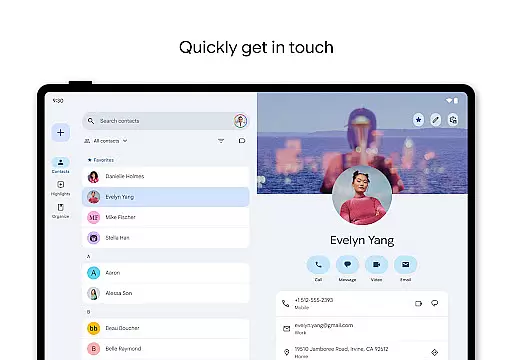
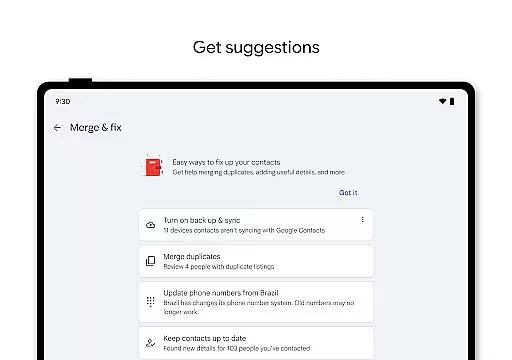
Contacts is a powerful Android Wear application designed to seamlessly manage and sync your contacts across all devices. The app ensures that your contact information is securely backed up to your Google Account, allowing you to access it from any signed-in device. This feature is particularly useful when transitioning to a new phone, as it simplifies the process of transferring contact details.
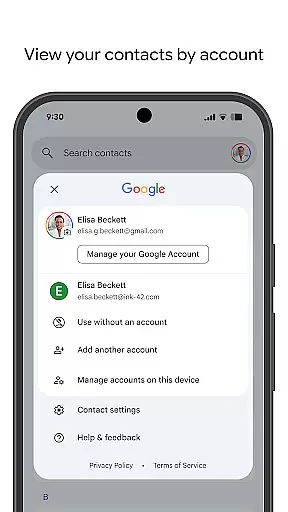
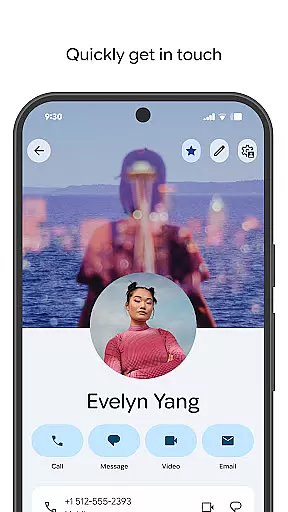
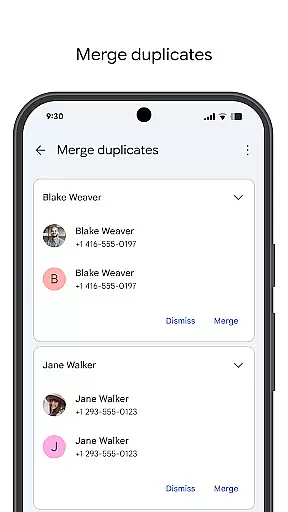
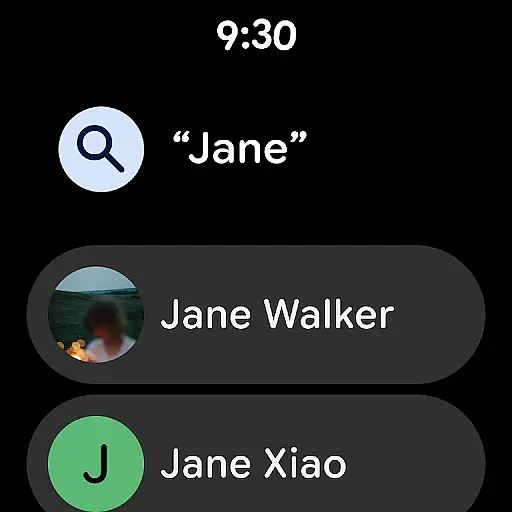
In addition to backup and synchronization, Contacts offers robust organizational tools. Users can categorize contacts by accounts such as work or personal, edit detailed information like phone numbers and emails, and merge duplicate entries. The app also provides helpful reminders for special occasions, ensuring you never miss an important date like a birthday or anniversary.
The true value of Contacts lies in its ability to keep users connected with the people who matter most. With features like Trash recovery for deleted contacts and quick access to recently viewed profiles, this app enhances both convenience and reliability in managing personal and professional relationships.
Contacts stands out with its comprehensive set of features tailored for efficient contact management on Android Wear devices. One of its key strengths is the automatic backup functionality, which stores all contact information in your Google Account. This ensures data safety and allows for easy restoration on any device, providing peace of mind against accidental loss.
The app's organizational capabilities are equally impressive. It enables users to view contacts by specific accounts, making it easier to separate personal and professional connections. The intelligent merging tool helps eliminate duplicates, while the detailed editing options allow for precise updates to contact information. These features collectively contribute to maintaining an accurate and up-to-date address book.
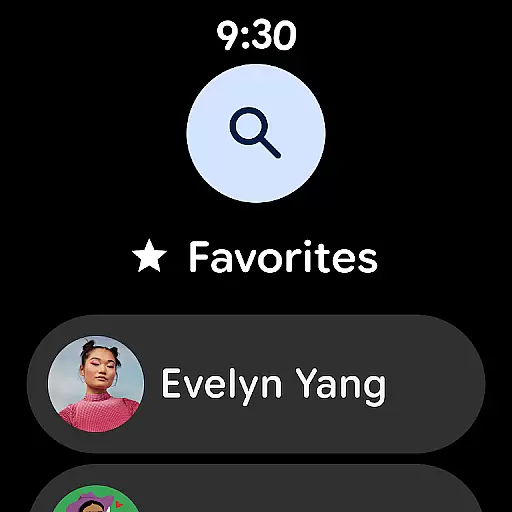
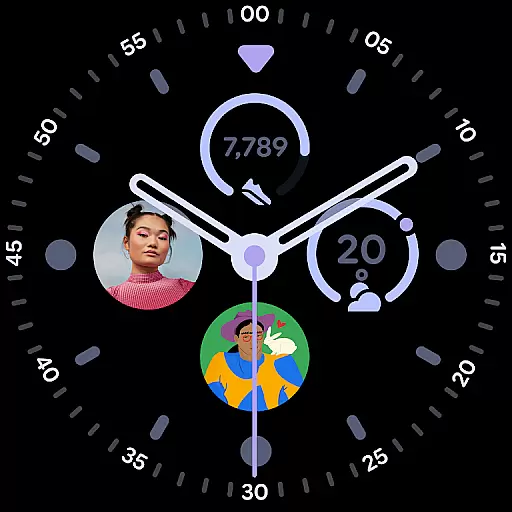
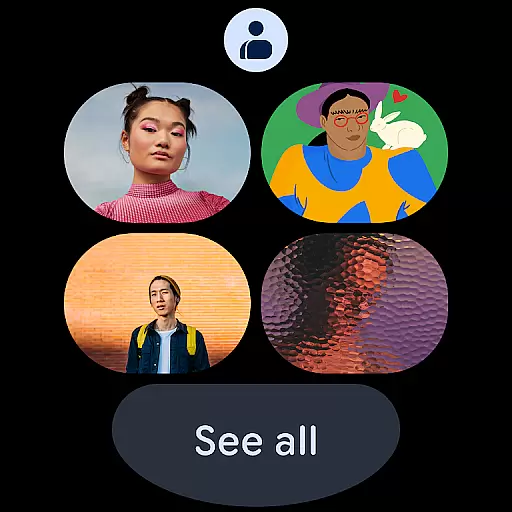
What sets Contacts apart is its focus on meaningful connections. The app highlights important dates such as birthdays and anniversaries, offering customizable notifications to ensure you never forget special occasions. Additionally, the recent contacts feature provides quick access to frequently used profiles, while the Wear OS integration includes convenient tiles and complications for instant access to favorite contacts.
Companion app integration is essential for a seamless user experience across multiple devices. The Contacts app excels in this area by providing robust synchronization capabilities with your Google Account.
This ensures that all your contact information is automatically backed up and accessible from any device where you're signed in. Whether you're using a smartphone, tablet, or computer, your contacts are always up-to-date and available.
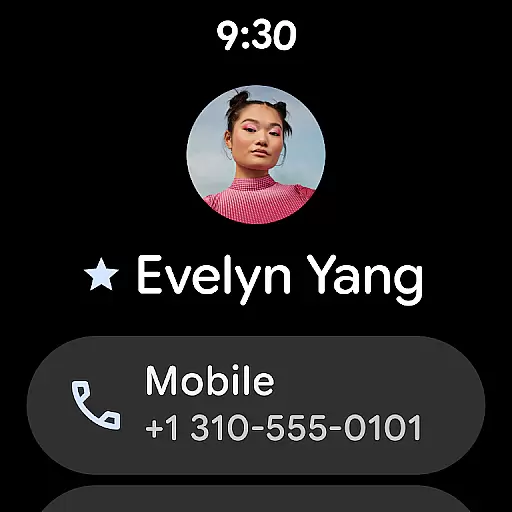
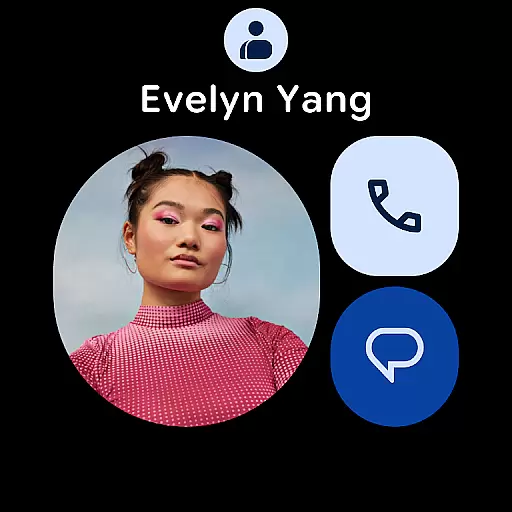
The app also offers specialized features for Wear OS, enhancing its utility on smartwatches. With dedicated tiles and complications, users can quickly access favorite contacts and individual contact details directly from their wrist.
By maintaining consistent data flow between the main app and its Wear OS counterpart, Contacts delivers an integrated experience that keeps users connected without missing a beat.
Ensuring compatibility with Wear OS and various devices is crucial for maximizing the app's reach and functionality. The Contacts app supports a wide range of devices, including those running Wear OS, making it versatile and convenient.
On Wear OS, the app provides unique features such as a favorite contacts tile, individual contact tile, and contact complications. These elements allow users to interact with their contacts effortlessly, even on smaller screens like smartwatches.
Device compatibility extends beyond just Wear OS; the app works seamlessly across different Android devices. This broad compatibility ensures that whether you're upgrading your phone or using multiple devices, your contacts remain accessible and organized.
With reliable performance and tailored features for each platform, the Contacts app guarantees a smooth and efficient user experience regardless of the device in use.
User-friendly interface
Automatic backup system
Smart duplicate merging
Special occasion reminders
Cross-device synchronization
Limited offline functionality
Google account dependency
Occasional sync delays
No advanced search filters
Basic customization options

Calming & relaxing sounds for sleeping and stress relief. Stay focused all day!
 4.20
4.20
WTW M17 is a premium and luxurious hybrid watch face
4.70
Watch face designed for Thanksgiving Day. 7 Background Styles included.
3.20
Let's celebrate Thanksgiving - Wear Os watch face
4.20
sleep, alarm, snoring, stress, healing, focus, sound therapy, circadian rhythm
4.10
Find EV charging stations
4.30
Get helpful reminders, take progress photos and find answers to your questions.
3.90
Premium hybrid watch face with many customizations for Wear OS devices.
4.40
Track your active life in one place and share the journey with friends.
4.40
Digital, flexibly customizable watch face. For Wear OS 5.0, API 34+ and later.
5.00
Hyperlocal rain alerts by MyRadar using patent-pending technology, radar & more
4.80
A modern hybrid informative watch face for Wear OS designed by BALLOZI
4.80
Your music, your playlists, and more—offline and unlimited.
4.20
Daily Weather forecast with 15 weather images for Day & Night plus Big Bold time
4.10
The #1 source of faces for your smartwatch!
4.00
Structured watch face with seven complications and modular UI elements
3.90
Your local weather forecast, storm tracker, radar maps & live weather news
3.40
Analog watch face with 8 complications and expedition styling
4.3
Stunning modern digital watch face with 7 complications and strong contrast
4.1


User Reviews