
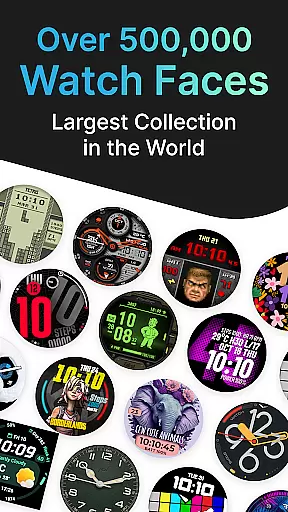
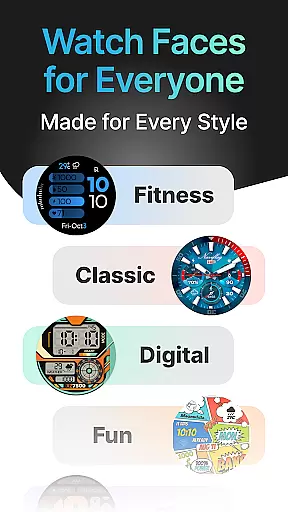
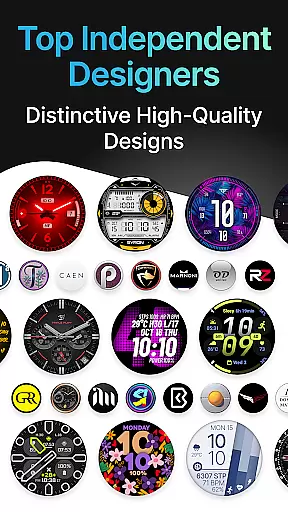
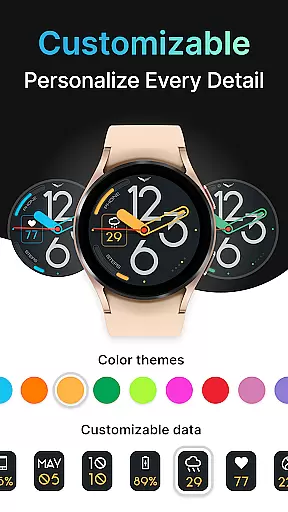
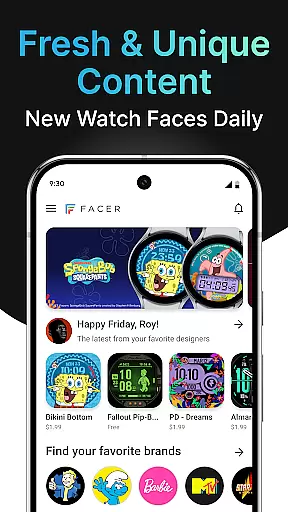
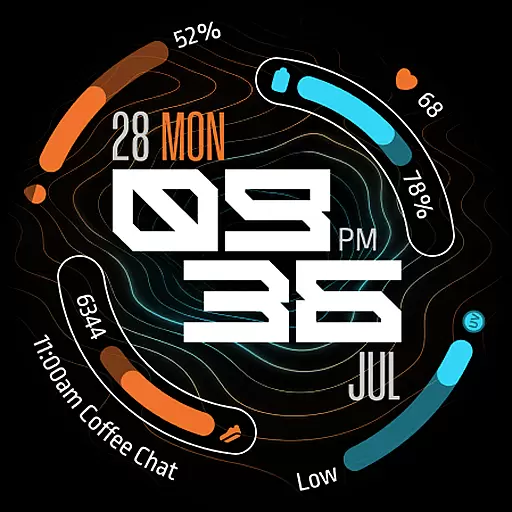
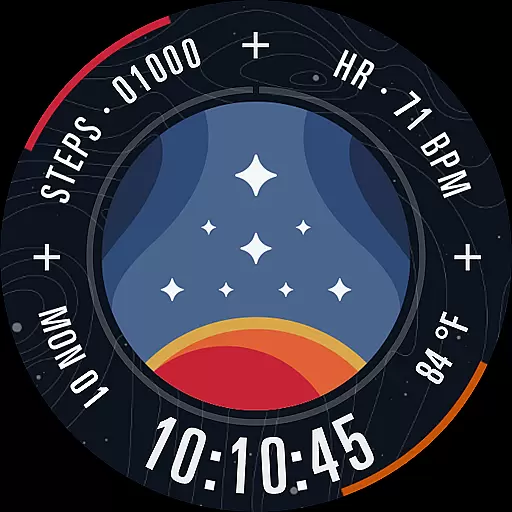
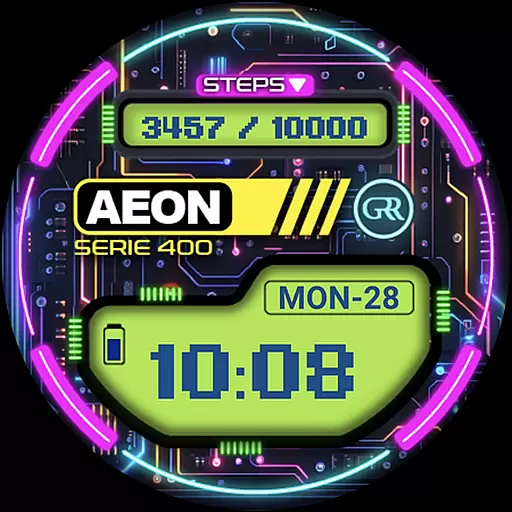
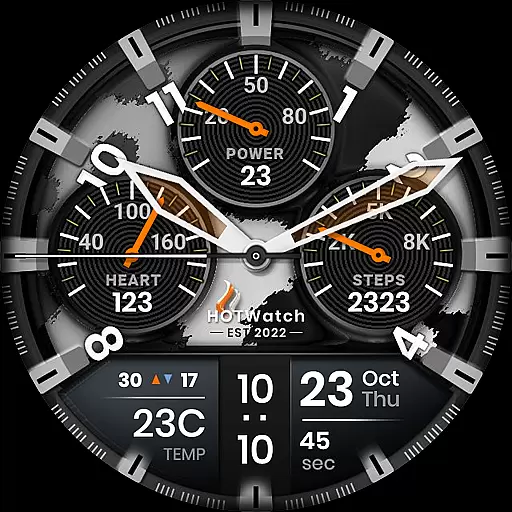
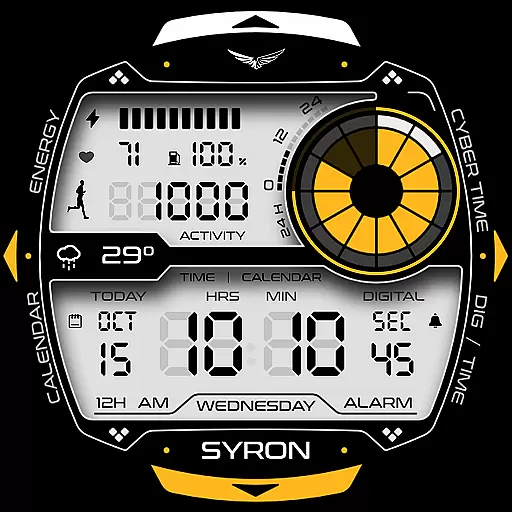
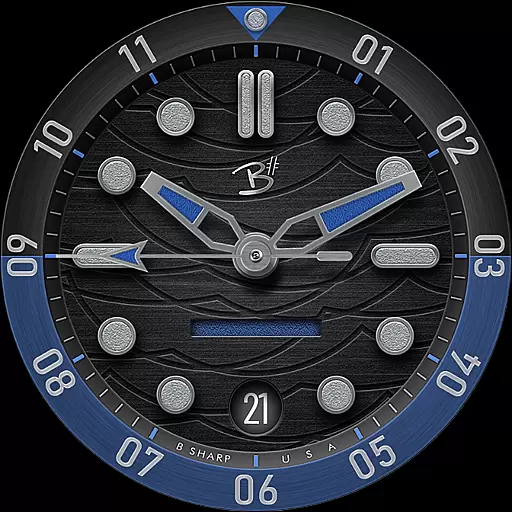
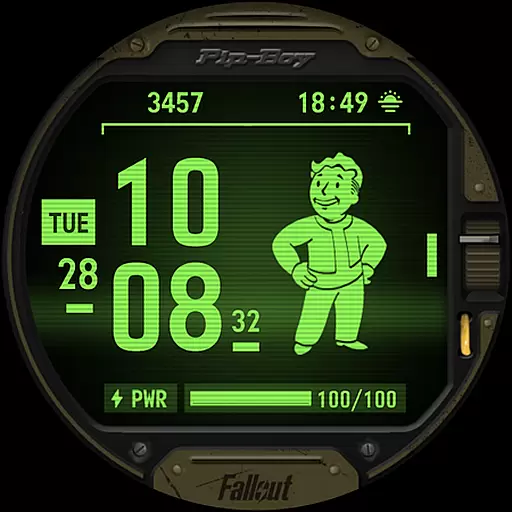

Facer Watch Faces is the ultimate customization tool for your smartwatch, offering over 500,000 free and premium watch faces from leading brands and independent artists. Compatible with Wear OS, Tizen, Apple Watch, and more, it allows users to personalize their smartwatches with unique designs that reflect their individual style.
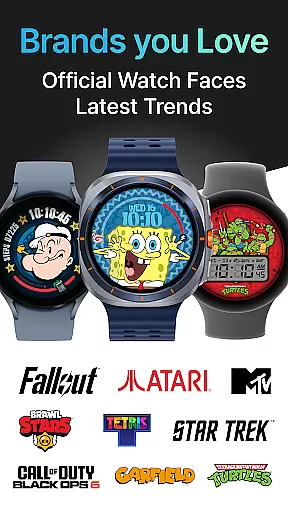
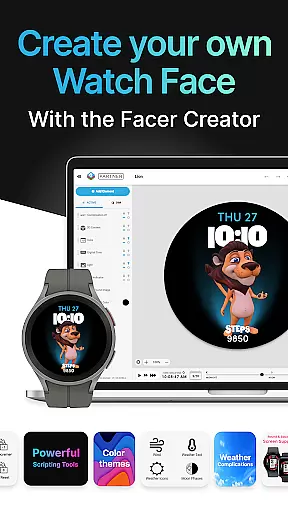
With Facer, you can choose from a vast selection of watch faces or even create your own using the powerful Facer Creator web-based editor. Whether you're looking for popular branded designs like Tetris™ or Star Trek, or original creations by talented designers, Facer provides unlimited options to make your smartwatch truly one-of-a-kind.
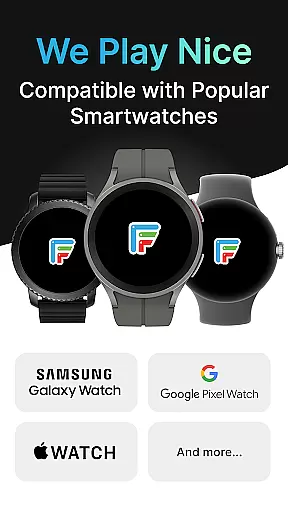
The app supports all major smartwatch models including Samsung Galaxy Watches, Google Pixel Watches, OnePlus Watches, and many others. By installing Facer on both your phone and watch, you can easily sync and change your watch face, ensuring your personal style is always on display.
Facer Watch Faces stands out with its extensive catalog of over 500,000 watch faces, catering to diverse tastes and preferences. The app's compatibility with multiple smartwatch platforms such as Wear OS, Tizen, and Apple Watch makes it an indispensable tool for smartwatch users who want to customize their devices.
One of the key features of Facer is the Facer Creator, a powerful web-based editor that allows users to design their own watch faces. This feature not only empowers users to express their creativity but also enables them to share their designs with a global community of smartwatch enthusiasts.
In addition to its vast selection of watch faces, Facer offers dynamic content integration, displaying real-time data such as weather, fitness metrics, and more directly on your watch face. With support for location-based weather data and health-related information like step counters and heart rate, Facer ensures your watch face is both stylish and functional.
Companion app integration is essential for a seamless smartwatch experience. Facer ensures that your watch face preferences are perfectly synced between your phone and wearable device. This synchronization allows users to browse, select, and apply their preferred watch faces from the convenience of their mobile device.
The Facer app supports multiple platforms including Wear OS, Tizen, and Apple Watch, ensuring cross-device compatibility. Once installed on both devices, users can effortlessly switch between different watch faces, accessing an extensive library of over 500,000 designs. This flexibility empowers users to customize their smartwatches according to their personal style and mood.
By streamlining the setup process, Facer simplifies the initial configuration steps. Users need to install the app on both their phone and watch, set the Facer watch face as the default, and then make selections through the mobile app. This intuitive process ensures that even first-time users can easily navigate and personalize their devices without technical hurdles.
Facer boasts extensive compatibility with a wide range of Wear OS devices, ensuring that users can enjoy customized watch faces regardless of their smartwatch model. Supporting leading brands such as Samsung Galaxy Watches, Google Pixel Watches, OnePlus, Oppo, Mobvoi Ticwatch, and more, Facer provides unparalleled access to premium and original watch face designs.
In addition to Wear OS, Facer extends its support to Tizen-based Samsung smartwatches and even Apple Watch. This broad compatibility ensures that whether you own a Samsung Galaxy Watch4 or a Google Pixel Watch, you can leverage Facer's massive catalog of faces. The app also caters to legacy devices, maintaining functionality for older models while embracing the latest updates like Wear OS 6.
With dedicated support for various smartwatch series including Fossil Group brands, Louis Vuitton, and TAG Heuer, Facer guarantees a consistent and reliable experience across different devices. This commitment to compatibility highlights Facer's dedication to delivering a versatile and inclusive customization platform for all smartwatch users.
User-friendly interface
Extensive watch face library
Cross-platform compatibility
Real-time data integration
Active community support
Premium faces require purchase
Some features need specific permissions
Occasional syncing issues reported
Limited free options for certain brands
Advanced creator tools need desktop access

Embrace the holiday spirit with this magical animated watch face!
 4.40
4.40
MyNISSAN® lets you remotely control your car from your phone.*
4.50
Digital, flexibly customizable watch face. For Wear OS 5.0, API 34+ and later.
5.00
3 Complications. All shadow on/off. 30 Themes color palette...
4.1
Bold, Modern Hybrid Watch Face for Wear OS. 10 Colors, Rich Info Display.
4.30
Kia Access makes getting your vehicle information easier than ever
4.60
Funny animated watch face for Thanksgiving
4.3
Back up your contacts & access them anywhere
4.30
Download full tracks, listen to music offline, make unlimited playlists.
4.80
Hybrid watch face for Wear OS with customizable complications by Matteo Dini MD
4.70
Nutrition, Macro tracker: Food, fitness & healthy diet tracking for weight loss
4.60
Ideal for surviving in the wasteland left after nuclear fallout
4.50
Fast and smart typing with Emojis, GIFs, and more
4.50
Elegant animated Christmas tree with multiple customization options
4.20
Watch face for Wear OS.
4.20
sleep, alarm, snoring, stress, healing, focus, sound therapy, circadian rhythm
4.10
A digital watch face that celebrates Christmas.
4.00
Stay in touch with your friends and family using LINE!
3.40
Christmas and New Year - Themed Watchface
4.1


User Reviews