
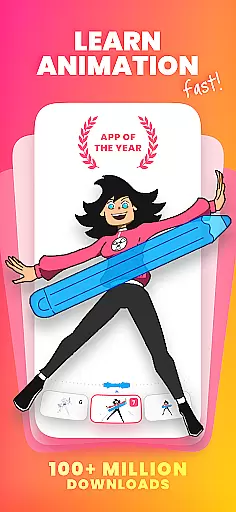
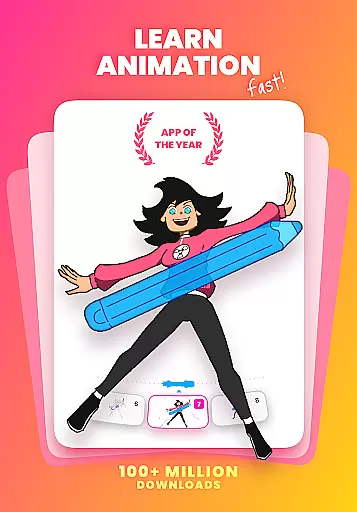
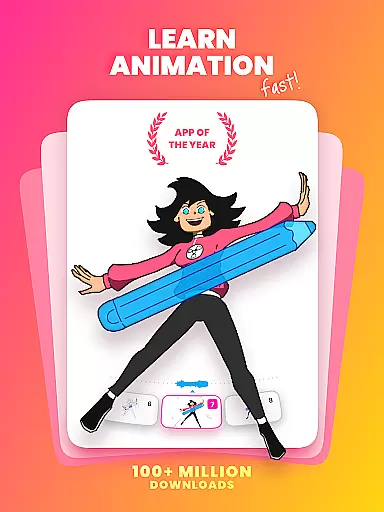
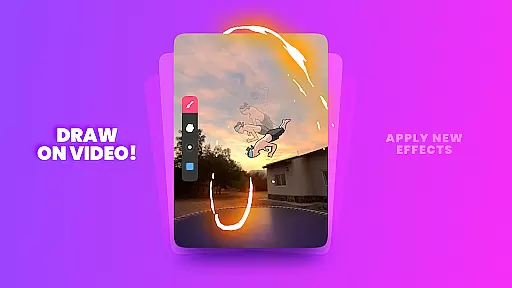
FlipaClip is a premier 2D animation app designed for artists and creators who want to bring their drawings to life. This application offers an intuitive interface that combines the simplicity of flipbook animation with professional-grade tools, making it accessible for both beginners and seasoned animators. Users can create frame-by-frame animations using a variety of drawing tools such as brushes, fill, lasso, and eraser, while also enjoying advanced features like onion skinning and layer support.
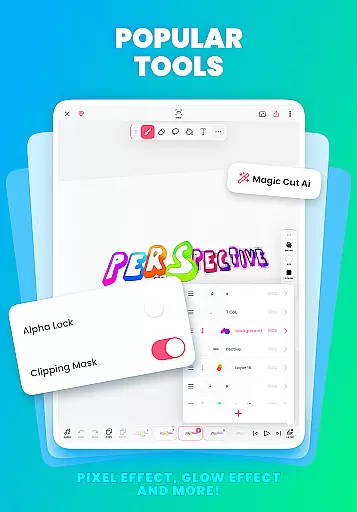
The app stands out with its comprehensive suite of features including AI-powered tools like Magic Cut and AI Voice Maker, which enhance the creative process. FlipaClip supports pressure-sensitive styluses, ensuring precision in every stroke. Whether you're crafting cartoons, anime, memes, or storyboards, FlipaClip provides the necessary tools to produce high-quality animations. Export your creations as MP4, GIF, or PNG sequences, and share them across multiple platforms seamlessly.
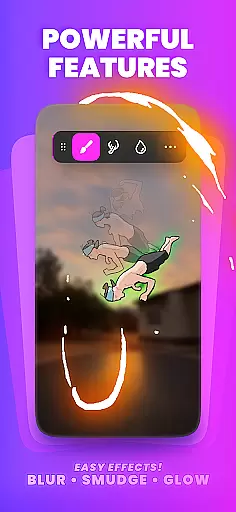
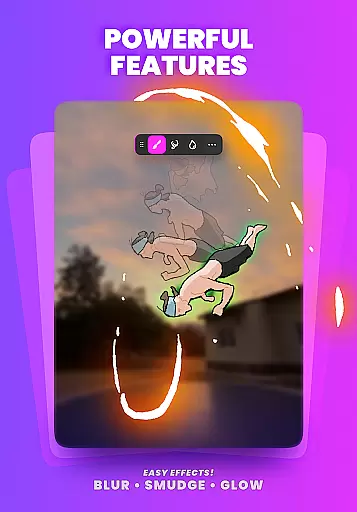
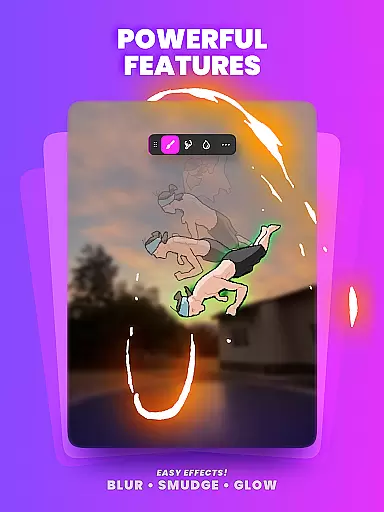
FlipaClip boasts an array of powerful features tailored for animation enthusiasts. The frame-by-frame animation timeline gives users complete control over their projects, allowing for meticulous adjustments and smooth transitions facilitated by the onion skin tool. With support for up to 10 layers (3 free), creators can build complex scenes with ease. Additional functionalities include glow effects, blending modes, and the ability to import photos or videos for rotoscope animations.
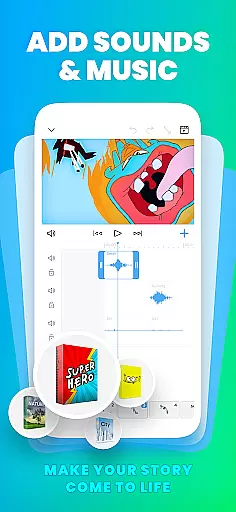
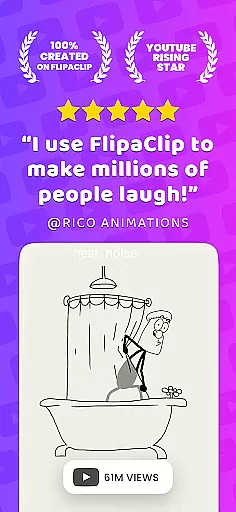
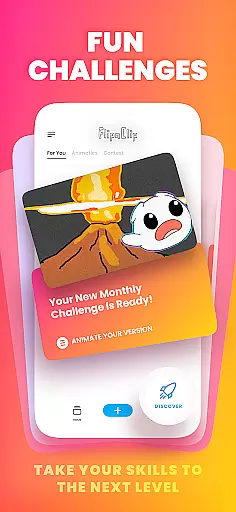
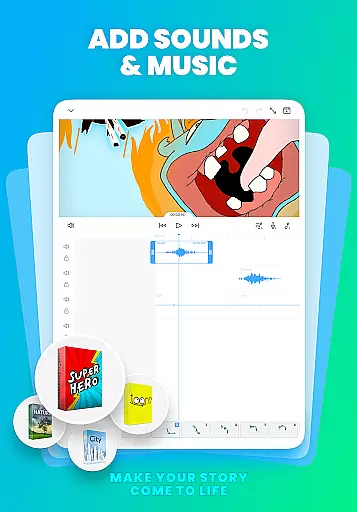
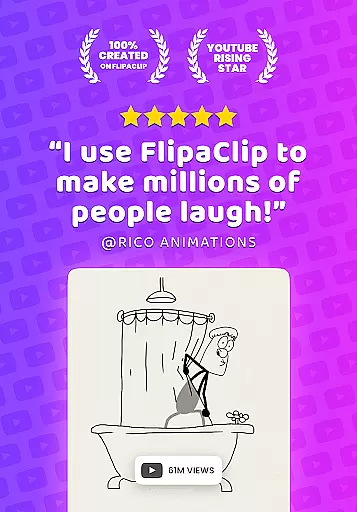
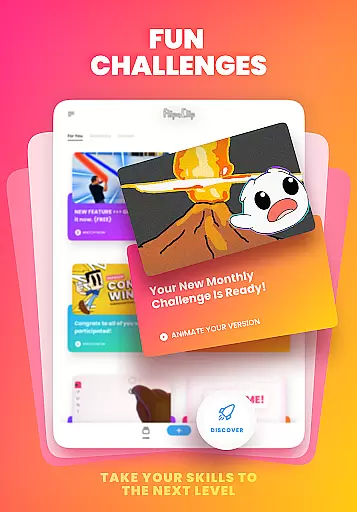
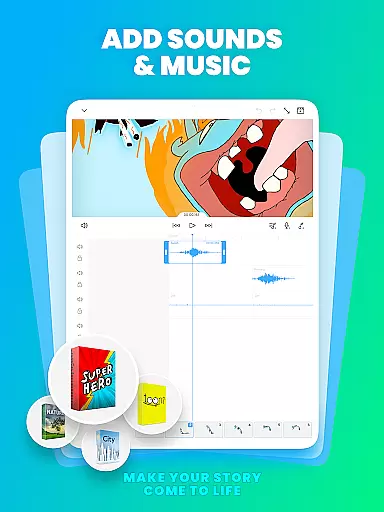
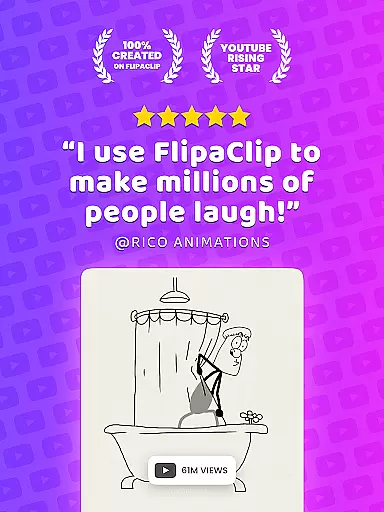
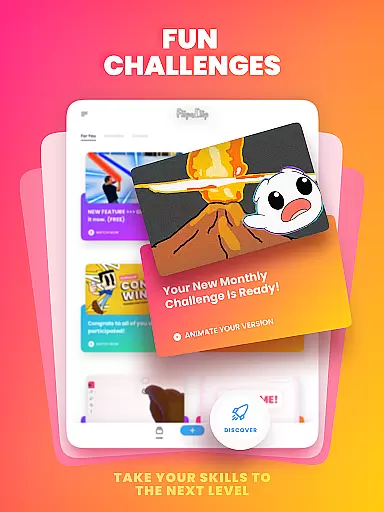
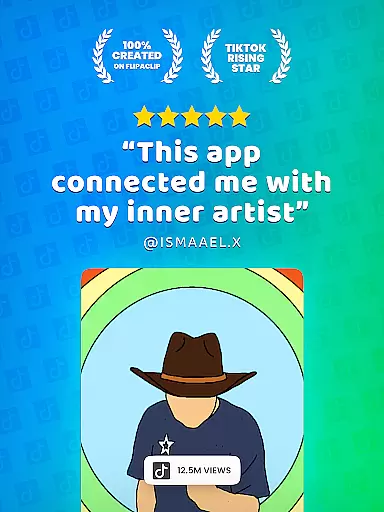
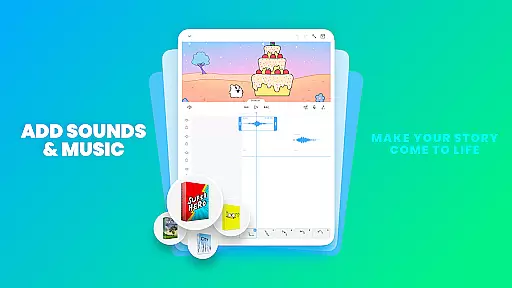
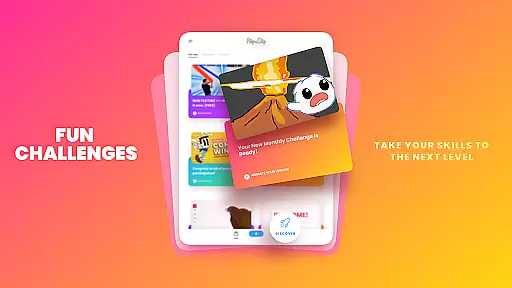
Beyond visual elements, FlipaClip enhances storytelling through sound. Users can add music, voiceovers, and sound effects with up to 6 audio tracks. The AI Voice Maker feature provides lifelike narration, perfect for syncing with animations. These robust capabilities make FlipaClip ideal for YouTubers, TikTok creators, and influencers looking to captivate audiences with engaging content. Furthermore, the app fosters a vibrant community where users can participate in challenges and contests, inspiring growth and creativity.
FlipaClip stands out as a comprehensive creative suite for both budding and professional artists in the realm of 2D animation. The app offers a robust set of drawing tools that cater to a wide array of artistic needs, ensuring every creator has what they require to bring their visions to life.
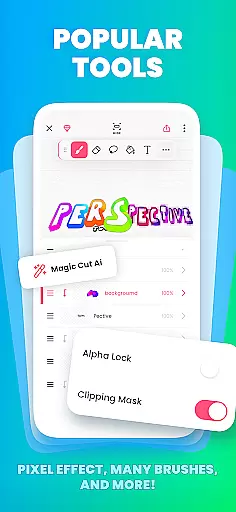
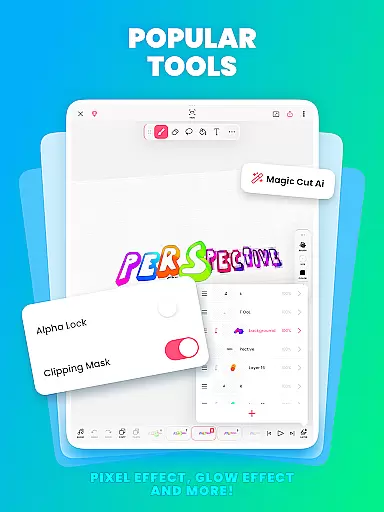
Users can access brushes, fill options, lasso, eraser, ruler, text, and shape tools, all designed to sketch and refine their ideas meticulously. With support for custom canvas sizes, FlipaClip allows frame-by-frame animation that adds fluidity and vitality to any artwork, making it not just an animation app but a complete art studio on your mobile device.
The inclusion of pressure-sensitive stylus support, compatible with devices like Samsung S Pen and SonarPen, enhances precision and delivers a natural drawing experience. This feature is crucial for artists who demand accuracy and sensitivity in their work, bridging the gap between traditional and digital art forms.
Whether you're interested in cartoon making, anime drawing, or experimenting with stop-motion animation, FlipaClip's extensive toolkit supports all these endeavors, transforming simple sketches into professional-grade animations efficiently.
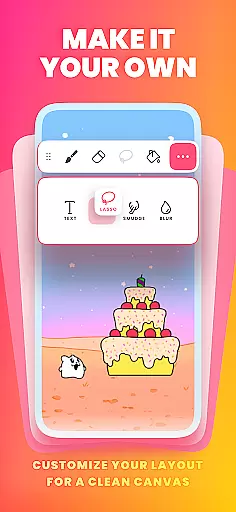
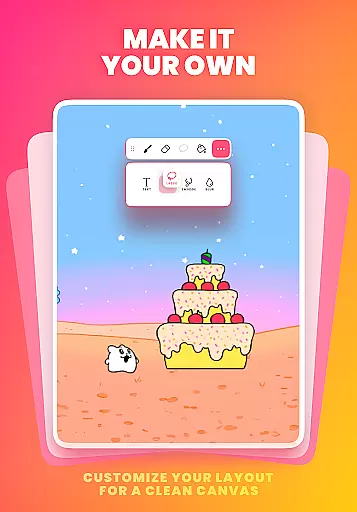
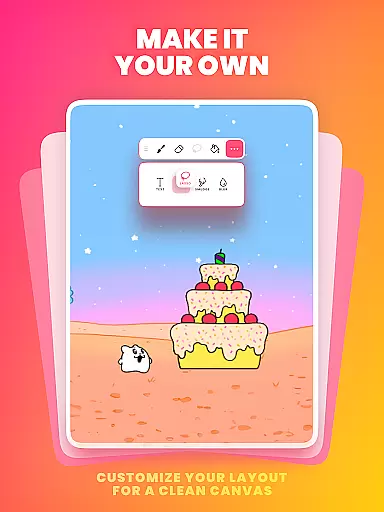
One of FlipaClip's defining features is its exceptional canvas and format flexibility, empowering creators to customize their workspace according to specific project requirements. This adaptability ensures that whether you're crafting short animated films, elaborate cartoons, or simple flipbooks, the app accommodates various artistic expressions seamlessly.
Artists have the freedom to choose from multiple canvas sizes, thus tailoring their projects precisely to envisioned scales and formats. This flexibility extends to layer management as well, where users can work with up to 10 layers, although three are available for free, allowing complex compositions and detailed editing without compromising performance.
Moreover, FlipaClip enables exporting animations in diverse formats such as MP4, GIF, or PNG sequences with transparency. Such versatility in output options guarantees compatibility across different platforms and uses, be it social media sharing, professional presentations, or further video editing processes.
This level of canvas and format customization positions FlipaClip as an indispensable tool for animators seeking both simplicity and sophistication in their creative workflow, ensuring high-quality results regardless of the project scope.
User-friendly interface
Advanced animation tools
AI-powered features
Vibrant creator community
Multi-platform sharing
Limited free layers
Premium features locked
Occasional bugs
Steep learning curve
Subscription costs

Premium version of Shimeji-ee app with no ads & no limit active shimeji
 4.2
4.2
Design your dream room with AI. Get decor ideas & plan home interiors
3.90
Trace, draw, and create art with AR - from memes to masterpieces!
4.30
Design unique, funny and adorable cat stickers that reflect your own style!
3.80
A luxurious gold watch face for an elegant and refined look.
4.3
Your homescreen as an elegant glass with customized blur, lighting, and visuals.
3.70
Experience next-gen icons with a modern liquid glass look.
3.60
Bring One UI 8.5 Icons to life -elegant dark icons with a modern, premium touch.
4.30
Turning simple sketches into captivating tales filled with life and motion
3.90
Make your phone cooler and have a fantastic experience
4.80
Convert image to JPG PNG HEIC PDF, support almost all kinds of image formats
4.70
The perfect place to start sketching! Use Sketchbook to draw and paint sketches.
4.50
AI Tattoo Generator: Create Tattoo Designs & Get Ideas! Ink & Stencil Maker
4.50
Just trace a projected picture on paper and color! Draw & Paint with AR drawing
4.40
Unleash Your Creativity with Draw Cartoon - AR Drawing App
4.10
Unleash the artist in you with our AR drawing and tracing tool for photo drawing
4.10
Floor Plan Creator lets you create, edit and share floor plans.
4.00
AR Anime Drawing: How to draw anime with AR drawing & sketching apps!
4.00
Create sweet, cool and unique couple avatars easily, in just a few steps!
3.40


User Reviews