
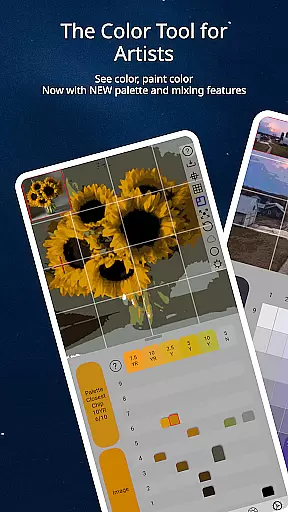
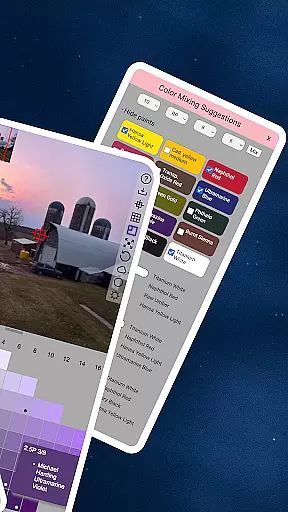
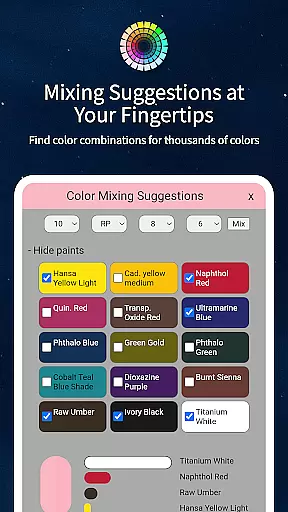
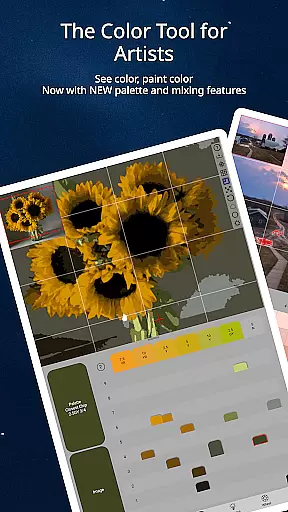
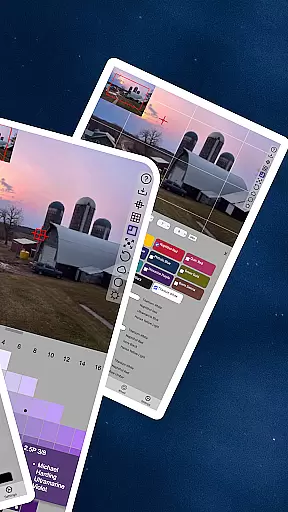
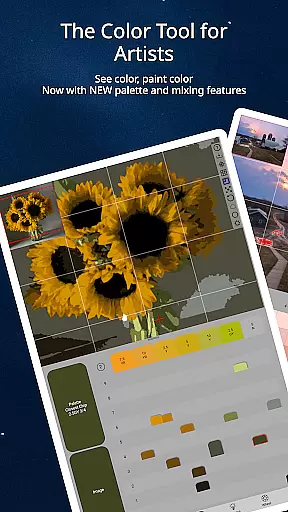
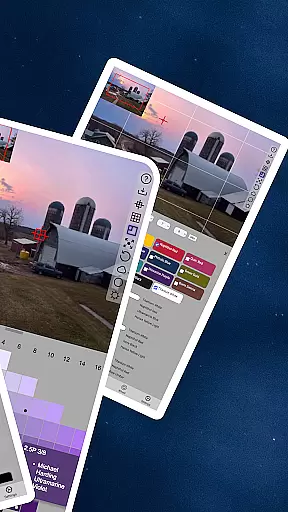
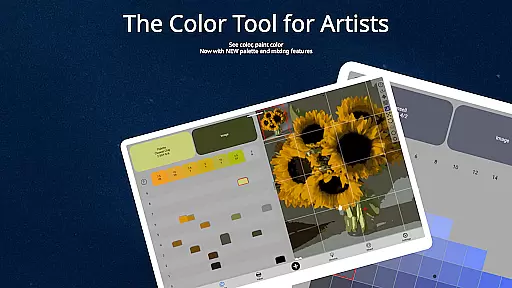
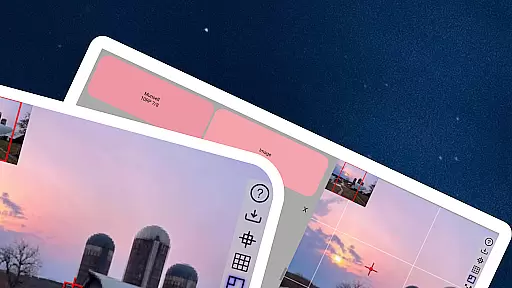
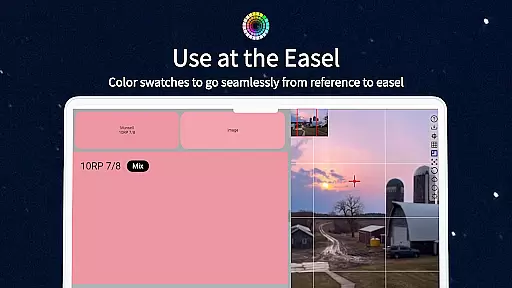
ChromaMagic is a revolutionary color analysis tool designed specifically for artists. This application allows users to load any photo or reference image and instantly identify the exact color properties using the Munsell color system. The app provides detailed breakdowns of hue, value, and chroma, enabling artists to mix colors more accurately.
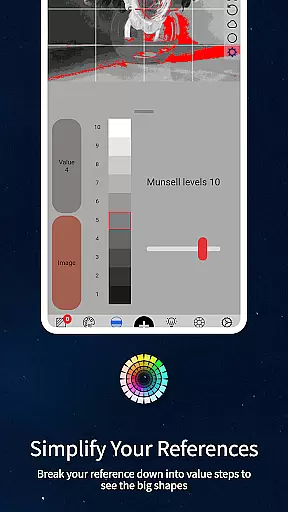
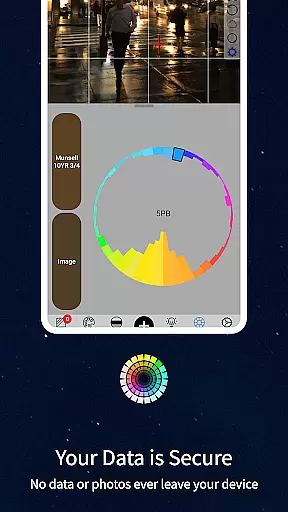
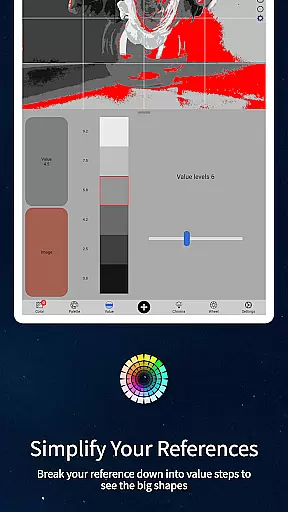
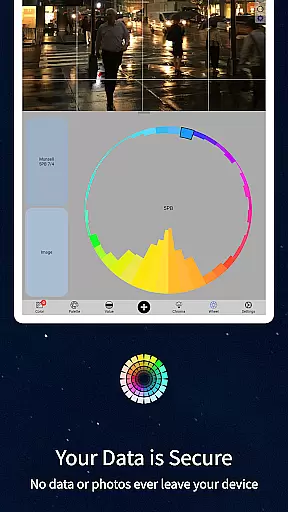
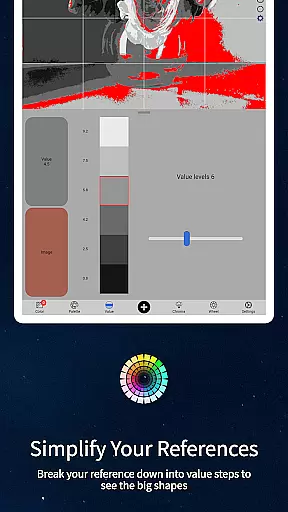
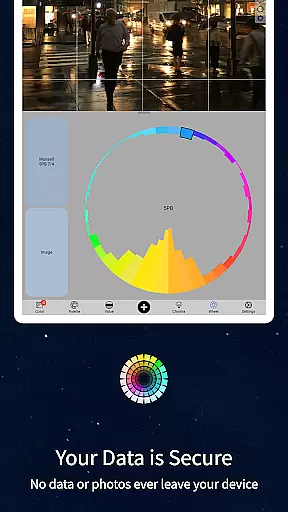
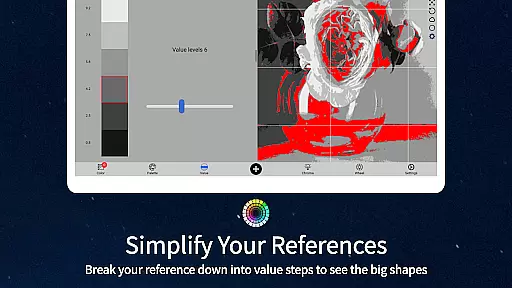
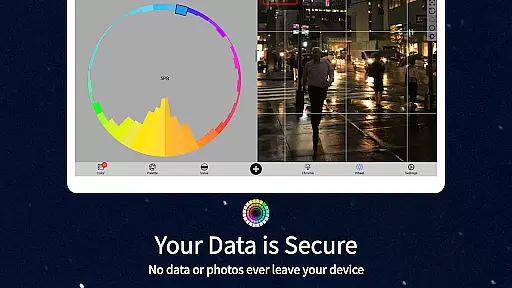
Beyond basic color identification, ChromaMagic offers four additional viewing modes that help artists analyze their references in-depth. These include value mode for major value shapes, grayscale mode for precise value analysis, chroma mode for saturation levels, and color wheel distribution for comprehensive color relationships.
The application's intuitive interface features buttery-smooth zoomable and pannable images, making it easy to work with detailed references. With offline functionality, ChromaMagic can be used anywhere - from studio easels to mountain-top painting sessions. The app also includes practical features like multi-pixel averaging and direct links to hundreds of professional-grade oil paints.
ChromaMagic stands out with its comprehensive set of artist-focused features. The core functionality revolves around the Munsell color system, providing precise color analysis through hue, value, and chroma measurements. This scientific approach helps artists understand and replicate colors more accurately than traditional methods.
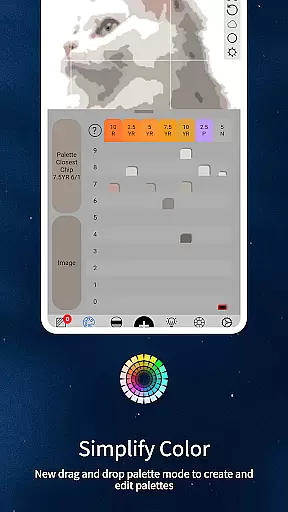
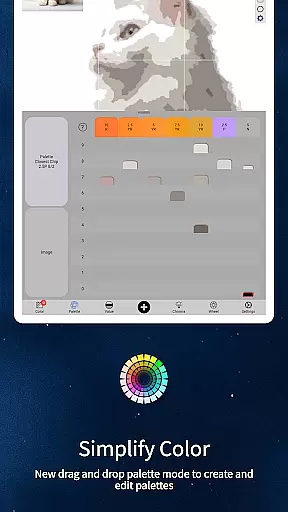
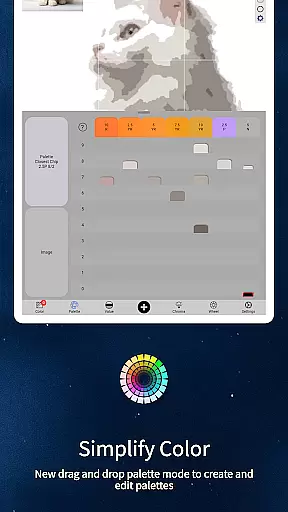
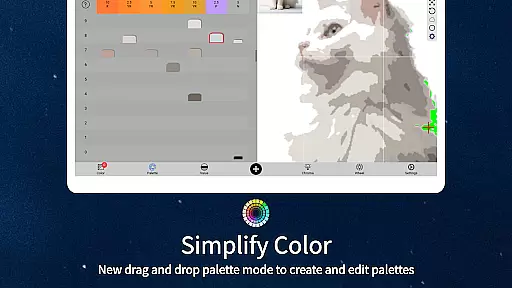
The application's five distinct viewing modes offer versatile analysis tools. Value mode simplifies complex images into major tonal shapes, while grayscale mode enables precise value matching. Chroma mode reveals surprising insights about color saturation, and the color wheel distribution helps visualize palette relationships. The drag-and-drop functionality streamlines workflow efficiency.
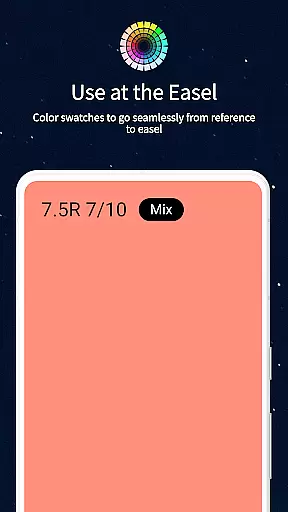
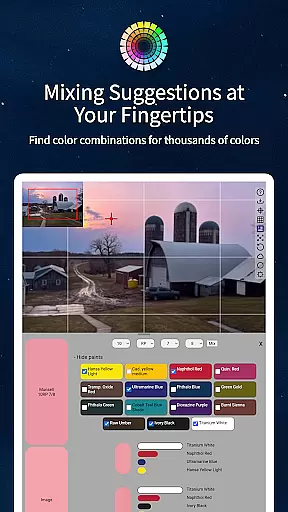
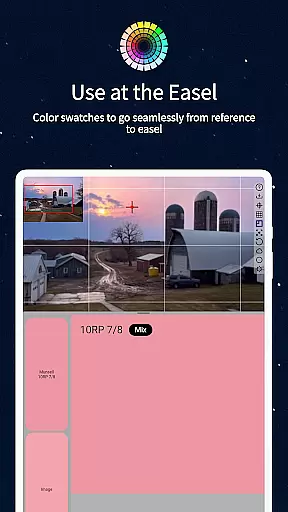
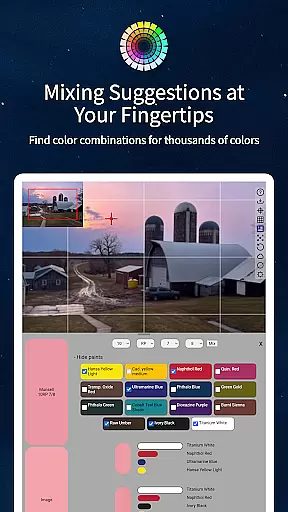
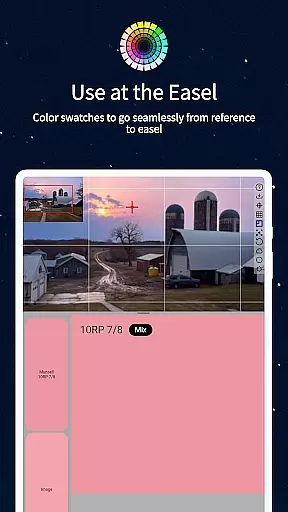
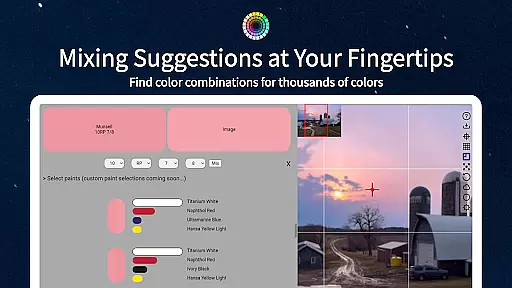
Practical features enhance the user experience significantly. The app's offline capability ensures uninterrupted creativity, while the calibration values and mixing swatches provide accurate paint-matching guidance. Additional tools include multi-pixel averaging for complex references and direct links to professional oil paint options, making ChromaMagic an indispensable tool for both digital and traditional artists.
ChromaMagic offers a comprehensive suite of creative tools tailored for artists seeking precision and depth in their work. The app provides functionalities that extend beyond basic color picking, offering specialized modes such as Munsell color mode, value mode, grayscale, chroma visualization, and color wheel distribution.
Each mode is designed to enhance the artist's understanding of color by breaking it down into hue, value, and chroma, which are crucial elements in art. This allows users to not only identify colors accurately but also organize their references into major value shapes or reduce them to grayscale for better analysis.
The inclusion of advanced features like zoomable and pannable images, drag-and-drop file loading, and paint recommendations adds layers of convenience and efficiency to the creative process. These tools collectively ensure that artists have everything they need at their fingertips.
By providing these robust and versatile tools, ChromaMagic empowers artists to focus on their creativity without being hindered by technical limitations, thus significantly enhancing the quality and authenticity of their artwork.
One of ChromaMagic's standout features is its canvas and format flexibility, which caters to various artistic needs and preferences. Artists can seamlessly work with different image formats and sizes, ensuring compatibility and ease of use regardless of the source material.
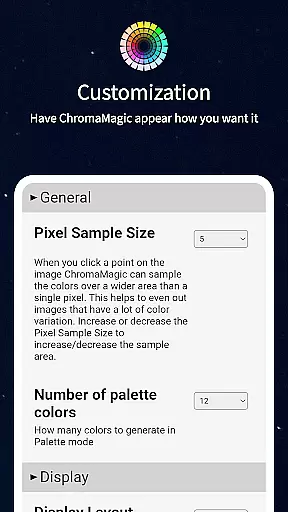
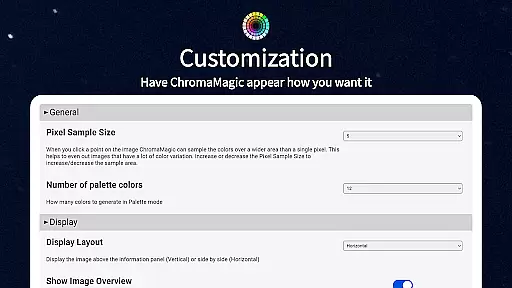
The app supports high-resolution images and provides options to average colors over multiple pixels, which is particularly useful when dealing with complex or detailed references. This feature helps in simplifying intricate color patterns into manageable and understandable data.
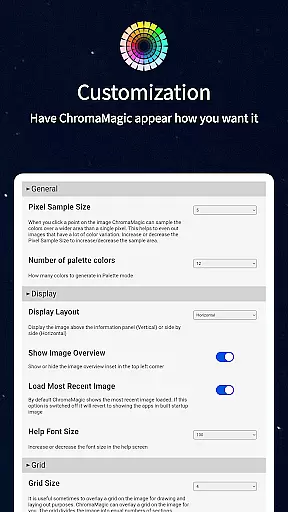
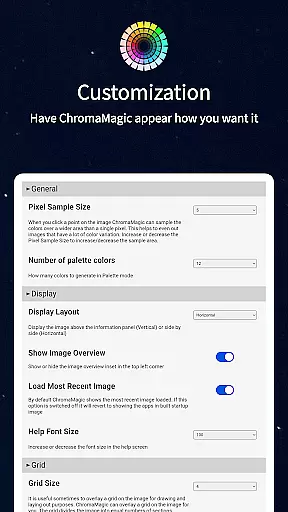
Additionally, ChromaMagicu2019s interface is designed for intuitive navigation and manipulation. Users can zoom and pan across large images effortlessly, making it easy to analyze every detail of their work. This flexibility ensures that artists can adapt the app to their unique workflows and project requirements.
With cross-device functionality, ChromaMagic allows artists to work on their projects anywhere, whether at home, on the bus, or even up a mountain. This versatility ensures that creative processes are uninterrupted and adaptable to various environments and devices.
Accurate color analysis
Multiple viewing modes
Offline functionality
User-friendly interface
Professional paint database
Steep learning curve
Advanced features only
No beginner tutorials
Premium price point
Artists niche only

Download now for a stylish and functional timepiece
 4.0
4.0
Sketch, plan, take notes and illustrate on an infinite canvas.
4.20
Custom Character Creator & PFP Maker!
4.20
Draw anime & manga drawing, art with templates to create stunning picture!
4.50
Apply cartoon, caricature, and portrait effects to make your photos stand out!
3.60
Create stylish invitation cards using templates for weddings, birthdays & RSVP.
4.20
Convert image to JPG PNG HEIC PDF, support almost all kinds of image formats
4.70
Art of Combination Wear OS Watch Faces
3.30
Unleash the artist in you with our AR drawing and tracing tool for photo drawing
4.10
Mobile pixel art editor. Simple. Fast. Portable.
4.80
Learn how to draw with step-by-step tutorials, fun lessons & multiplayer drawing
4.70
Draw, fidget, and spin glow art! Relax and express your creativity with a finger
4.60
Share the joy of painting with ibis Paint! Drawing anime and manga art.
4.50
Stylish letters, Stylish Keyboard, Symbols, Emojis, Cool nickname
4.40
Nano Banana AI Image Generator, Anime Filter, AI Portrait, AI Photo Generator
4.30
Resize photos and print photos in exact size with our powerful photo printer!
3.80
AI Art Generator transforms your words into AI generated art & paintings.
3.70
Create sweet, cool and unique couple avatars easily, in just a few steps!
3.40
Sketch, trace and master AR drawing with awesome anime art!
3.30


User Reviews