
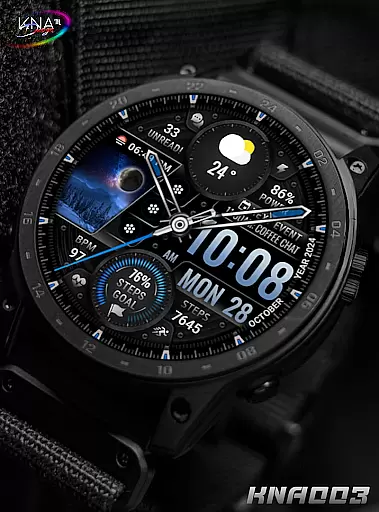
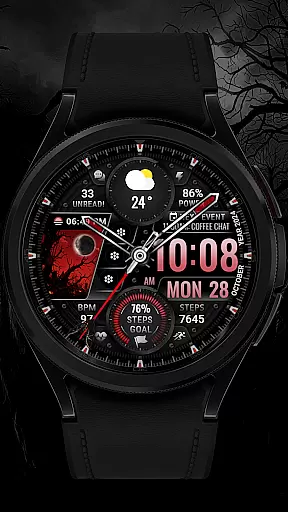
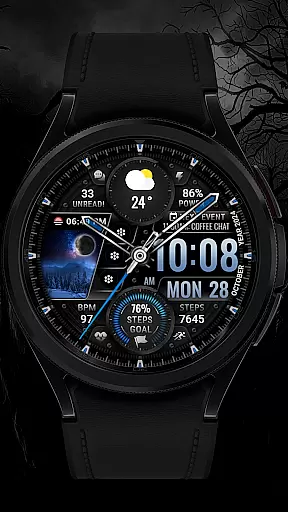
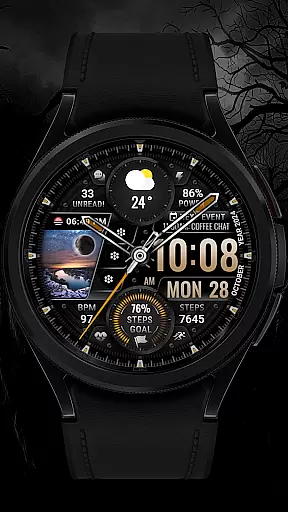
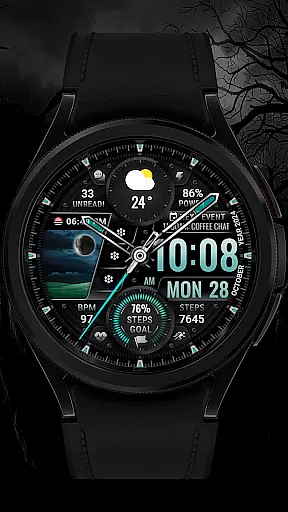
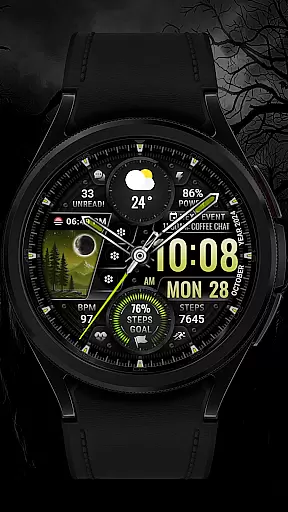
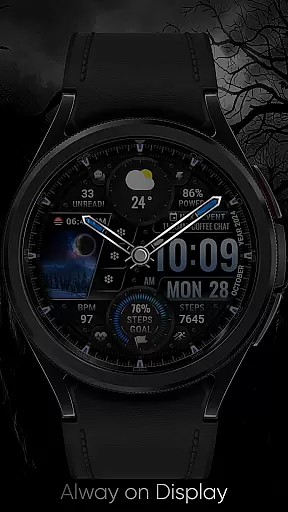
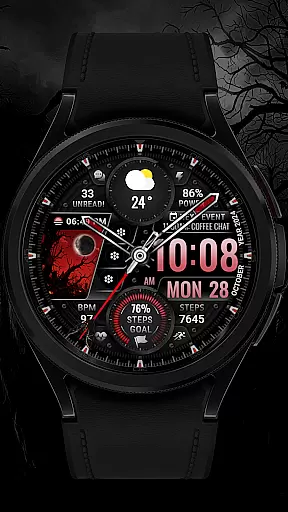
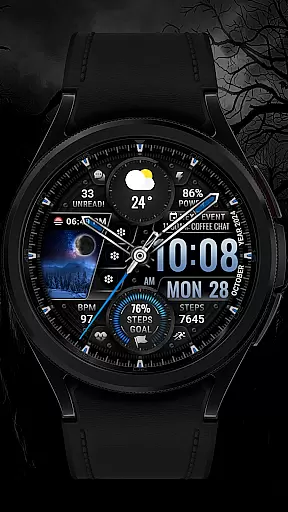
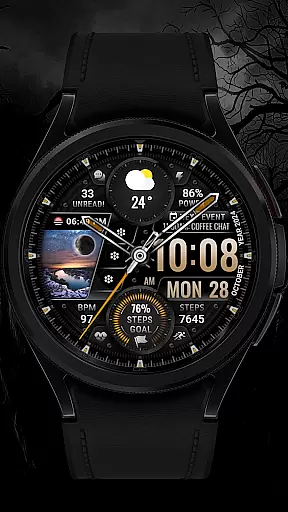
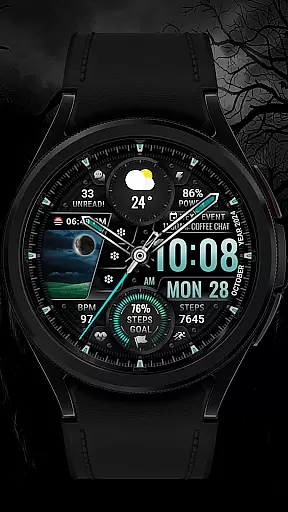
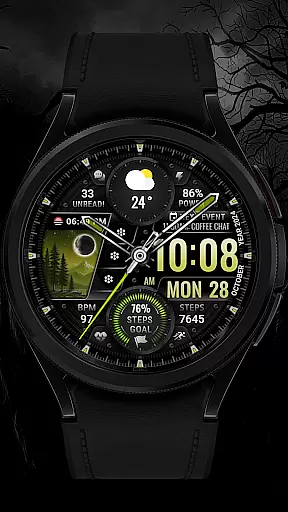
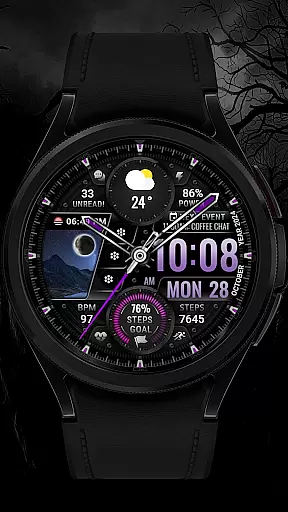
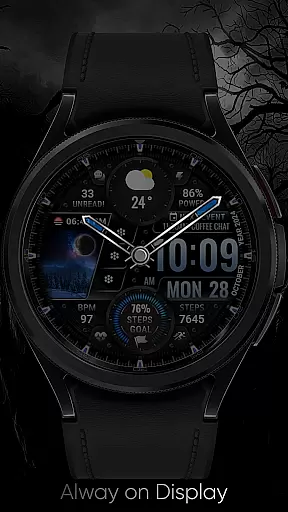
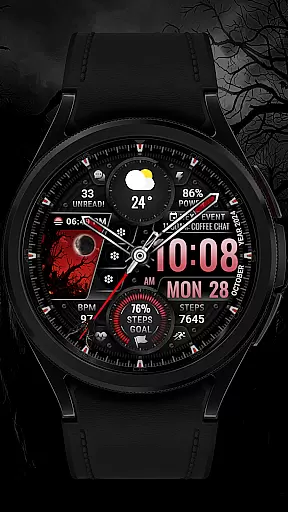
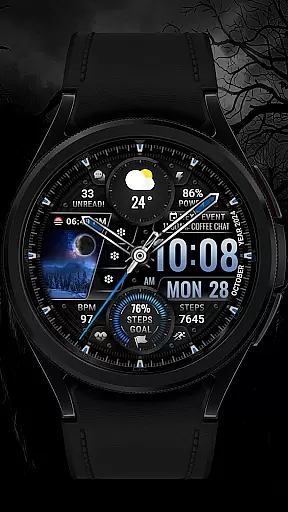
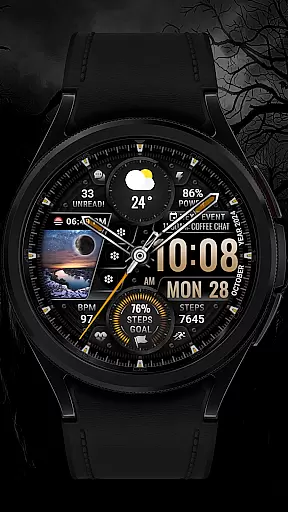
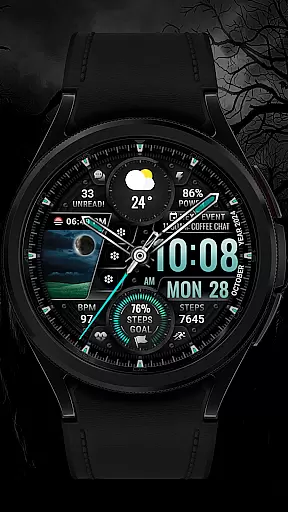
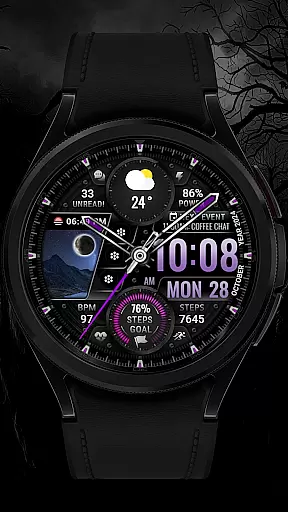
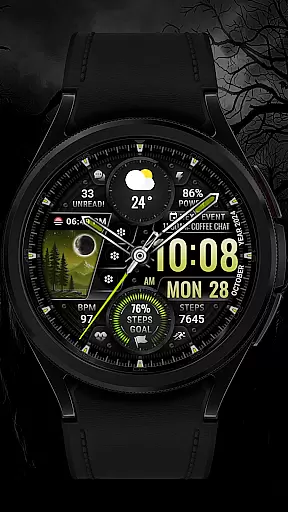
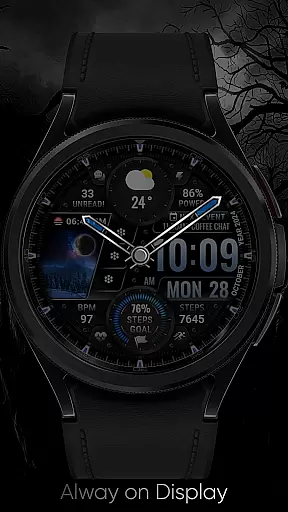
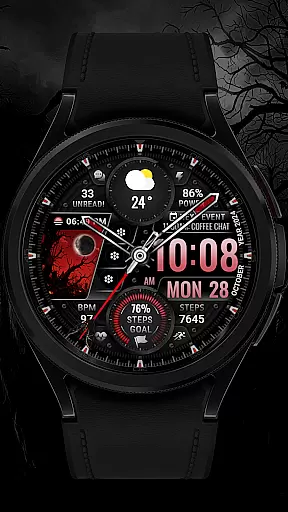
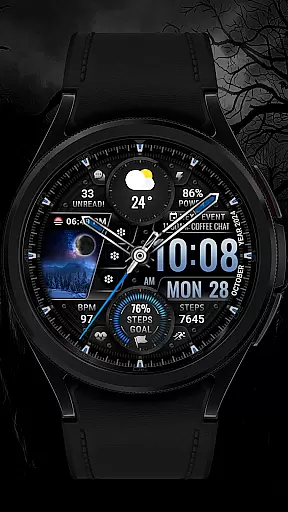
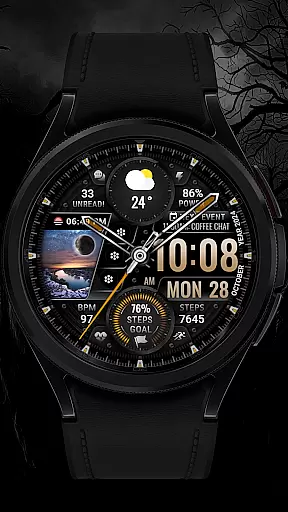
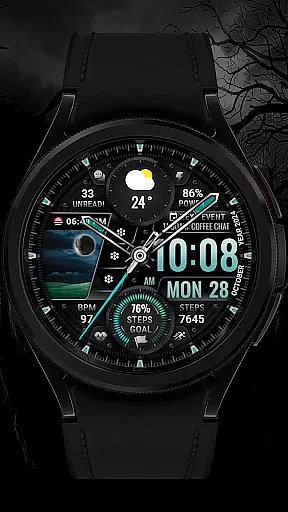
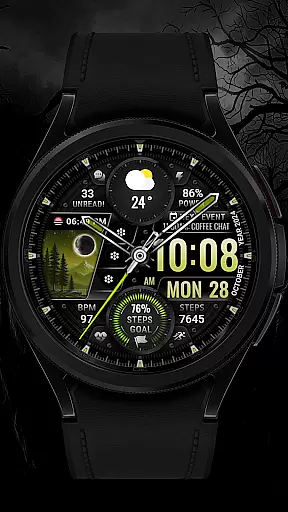
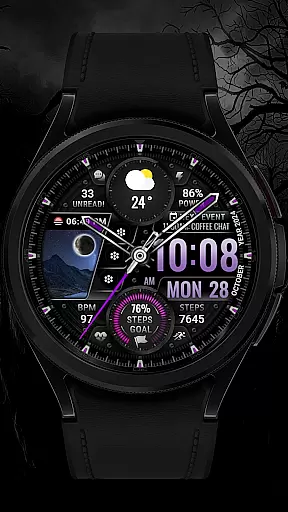
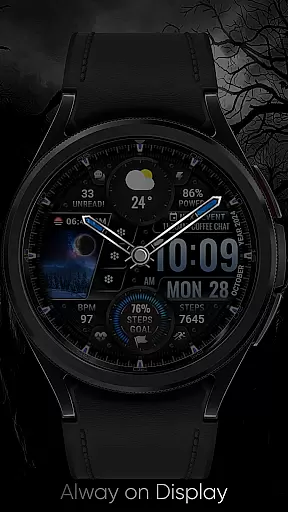
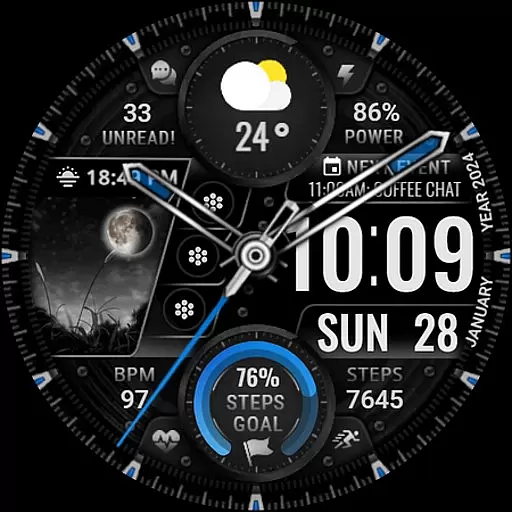
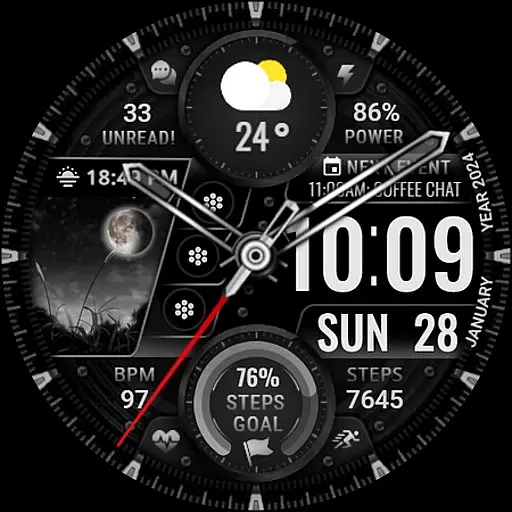
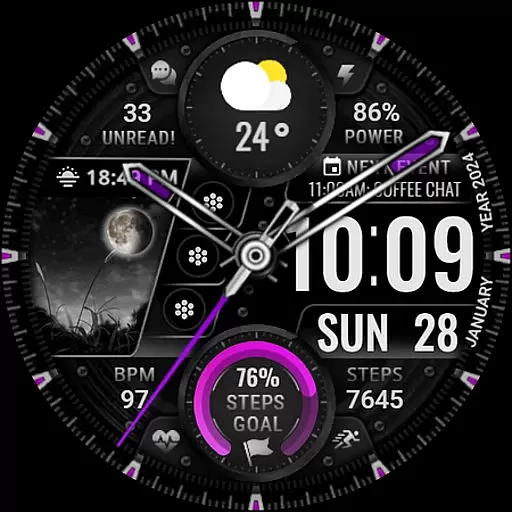
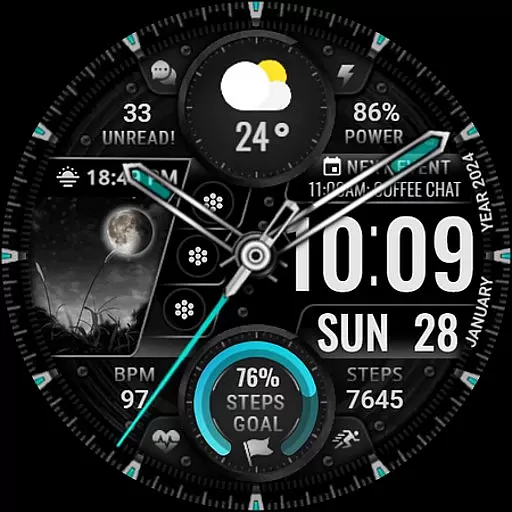
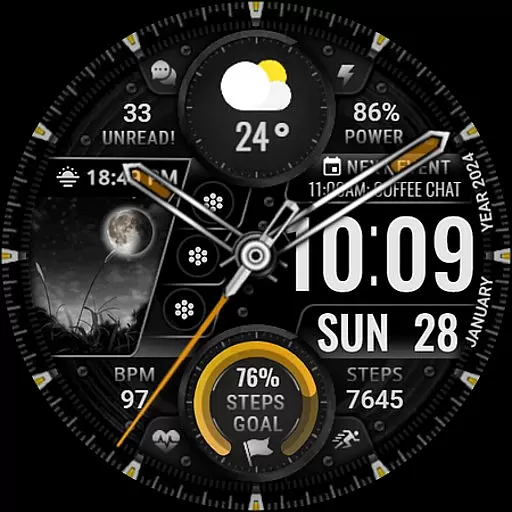
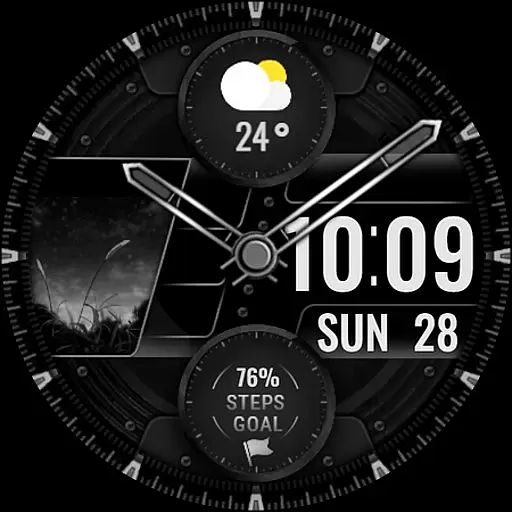
[KNA003] SHADOW is a feature-rich watch face designed specifically for Wear OS devices, offering users a customizable and visually appealing experience. Compatible with API level 30+ devices such as Google Pixel and Galaxy Watch 4/5/6 series, this watch face brings both style and functionality to your wrist.
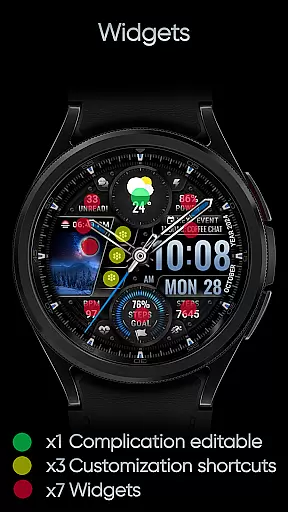
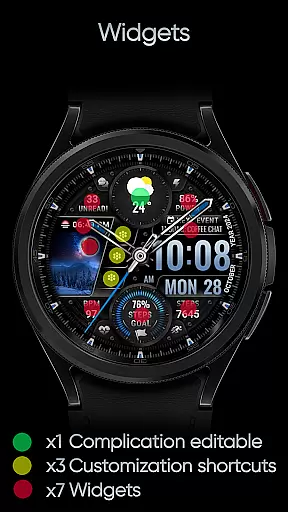
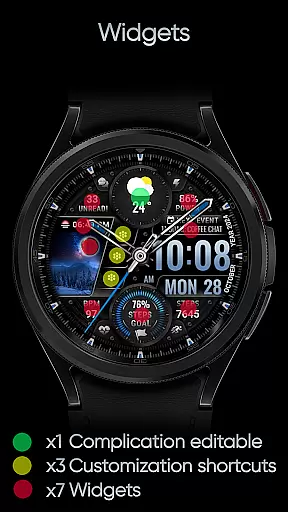
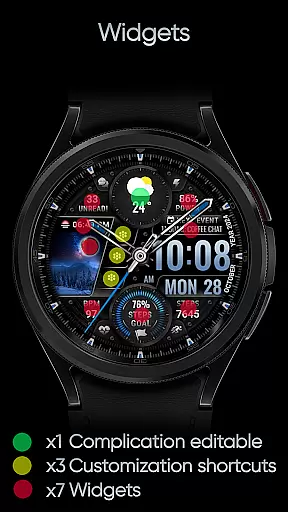
The design combines analog and digital elements, displaying essential information like date, day of week, and month. With one editable complication, three app shortcuts, and multiple color options for the background, clock hands, and steps progress, users can tailor the appearance to match their preferences. The watch face also tracks fitness metrics such as step count, heart rate, and battery level, while providing additional features like moon phase and unread message notifications.
Perfect for those seeking both aesthetics and utility, [KNA003] SHADOW is ideal for tech-savvy individuals who want quick access to important data while maintaining a personalized look on their smartwatch.
[KNA003] SHADOW stands out with its versatile customization options and advanced features tailored for Wear OS users. The watch face supports both analog and digital styles, ensuring it caters to various user preferences. Key functionalities include displaying the date, day of the week, and month prominently on the screen, making it easy to stay informed at a glance.
One of the standout features is the ability to customize complications. Users can choose from a variety of data sources such as weather updates, world clocks, sunrise/sunset times, and more. Additionally, the watch face includes three editable app shortcuts, allowing quick access to frequently used applications. Five color settings for the background, clock hands, and steps progress enable further personalization, while animations add a dynamic touch to the overall design.
Health and productivity metrics are seamlessly integrated, showing real-time data like step counts, heart rates, battery levels, and even moon phases. These features make [KNA003] SHADOW not just a stylish accessory but also a practical tool for managing daily activities efficiently.
In the realm of wearable technology, having a comprehensive suite of creative tools is essential for personalization. The [KNA003] SHADOW watch face offers an impressive array of features that cater to this need. With both analog and digital styles, users can choose their preferred display format while enjoying additional data such as date, day of the week, and month.
One of the standout aspects is its customizable complications. This allows users to tailor the information displayed on their watch face according to their preferences or needs. Whether it's monitoring heart rate during workouts or checking weather updates throughout the day, these editable elements ensure that relevant data is always at hand.
Beyond just complications, there are also three editable app shortcuts available which enhance accessibility directly from the home screen without needing to navigate through menus. Coupled with five color options for background, clock hands, and steps progress visualization u2013 personal flair meets functionality seamlessly in this design.
The ability to adapt and modify various visual components within a smartwatch interface defines its canvas/format flexibility. For [KNA003] SHADOW, this translates into not only aesthetic adjustments but functional ones too. Users have access to multiple customization points including steps count, heart rate monitoring, battery level indication among others - all contributing towards creating a personalized user experience tailored specifically for them.
Moreover, field background animations add another layer of dynamism making each interaction engaging yet subtle enough not to distract from primary time-telling functions. These animations along with moon phase tracking provide unique insights beyond traditional watch faces adding depth and intrigue over time.
Itu2019s important however to note compatibility requirements; ensuring your device supports API level 30+ guarantees full utilization of these capabilities across supported models like Google Pixel watches or Galaxy Watch series running Wear OS software. By following simple setup instructions provided by the developer, setting up becomes hassle-free allowing you more time enjoying rather than configuring.
Highly customizable
Visually appealing design
Compatible with latest Wear OS
Tracks health metrics
Dynamic animations
Limited compatibility
Some features unavailable
No automatic apply
Requires manual setup
Few preset options

Floor Plan Creator lets you create, edit and share floor plans.
 4.00
4.00
Easy 3D drawing design maker & creator. Model designing, Sculpting. Create&paint
4.00
Apply cartoon, caricature, and portrait effects to make your photos stand out!
3.60
Trace, draw, and create art with AR - from memes to masterpieces!
4.30
Remove Background, Magic Eraser, Photo Enhancer, Story Templates, Collage Maker
4.30
Create color palette from Image, RGB & RYB Color wheel harmonies, Color Scheme
4.50
Draw beautiful mandala's very easily
4.60
800+ Drawing, Painting Lessons App to Practice, Sketch & Paint Art.
4.30
Beauty Camera - Selfie Camera is the ultimate beauty camera and selfie app
4.30
See Color, Paint Color
4.90
Photo stitcher for automatically screenshot stitching into a long screenshot
4.70
The perfect place to start sketching! Use Sketchbook to draw and paint sketches.
4.50
Create and Design Custom Logos in Seconds with AI-Powered Tools!
4.40
Customizable Outlined Fonts. Watch Face Format. Battery friendly Digital Clock.
4.20
Create stylish invitation cards using templates for weddings, birthdays & RSVP.
4.20
Unleash Your Creativity with Draw Cartoon - AR Drawing App
4.10
Create cute cat emojis & PFPs! Fun, custom avatars for cat lovers.
3.70
Pose and morph realistic male and female models! 3D poser app
3.00
Download now for a stylish and functional timepiece
4.3


User Reviews