
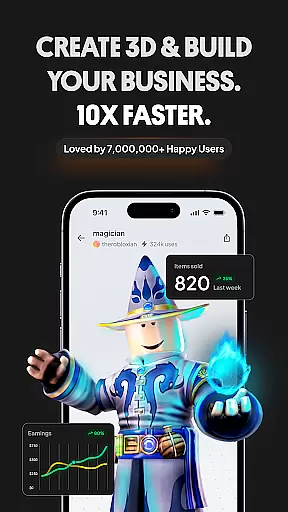
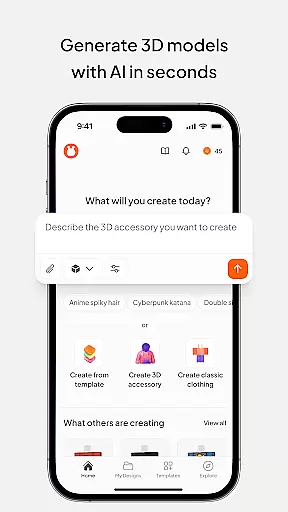
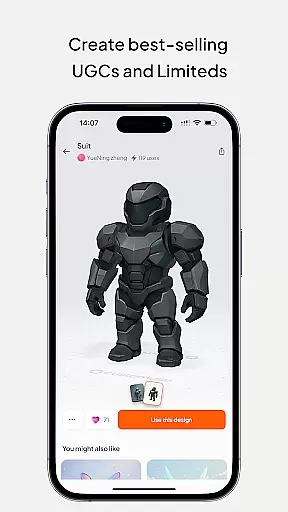
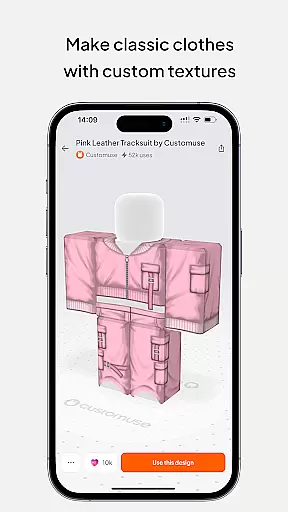
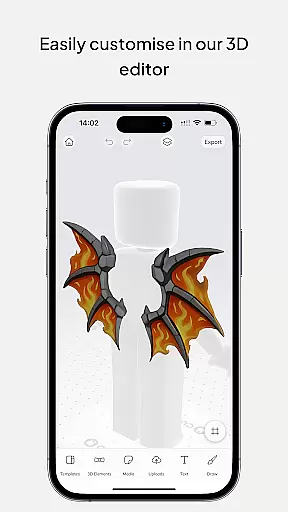
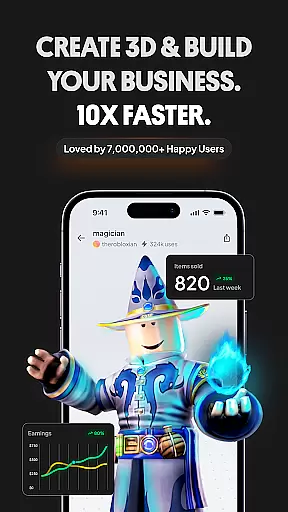
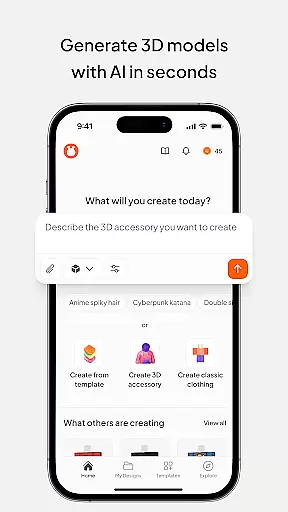
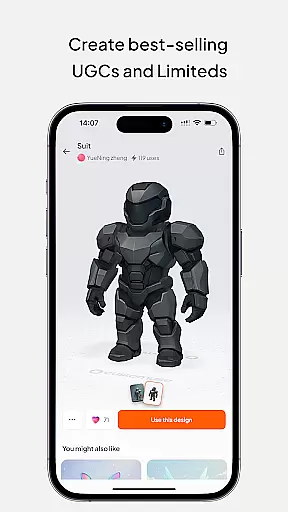
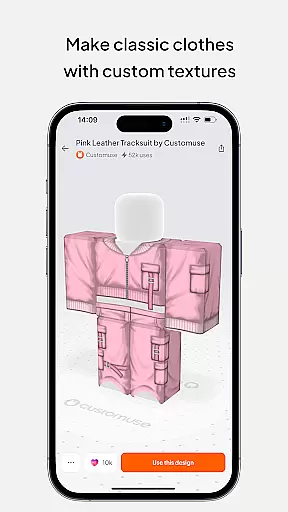
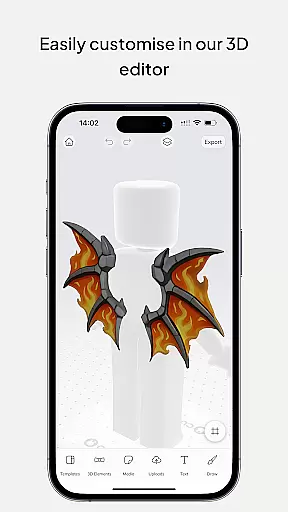
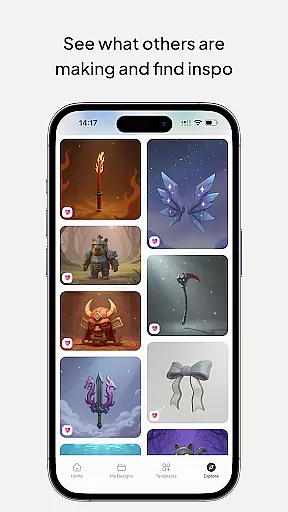
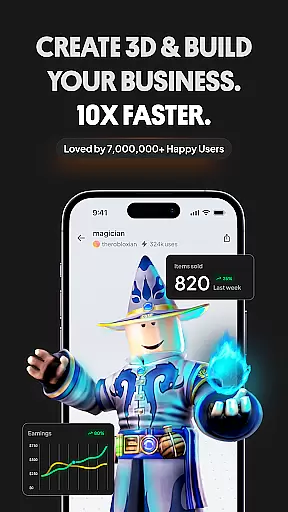
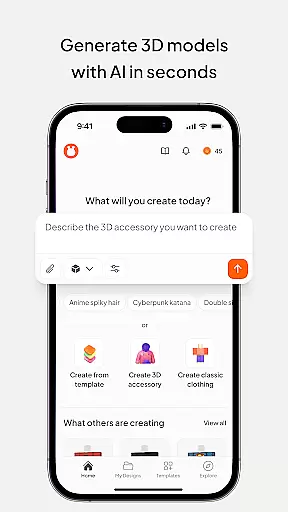
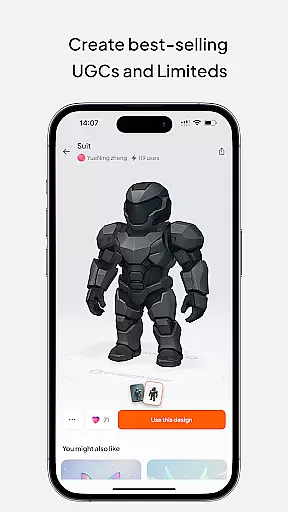
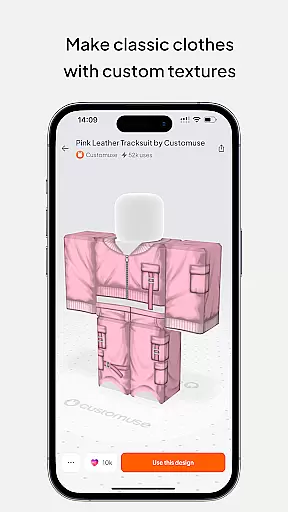
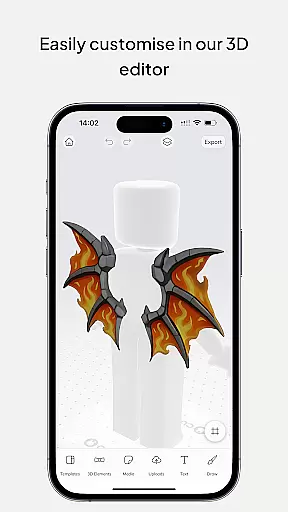
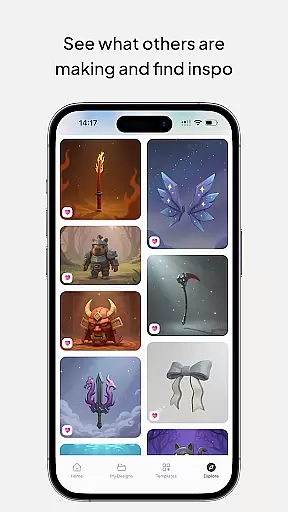
Customuse is the ultimate 3D design tool for creators and designers, offering a versatile platform to design unique digital content across multiple platforms. With over 2 million users, this app allows you to create custom Roblox skins, Zepeto clothes, Minecraft avatars, and AR filters for social media like TikTok, Snapchat, and Instagram.
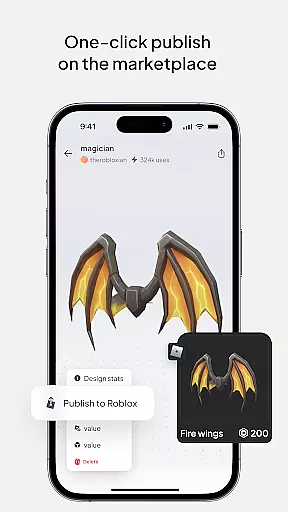
The application stands out with its AI-assisted tools that simplify the design process, whether you're making clothing for virtual characters or crafting eye-catching social media filters. Its seamless integration with platforms such as Roblox Studio and Zepeto marketplace makes it easy to publish and monetize your creations, turning your creative ideas into profitable ventures.
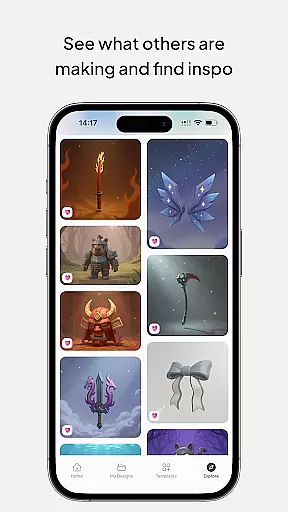
Perfect for both beginners and professional designers, Customuse supports various devices including iPhone and desktop, ensuring accessibility and convenience. Whether you're enhancing your gaming avatar or building a fashion brand online, Customuse provides all the necessary tools to bring your imagination to life while connecting you with a vibrant community of creators.
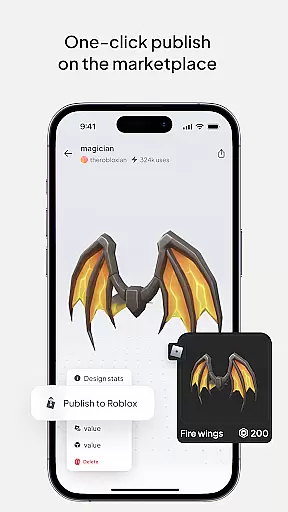
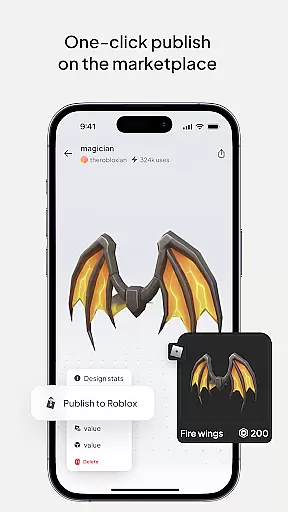
Customuse offers an impressive range of features tailored for diverse creative needs. One of its core strengths is the ability to generate unique designs using AI tools. For instance, creating Roblox skins becomes effortless with thousands of templates and AI-driven suggestions, allowing users to customize every detail and publish directly to Roblox with just a few clicks.
Beyond Roblox, the app extends its capabilities to other popular platforms. Users can craft Minecraft skins with 3D accessories, design Zepeto outfits that earn ZEMs through the marketplace, and develop custom AR filters for Instagram, Snapchat, and TikTok. The AI generator simplifies these processes by providing tailored design recommendations based on user inputs, significantly reducing the learning curve for beginners.
Additional features include virtual try-ons for 3D clothing mockups, enabling designers to visualize their creations in real-time. The app also supports branding elements like logos and custom prints, empowering aspiring fashion designers to experiment with styles and fabrics. With multi-device compatibility and an intuitive interface, Customuse ensures a smooth experience for creators at any skill level.
In the realm of digital design, having access to comprehensive creative tools is essential for bringing ideas to life. Customuse positions itself as an ultimate 3D design platform that caters to a wide array of creative needs. With features ranging from designing Roblox skins and Zepeto clothes to creating Minecraft avatars, the app provides designers with a rich palette of options.
Customuse stands out by offering specialized tools such as AI generators that allow users to create designs through simple prompts. This feature not only simplifies the design process but also opens up possibilities for those who may not have traditional design skills. Additionally, the ability to publish directly to platforms like Roblox or share creations on social media enhances the workflow for creators.
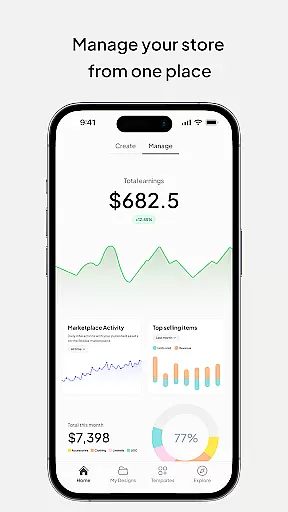
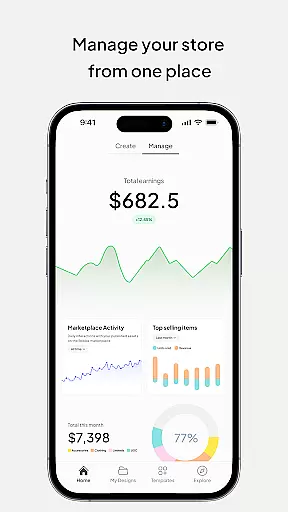
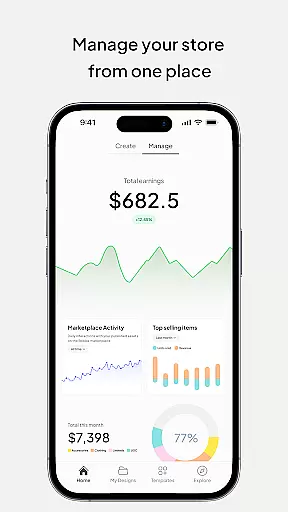
The value proposition for users is immense; they can earn virtual currencies like Robux or ZEMs by selling their unique designs on respective marketplaces. Moreover, the app's support for creating AR filters for platforms like Instagram and TikTok adds another layer of creativity and engagement. These monetization opportunities combined with diverse design capabilities make Customuse a powerful ally for aspiring and professional designers alike.
Flexibility in canvas and format options is crucial for designers who want to explore different mediums and styles without limitations. Customuse addresses this need by providing a versatile platform where users can experiment with various design formats. Whether it's crafting detailed Roblox skins or conceptualizing virtual clothing lines, the app accommodates a multitude of design types.
One notable aspect is the virtual try-on feature which allows designers to visualize how their creations would look in real-world scenarios. This feature bridges the gap between digital artistry and practical application, making it especially useful for fashion designers. Furthermore, compatibility across multiple devices including iPhone, Desktop, and iPad ensures that users can work seamlessly regardless of their preferred hardware.
For creators focused on social media content, Customuse offers dynamic posting capabilities enriched with AR elements. This enables users to produce standout posts that capture audience attention effectively. By supporting both 2D and 3D design formats along with cross-platform functionality, Customuse empowers designers to push boundaries and innovate without constraints.
User-friendly interface
Extensive template library
AI-powered design tools
Multi-platform support
Monetization opportunities
Limited free features
Occasional bugs
High learning curve
Premium subscription cost
Device compatibility issues

Customizable Outlined Fonts. Watch Face Format. Battery friendly Digital Clock.
 4.20
4.20
Transform photos into amazing monochrome dither art with professional algorithms
4.5
Logo Generator powered by AI: Create stunning logos effortlessly!
4.70
AI Art Generator transforms your words into AI generated art & paintings.
3.70
Create stunning video, photo & magic from text with FlixAI GPT video generator.
3.10
Create stunning art with AI.
4.80
800+ Drawing, Painting Lessons App to Practice, Sketch & Paint Art.
4.30
Unleash the artist in you with our AR drawing and tracing tool for photo drawing
4.10
Beauty Camera - Selfie Camera is the ultimate beauty camera and selfie app
4.30
Novices can also easily complete diamond painting masters
4.70
Learn how to draw with step-by-step tutorials, fun lessons & multiplayer drawing
4.70
Draw glowing spinners, relax, and spin your creative art
4.60
Unleash your drawing and painting potential
4.50
Stylish letters, Stylish Keyboard, Symbols, Emojis, Cool nickname
4.40
Image/ Text to Video Generator
4.40
Just trace a projected picture on paper and color! Draw & Paint with AR drawing
4.40
Resize photos and print photos in exact size with our powerful photo printer!
3.80
Vidu is an AI video generator made for creators and aspiring makers.
3.30
Inky runs Inkscape on Android devices and Chromebooks
2.90


User Reviews