
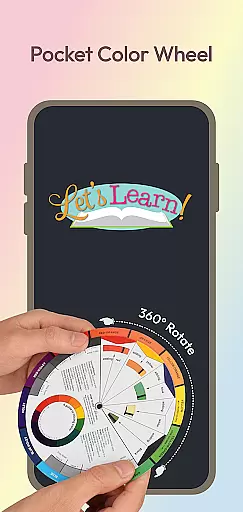
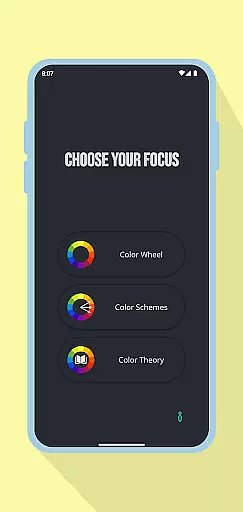
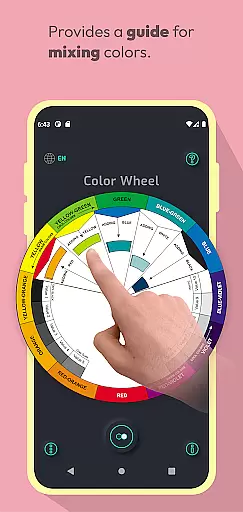
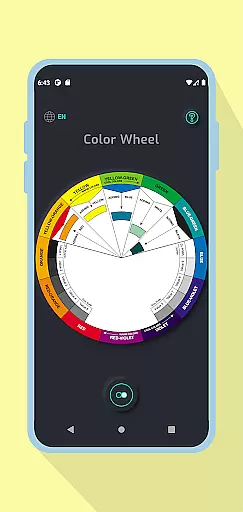
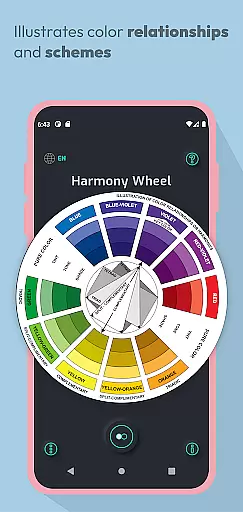
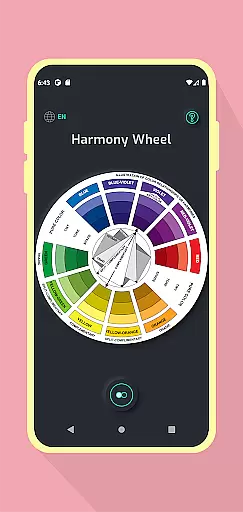
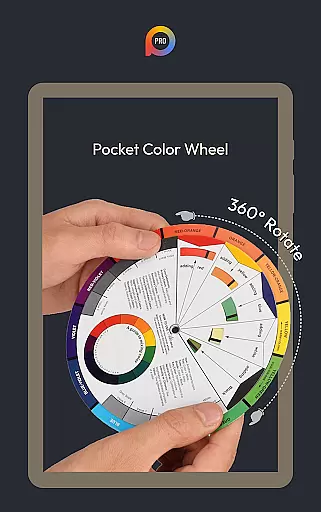
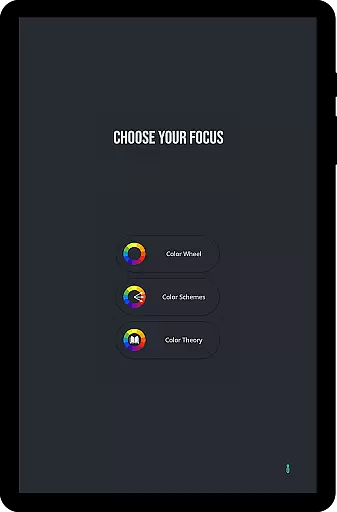
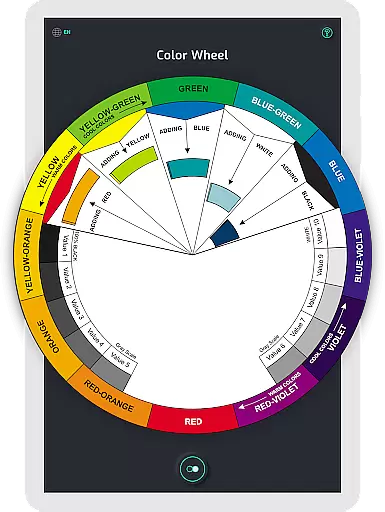
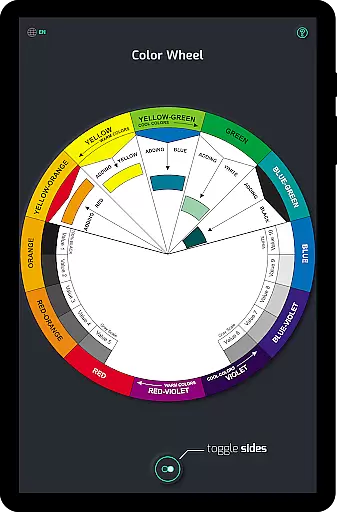
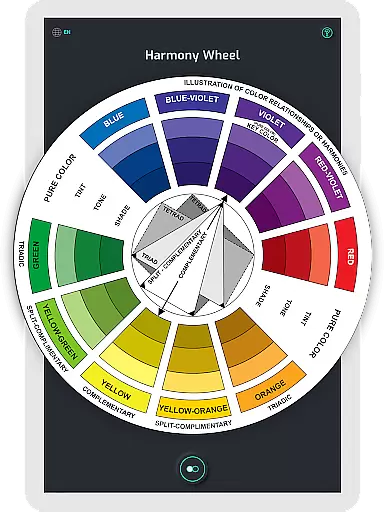
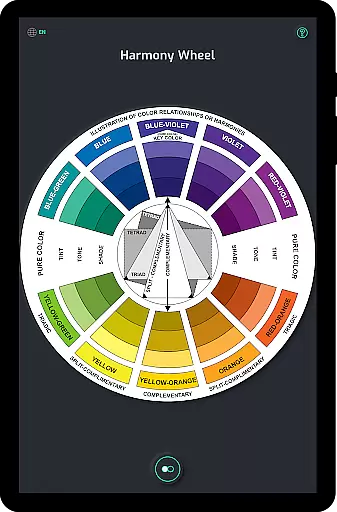
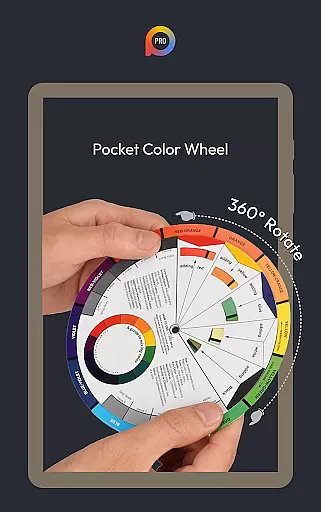
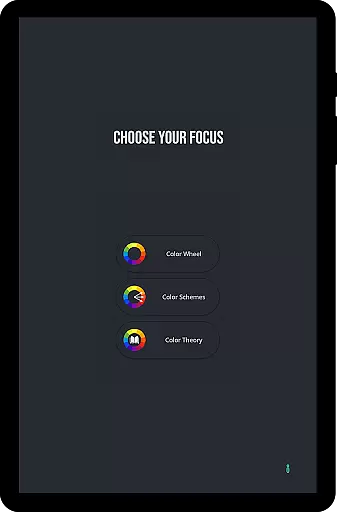
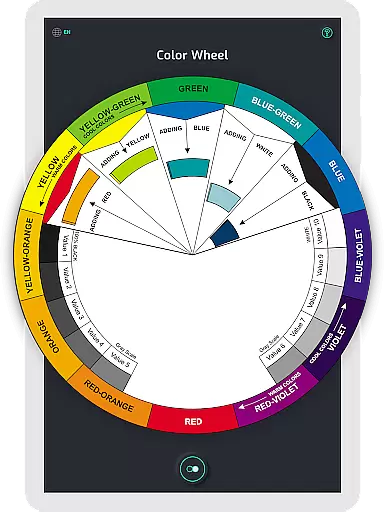
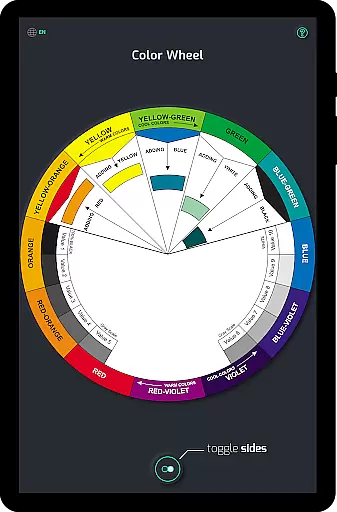
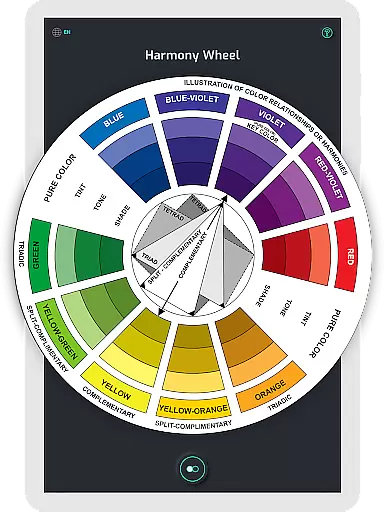
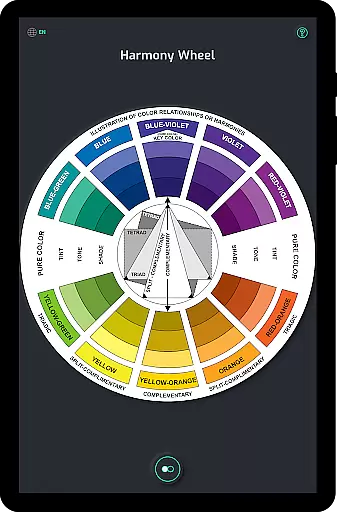
Pocket Color Wheel Pro is an essential reference tool for mastering colour theory, designed specifically for students, artists, and designers. This app simplifies complex colour relationships by offering an interactive colour wheel that allows users to explore harmonious combinations such as complementary, triadic, and analogous colours.
One of the standout features of the Pro version is the advanced Color Schemes Tool, which provides options for 12 or 18 color wheel configurations. This enables users to experiment with a broader spectrum of hues and blends, making it ideal for creating detailed designs. Additionally, the app offers full offline functionality, ensuring uninterrupted access to all features regardless of internet connectivity.
Whether you're working on creative projects, studying design principles, or simply exploring the world of colours, Pocket Color Wheel Pro serves as a comprehensive guide in the palm of your hand. Its intuitive interface and robust feature set make it an indispensable companion for anyone involved in visual arts or design.
The app's most notable feature is its Interactive Colour Wheel, which lets users rotate and experiment with various colour relationships. By selecting specific colours, users can instantly see how different combinations work together, providing immediate feedback on potential design choices.
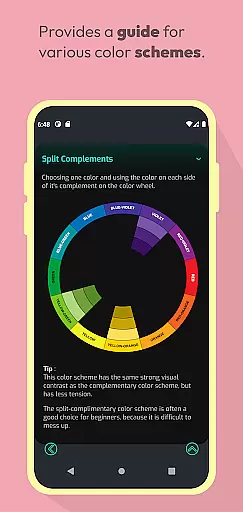
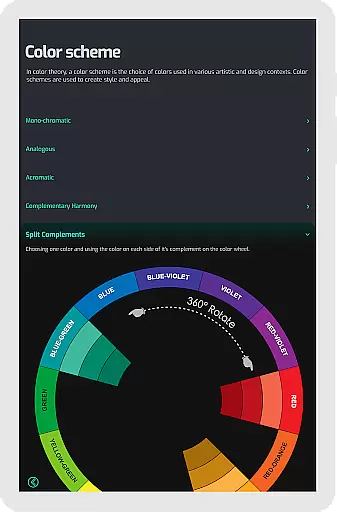
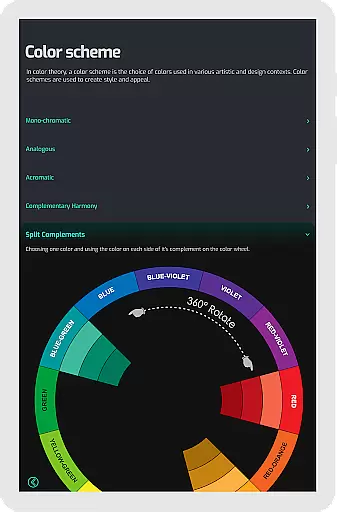
Another key aspect is the Color Schemes Tool available in the Pro version. With options for both 12 and 18 color wheels, this feature supports more intricate design work. Users can create schemes like monochromatic, analogous, complementary, split-complementary, triadic, and tetradic, catering to a wide range of artistic needs.
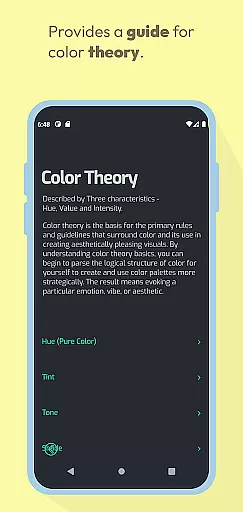
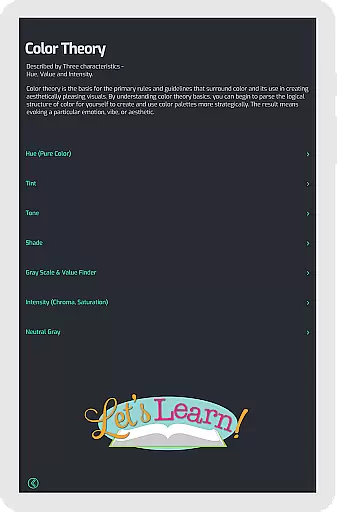
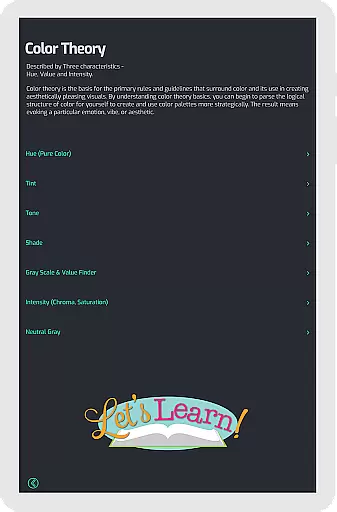
Additionally, Pocket Color Wheel Pro includes tools for understanding tone and shade variations, complete colour schemes, and even a grey scale for neutral tones. These resources are complemented by clear definitions of essential colour terms, making the app not only a practical tool but also an educational resource for those looking to deepen their knowledge of colour theory.
In the realm of digital art and design, having a comprehensive set of tools is paramount. Pocket Color Wheel Pro offers an extensive suite of features that cater to artists, designers, and students alike. The app includes an interactive colour wheel that allows users to explore various colour relationships, such as complementary, triadic, and analogous colours, which are essential for creating visually appealing designs.
Furthermore, the Color Schemes Tool available in the Pro version provides options for 12 or 18 color wheel schemes, enabling users to delve into more hues and blends. This feature supports the creation of diverse color schemes like monochromatic, analogous, complementary, split-complementary, triadic, and tetradic, making it an indispensable asset for anyone looking to master colour theory.
The app simplifies colour mixing by allowing users to select a colour and instantly view the results on the wheel. Additionally, it presents complete colour harmonies and showcases tone and shade variations with clear examples, ensuring that users can understand tints, tones, and shades effectively.
With its offline access feature, Pocket Color Wheel Pro ensures that all these creative tools are available at your fingertips, anytime and anywhere, without the need for an active internet connection. This makes it an ultimate reference tool for mastering colour theory on the go.
Flexibility in canvas and format options is crucial for artists and designers who need to adapt their work across different mediums and platforms. Pocket Color Wheel Pro addresses this need by providing a versatile platform where users can experiment with a wide array of colour schemes and harmonies. The app's support for both 12 and 18 color wheel options allows for greater exploration of hues and blends, catering to a variety of project requirements and personal preferences.
Moreover, the inclusion of a grey scale within the app aids in the creation of neutral tones, which is vital for projects that require a balanced palette. By offering clear definitions of essential colour terms alongside the grey scale, Pocket Color Wheel Pro ensures that users have a solid understanding of colour theory basics while they work.
The app's ability to function seamlessly without an internet connection adds another layer of flexibility, empowering creatives to work in any environment without constraints. Whether traveling, in remote areas, or simply wishing to save data, users can rely on Pocket Color Wheel Pro for a smooth experience.
Ultimately, Pocket Color Wheel Pro stands out as an indispensable companion for creative projects, thanks to its adaptable canvas and format capabilities that cater to the dynamic needs of modern art and design workflows.
Comprehensive color theory tool
Offline functionality
Interactive color wheel
Advanced color schemes
User-friendly interface
Limited free version
No advanced tutorials
Basic UI design
Few customization options
Small feature set

Customizable Outlined Fonts. Watch Face Format. Battery friendly Digital Clock.
 4.20
4.20
Custom Character Creator & PFP Maker!
4.20
Draw anime & manga drawing, art with templates to create stunning picture!
4.50
Create neon drawing with magic doodle and fun doodle art effects!
4.50
See Color, Paint Color
4.90
Digital, Abstract, Classic - all types of color wheels in one app!
4.60
Create stunning video, photo & magic from text with FlixAI GPT video generator.
3.10
Resize photos and print photos in exact size with our powerful photo printer!
3.80
OneUI 8.5 icons ✨ Smooth, modern & based on the latest Play Store design ??
4.10
Logo Generator powered by AI: Create stunning logos effortlessly!
4.70
Painting, drawing, & sketching
4.50
Kling AI is an image and video generation and editing studio powered by AI.
4.50
Stylish letters, Stylish Keyboard, Symbols, Emojis, Cool nickname
4.40
Remove Background, Magic Eraser, Photo Enhancer, Story Templates, Collage Maker
4.30
Unleash the artist in you with our AR drawing and tracing tool for photo drawing
4.10
Floor Plan Creator lets you create, edit and share floor plans.
4.00
Powerful home decoration & house design that allows you to design dream home.
3.80
AI Face Swap, Video Effects Editor, Realtime Morph, Funny Video FX,AI Filters
3.70
Art of Combination Wear OS Watch faces (for Wear OS 5+ devices)
3.00


User Reviews