
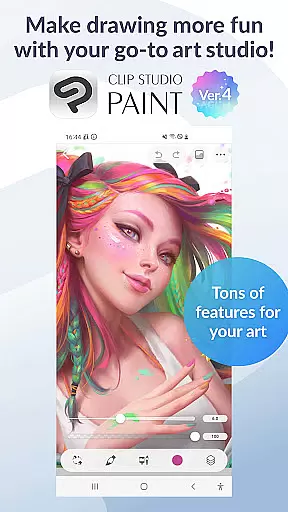
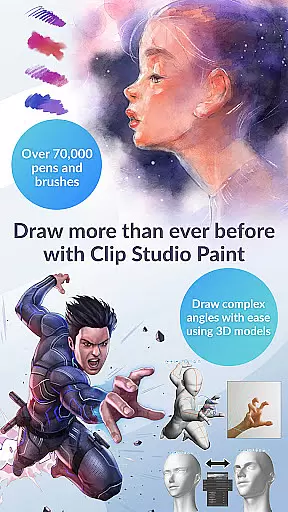
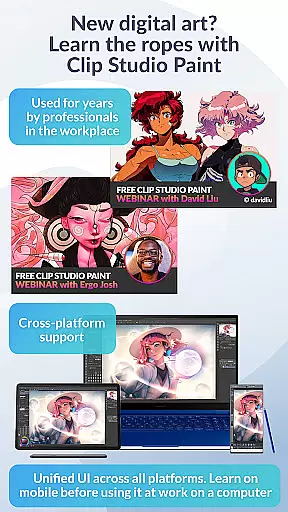
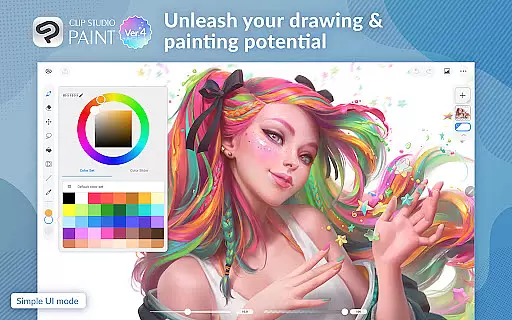
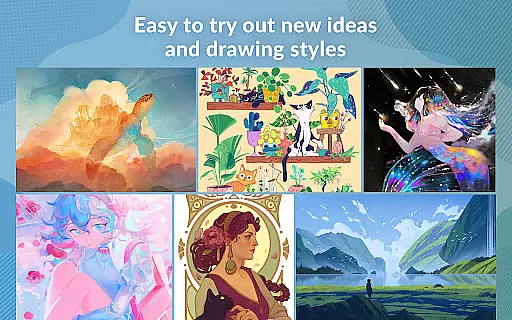
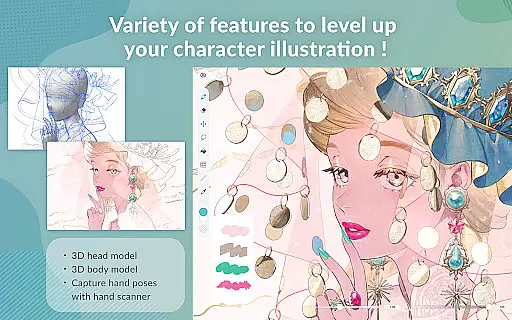
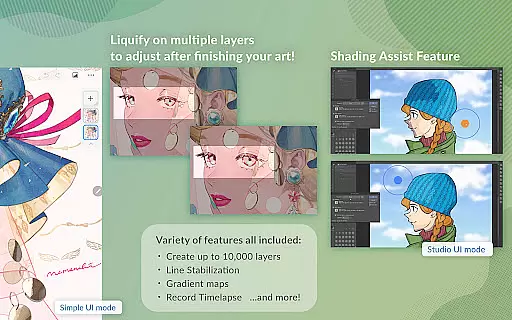
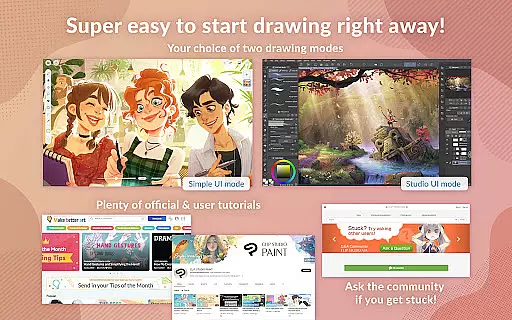
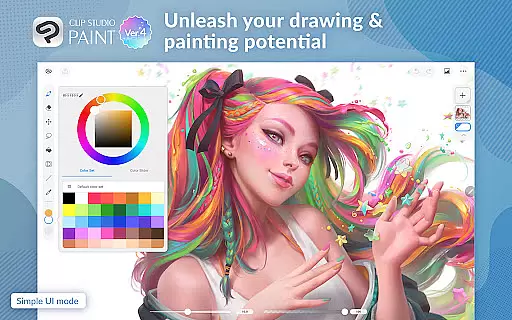
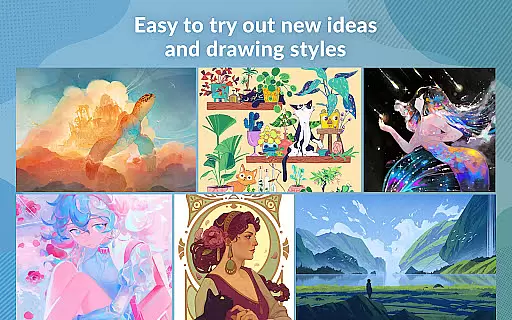
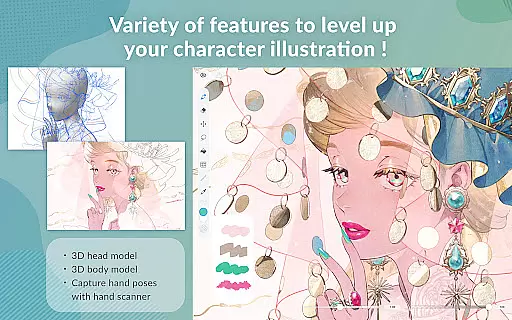
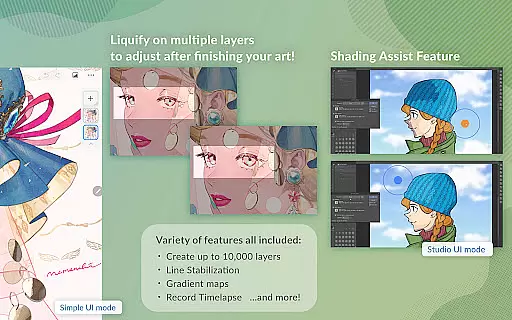
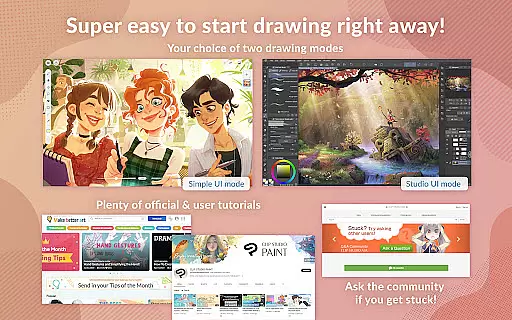
Clip Studio Paint is a comprehensive digital art application designed for artists of all levels. This app offers a 30-day free trial, allowing users to explore its vast features without any cost. With capabilities ranging from creating detailed artwork with up to 10,000 layers to posing 3D models for complex angles, it's an indispensable tool for character design and illustration.
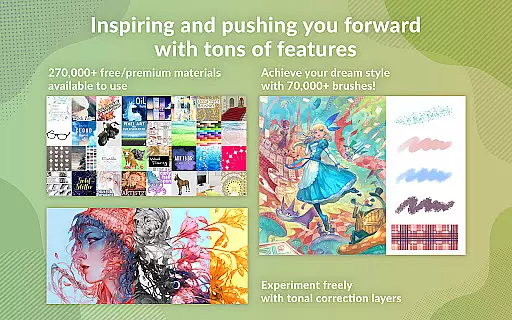
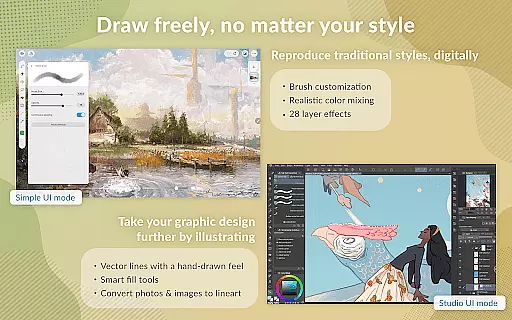
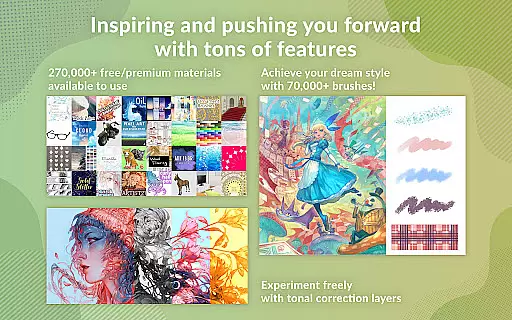
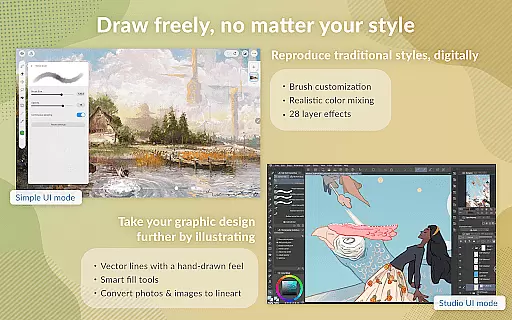
The app provides advanced drawing tools such as Gradient maps, Puppet warp, and snap functionalities that enhance precision and creativity. It also includes a wealth of assets like 70,000+ brushes by artists worldwide and 28 layer effects for perfecting your art. Clip Studio Paint ensures a traditional feel while leveraging vector technology for impeccable drawings.
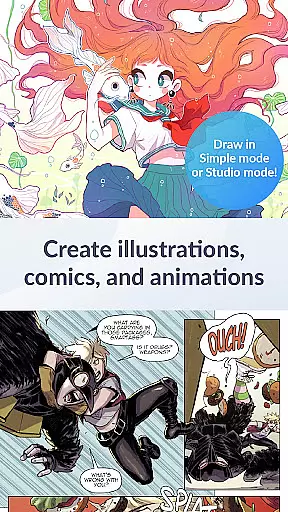
Whether you're into comics, manga, or animation, this app supports various creative processes. From making GIFs to full-length animations with sound and camera movements, it caters to diverse artistic needs. Recommended for devices meeting specific specs, it promises optimal performance across tablets and smartphones.
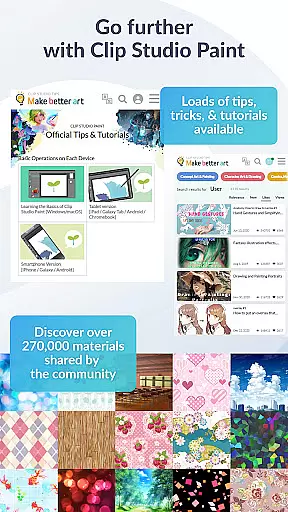
Clip Studio Paint stands out with its extensive feature set tailored for digital artists. One notable feature is the ability to download over 270,000 free or premium materials created by other artists, including unique brush textures. The app allows precise line adjustments using fingers or stylus, eliminating constant undo actions.
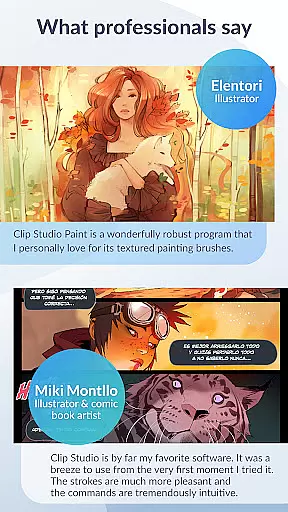
Another highlight is the powerful brush engine with customizable settings like texture, shape, dual brush options, color mixing, and spray effects. This flexibility lets artists create their ideal brush strokes effortlessly. Additionally, perceptual color mixing mimics real paint blending, providing an authentic painting experience on a digital platform.
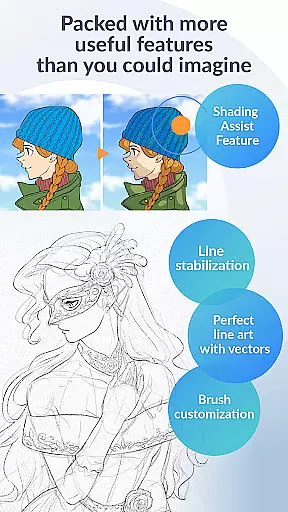
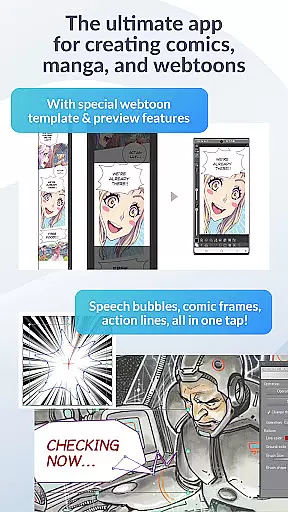
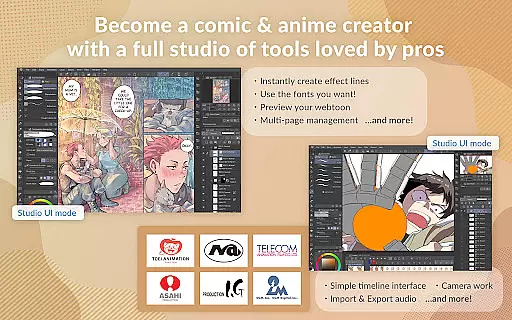
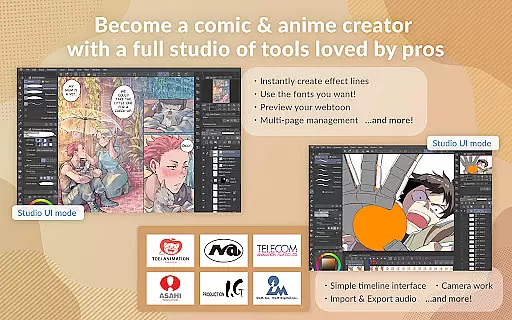
For comic creators, Clip Studio Paint offers specialized tools such as instant creation of speech bubbles, frames, and action lines. Users can save character faces and body types, add shadows quickly with Shading Assist, and preview webtoons directly on smartphones. These robust features make it a preferred choice among professional comic creators.
Clip Studio Paint offers an extensive suite of creative tools that cater to both beginners and professionals in the digital art realm. With over 70,000 brushes available, including custom textures, shapes, and dual brush settings, artists have full control over their creations.
The app includes advanced features such as vector painting, which allows for scalable artwork without quality loss, and layer effects that provide finishing touches to any piece. Additionally, perceptual color mixing simulates real paint blending, enhancing the traditional feel while maintaining the flexibility of digital mediums.
For comic and manga creators, Clip Studio Paint provides specialized tools like speech bubbles, frames, and action lines, streamlining the creation process. Animators are not left out, with capabilities to produce anything from simple GIFs to complex animations complete with sound and camera movements.
These comprehensive tools ensure users can execute their artistic visions with precision and ease, making Clip Studio Paint a top choice for creatives worldwide.
Flexibility in canvas and format options is crucial for digital artists, and Clip Studio Paint excels in this area. The application supports up to 10,000 layers, allowing for incredibly detailed artwork. Artists can manipulate these layers using features like Liquify and Puppet Warp, providing unprecedented control over their compositions.
Users can draw correct perspectives by snapping lines to guides, creating stunning backgrounds effortlessly. Moreover, the smart fill tool enables quick flat coloring, while gradient maps offer superior color management.
Clip Studio Paint also accommodates various file formats, ensuring compatibility across different platforms and devices. Whether working on Android tablets or Chromebooks, users can export their work in multiple formats after utilizing the app's powerful editing capabilities.
This level of canvas and format adaptability empowers artists to experiment freely and produce high-quality work efficiently, regardless of their preferred style or medium.
User-friendly interface
Extensive brush library
Advanced layer management
Realistic painting simulation
Versatile export options
Subscription required
High system requirements
Limited offline functionality
Steep learning curve
Occasional bugs

Create trending AI photos & videos with powerful effects and 3D styles.
 3.20
3.20
Castle is social media for creating and playing games!
4.60
Nano Banana AI Image Generator, Anime Filter, AI Portrait, AI Photo Generator
4.30
Design unique, funny and adorable cat stickers that reflect your own style!
3.80
AR Anime Drawing: How to draw anime with AR drawing & sketching apps!
4.00
Mobile pixel art editor. Simple. Fast. Portable.
4.80
Android 14 style widgets and wallpapers app.
4.3
Create and Design Custom Logos in Seconds with AI-Powered Tools!
4.40
Draw, fidget, and spin glow art! Relax and express your creativity with a finger
4.60
Passport size photo maker, create ID photo and visa photo in seconds
4.80
Digital, Abstract, Classic - all types of color wheels in one app!
4.60
Digital illustration drawing & painting pad app to paint Anime and Manga art
4.50
The perfect place to start sketching! Use Sketchbook to draw and paint sketches.
4.50
Photo blender app to create overlay photos & double exposure.
4.40
Floor Plan Creator lets you create, edit and share floor plans.
4.00
Easy 3D drawing design maker & creator. Model designing, Sculpting. Create&paint
4.00
Get creative and make art with your Sesame Friends!
4.00
Experience next-gen icons with a modern liquid glass look.
3.60
Retouch photos. Create or edit images. Endless capabilities.
2.70


User Reviews