
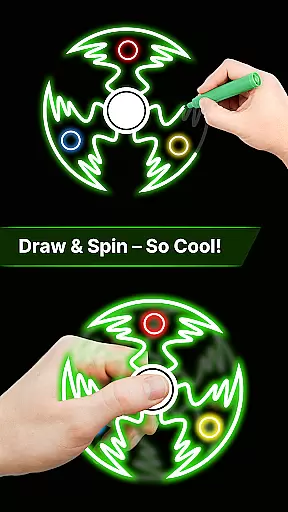
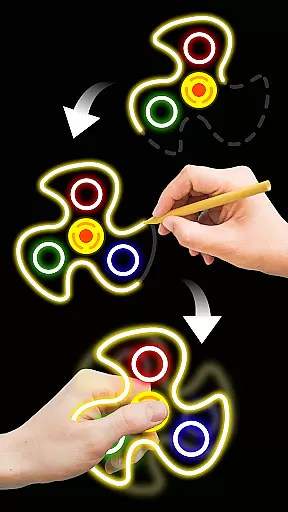
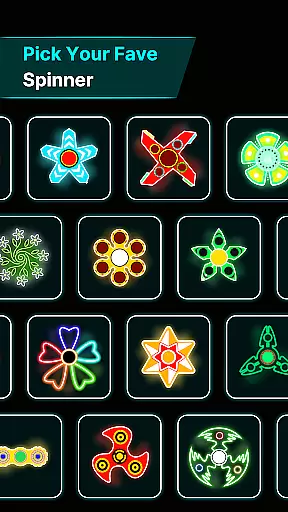
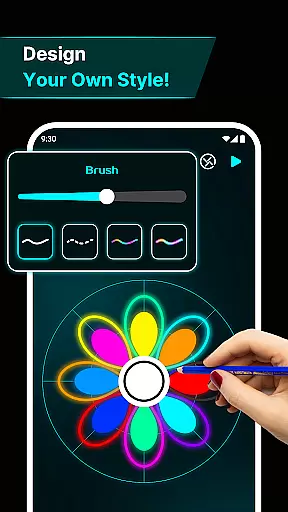
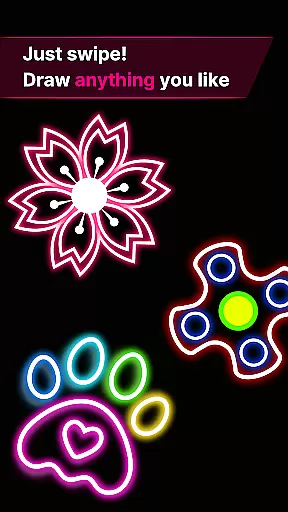
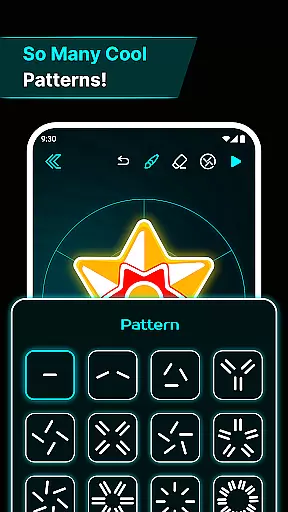
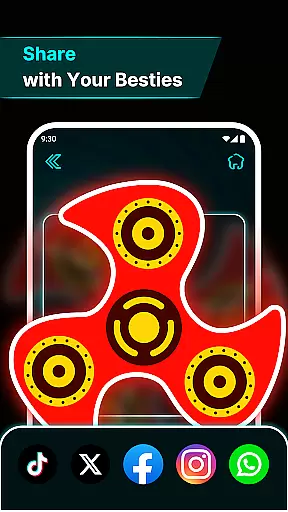
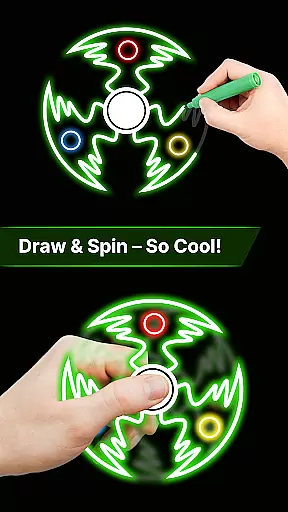
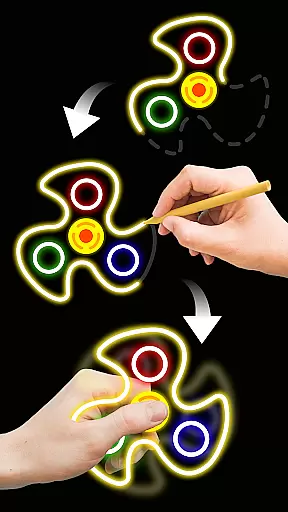
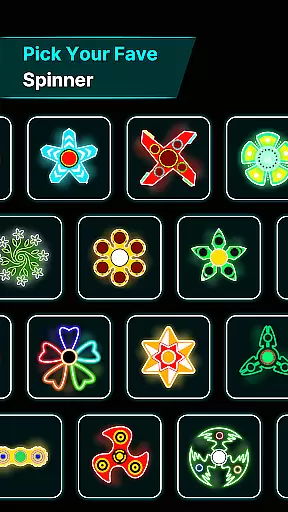
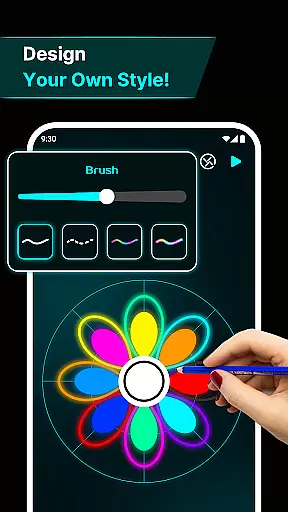

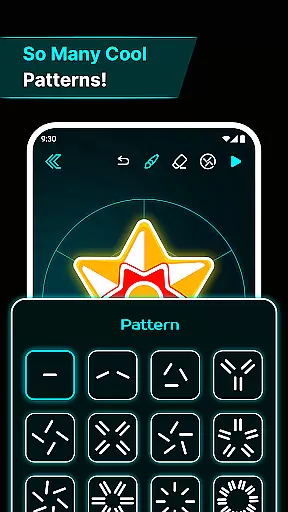
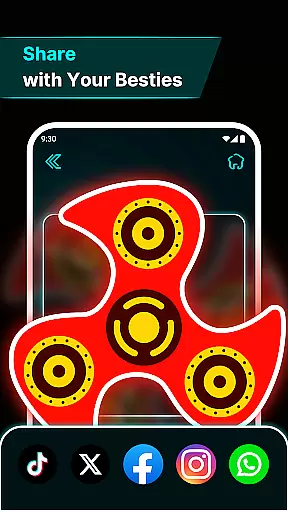
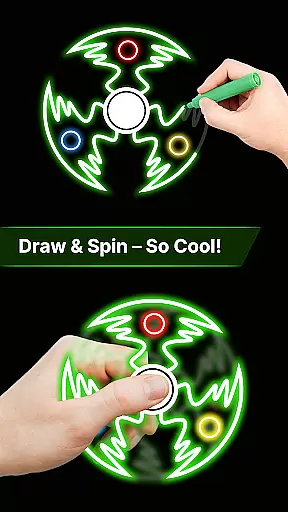
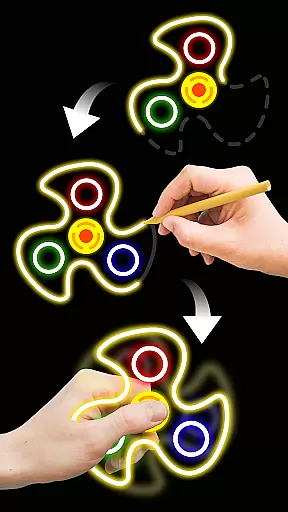
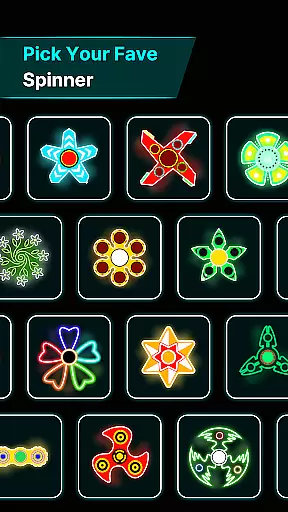
Finger Spinner: Glow Art Draw is an innovative app in the Art & Design category that combines creativity with relaxation. This app allows users to draw glowing designs using their fingers, which can then be spun like fidget spinners. The combination of artistic expression and stress-relief mechanics makes it a unique digital tool for both fun and mindfulness.
One of the standout features of Finger Spinner is its ability to transform simple finger drawings into dynamic 3D spinner designs. These spinners come alive with vivid glow effects and realistic physics, offering users an engaging way to pass time while also providing a calming, meditative experience. Whether you're looking to relieve stress or explore your creative side, this app offers a versatile platform for all ages.
The app's soothing interface and customizable drawing tools make it suitable for anyone wanting to unwind after a long day or simply enjoy some mindful downtime. With its easy-to-use controls and endless design possibilities, Finger Spinner: Glow Art Draw proves to be more than just an art app—it’s a personal sanctuary where users can create, relax, and have fun.
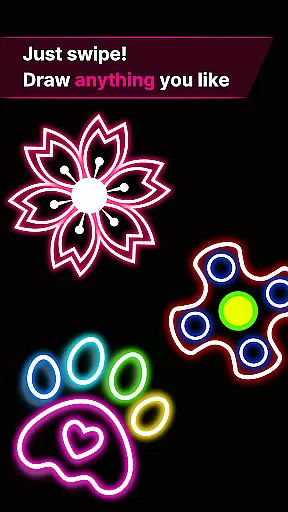
Finger Spinner: Glow Art Draw stands out with its rich set of features designed to enhance user experience. First and foremost, the app offers easy finger drawing capabilities, allowing users to effortlessly sketch glowing lines that transform into intricate spinner designs. This feature ensures that even those without prior artistic skills can enjoy creating beautiful pieces.
Another remarkable aspect is the brilliant glow effects applied to each spinner. Users can choose from various neon shades and brightness levels, giving their artwork a vibrant and eye-catching appearance. Additionally, the app incorporates advanced 3D rendering technology, making every spinner visually dynamic and engaging as they spin naturally in different directions thanks to realistic spin physics powered by a robust engine.
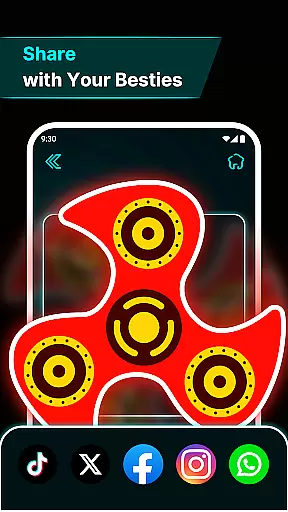
For those who love collecting their creations, the My Collection feature lets users save and revisit their favorite spinners anytime. Coupled with a soothing interface that enhances relaxation, these features collectively provide a holistic experience that blends artistry, interactivity, and tranquility seamlessly within the Art & Design domain.
Creative tools are essential for any art and design application, and Finger Spinner: Glow Art Draw excels in this area. The app offers a comprehensive suite of features that allow users to create intricate glowing designs with ease.
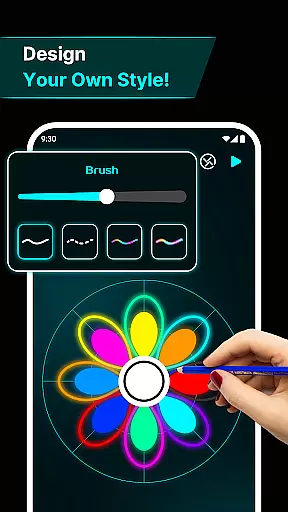
With easy finger drawing, users can sketch smooth glowing lines, crafting unique spinners with either sharp edges or soft curves. This flexibility ensures that both novice and experienced artists can achieve their desired results effortlessly.
The inclusion of brilliant glow effects adds another layer of creativity, allowing spinners to light up with vivid neon effects. Additionally, the transformation of 2D drawings into realistic 3D spinner designs enhances depth and visual appeal.
Overall, these creative tools not only make the process enjoyable but also expand the possibilities for artistic expression, ensuring users have everything they need to bring their visions to life.
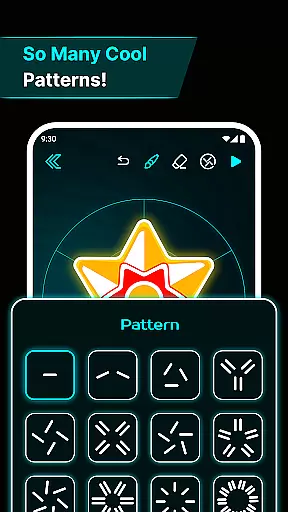
Flexibility in canvas and format options is crucial for accommodating various artistic needs, and Finger Spinner: Glow Art Draw provides an impressive level of adaptability. Users can explore different dimensions and styles within their creations, enhancing both the creative process and final output.
The app supports a range of design complexities, from simple sketches to detailed masterpieces. This versatility allows users to experiment with diverse artistic approaches without feeling constrained by the platform's limitations.
Moreover, the ability to save every spinner in a personal collection means that artists can revisit and refine their work over time. This feature encourages continuous improvement and exploration, fostering a deeper engagement with the creative process.
By offering such flexible canvas and format options, Finger Spinner empowers users to push the boundaries of their creativity, resulting in a more fulfilling and dynamic artistic experience.
User-friendly interface
Vivid glow effects
Realistic spin physics
Creative freedom
Stress-relief tool
Limited free options
Ads between sessions
Occasional bugs
High system requirements
No multi-language support

Pose and morph realistic male and female models! 3D poser app
 3.00
3.00
Art of Combination Wear OS Watch faces
4.2
Digital illustration drawing & painting pad app to paint Anime and Manga art
4.50
Unleash your drawing and painting potential
4.50
Draw anime easily with AR guidance, sketch templates & trace tools!
3.10
Nano Banana AI Image Generator, Anime Filter, AI Portrait, AI Photo Generator
4.30
Draw Trace image sketch by, AR art projector app, Easy to trace any image.
4.50
Art of Combination Wear OS Watch Faces
3.30
Video AI: Revolutionize Your Content Creation with Advanced Video Generation
4.50
Create stunning art with AI.
4.80
Draw on screen: FP sDraw is a simple and lightweight drawing app
4.70
Photo stitcher for automatically screenshot stitching into a long screenshot
4.70
Castle is social media for creating and playing games!
4.60
Customizable Outlined Fonts. Watch Face Format. Battery friendly Digital Clock.
4.20
Create Logos, Tattoos, AI Art & more with our AI Photo Generator & Design Editor
4.20
Unleash the artist in you with our AR drawing and tracing tool for photo drawing
4.10
Design your dream room with AI. Get decor ideas & plan home interiors
3.90
Premium version of Shimeji-ee app with no ads & no limit active shimeji
4.5
Your Essential Color Theory Guide: Red, Yellow, Blue (RYB)
4.5


User Reviews