
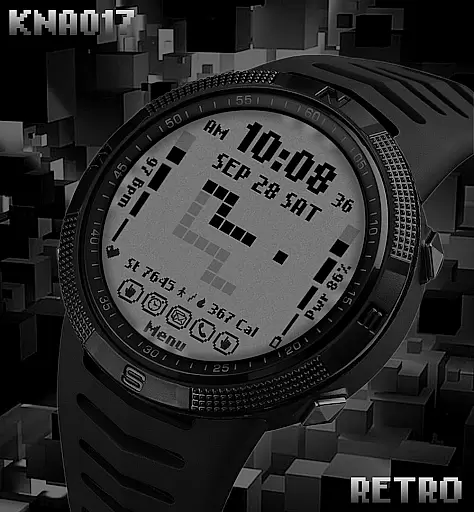
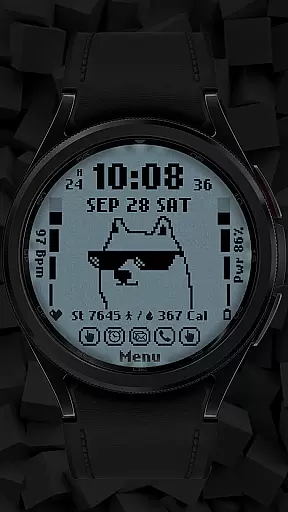
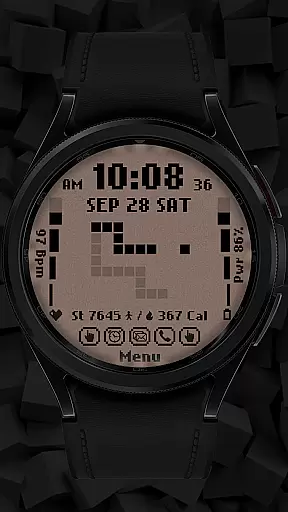
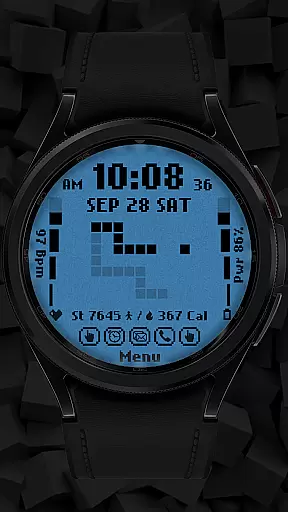
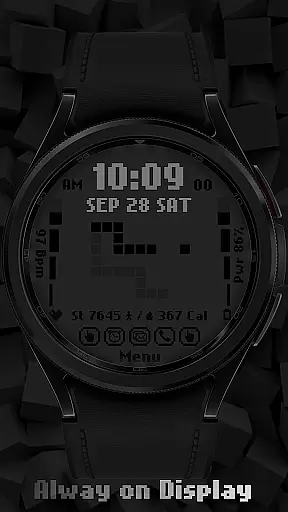
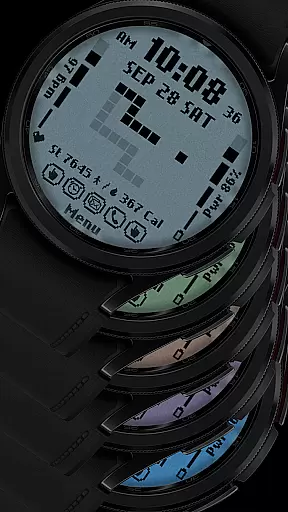
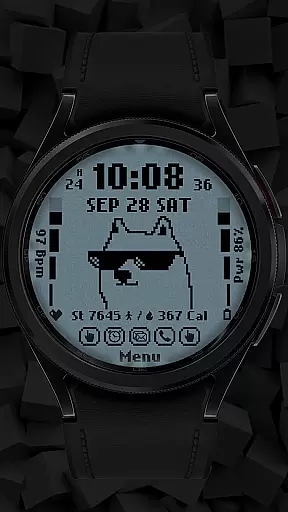
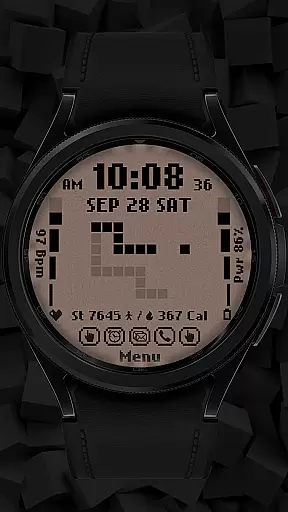
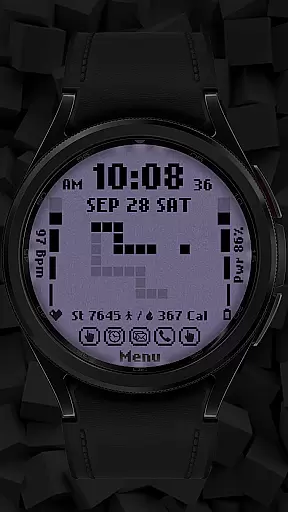
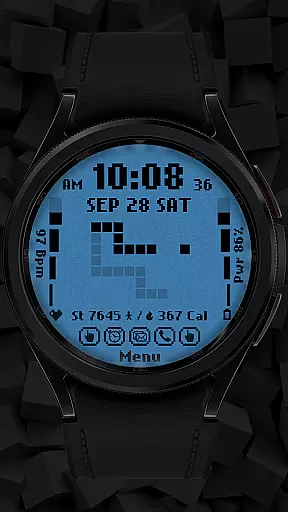
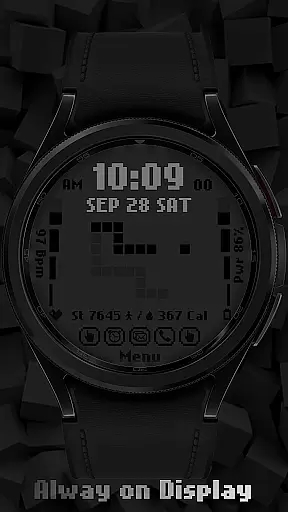
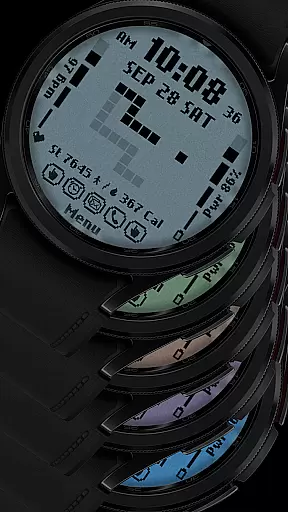
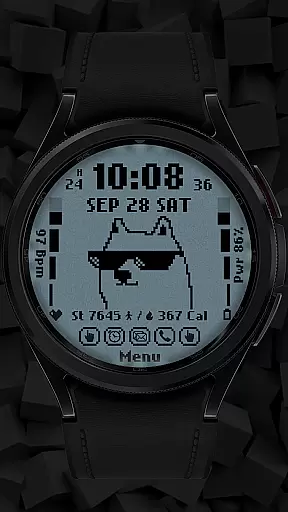
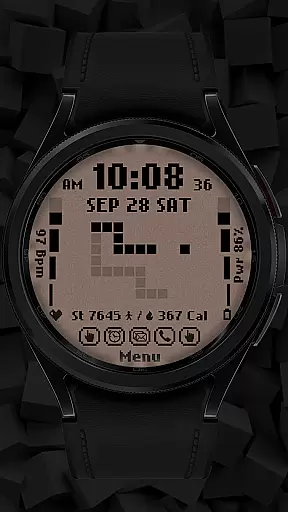
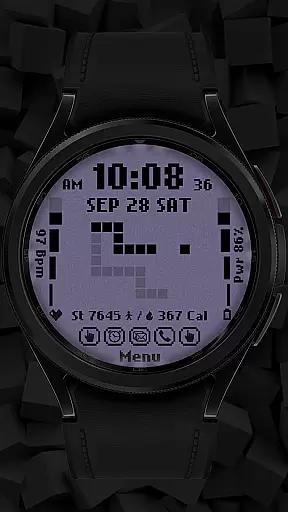
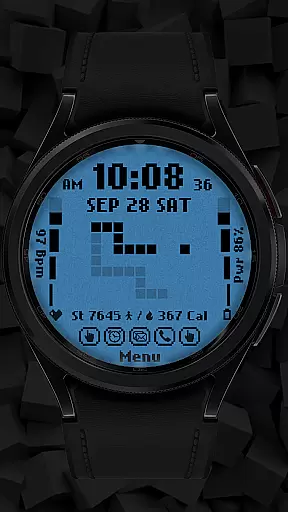
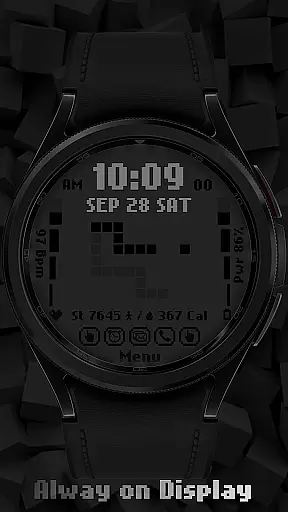
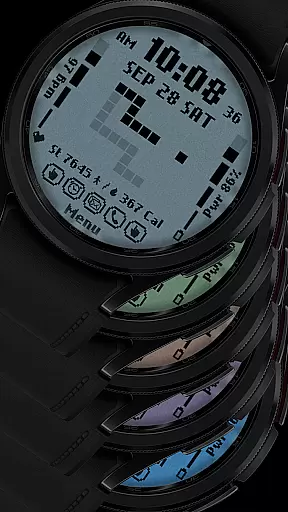
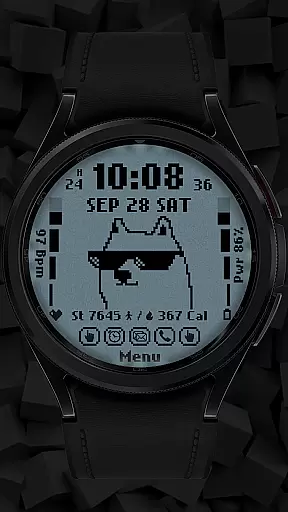
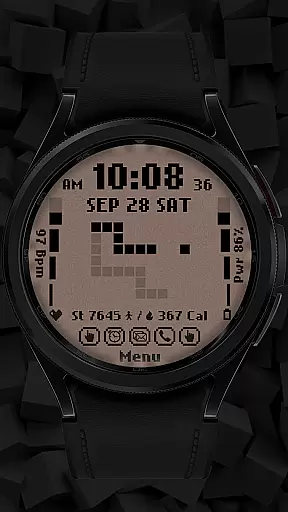
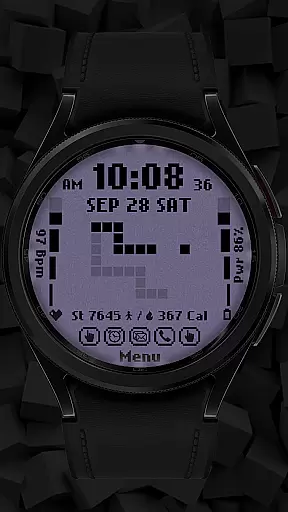
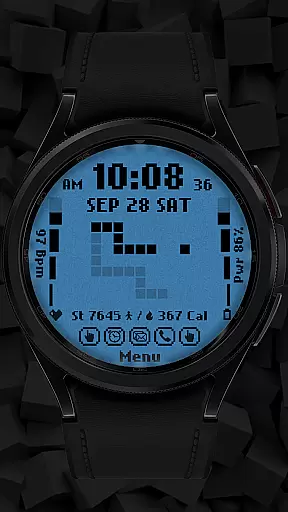
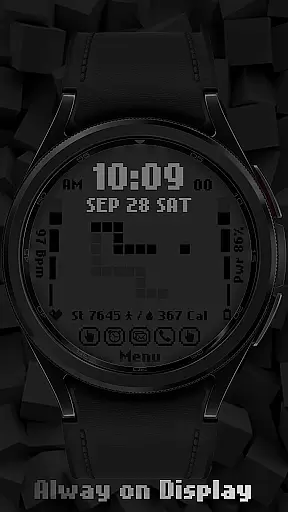
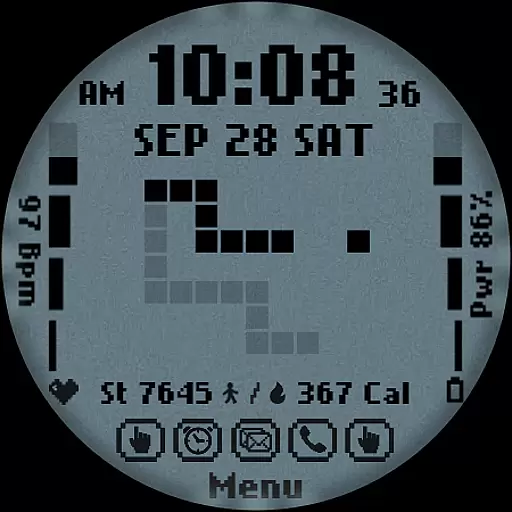
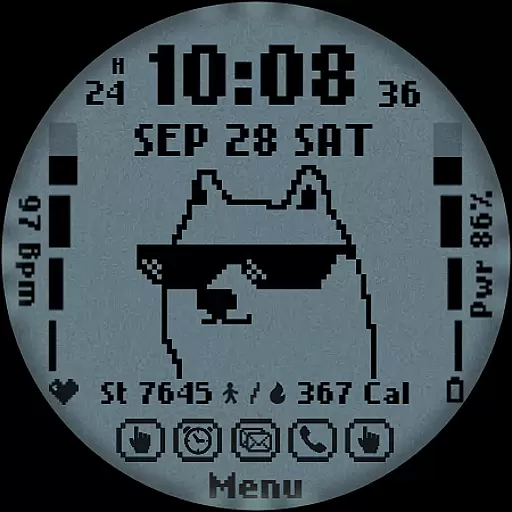
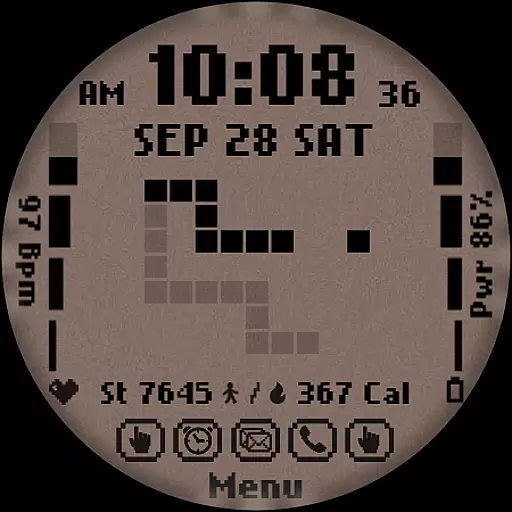
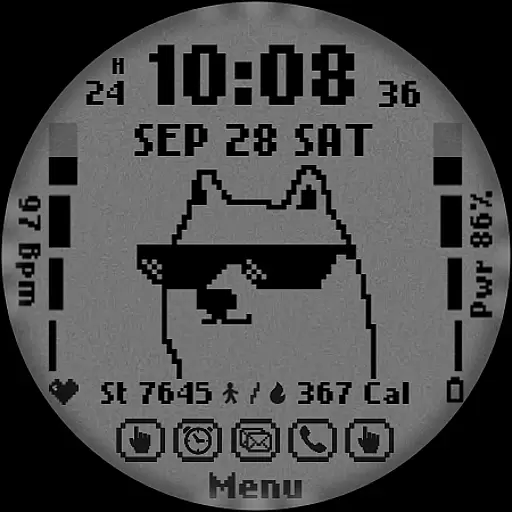
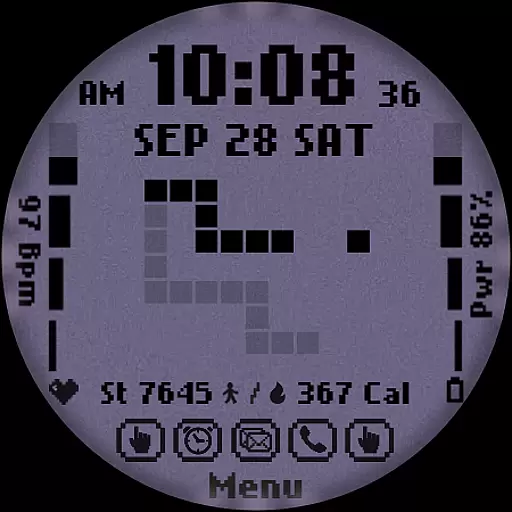
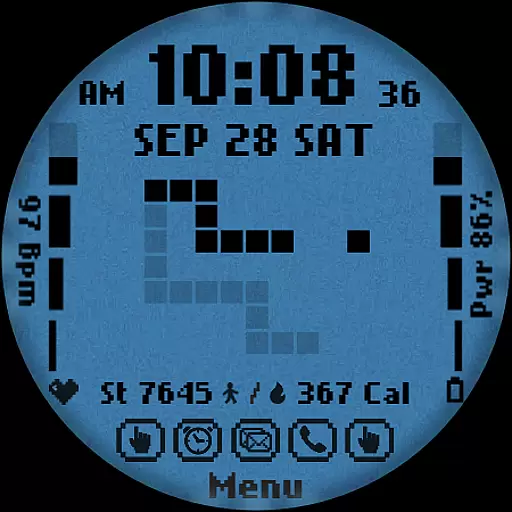
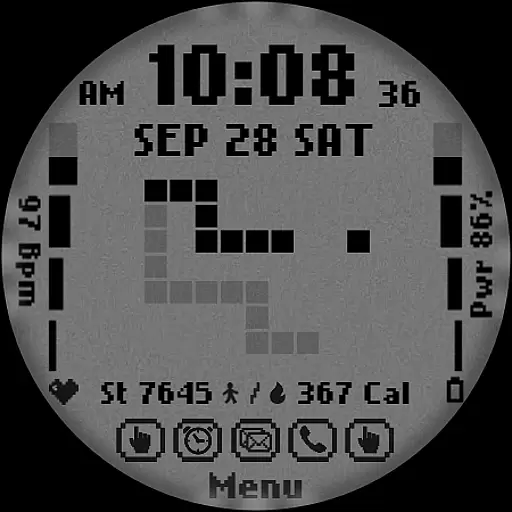
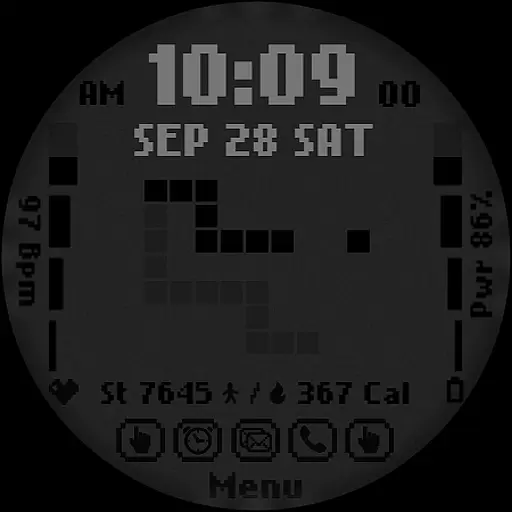
[KNA017] RETRO is a stylish watch face designed for Wear OS devices, offering users a customizable and feature-rich experience. Compatible with API level 30+ devices like Google Pixel and Galaxy Watch 4/5/6 series, this digital watch face supports both 12-hour and 24-hour time formats while displaying date, day of the week, and month.
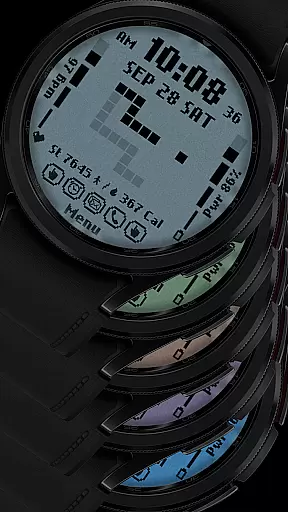
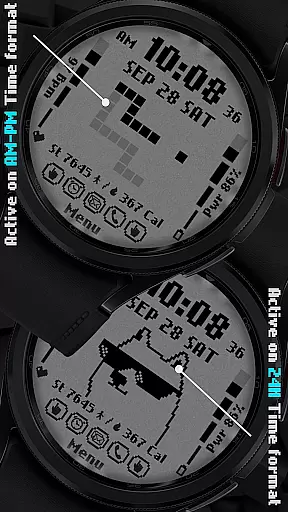
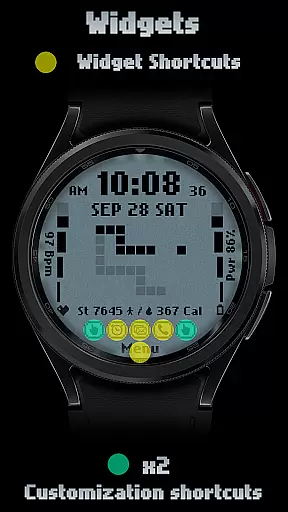
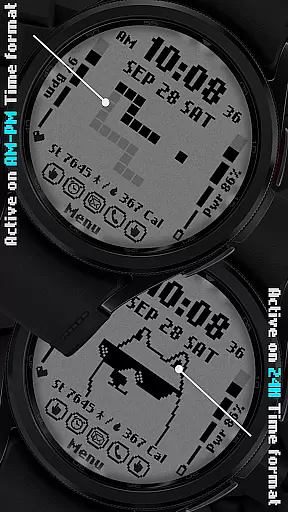
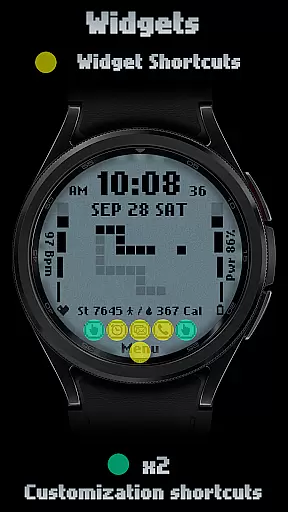
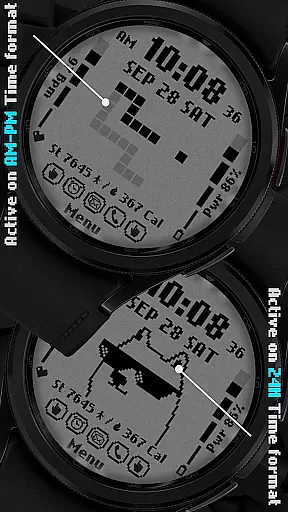
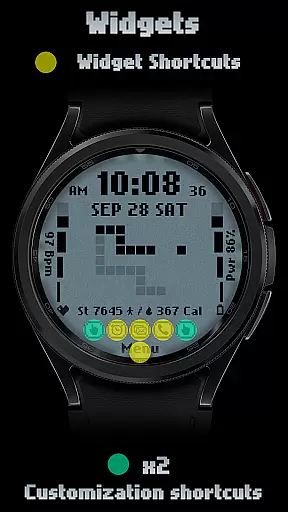
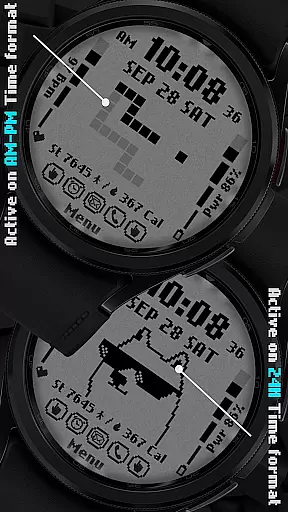
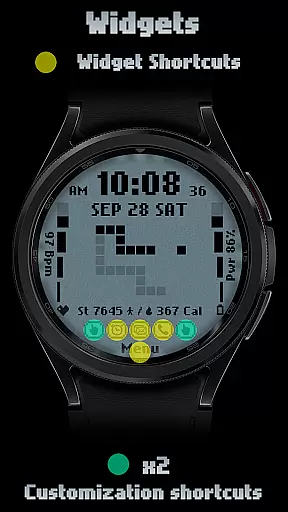
What sets this watch face apart is its retro-style animation that dynamically changes based on the time format (AM-PM or 24-hour). Users can personalize their experience through six color options, six style variations, and two customizable shortcuts. The watch face also integrates essential health and fitness tracking features including step count, heart rate monitoring, battery level display, and calorie calculation.
Ideal for tech-savvy individuals who value both aesthetics and functionality, [KNA017] RETRO transforms your smartwatch into a personalized timepiece that combines vintage charm with modern technology. Its complication system allows further customization with weather, world clock, and other practical data points.
The [KNA017] RETRO watch face stands out with its comprehensive feature set tailored for Wear OS users. One of its key characteristics is the customizable complications system, enabling users to display various data points such as weather information, world clocks, and environmental sensors like barometers.
This digital watch face offers six distinct color schemes and style variations, allowing for personalization that suits individual preferences. The retro-style animation adapts to the selected time format (12-hour or 24-hour), creating a dynamic visual experience. Essential health metrics are readily available, including step count, heart rate monitoring, calorie calculation, and battery level indication.
Setting up the watch face is straightforward - users simply need to touch and hold the display, then tap the customize option to access all available settings. While some advanced features may not be compatible with certain devices, the core functionality delivers a seamless blend of style and utility for most Wear OS users.
In the realm of digital art and design, having a comprehensive suite of creative tools is essential for unleashing an artist's full potential. The [KNA017] RETRO Wear OS Watch Face stands out by offering a diverse palette of features that cater to both aesthetic customization and functional utility. With its rich set of complications, users can personalize their watch faces with various data points such as weather, heart rate, and more.
This application provides six distinct colors and styles, allowing users to tailor the visual experience to their personal taste or mood. Additionally, it supports both 12-hour and 24-hour time formats, ensuring compatibility with user preferences worldwide. The inclusion of date, day of the week, and month further enriches the information display, making this watch face not just a timepiece but also a dynamic accessory.
Moreover, the ability to customize shortcuts adds another layer of practicality. Users can configure these shortcuts to quickly access frequently used functions, streamlining their interaction with the smartwatch. This thoughtful integration of customizable elements ensures that each useru2019s experience is unique and tailored specifically to their needs.
Flexibility in canvas and format options is crucial for designers who wish to express their creativity without constraints. The [KNA017] RETRO Wear OS Watch Face excels in providing a versatile platform where users can modify the layout and data displayed on their smartwatches. By touching and holding the display, followed by tapping on the customize option, users gain access to a plethora of settings designed to enhance their wearable experience.
The application allows for the incorporation of various complications, which are essentially widgets displaying different types of information. These complications can be customized to show anything from world clocks to barometric pressure readings, giving users unparalleled control over what they see at a glance. Such flexibility empowers users to transform their watch faces into personalized dashboards that reflect their individual lifestyles and priorities.
Furthermore, the retro-style animations that change based on the time format (AM-PM or 24-hour) add a touch of nostalgia while maintaining modern functionality. This blend of classic design cues with contemporary technology exemplifies how flexible formatting can lead to innovative and engaging user experiences. Whether you're tracking steps, monitoring heart rate, or simply enjoying the animated transitions, this watch face offers a harmonious balance between form and function.
Customizable complications
Retro-style animations
Health tracking features
Six color options
Device compatibility
Limited device support
No automatic setup
Some features unavailable
Requires latest Android
Contact support needed

Download now for a stylish and functional timepiece
 4.2
4.2
Learn how to draw with step-by-step tutorials, fun lessons & multiplayer drawing
4.70
Create trending AI photos & videos with powerful effects and 3D styles.
3.20
Logo Generator powered by AI: Create stunning logos effortlessly!
4.70
Create color palette from Image, RGB & RYB Color wheel harmonies, Color Scheme
4.50
Image resizer to resize, crop, rotate, flip, change dpi photo or picture in bulk
4.60
2D animation studio for Android tablets - unlimited layers, infinite timeline
4.70
Kling AI is an image and video generation and editing studio powered by AI.
4.50
Unleash your inner artist! Sketchar: AR Drawing for Limitless Creativity
4.40
Create neon drawing with magic doodle and fun doodle art effects!
4.50
Image/ Text to Video Generator
4.40
Photo blender app to create overlay photos & double exposure.
4.40
Everything you need to create hand drawn animation, anywhere you go!
4.40
Create and Design Custom Logos in Seconds with AI-Powered Tools!
4.40
Remove Background, Magic Eraser, Photo Enhancer, Story Templates, Collage Maker
4.30
Bring One UI 8.5 Icons to life -elegant dark icons with a modern, premium touch.
4.30
Design unique, funny and adorable cat stickers that reflect your own style!
3.80
Apply cartoon, caricature, and portrait effects to make your photos stand out!
3.60
Vidu is an AI video generator made for creators and aspiring makers.
3.30


User Reviews