
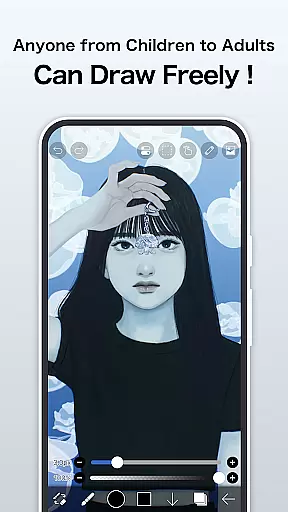
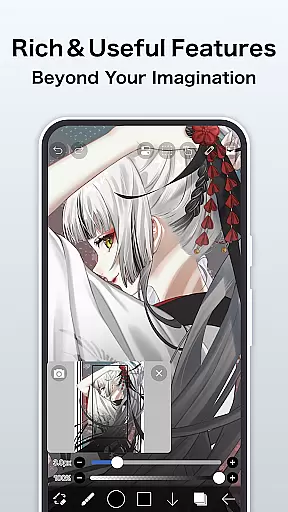
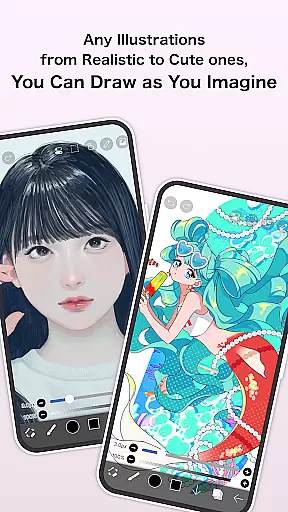
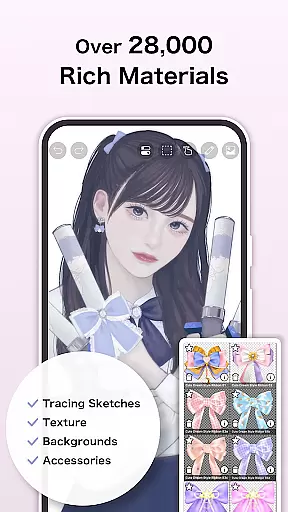
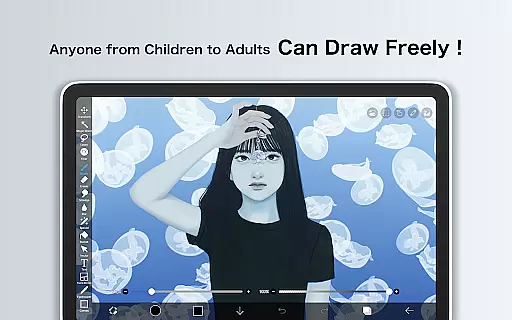
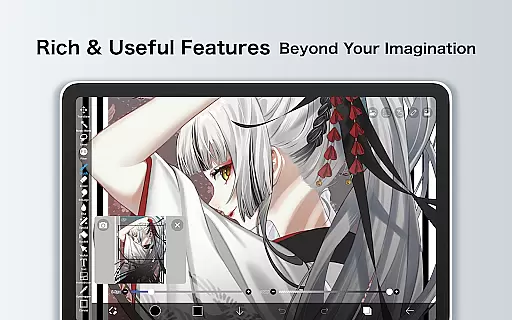
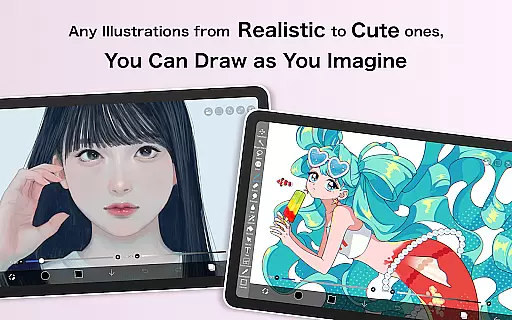
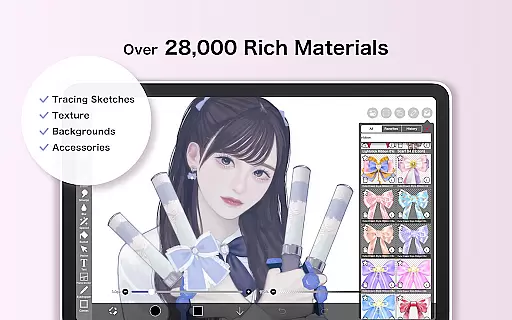
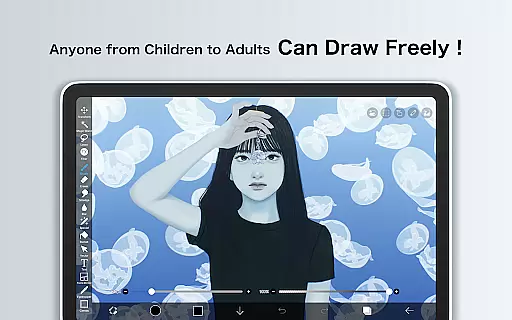
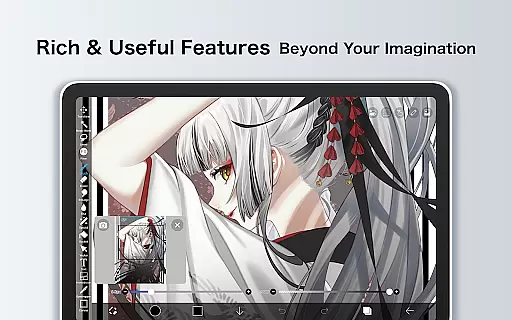
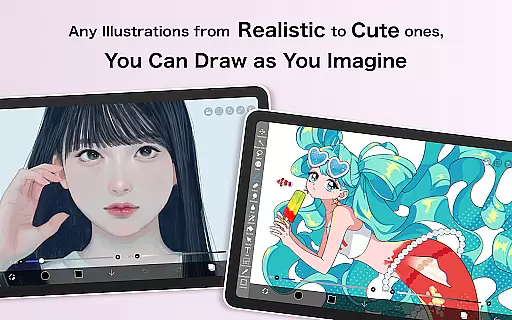
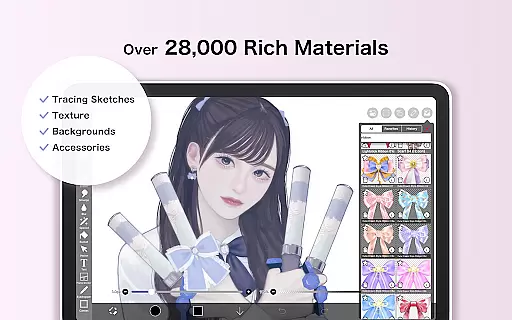
ibis Paint X stands as a premier drawing application, offering an extensive suite of professional-grade tools for artists and hobbyists alike. With over 460 million downloads, this app provides users with access to more than 47,000 brushes, 27,000 materials, and 2,100 fonts, alongside advanced features such as stroke stabilization, animation support, and AI Disturbance. The app's capabilities are further enhanced by its OpenGL technology, ensuring a smooth drawing experience at up to 60 fps.
Beyond its impressive toolset, ibis Paint X fosters a creative community through its social networking service (SNS) feature, allowing users to share and learn from others' drawing processes. Whether you're sketching, painting, or crafting manga, ibis Paint X caters to diverse artistic needs, making it suitable for both beginners and professionals seeking a versatile mobile art studio.
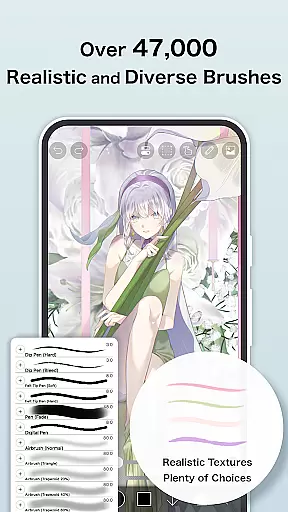
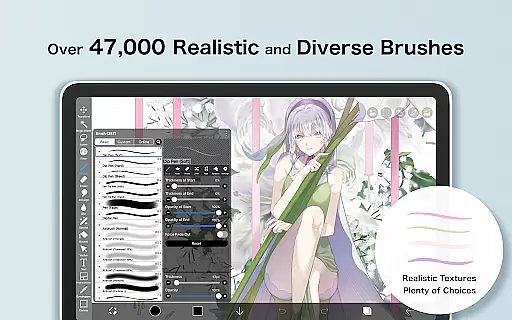
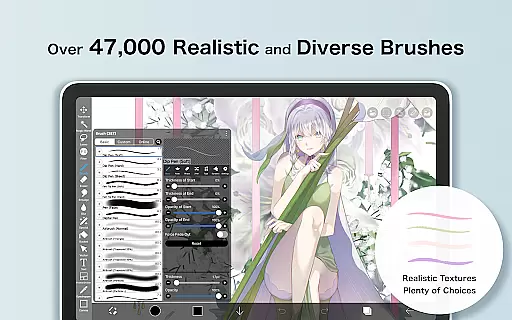
One of the standout aspects of ibis Paint X is its vast array of customization options. Users can choose from over 47,000 brushes, including dip pens, airbrushes, and oil brushes, each providing a unique texture and style. The layer functionality is equally robust, enabling unlimited layers with individual settings for opacity, blending modes, and more. This flexibility allows for intricate artwork composition and editing.
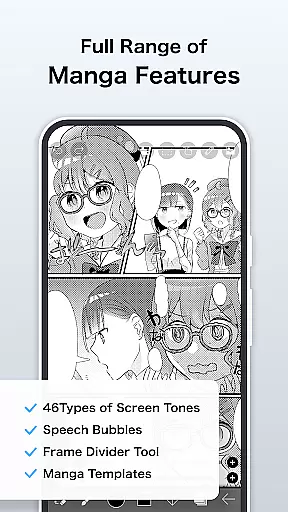
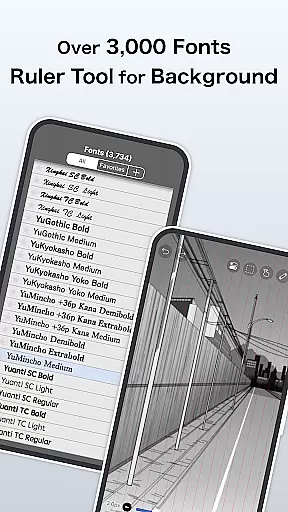
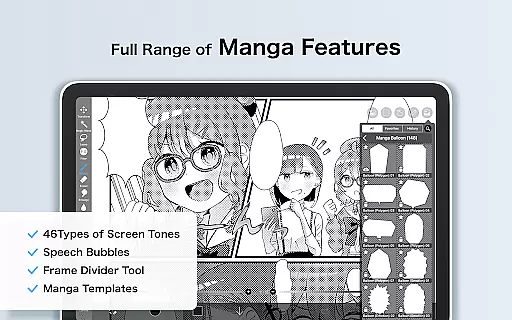
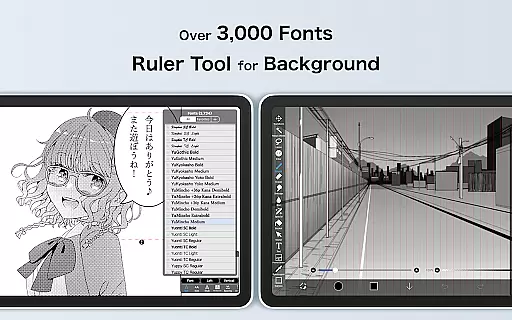
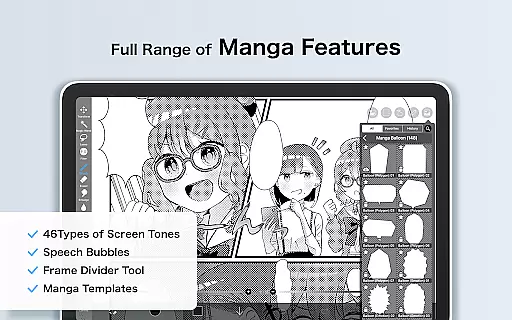
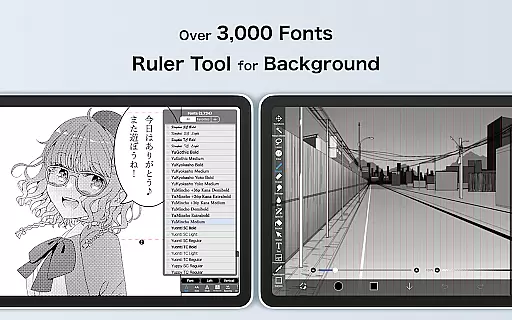
In addition to its drawing tools, ibis Paint X offers specialized features tailored for manga creation. The advanced text tool supports vertical and horizontal text alignment, font selection, and multi-text functions, while the screentones and blending modes add depth to illustrations. Furthermore, the app's recording feature captures the entire drawing process, which can be shared on the platform’s SNS or exported as videos, providing valuable learning resources and showcasing artistic skills.
In the realm of digital art, having a comprehensive set of creative tools is paramount. ibis Paint X stands out by offering over 47000 brushes, 27 blending modes, and specialized features like stroke stabilization and various rulers such as radial line and symmetry rulers. These tools cater to both amateur doodlers and professional artists, ensuring that every stroke can be executed with precision and style.
Moreover, the app provides an extensive range of layer features, allowing users to add unlimited layers and adjust parameters like opacity and blending effects. This flexibility in layer management enables complex compositions and detailed artwork creation, mimicking the experience found in professional desktop drawing applications but optimized for mobile use.
The inclusion of advanced manga features further enhances its appeal. With functions like vertical and horizontal text tools, font selection, and multiple text options, creators can seamlessly integrate text into their visuals. Such depth in features ensures that whether you're sketching, painting, or crafting manga, ibis Paint X delivers a complete creative toolkit right at your fingertips.
Flexibility in canvas and format options is crucial for artists who need to adapt their work across different mediums and sizes. ibis Paint X addresses this by providing versatile canvas settings, including custom dimensions and resolutions, which accommodate everything from quick sketches to high-resolution artworks ready for print.
Additionally, the app supports a variety of import and export formats, making it easy to integrate with other design software or share finished pieces online. Users can import images from their photo library and apply transformations such as horizontal and vertical inversions, rotations, and zoom adjustments without losing quality.
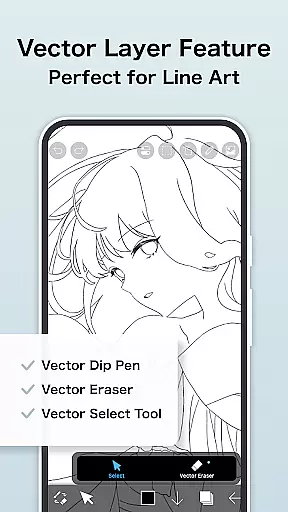
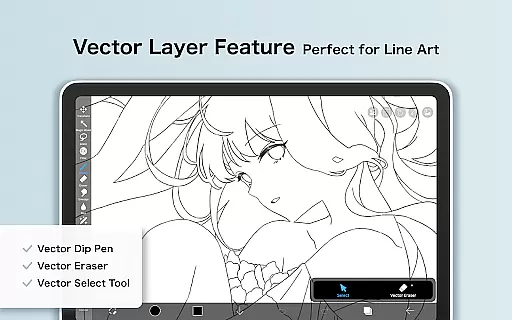
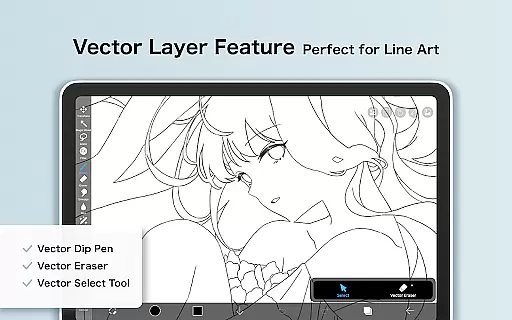
For those seeking even more advanced capabilities, the Prime Membership unlocks exclusive features like Vector tools and larger cloud storage capacity. These premium options not only enhance canvas manipulation possibilities but also streamline workflow efficiency, giving artists unparalleled control over their creations while maintaining exceptional output quality.
User-friendly interface
Extensive brush library
Advanced layer options
Professional manga tools
Vibrant artist community
Prime Membership required
Ads in free version
Steep learning curve
Occasional bugs
Limited offline features

The ultimate tool for creating animations
 4.60
4.60
Learn how to draw with step-by-step tutorials, fun lessons & multiplayer drawing
4.70
Image/ Text to Video Generator
4.40
Create neon drawing with magic doodle and fun doodle art effects!
4.50
Remove Background, Magic Eraser, Photo Enhancer, Story Templates, Collage Maker
4.30
Castle is social media for creating and playing games!
4.60
Draw anime easily with AR guidance, sketch templates & trace tools!
3.10
The perfect place to start sketching! Use Sketchbook to draw and paint sketches.
4.50
AR Anime Drawing: How to draw anime with AR drawing & sketching apps!
4.00
Passport size photo maker, create ID photo and visa photo in seconds
4.80
2D animation studio for Android tablets - unlimited layers, infinite timeline
4.70
Draw anime & manga drawing, art with templates to create stunning picture!
4.50
Just trace a projected picture on paper and color! Draw & Paint with AR drawing
4.40
Nano Banana AI Image Generator, Anime Filter, AI Portrait, AI Photo Generator
4.30
Powerful home decoration & house design that allows you to design dream home.
3.80
AI Face Swap, Video Effects Editor, Realtime Morph, Funny Video FX,AI Filters
3.70
Experience next-gen icons with a modern liquid glass look.
3.60
Art of Combination Wear OS Watch faces
4.4
Art of Combination Wear OS Watch Faces
4.1


User Reviews