
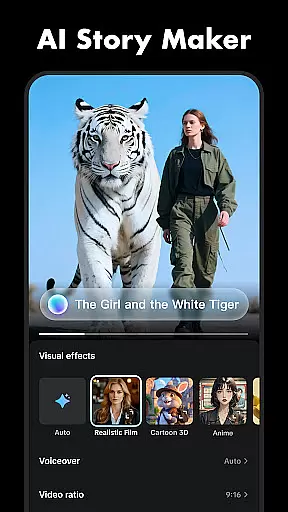
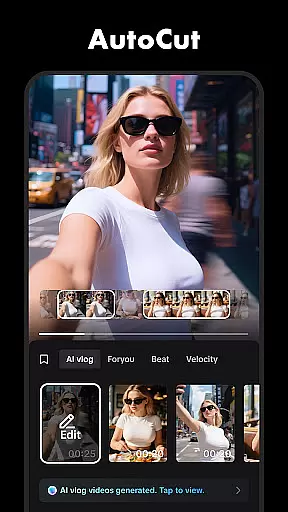
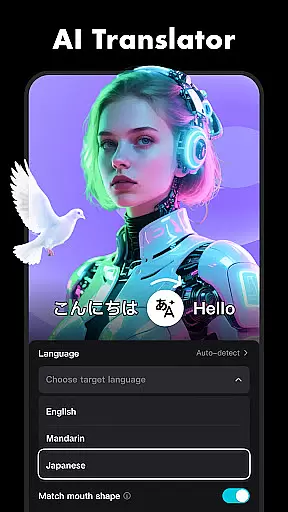




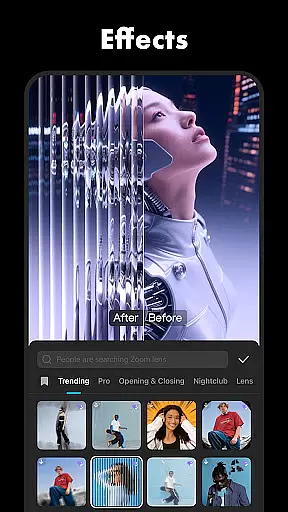
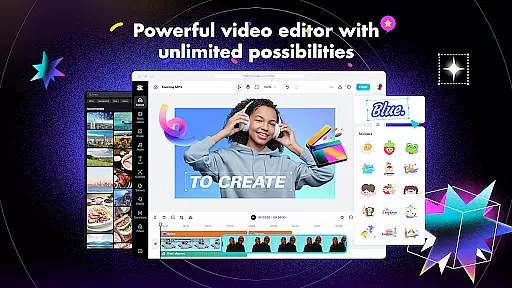
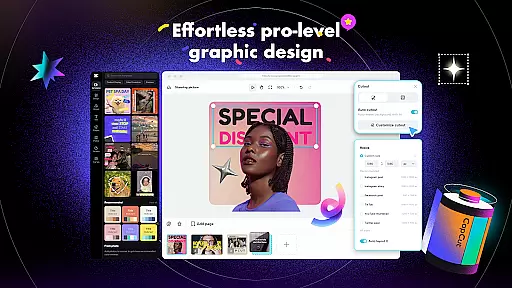
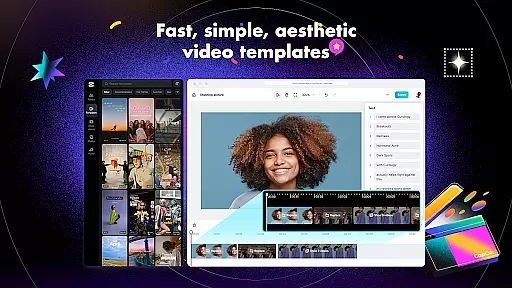
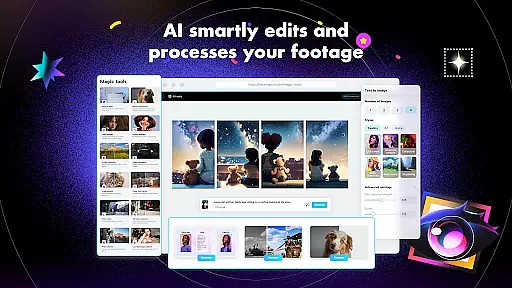
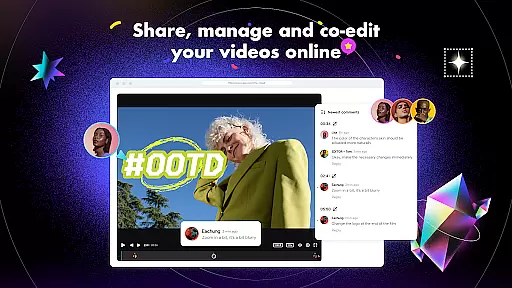
CapCut is a versatile video editing application that offers both basic and advanced tools for creating professional-quality videos. The app provides essential features such as trimming, splitting, and merging clips, along with more sophisticated options like keyframe animation and chroma key effects. With CapCut, users can adjust video speed, apply zoom effects, and use transitions to enhance their projects.
In addition to its core editing capabilities, CapCut includes intelligent features like auto captions, text-to-speech in multiple languages, and background removal. These tools help streamline the editing process while allowing creators to add unique touches to their videos. Whether you're a beginner looking to make simple edits or an experienced editor seeking advanced functionality, CapCut caters to all skill levels.
The app's value extends beyond just editing; it also supports sharing on popular social media platforms like TikTok, YouTube, and Instagram. By exporting videos in resolutions up to 4K at 60fps, CapCut ensures high-quality output suitable for various uses. Its combination of powerful features and user-friendly design makes it an ideal choice for anyone wanting to create engaging video content.
CapCut stands out with its comprehensive set of video editing features designed to cater to both novice and advanced users. At its core, the app provides fundamental tools for trimming, splitting, and merging video clips. Users can easily adjust playback speed from 0.1x to 100x, apply zoom effects, and utilize transition options to create smooth visual narratives. These basic functions are complemented by advanced features like keyframe animation, which allows precise control over every aspect of video movement and transformation.
One of CapCut's notable strengths lies in its specialized editing capabilities. The optical flow feature enables smooth slow-motion effects, while the chroma key tool facilitates green screen editing. Video stabilization helps produce professional-looking footage even from shaky recordings. Additionally, the multi-track timeline interface simplifies complex editing tasks, making it easier to arrange and preview multiple elements simultaneously.
Beyond traditional editing tools, CapCut incorporates intelligent features that enhance productivity. Automatic speech recognition generates accurate subtitles through the auto captions function. The text-to-speech capability supports multiple languages and voices, expanding creative possibilities. Background removal technology automates the process of isolating subjects from their backgrounds. These innovative features, combined with extensive libraries of fonts, stickers, effects, filters, music, and sound effects, provide users with everything needed to create visually stunning and engaging video content.
CapCut stands out with its exceptional video format compatibility, ensuring that users can work with a wide range of video files without the hassle of conversion. This feature is crucial for a seamless editing experience as it saves time and preserves video quality.
The application supports various popular formats, allowing creators to import footage from different devices effortlessly. Whether your clips come from a professional camera, smartphone, or drone, CapCut provides the flexibility needed to start editing right away.
Moreover, this compatibility extends to exporting projects. Users can customize export settings, choosing from resolutions up to 4K at 60fps, which ensures their final products meet the highest standards for social media platforms and beyond.
This versatility in handling multiple formats makes CapCut an indispensable tool for both beginners and advanced editors who require reliable performance across diverse multimedia projects.
CapCut harnesses the power of AI to offer cutting-edge editing features that simplify complex tasks. These intelligent tools are designed to enhance creativity while reducing the time and effort required for video production.
One standout feature is auto captions, which uses speech recognition technology to generate accurate subtitles automatically. This not only improves accessibility but also engages viewers who prefer watching videos without sound. Additionally, CapCut's text-to-speech functionality supports multiple languages and voices, enabling dynamic narration options.
The app also includes motion tracking and background removal powered by AI algorithms. Motion tracking allows objects or people to be followed throughout a clip, adding engaging visual effects easily. Background removal simplifies creating green screen content, letting creators replace backgrounds seamlessly.
These AI-driven capabilities ensure that even those new to video editing can produce professional-looking results efficiently, making CapCut an ideal choice for modern content creators.
User-friendly interface
Advanced editing tools
Intelligent auto features
Extensive effect library
High-quality export options
Limited offline functionality
Occasional performance issues
Watermark on free version
Subscription required for premium features
Learning curve for advanced tools

Save photos and videos from social apps in one tap.
 3.60
3.60
Full HD Video mp3 Player, MP4 player play 1080p, File manager, Video Downloader
4.40
Capture images & record videos for USB Camera, Webcam, Microscopes, Endoscopes
3.80
AirMirror is Receiver for Screen Mirroring and Casting from Apple Devices.
3.60
AirMirror Receiver - Screen mirroring/cast web videos to Android TV by AirPlay.
4.40
Browser for Sony TV to stream web videos, online movies and live tv
3.20
Browser for Samsung TV to stream webvideos, online movies and livestreams in HD
4.10
Browser for Fire TV to stream webvideos, online movies, livestreams in HD
4.40
Video player with 4K & 1080P support, popup play, background play and subtitle.
4.20
Tik & Story Saver-Download ALL social media videos, photos & reels no watermark.
4.80
Seamlessly connect and control your smart devices, anytime, anywhere with ease.
4.60
Fast & easy HD video downloader for all formats, support 4K playback & download.
4.60
Cast movies, tv shows and live streams to Chromecast, Roku, DLNA, Fire TV & more
4.60
KineMaster, Your Ultimate Video Editor!
4.40
1)AirPlay/DLNA Mirroring/Streaming, up to 4 connections; 2)Samba/NAS/DMS Player.
4.00
HD video & music player - All format support with floating & PIP mode!
3.80
Manage your IPTV live channels and VOD playlists (no playlist included)
3.80
All in one multi protocols stream receiver for AirPlay, Cast and DLNA.
3.60
Connect EasyCap or UVC devices for recording and broadcast video/audio stream
3.60


User Reviews