
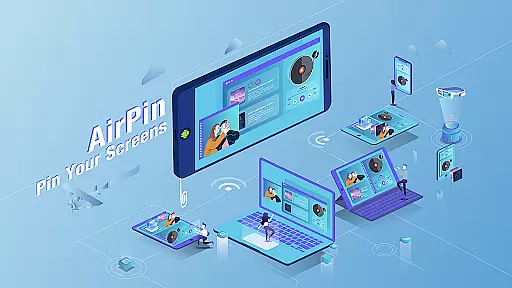

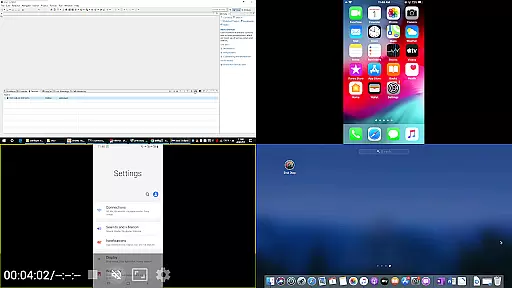
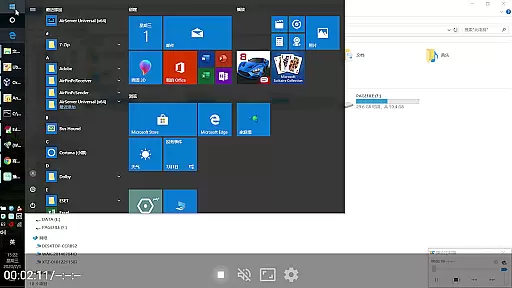

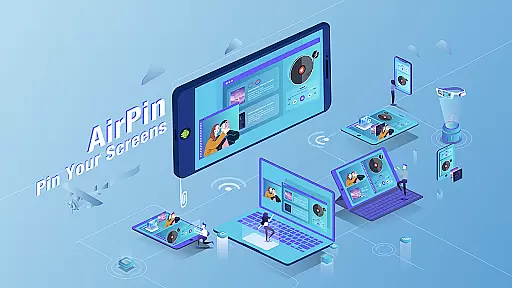

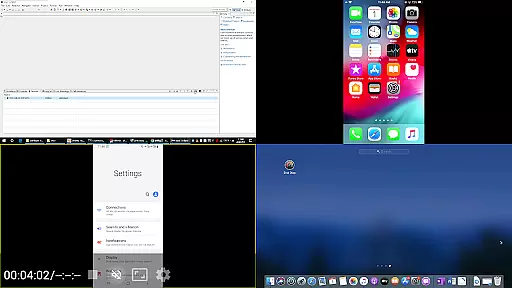

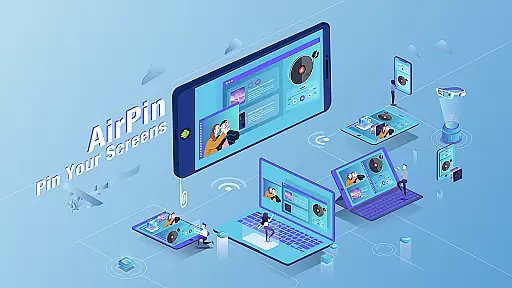

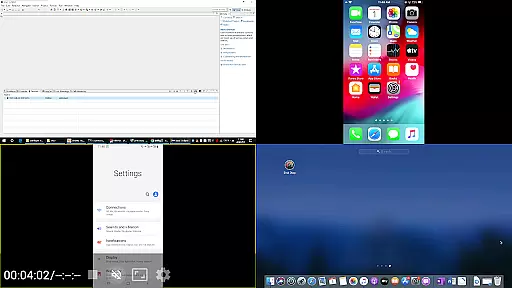
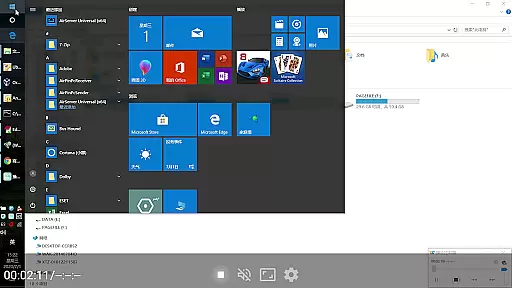

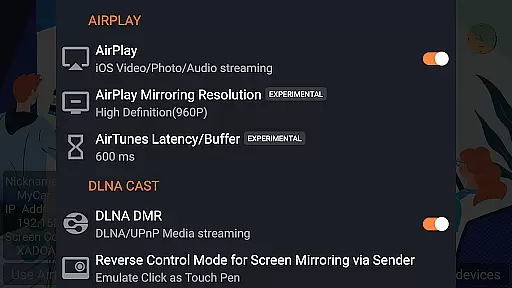

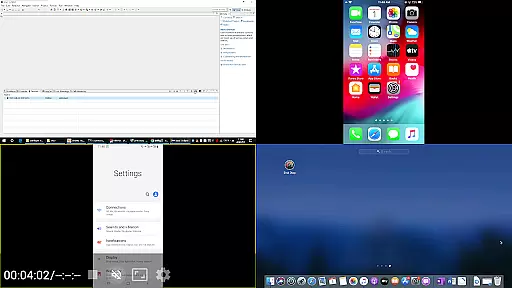
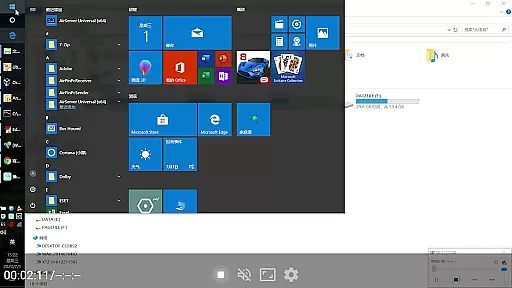

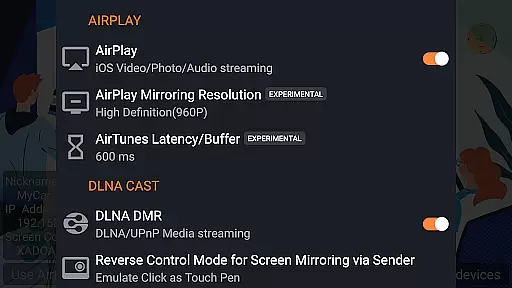
AirPin PRO is a cutting-edge screen mirroring and media streaming receiver app designed for Android phones, tablets, TVs, set-top boxes, and projectors. As the first Android application to support both AirPlay and DLNA protocols since its initial release in July 2012, it enables seamless sharing of media and screens from Apple, Windows, and Android devices onto larger displays. The PRO version stands out by allowing simultaneous display of up to four device screens, enhancing collaborative and entertainment experiences.
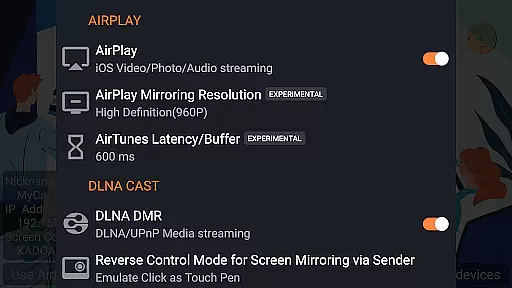
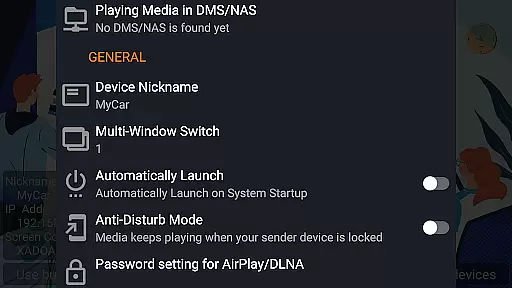
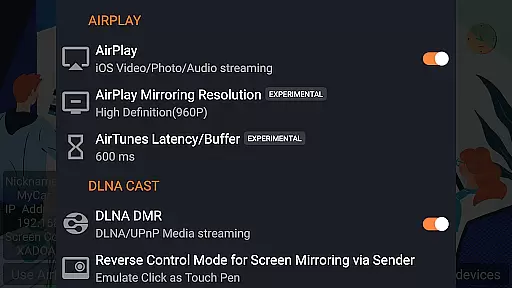
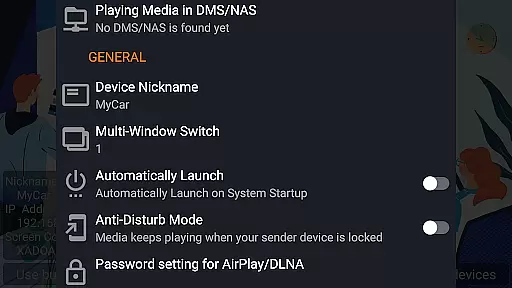
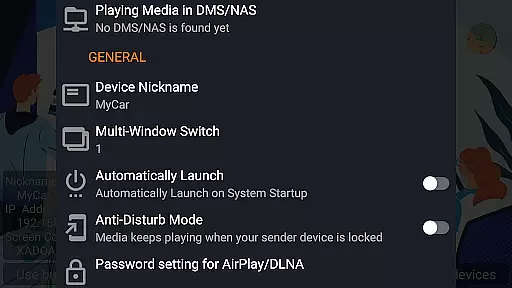
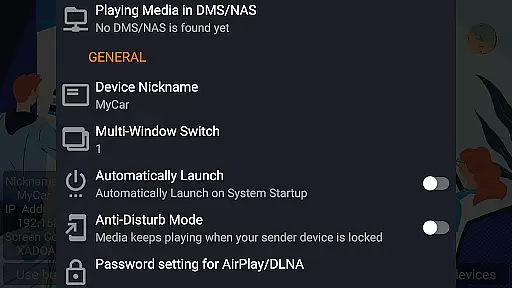
With features like AirPlay video/music streaming, screen mirroring across all iOS/MacOS versions, and unique capabilities such as the latest YouTube AirPlay streaming and slideshow for AirPlay photo streaming, AirPin PRO offers versatile solutions for users. It also supports DLNA, UPnP, and functions as the only app supporting both Renderer and Player for Android-based TVs. Whether you're streaming from a PC or an Android device, AirPin PRO ensures smooth, high-quality transmission with advanced options like password protection and anti-disturb mode.
AirPin PRO boasts an impressive array of features that cater to diverse user needs. One standout capability is its support for displaying multiple device screens simultaneously—up to four at once—making it ideal for presentations, gaming, or group entertainment. This functionality is complemented by comprehensive protocol support, including AirPlay, DLNA, and UPnP, ensuring compatibility with a wide range of devices and ecosystems.
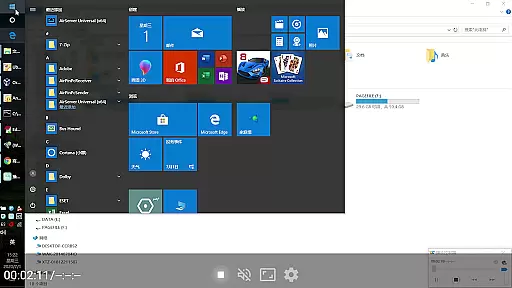
The app's innovative functionalities extend to being the first to support key advancements such as the latest YouTube AirPlay streaming, slideshow for AirPlay photo streaming, and AirPlay password protection. Additionally, it serves as the only solution that supports both Renderer and Player modes for Android-based TVs, enabling direct pulling of media from DLNA/NAS/Samba servers. With tools like Windows streaming via AirPinPcSender.exe, Android mirroring through AirPinCast, and configurable automatic startup options, AirPin PRO delivers a robust, customizable experience tailored to modern digital environments.
One of the key features of AirPin PRO is its extensive video format compatibility, ensuring users can stream a wide variety of media without worrying about format support. This app supports both AirPlay and DLNA protocols, making it versatile for different operating systems and devices.
The application allows you to share videos from Apple, Windows, and Android devices seamlessly onto larger screens. Whether you're using an iPhone, iPad, MacBook, or PC, AirPin PRO facilitates smooth video streaming directly to your Android-based TV or projector.
For users with specific needs, such as streaming from DLNA/NAS/Samba servers, this app provides direct media pulling capabilities. This means that regardless of where your media files are stored, AirPin PRO can access and play them without any hassle.
AirPin PRO offers AI-powered editing features that enhance user experience by simplifying complex tasks. Although primarily a screen mirroring and media streaming receiver app, it incorporates intelligent functionalities that aid in optimizing media playback.
Among its innovative features is the ability to continue playing media from its previous pause point. This smart function recognizes where you left off and resumes playback, providing a seamless viewing experience across different devices.
Additionally, AirPin PRO includes anti-disturb modes which ensure uninterrupted video streaming even if the controlling device disconnects. Such advanced features highlight the app's commitment to delivering a sophisticated yet user-friendly interface.
Multi-screen display
Advanced AirPlay support
DLNA and UPnP compatibility
Innovative streaming features
Customizable settings
Premium pricing
Device compatibility issues
Requires additional software
Complex setup process
Limited free version

Cast Videos from Web Browser, IPTV to Roku, Chromecast, DLNA, Smart TV +more
 4.60
4.60
Watch full episodes of your favorite Cartoon Network and Cartoonito shows!
3.50
Tik & Story Saver-Download ALL social media videos, photos & reels no watermark.
4.80
Add date and time watermark to photos and videos
4.50
LumaFusion: The Ultimate Storytelling Experience for Video Editing
4.10
Web Browser for LG TV to stream webvideos, online movies and livestreams in HD
4.20
Download Hub, easy and private way to download and enjoy your videos offline
4.80
Fast private browser with secure, seamless access & supported video downloads!
4.00
Enjoy your favorite videos and channels with the official YouTube app.
3.90
Play ALL formats in 4K & HD. Video downloader, MP3 player, Chromecast & more.
4.80
#1 Torrent App on Android ** No Ads Ever + Battery Saver **
4.80
Snaptubè Video Downloader app allows to download videos and music in Snaptube. .
4.60
IPTV Loader, loads your own Playlist. DOES NOT CONTAIN ANY LIST OR CHANNELS
4.60
Watch IPTV on your Android device
4.60
Download website videos fast&privacy
4.40
Create & edit videos with AI
4.30
Online Videos Player
3.90
All in one multi protocols stream receiver for AirPlay, Cast and DLNA.
3.60
Video player with powerful streaming playback and various convenient features.
2.10


User Reviews