
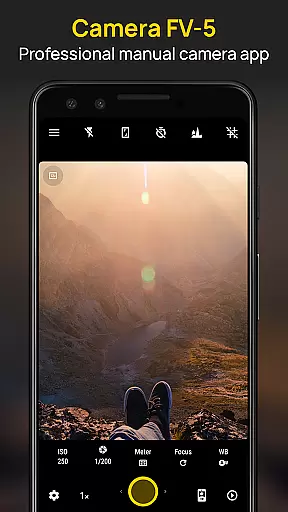
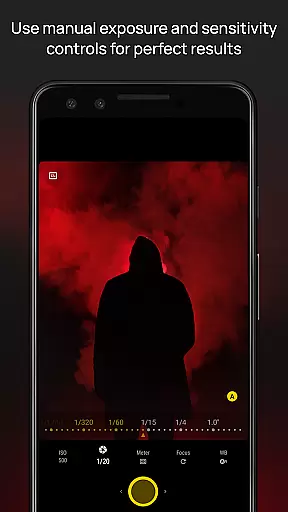
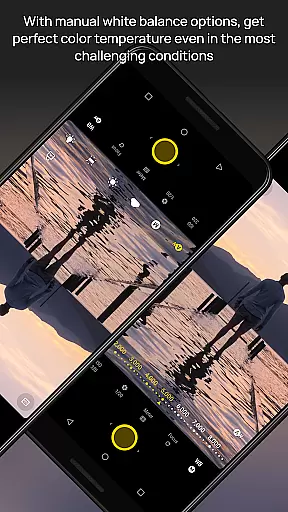
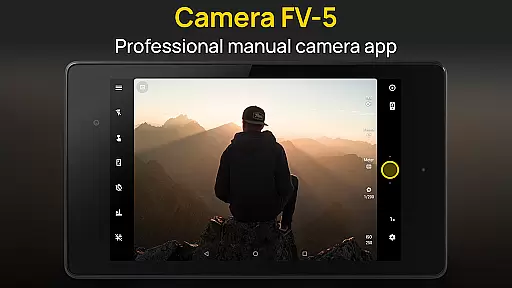
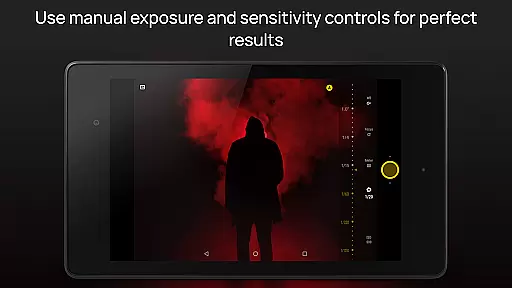
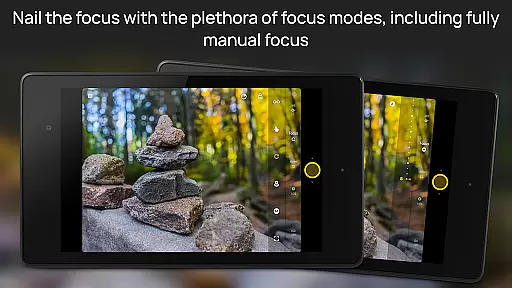
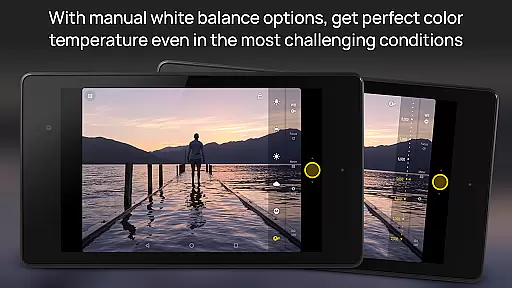
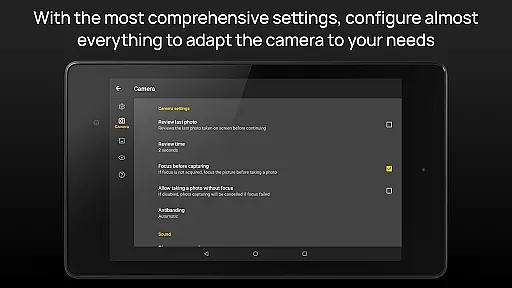
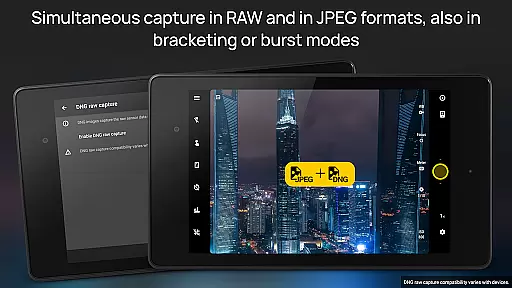
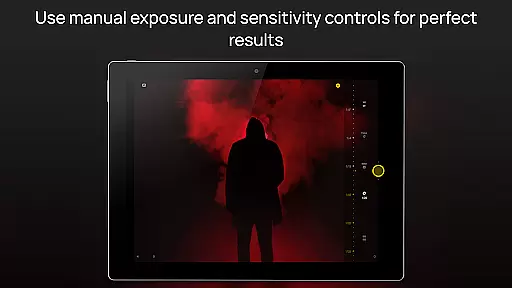
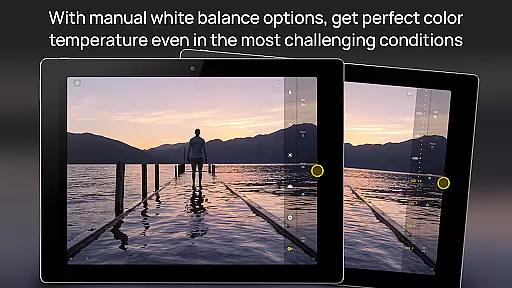
Camera FV-5 is a professional-grade camera application designed for photography enthusiasts and professionals alike. This app offers DSLR-like manual controls, allowing users to adjust all photographic parameters such as exposure compensation, ISO, light metering mode, focus mode, white balance, and program mode directly from their mobile devices. With its advanced features, Camera FV-5 enables users to capture high-quality raw photographs in DNG format, perfect for post-processing and achieving stunning results.
The app includes a DSLR-like viewfinder display, full-fledged exposure bracketing, built-in intervalometer for timelapses, and supports various photo formats including JPEG, true 16-bit RAW, and lossless PNG. It also provides manual shutter speed control, autofocus with lock feature, autoexposure and auto white balance locks, and an advanced electronic viewfinder with live RGB histogram. These features make it ideal for capturing detailed images and creative compositions, whether you're shooting landscapes, portraits, or night scenes.
Camera FV-5 is particularly useful for photographers who want to have complete control over their mobile photography. The ability to manually adjust settings ensures that users can capture the best possible images under any condition. Whether you're an amateur looking to improve your skills or a professional needing a reliable backup camera, Camera FV-5 offers the tools necessary to unleash your creativity and achieve exceptional photographic outcomes.
Camera FV-5 stands out with its extensive range of features tailored for professional photographers. One of its key features is the ability to manually control all photographic parameters, including exposure compensation, ISO, light metering mode, focus mode, white balance, and program mode. This level of control allows users to fine-tune their settings for optimal image quality, similar to using a DSLR camera. Additionally, the app's DSLR-like viewfinder display provides real-time information on exposure time, aperture, and stops, along with EV and bracketing settings, enhancing the user's ability to make precise adjustments.
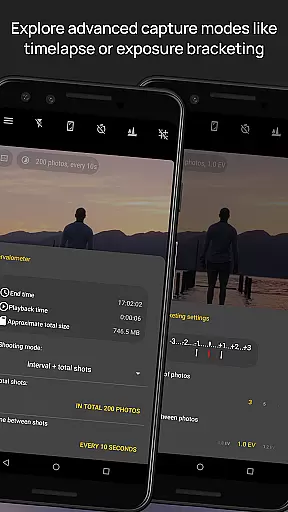
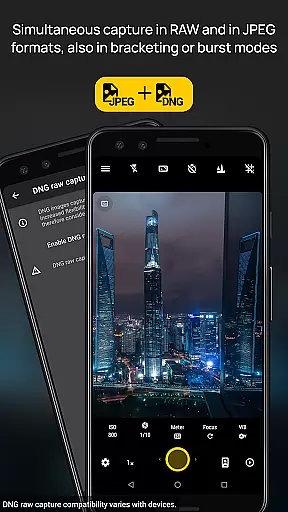
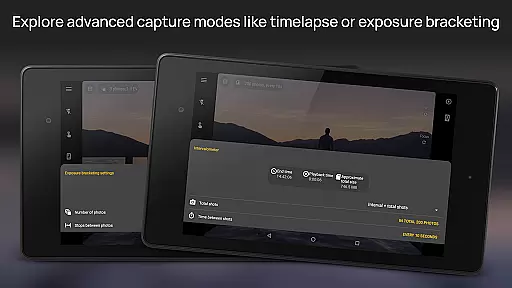
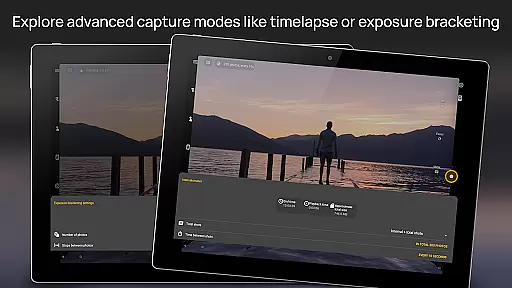
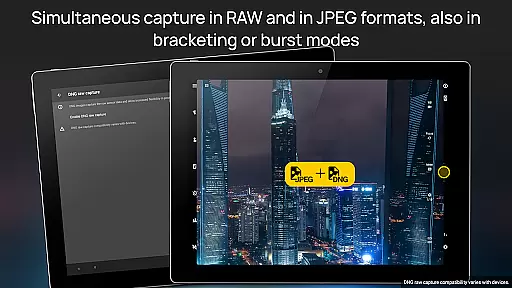
Another standout feature is the full-fledged exposure bracketing, which supports 3 to 7 frames with unlimited stop spacing and custom EV shifting. This is complemented by a built-in intervalometer for creating stunning timelapses, including bracketed and HDR timelapses. The app also supports long exposure times up to 30 seconds, making it perfect for capturing night scenes and light trails. Furthermore, Camera FV-5 offers multiple photo formats, including JPEG, true 16-bit RAW in DNG format, and lossless PNG, providing flexibility for post-processing needs.
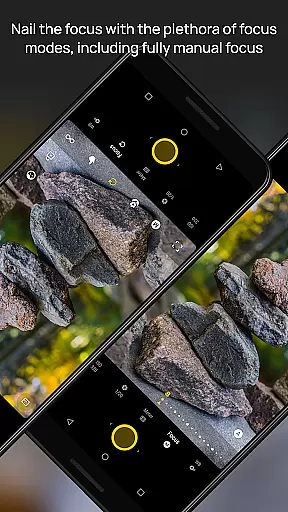
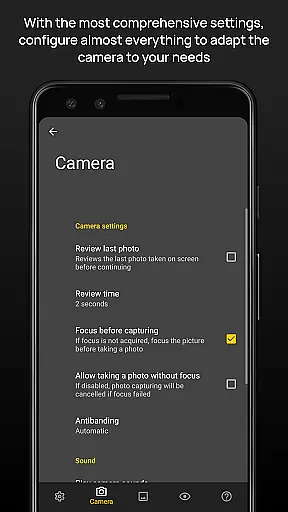
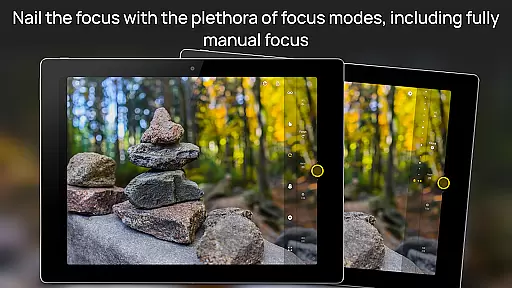
Additional features include manual shutter speed control, assignable camera functions to volume keys, EXIF and XMP sidecar metadata support, and various focus modes like autofocus, macro, touch-to-focus, and true manual focus. The app also boasts an advanced electronic viewfinder with live RGB histogram, composition grid overlays, and crop guides. These features collectively ensure that users have the tools they need to capture high-quality images and explore their creativity without limitations.
Real-time capture and preview functionality is essential for photographers who need precise control over their shots. Camera FV-5 excels in this area by providing a DSLR-like viewfinder display. This feature allows users to see critical photographic parameters such as exposure time, aperture, and stops with EV and bracketing settings in real-time.
The application supports full exposure bracketing, ranging from 3 to 7 frames with unlimited stop spacing and custom EV shifting. This ensures that photographers can experiment with different exposures and choose the best one for their needs. Additionally, the built-in intervalometer enables the creation of stunning timelapses and time-controlled picture series, further enhancing creative possibilities.
With manual shutter speed options ranging from 1/80000 to 2 seconds or the available range on the device, users have extensive control over their photography. The electronic viewfinder offers advanced tools like live RGB histograms, composition grid overlays, and crop guides, making it easier to frame and capture perfect shots every time.
While Camera FV-5 focuses primarily on professional-grade manual controls, it also incorporates AI beauty and enhancement features that ensure natural-looking results. These enhancements are subtle and aim to preserve the authenticity of the original image while improving overall quality.
The app provides post-processing capabilities through its support for true 16-bit RAW in DNG format and lossless PNG photo capturing formats. This allows photographers to make detailed adjustments without losing image quality. The inclusion of EXIF and XMP sidecar metadata support ensures that all processing steps are accurately recorded, maintaining transparency and aiding in further editing.
Additionally, the app's advanced autofocus modes, including macro, touch-to-focus, and true manual focus, contribute to capturing sharp and clear images. The autoexposure and auto white balance locks available in Android 4.0+ help maintain consistent settings throughout a photoshoot, ensuring that enhancements are applied uniformly across all images.
DSLR-like controls
RAW photo support
Advanced viewfinder
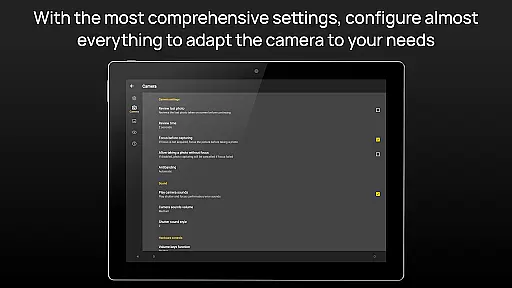
Customizable settings
Professional features
Complex for beginners
High battery usage
Limited device support
No automatic mode
Requires learning

Photo Album Watch Face shows your favorite pictures as a Watchface.
 1.90
1.90
How would you look like with a differently shaped nose, chin or lips?
3.90
An interval timer to automate photo taking process for timelapse
2.90
What celebrity do you look like? Celebs will find your celebrity match!
4.10
Natural Beauty, Selfie Retouch
4.30
Photo prints, cards, & gifts at Walgreens. Easy ordering & fast local pickup !
4.80
Raw Image Viewer. Gallery with support of raw images (.cr3, .cr2, .nef, .raf).
2.00
Future baby face generator: AI kids generator, kid face! What my baby look like?
4.40
Collage your moments in one tap: 1000+ layouts, filters, stickers, and texts.
4.90
Photo editor: AI filters, photo enhancer, pic collage maker, AI art generator.
4.80
PhotoSync Bundle Add-On License. Enables all features and services in PhotoSync.
4.60
Safe & smart flight with Go Fly drone controller for 40+ drone camera, zone map
4.50
Edit like a pro with Hypic. Apply filters, AI effects, & magic touch.
4.40
AI portrait generator and polaroid AI selfie, fun AI generated AI photo creator!
4.30
A light meter for true photographers.
4.20
Professional quality photo edits with the new Snapseed.
4.00
USB Storage Access for Photos, Videos, Music and Documents
3.80
GCamera allows all GCam features on all phone models! Better photos with GCamera
3.30
Long exposure camera with computational photography
2.60


User Reviews