
USB Media Explorer (UME) is a versatile photography app designed to help users manage and view multimedia content directly from USB storage devices. The app supports photos in Jpeg and Raw formats, video streaming, music playback, and document viewing. With specialized screens for different media types, users can easily navigate through their files without needing to import them first. This makes it an ideal tool for photographers and content creators who need quick access to their work while on the go.
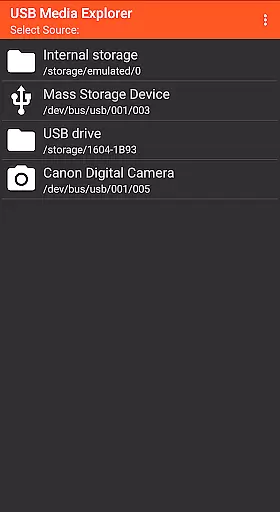
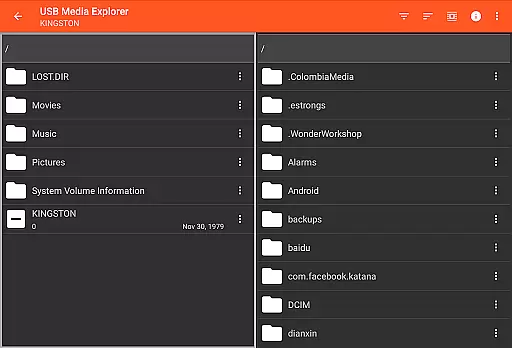
The app's compatibility extends to various devices including flash drives, card readers, hard drives, cameras, other Android devices, MTP/UMS audio players, and select DVD drives. However, some devices may require additional hardware like a microUSB OTG cable or powered USB hub. By supporting both common and specialized file formats, USB Media Explorer ensures that users can handle diverse media files efficiently, making it a valuable asset for anyone working with digital media.
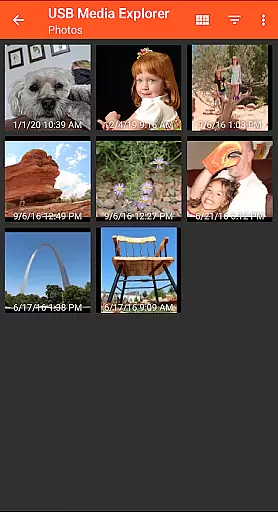
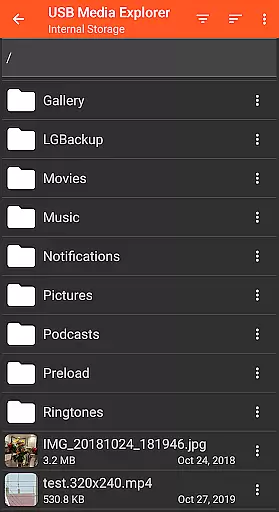
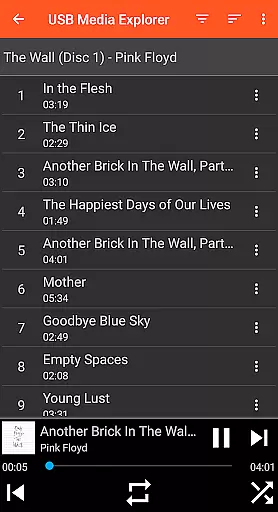
USB Media Explorer offers a comprehensive set of features tailored for managing multimedia files. Users can copy files to and from USB devices, stream videos, listen to music, and view documents seamlessly. The app includes specialized interfaces for photos, videos, music, documents, and general file management, ensuring an intuitive user experience. Its ability to display full-size photos and videos without importing them sets it apart from other similar applications.
One notable feature is its broad device compatibility, accommodating flash drives, card readers, hard drives, cameras, and even other Android devices in MTP/File Transfer Mode. While most functions are natively supported by Android, certain video and audio formats might need third-party players like VLC. Additionally, the app provides support for specific use cases such as accessing files on powered USB hubs or compatible DVD drives, enhancing its utility across different scenarios.
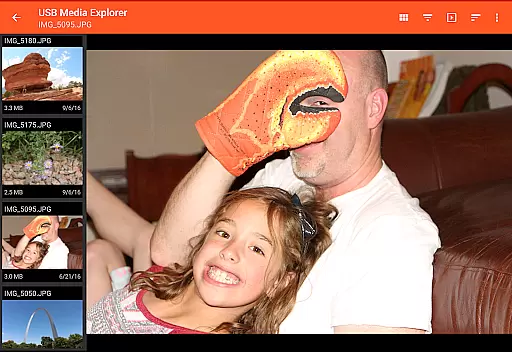
USB Media Explorer offers a unique real-time capture and preview feature that allows users to view photos and stream videos directly from USB storage devices without the need for importing. This functionality is crucial for photographers and videographers who require immediate access to their media files.
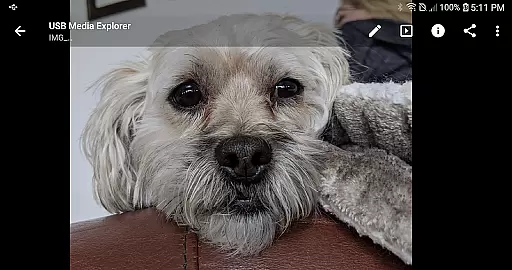
The application supports both Jpeg and Raw photo formats, ensuring that professionals can work with high-quality images directly from their cameras or storage devices. The ability to view full-size photos and videos on the go enhances workflow efficiency and enables quick decision-making in the field.
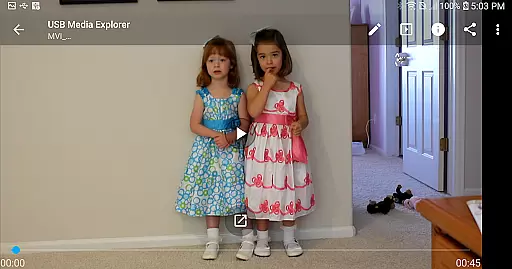
For video content, while Android natively supports many formats, some such as AVI, Dolby, DTS, and WMV might require third-party players like VLC. Despite this, USB Media Explorer's seamless integration with various file types ensures that users can manage and preview their media with minimal hassle.
While USB Media Explorer does not focus heavily on AI beauty enhancements, it provides essential tools for managing and viewing media files which indirectly support natural enhancement workflows. Users can copy files to and from USB devices, allowing them to back up original files before applying any editing processes.
The specialized screens for photos, videos, music, documents, and file management ensure that users have a streamlined experience when handling different types of media. This organization facilitates a more natural approach to media enhancement by keeping the workspace clutter-free and efficient.
Moreover, the app's compatibility with various storage devices including flash drives, card readers, hard drives, and cameras means that users can maintain a consistent and natural enhancement process across multiple platforms. By supporting a wide range of devices, USB Media Explorer empowers users to focus on enhancing their media naturally without being constrained by technical limitations.
User-friendly interface
Wide device compatibility
Efficient file management
Supports diverse media formats
Direct file viewing capability
Limited native format support
Requires additional hardware
No live image device support
Proprietary protocol limitations
Commercial DVD restrictions

AI portrait generator and polaroid AI selfie, fun AI generated AI photo creator!
 4.30
4.30
How would you look like with a differently shaped nose, chin or lips?
3.90
All-in-One Editor & AI Photo Enhancer, Beautify & Retouch, Collage, Cartoonify
4.20
Perfect photos with body shaping, BG changer and object remover.
3.70
Find time and duration of different sunlight phases at any location
4.90
Take videos and pictures with the popular TikTok TIME WARP SCAN filter.
4.60
Create amazing frames with up to five photos. Rounded corners, effects and more!
3.60
Discover & download millions of art for The Frame TV or Hisense CanvasTV
4.60
Try an anime version, cartoon yourself, and generate AI hug or aging videos!
3.70
Perfect body tune & face app - photo retouch, makeup, slim body & beautify face.
4.80
Amazing Photo Effects - The most fun you can have with your photos!
4.70
See your baby AI baby face generator AI baby maker Face generator babymaker fun!
4.70
Easily view, share, delete photos with Gallery.
4.70
Viewfinder, Light meter, Reciprocity failure time, DOF & Bellows Extension
4.60
Easily create custom gifts, cards, photo books & more on the Shutterfly app!
4.60
Add Watermark - Sign your pictures with a text or logo. Effective, quick, easy!
4.50
Trendy TikTok time warp scan funny filter app brings you unique photos & videos.
4.40
live datamoshing
4.00
Turn photos into cartoons & avatars! - Photo Editor, Cartoon Face!
3.90


User Reviews