
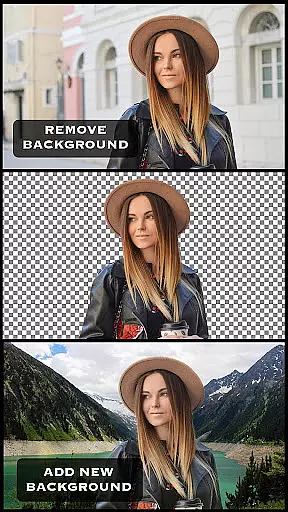
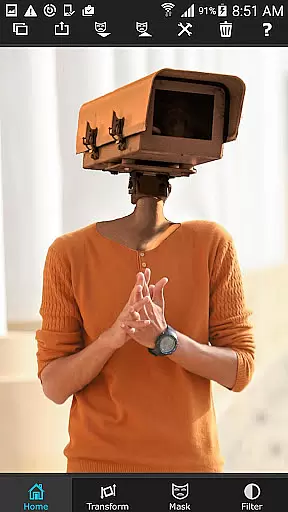
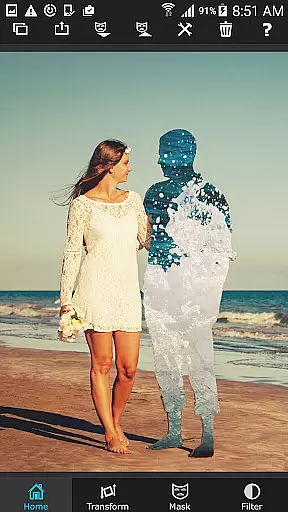
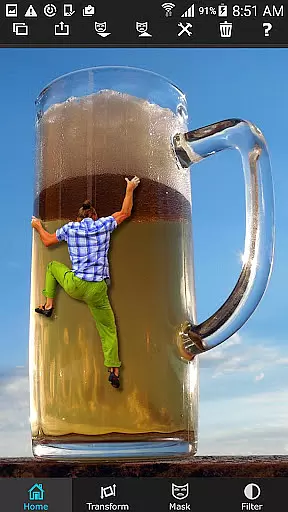
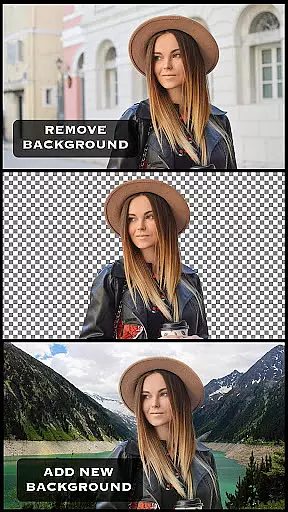
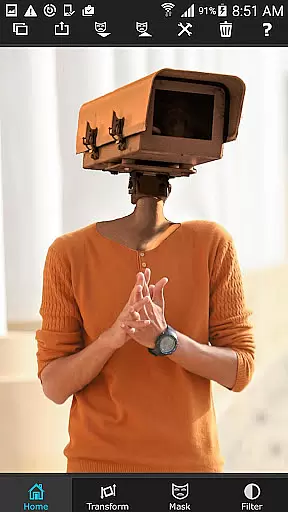
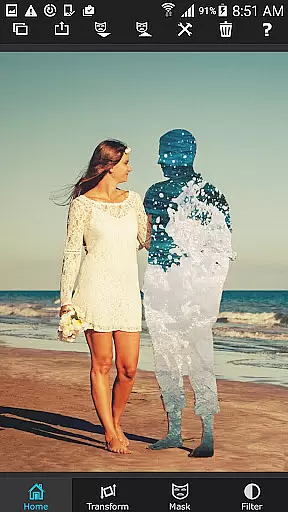
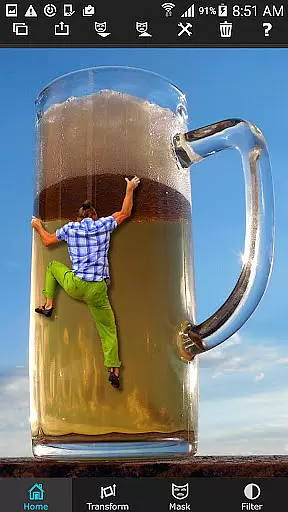
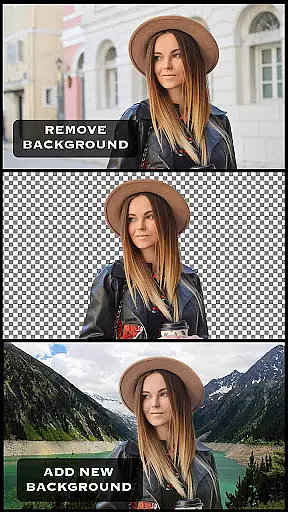
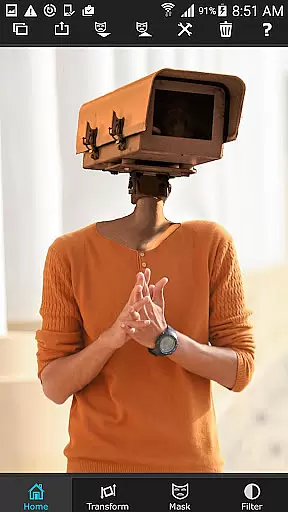
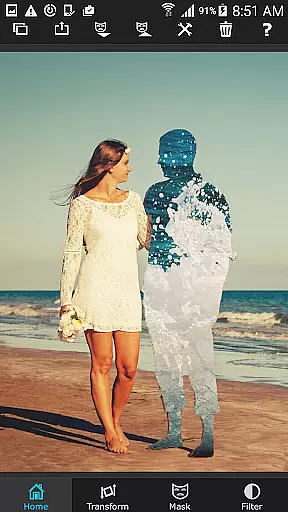
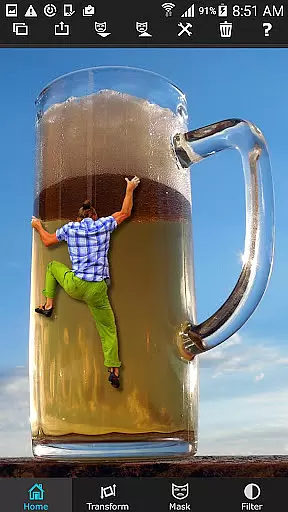
Superimpose is a powerful mobile application designed for photography enthusiasts who want to create professional-grade superimposed or juxtaposed images directly on their iPhone. With just a few taps, users can seamlessly blend two photos together without the need for a computer or expensive software.
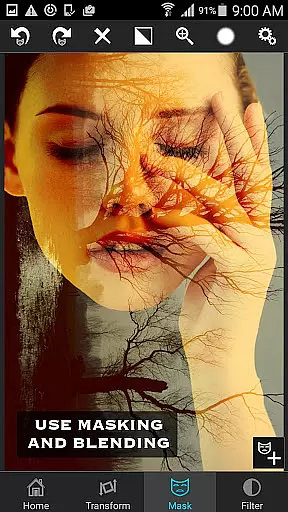
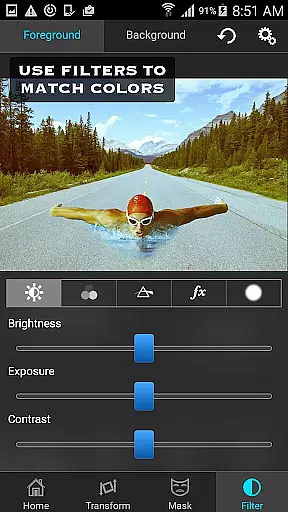
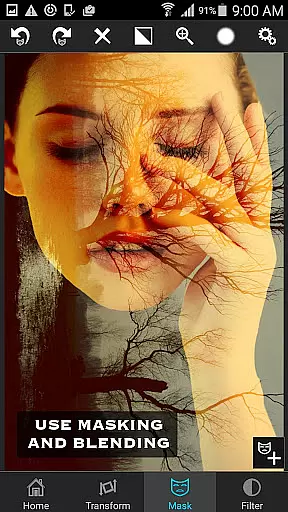
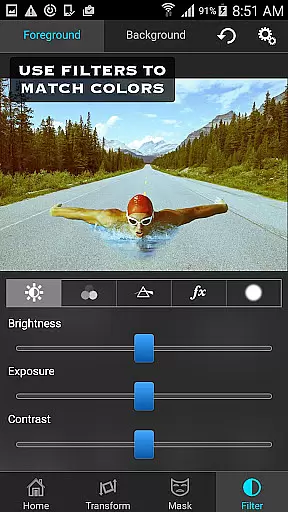
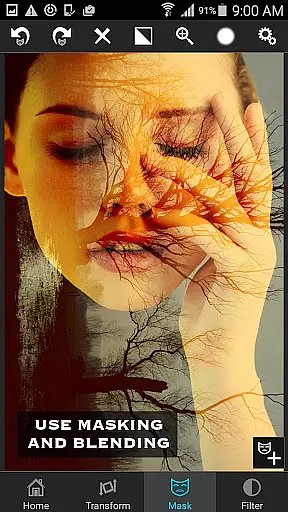
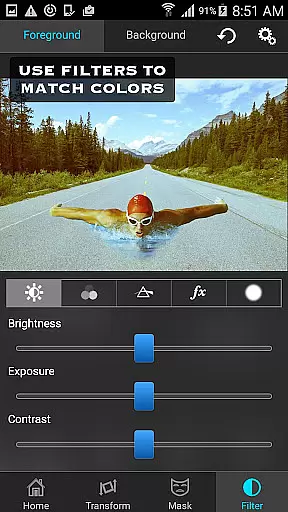
The app offers an extensive range of masking tools that allow you to remove unwanted portions of the foreground image and smoothen edges with precision. You can also adjust colors, exposure, contrast, hue, and saturation to perfectly match both images in terms of color. Whether you're looking to create artistic double exposures or overlay textures and borders, Superimpose provides all the necessary tools to achieve stunning results.
This app is perfect for photographers and creatives who want to experiment with photo editing on-the-go. Its intuitive interface and robust features make it an essential tool for anyone interested in unleashing their creativity through digital photography.
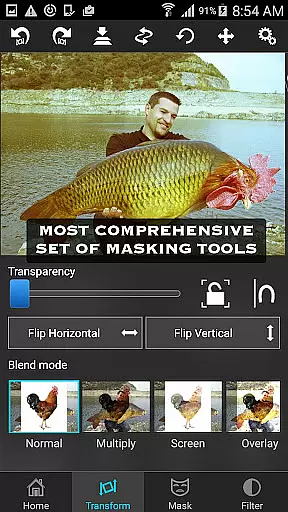
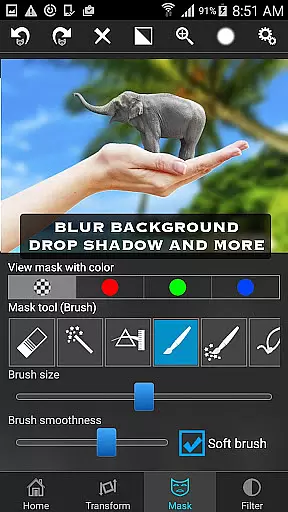
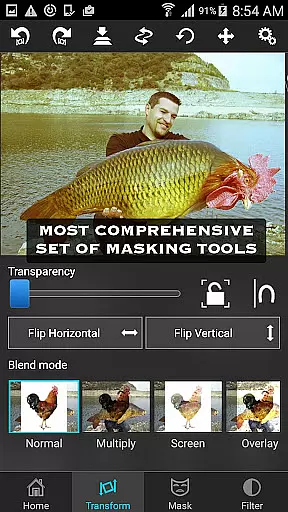
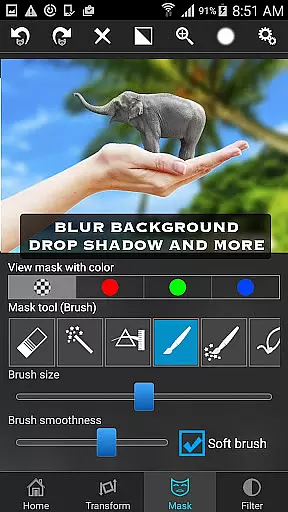
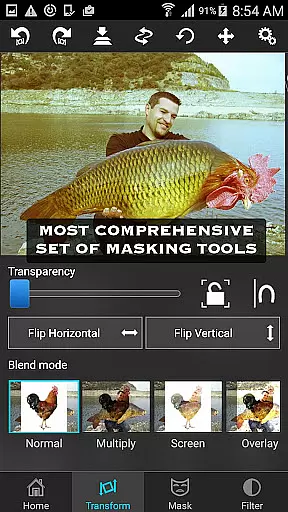
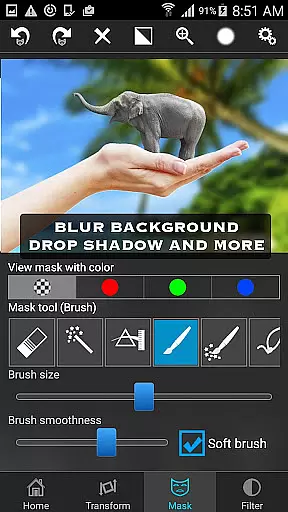
Superimpose stands out with its comprehensive suite of photo editing features tailored for both amateur and professional photographers. The app includes a wide array of masking tools such as brush, lasso, global color similarity, rectangle, ellipse, linear, bi-linear, and radial gradient masking. These tools enable users to precisely cut out and manipulate specific areas of an image.
In addition to masking capabilities, Superimpose allows users to move, scale, resize, rotate, and flip the foreground image to place it accurately on the background. Fine-tuning options like adjusting colors, exposure, contrast, hue, and saturation ensure that both images blend seamlessly. The app also supports double exposure techniques with adjustable transparency and 18 blending modes for more creative freedom.
Whether you're looking to create artistic compositions or perform serious photo editing tasks like overlaying textures and borders, Superimpose delivers the tools needed to produce high-quality results. Its user-friendly interface ensures that even beginners can achieve professional-looking edits with ease.
Real-time capture and preview functionality is essential for photography apps as it allows users to see the results of their edits instantly. Superimpose offers this feature, enabling users to witness their creative visions come to life without delay.
The app provides a dynamic interface where users can load background and foreground images, then immediately view the effects of masking, smoothening, and color adjustments. This instant feedback loop enhances the creative process, allowing for quick iterations and refinements.
With real-time previews, users can experiment with blending textures, overlaying borders, or creating double exposures with adjustable transparency and 18 blending modes. This capability ensures that the final output matches the user's expectations, saving time and enhancing satisfaction.
AI beauty and enhancement features are increasingly popular in photography apps, offering tools that improve image quality while maintaining a natural look. Superimpose incorporates advanced AI algorithms to provide users with powerful editing capabilities that preserve authenticity.
Users can adjust colors, exposure, contrast, hue, and saturation with precision, ensuring that both foreground and background images blend seamlessly. The appu2019s AI-driven tools help maintain the natural essence of photos, avoiding over-processed appearances that detract from the original image.
Superimpose stands out by offering a suite of masking tools powered by AI, such as global color similarity and various gradient options. These tools ensure that enhancements are applied accurately and naturally, resulting in professional-grade superimposed images that retain their genuine character.
User-friendly interface
Extensive masking tools
Precise color adjustments
Versatile blending modes
High-quality results
Limited to iOS
No Android version
Advanced features may overwhelm beginners
Subscription required for full access
Occasional bugs reported

AI portrait generator and polaroid AI selfie, fun AI generated AI photo creator!
 4.30
4.30
[3DSteroid Pro] is a stereoscopic application for Android.
4.30
HD Photo gallery and photo manager to edit, hide private photos, videos & albums
4.1
Photo editor: AI filters, photo enhancer, pic collage maker, AI art generator.
4.80
Over 800 film simulation recipes for Fujifilm. Black Friday Offer!
4.0
Photo Exif Editor allows to view, add and modify EXIF data of multiple photos
4.50
Movie camera, supports pro recording settings for filming. Try it and be amazed!
4.50
Smart, light, and fast photo and video gallery
4.30
Professional camera app that brings DSLR manual photography controls to Android.
4.20
AI Photo Editor with 100+ Filters, Effects! Remove BG, Retouch & Photo Enhancer.
4.80
Amazing Photo Effects - The most fun you can have with your photos!
4.70
Your personal guide to the sun and moon. Plan ahead, visualize and predict!
4.70
A must-have app for landscape photographers
4.60
PhotoSync Bundle Add-On License. Enables all features and services in PhotoSync.
4.60
Add Watermark - Sign your pictures with a text or logo. Effective, quick, easy!
4.50
Create collages easily! Nice pic collage maker & background eraser for Instagram
4.50
Create & Edit with AI: AI Remove, Enhance, Retouch, Filter
4.10
live datamoshing
4.00
Be your best in every shot! Fix, edit and retouch your face in selfies & photos.
3.70


User Reviews