
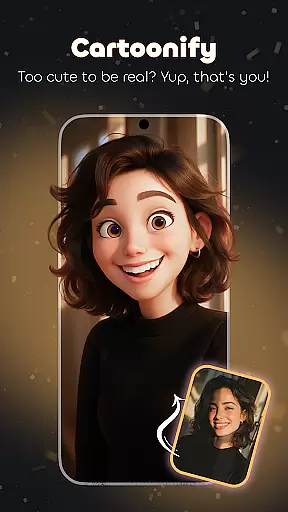
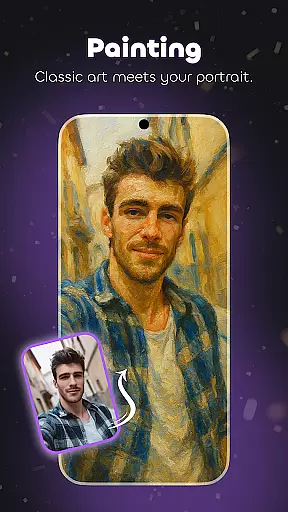
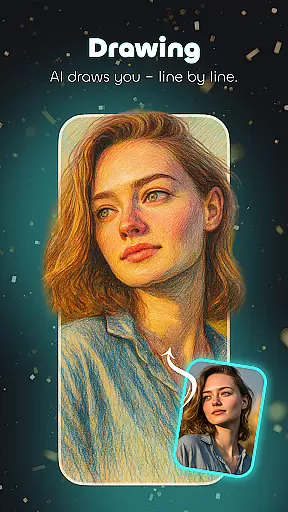
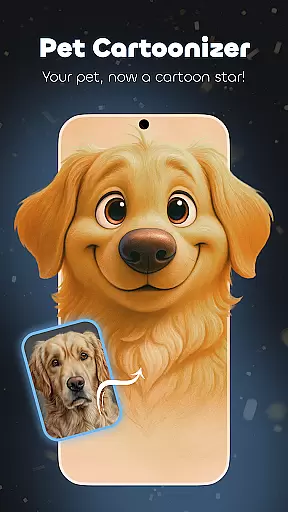
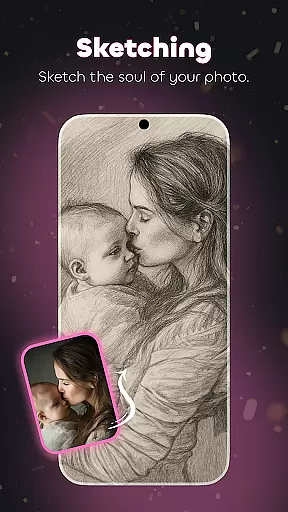
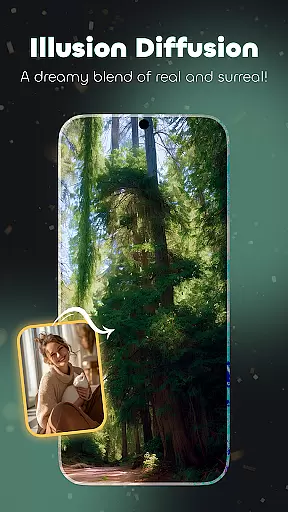
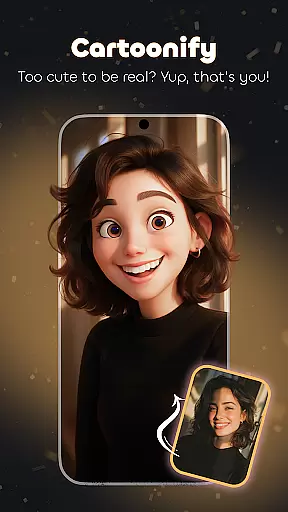
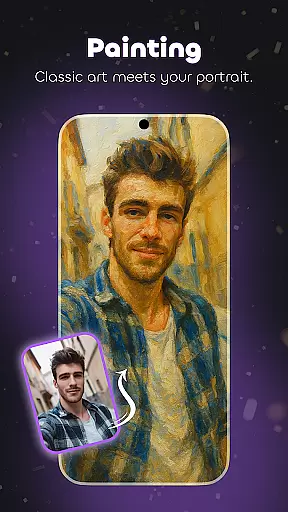
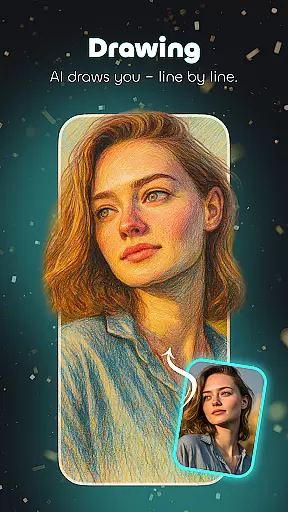
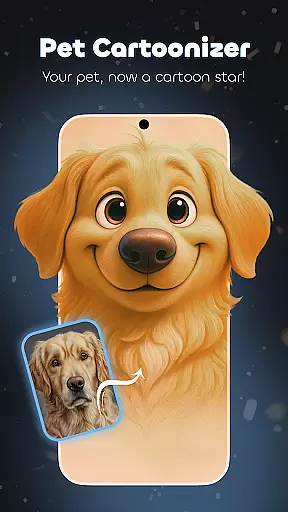
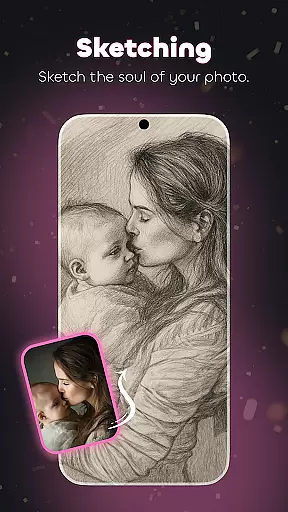
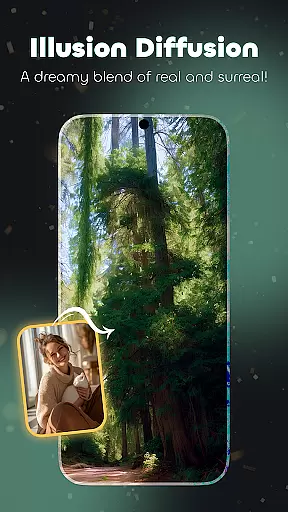
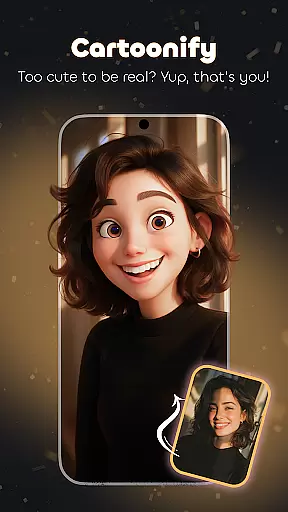
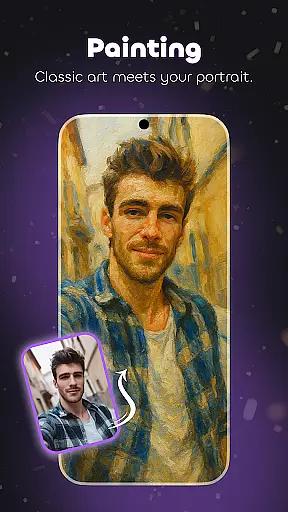
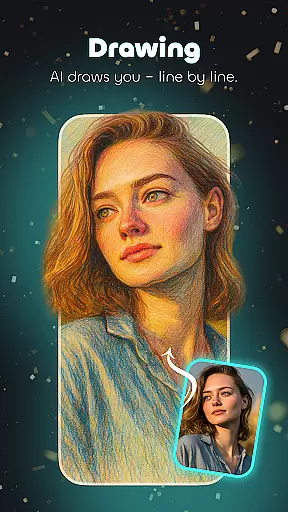
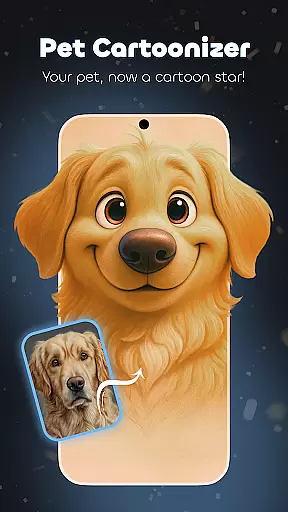
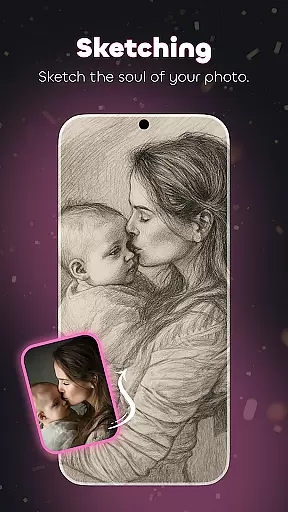
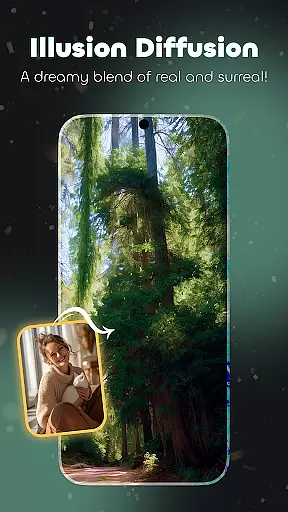
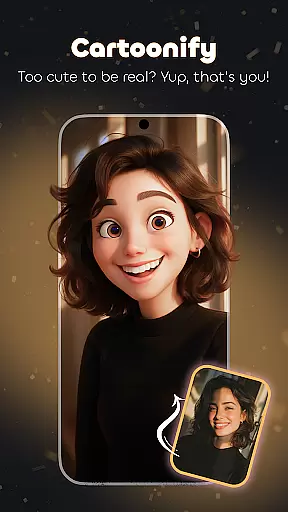
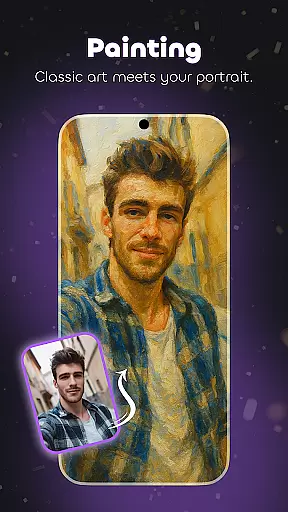
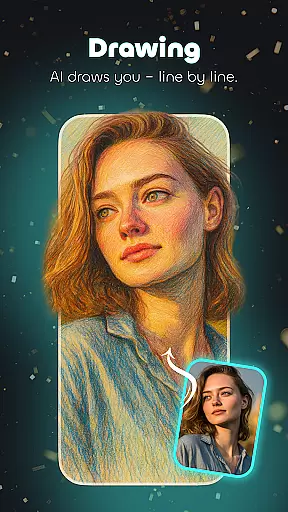
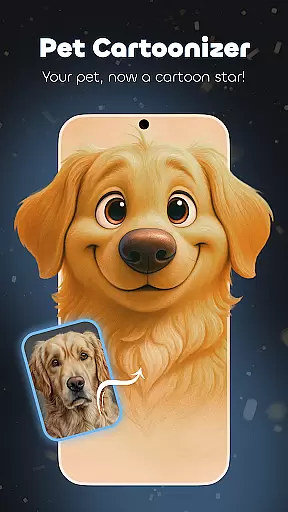
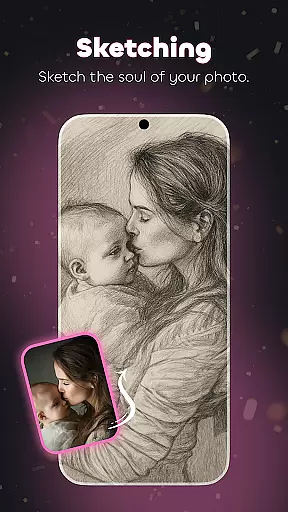
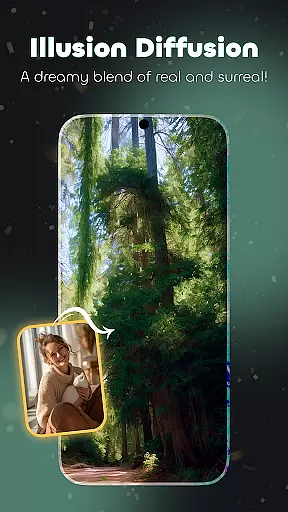
Cartoonify Me – Toon Photos is a revolutionary photography app that transforms ordinary photos into creative cartoon-style artworks. The app offers diverse features including Illusion-Diffusion, which blends images into surreal cartoon landscapes, and Pet Cartoonizer, which turns pet photos into adorable cartoon versions.
With intuitive tools like the Cartoon Photo Editor, users can apply professional-grade filters to create unique transformations. From animated avatars to personalized emojis, this app provides endless possibilities for creativity. Whether you're looking to cartoonify yourself or explore playful photo effects, Cartoonify Me delivers an engaging experience.
This free photo editor is ideal for those who want to experiment with artistic styles without limitations. Its user-friendly interface ensures seamless navigation while offering advanced editing capabilities, making it suitable for both casual users and aspiring artists.
Cartoonify Me stands out with its innovative Illusion-Diffusion feature, allowing users to merge their photos into surreal cartoon environments. The app also includes a Cartoon Photo Editor equipped with various filters such as cartoon face, photo cartoons, and detailed sketches, enabling precise customization of images.
Another highlight is the Pet Cartoonizer tool, designed specifically for creating cartoon versions of pets. Users can also become emoji makers by crafting personalized emojis that add a unique touch to messages. With support for animated pictures and playful transformations, the app caters to diverse creative needs.
The app's ease of use is enhanced by its intuitive design, ensuring that even beginners can edit photos effortlessly. Advanced features like professional-grade tools make it appealing to experienced editors, bridging the gap between simplicity and functionality in photo editing software.
Real-time capture and preview functionality is essential for ensuring that users can see the results of their photo edits instantly. This feature allows users to visualize changes as they apply different cartoon effects, making the editing process more interactive and engaging.
Cartoonify Me - Toon Photos excels in this area by providing a seamless real-time preview experience. As users experiment with various filters and effects, they can immediately see how these adjustments transform their photos into cartoon avatars or animated pictures. This instant feedback loop enhances creativity and helps users make informed decisions about their edits.
The app's intuitive interface ensures that even those new to photo editing can easily navigate and utilize the real-time capture and preview features. By offering a dynamic and responsive environment, Cartoonify Me empowers users to fine-tune their creations until they achieve the desired cartoonified look.
Ultimately, the real-time capture and preview capabilities of Cartoonify Me enhance user satisfaction by delivering immediate results. Whether transforming selfies into playful cartoon versions or creating personalized emojis, users can trust that their final output will match their creative vision.
AI beauty and enhancement features are crucial for refining images while maintaining a natural appearance. These tools leverage advanced algorithms to smooth skin textures, enhance facial features, and adjust lighting, all without compromising the authenticity of the original photo.
In Cartoonify Me - Toon Photos, AI-powered enhancements work harmoniously with the appu2019s cartoon effects. Users can apply subtle touch-ups that complement their cartoon avatars, ensuring that the final result looks both polished and true to life. The Illusion-Diffusion feature, for instance, blends surreal cartoon landscapes with realistic beauty enhancements.
This balance between artistic expression and natural aesthetics sets Cartoonify Me apart from other photo editors. By prioritizing natural-looking enhancements, the app ensures that usersu2019 cartoonified images retain their unique character and charm. This approach appeals to those seeking creative yet believable transformations.
With Cartoonify Me, users can confidently share their cartoonified selfies and pet cartoons, knowing that AI enhancements have preserved the essence of their original photos. This commitment to natural beauty and enhancement quality makes the app a standout choice for anyone looking to explore the world of photo editing.
User-friendly interface
Versatile editing tools
Pet Cartoonizer feature
Free access model
High-quality results
Limited offline functionality
Ads may disrupt workflow
Premium features locked behind paywall
Occasional rendering delays
Learning curve for advanced tools

A collection of tools and reference tables for DPs, ACs, DITs and Operators.
 4.70
4.70
Effortlessly organize, view and share your photos & videos with Gallery app!
4.40
Photo Album Watch Face shows your favorite pictures as a Watchface.
1.90
Photobooth mini FULL app will allow you to add more fun to your parties
4.00
Photo editor: AI filters, photo enhancer, pic collage maker, AI art generator.
4.80
The #1 app for B&W film developing featuring an advanced darkroom timer.
4.10
Easily view, share, delete photos with Gallery.
4.70
Easily create custom gifts, cards, photo books & more on the Shutterfly app!
4.60
RAW video capture with advanced controls
4.40
Gallery show photo, video, slideshow, is perfect 3D effect private photo albums.
4.80
Amazing Photo Effects - The most fun you can have with your photos!
4.70
See your baby AI baby face generator AI baby maker Face generator babymaker fun!
4.70
Safe & smart flight with Go Fly drone controller for 40+ drone camera, zone map
4.50
Movie camera, supports pro recording settings for filming. Try it and be amazed!
4.50
Create AI photos & videos with Enhancer; restore, fix, beautify, enhance photos
4.50
Turn your phone into a professional camera - full DSLR manual photography
4.30
Transform Photos: Edit, Beautify and Craft Memories & Make Collages!
4.10
Application for remote controlling DSLR
3.00
An interval timer to automate photo taking process for timelapse
2.90


User Reviews