
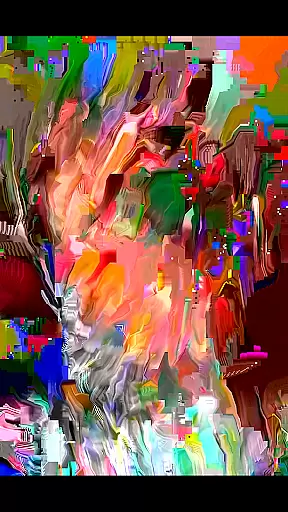
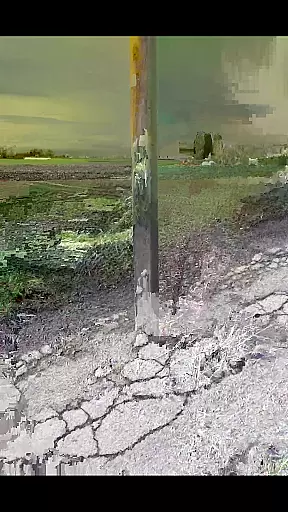
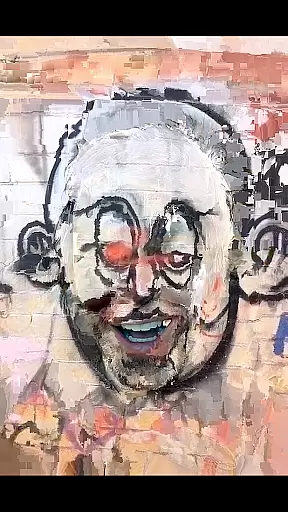
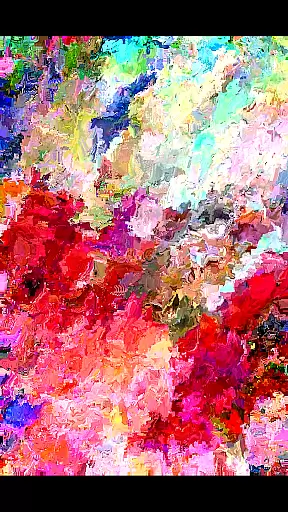
MoshUp is an innovative photography app that allows users to perform live datamoshing directly on their mobile devices. The core functionality lies in its ability to transform the first video recording using the motion data from a second recording, creating unique mapping effects.
The app also supports frame repetition by simply holding the screen, and now includes video import from the gallery. While still in development, it offers creative possibilities for photography enthusiasts looking to experiment with this distinctive visual technique.
MoshUp stands out with several notable features. The live datamoshing capability lets users create dynamic visual effects by combining two video recordings. The newly added feature allows importing videos from the device gallery, expanding creative possibilities.
The app's frame repetition function provides greater control over the final output. These features collectively enable photographers and videographers to produce experimental and artistic content directly from their mobile devices.
Real-time capture and preview functionality is essential for photography apps as it allows users to see the effects applied to their images instantly. MoshUp excels in this area by enabling live datamoshing directly on your phone.
The app lets you film something and then film something different, transforming the first recording based on the motion detected in the second one. This real-time transformation provides an interactive experience where users can witness the mapping effects unfold as they record.
Additionally, the feature that allows repeating the last frame when holding the screen adds another layer of creative control. Users can experiment with these effects without any delay, making the process fluid and engaging.
With its ability to import videos from your gallery, MoshUp extends its real-time capabilities beyond just live recordings, offering a versatile toolset for photographers looking to explore unique visual styles.
While MoshUp does not focus on traditional AI beauty enhancements, it offers a distinctive form of enhancement through its datamoshing technique. This method creates intriguing mapping effects that alter the visual aesthetics naturally rather than applying conventional filters.
The app's approach to transforming footage using motion data results in organic and unpredictable patterns, which enhance the video in a way that feels authentic and artistic. These effects are not about beautifying in a typical sense but about adding an avant-garde touch to your creations.
Although still in development, MoshUp aims to ensure that these enhancements work seamlessly across different devices. The goal is to maintain the natural feel of the original content while introducing innovative visual manipulations.
Users are encouraged to reach out if they encounter issues, ensuring continuous improvement and refinement of the appu2019s ability to deliver natural yet striking enhancements.
User-friendly interface
Unique visual effects
Live datamoshing
Frame repetition
Gallery import
Development stage
Limited compatibility
Performance issues
No advanced tools
Basic customization

A collection of tools and reference tables for DPs, ACs, DITs and Operators.
 4.70
4.70
Effortlessly organize, view and share your photos & videos with Gallery app!
4.40
Photo Album Watch Face shows your favorite pictures as a Watchface.
1.90
[3DSteroid Pro] is a stereoscopic application for Android.
4.30
Create amazing frames with up to five photos. Rounded corners, effects and more!
3.60
Collage your moments in one tap: 1000+ layouts, filters, stickers, and texts.
4.90
Transform Photos: Edit, Beautify and Craft Memories & Make Collages!
4.10
Your personal guide to the sun and moon. Plan ahead, visualize and predict!
4.70
Your Family Calendar + Photos. Manage your Skylight Calendar and Skylight Frame.
4.40
Gallery show photo, video, slideshow, is perfect 3D effect private photo albums.
4.80
Amazing Photo Effects - The most fun you can have with your photos!
4.70
Light-weight Media Gallery app for Android made with Jetpack Compose
4.60
AI photo editor with hair editor, retouch tools, hair color changer & filters!
4.50
AI-powered video creator by MiniMax - Where ideas meet cinema
4.20
Professional quality photo edits with the new Snapseed.
4.00
Gallery Slideshow is slideshow maker app for slideshow from your gallery photos.
3.90
USB Storage Access for Photos, Videos, Music and Documents
3.80
Remote control of the phone camera from your Wear OS smartwatch
3.70
Superimpose one photo on top of another using the original Superimpose app!
3.20


User Reviews