

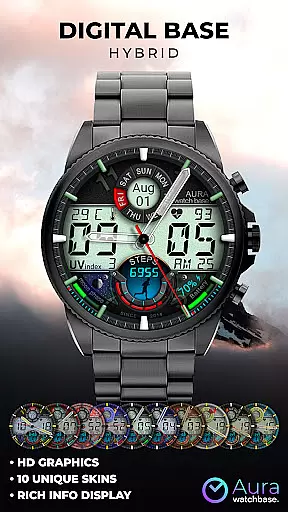
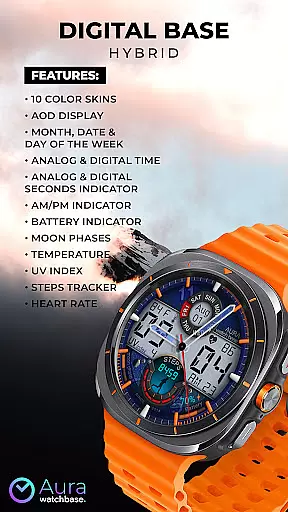
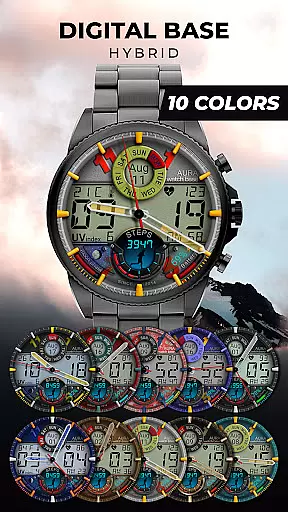
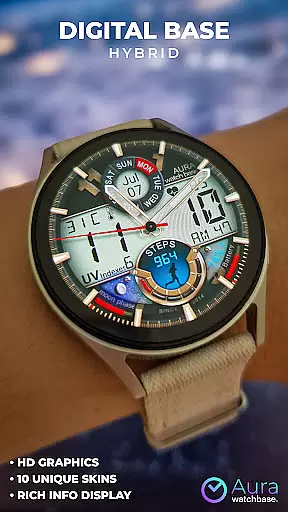
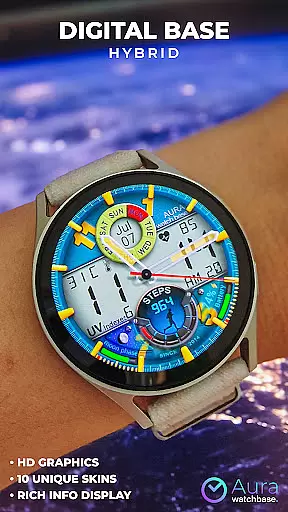
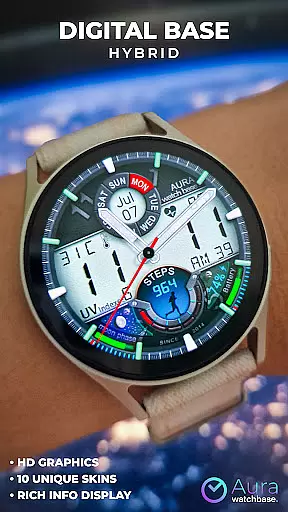
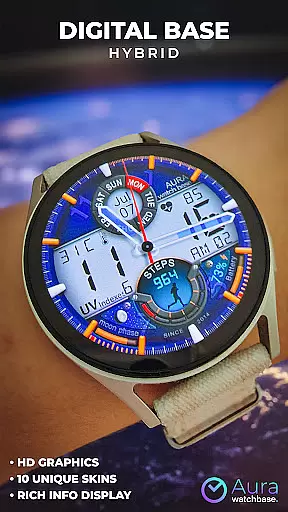
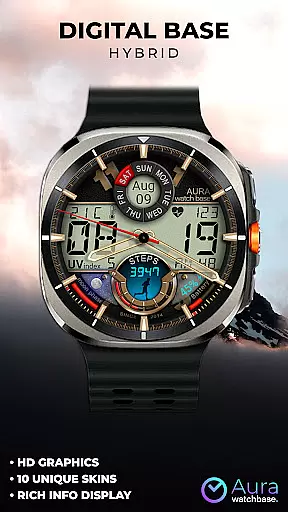
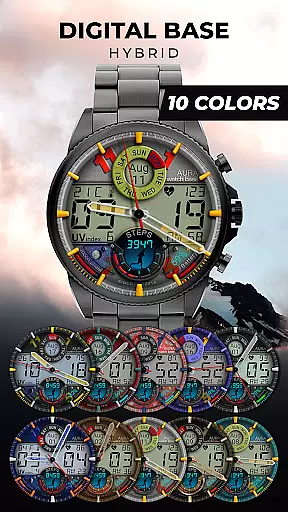
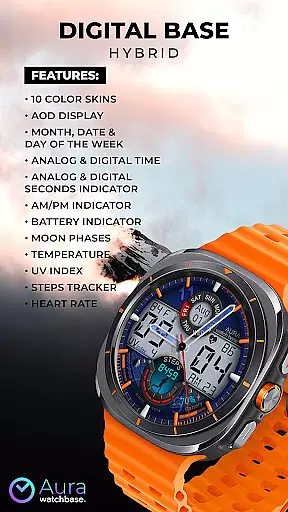
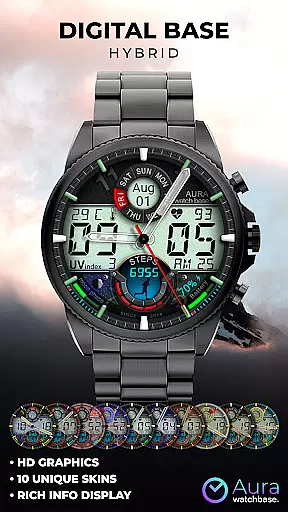
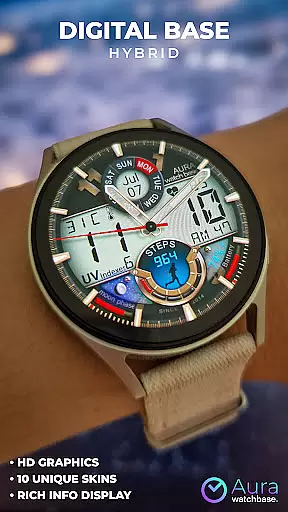
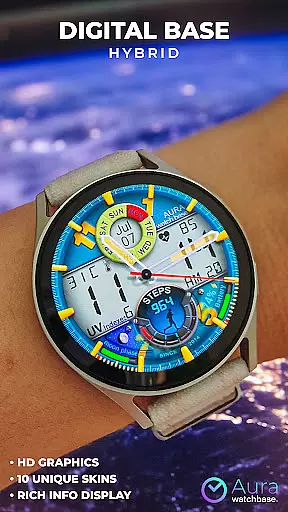
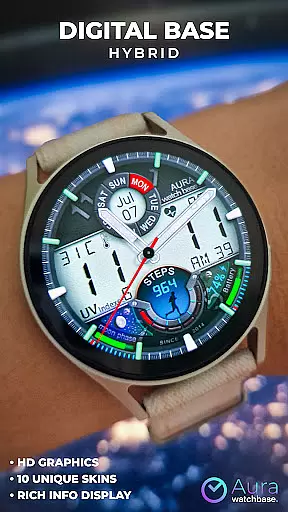
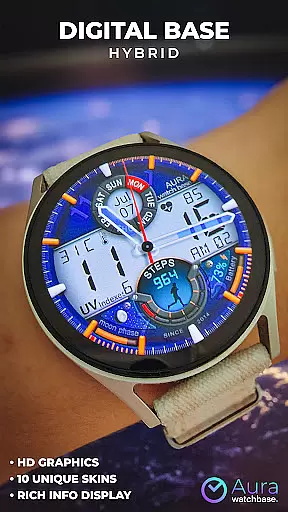
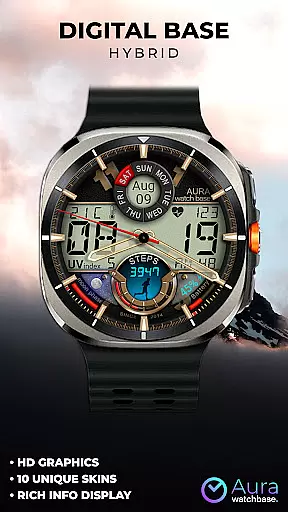
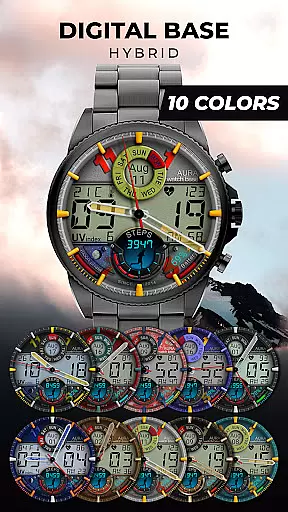
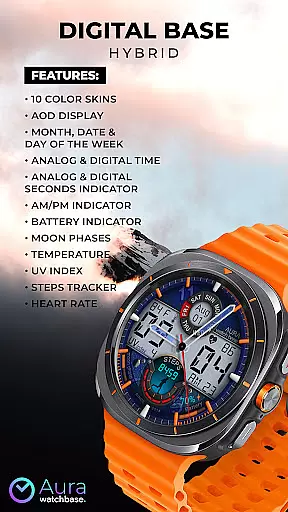
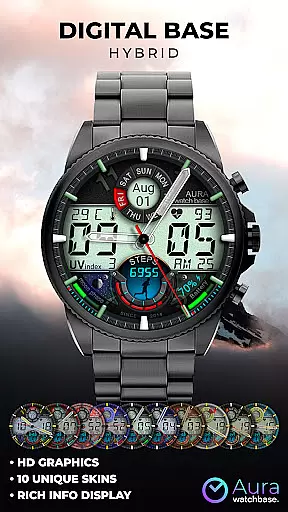
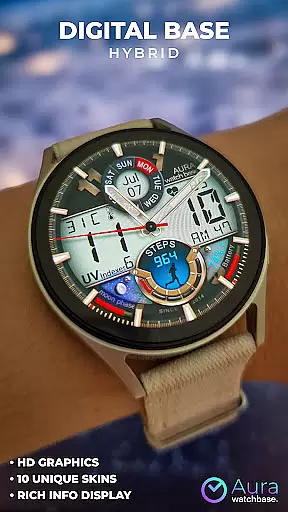
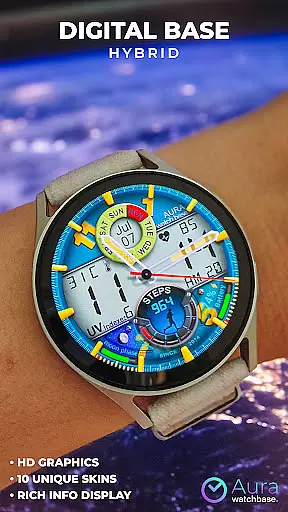
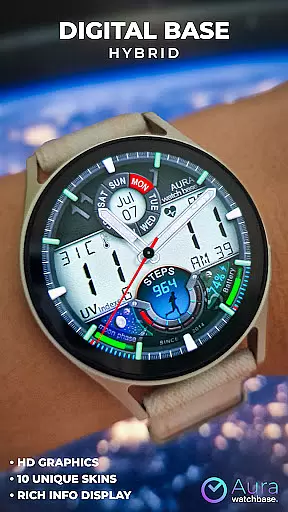
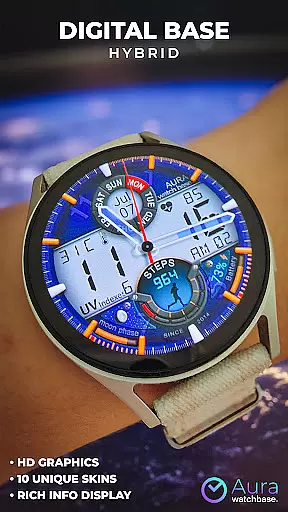
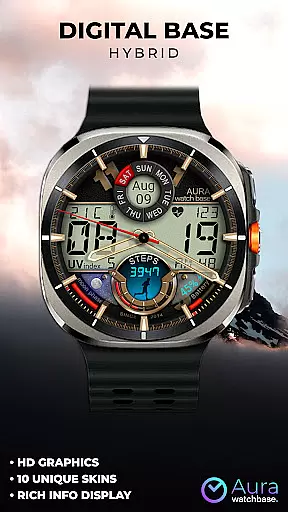
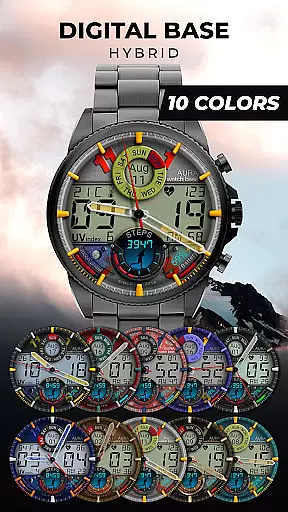
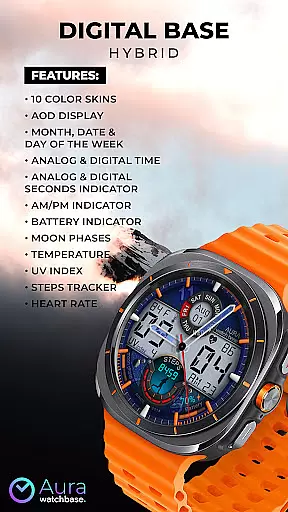
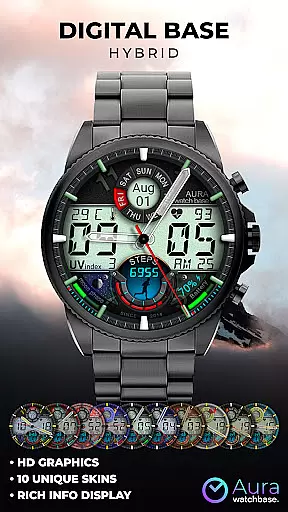
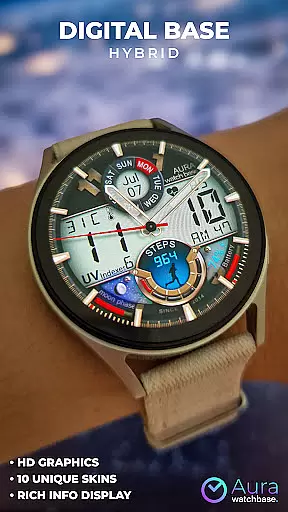
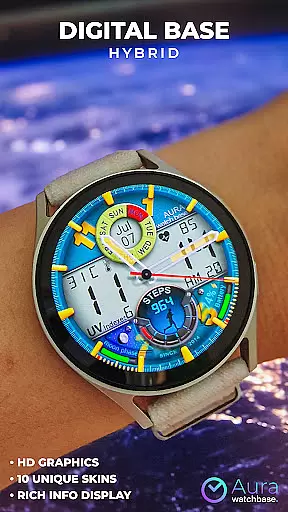
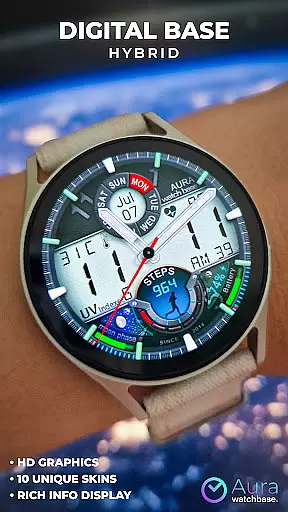
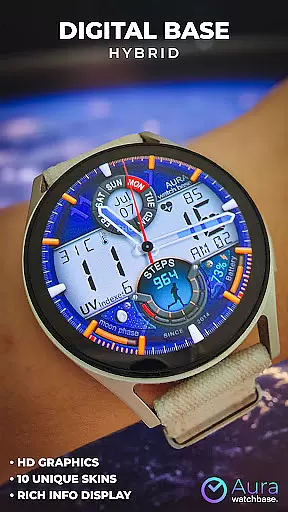
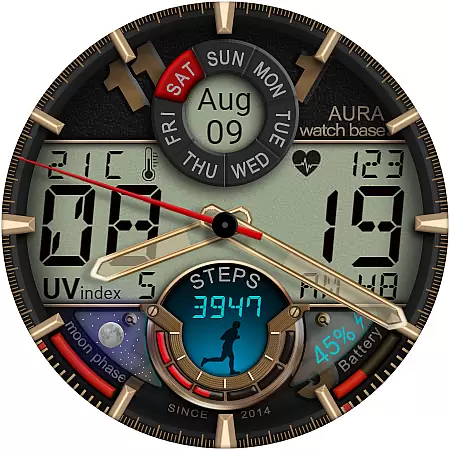
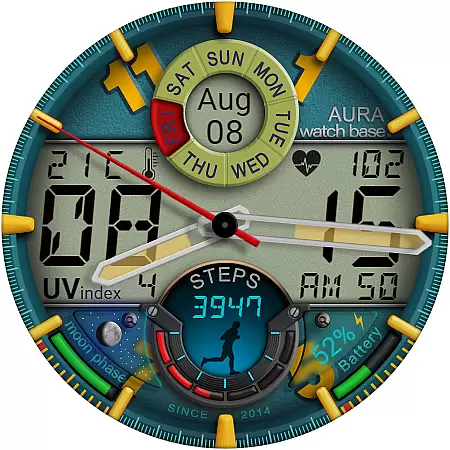
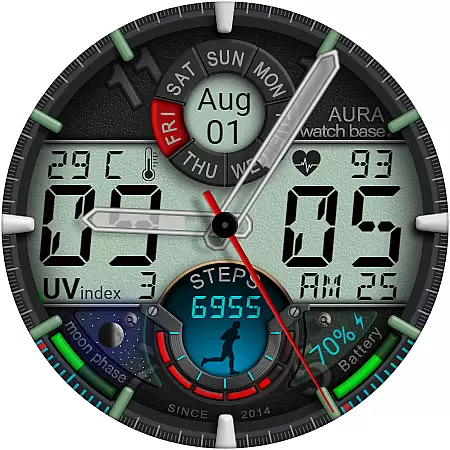
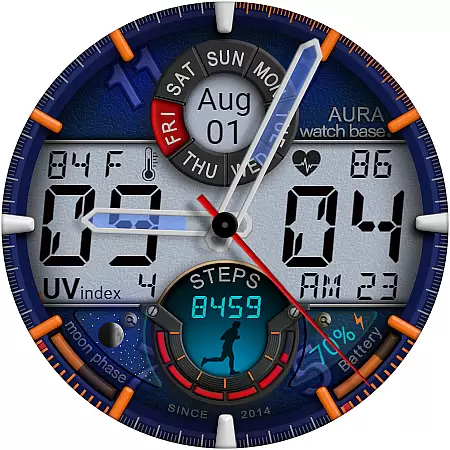
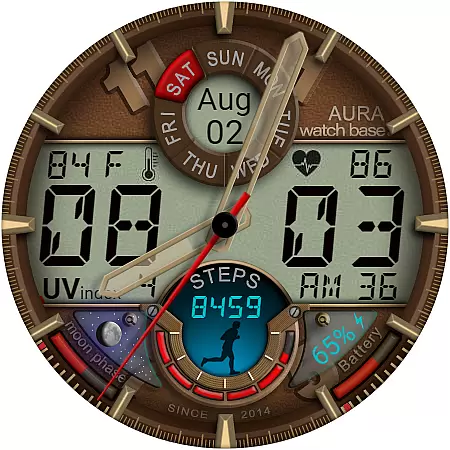
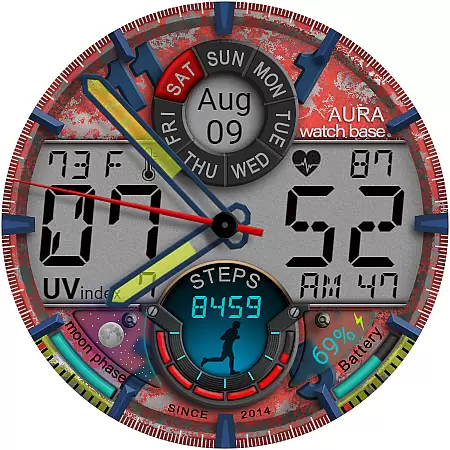
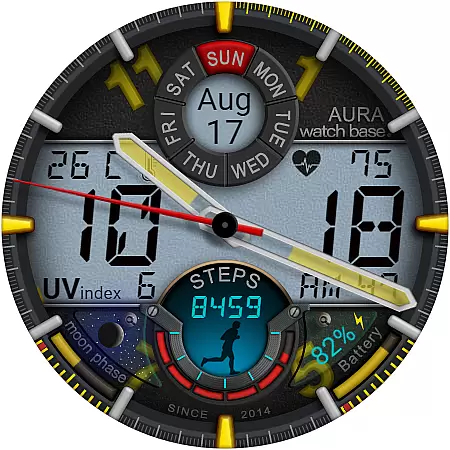
WB DIGITAL BASE Hybrid is a feature-rich watch face designed exclusively for Wear OS 5 and higher. This modern hybrid watch face combines analog and digital elements, offering users a bold look with 10 vibrant color options. It provides essential information at a glance, including time, date, battery status, temperature, UV index, steps tracker, and heart rate monitoring.
The watch face automatically adjusts temperature units to match device settings, ensuring seamless user experience. With its intuitive customization options and companion app support, users can easily personalize and install the watch face across devices. Whether you're tracking fitness goals or simply want an elegant timepiece, this app delivers both style and functionality.
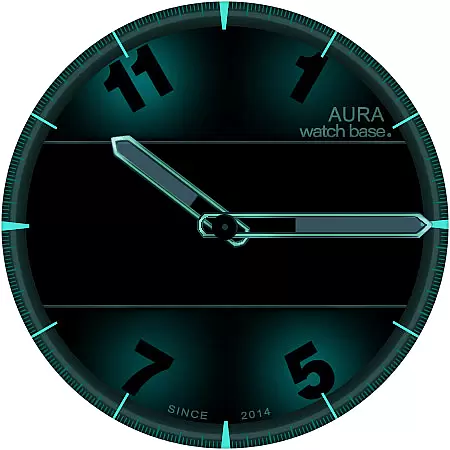
This watch face stands out with its comprehensive feature set tailored for smartwatch users. The AOD (Always-On Display) function ensures important details remain visible without needing to wake the device. Users can view multiple data points simultaneously, such as analog and digital time, seconds indicator, AM/PM status, battery level, moon phases, and weather information.
Customization is made simple through an intuitive interface - just touch and hold the screen, then tap 'customize' to adjust settings. The companion phone app streamlines installation while maintaining synchronization between devices. Additionally, the watch face supports various installation methods, including direct download from Google Play and browser-based installation, providing flexibility for different user preferences.
Companion app integration is a crucial feature for smartwatch applications, ensuring seamless synchronization between the wearable and its paired mobile device.
WB DIGITAL BASE Hybrid watch face leverages a dedicated companion app to simplify the installation process and enhance user experience. When users purchase and install the watch face through the companion app, they are guided through an intuitive setup that ensures the watch face is correctly applied on their device.
This integration eliminates common issues such as failure to locate the installed watch face or redundant charges during reinstallation. By tapping the install button within the companion app, users receive clear prompts on their watch, confirming successful installation without unnecessary delays or confusion.
The companion app also addresses potential synchronization challenges, providing solutions like waiting for automatic updates or restarting the watch to resolve conflicts. This comprehensive approach guarantees that users can enjoy the full functionality of their hybrid watch face with minimal hassle.
Device compatibility is a fundamental aspect of any Wear OS application, determining its ability to function correctly across various smartwatch models and operating system versions.
WB DIGITAL BASE Hybrid watch face is meticulously designed to work exclusively with devices running Wear OS 5 and higher. This targeted compatibility ensures optimal performance by leveraging the advanced features and capabilities available in these updated operating systems.
By focusing on newer Wear OS versions, the application delivers enhanced visual elements such as vibrant color skins, AOD display, and detailed indicators for battery, temperature, and health metrics. These features are only possible due to the robust architecture provided by Wear OS 5 and above.
Users benefit from this focused compatibility through a more reliable and feature-rich experience, avoiding the limitations and potential bugs associated with older OS versions. The result is a sophisticated hybrid watch face that meets the demands of modern smartwatch users.
Wide color selection
Comprehensive health tracking
Intuitive customization
Seamless device sync
Versatile installation
Limited OS compatibility
Potential sync issues
Complex setup process
No manual temp control
Feature overload possible

Christmas - Festive - Christmas Village - Winter - Christmas lights
 5.00
5.00
Wear Os Watch Face - Animated Snow - Sesonal for Christmas & Winter
4.4
Current temperature, weather hourly, weather radar by the weather forecast app
4.40
Artistic Digital Watchface
4.0
Sleek, highly customizable watch face inspired by Galaxy Watch Circle Dashboard.
4.2
3 Complications. All shadow on/off. 30 Themes color palette...
4.1
Find EV charging stations
4.30
Start and succeed with PAP
4.10
Toyota app currently supports 2010 or newer vehicles (2018 or newer for Hawaii).
4.50
A modern hybrid informative watch face for Wear OS designed by BALLOZI
4.80
Your second brain for organizing your life: to-do, calendar, reminder.
4.70
Ideal for surviving in the wasteland left after nuclear fallout
4.50
Bold weather Digital watchface with forecast & optional animated background
4.40
The ultimate destination for kids ages 3-8 to explore the Marvel Universe!
4.30
Structured watch face with seven complications and modular UI elements
3.90
Watch the sharpness of the sky on your wrist..
3.70
Wear Os Watch Face - Animated Snow Effect & Christmas Lights
4.3
Minimalistic design modern digital watch face.
4.1
Hybrid Vibrant Health Watch Face for Wear OS
4.3


User Reviews