
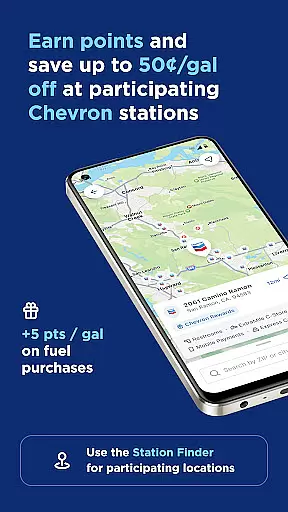
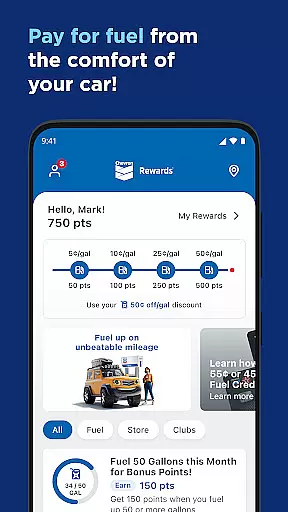
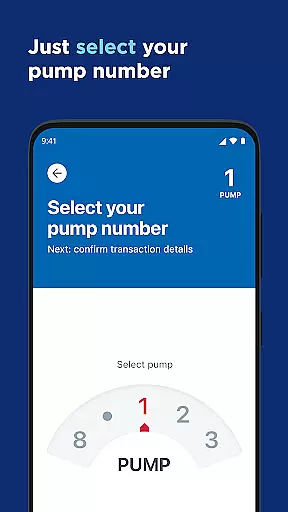
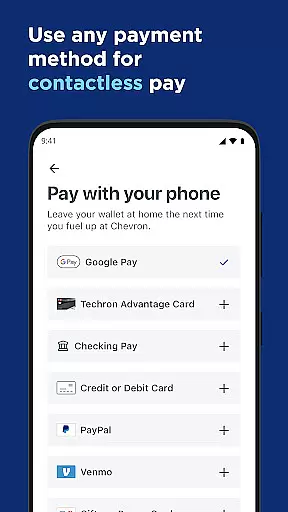

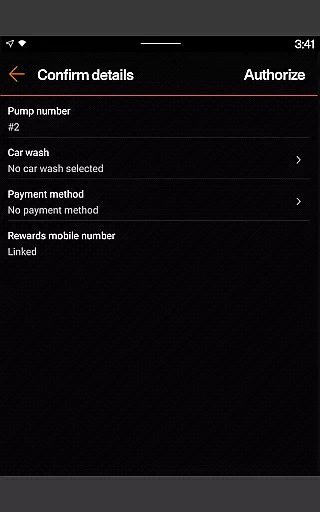
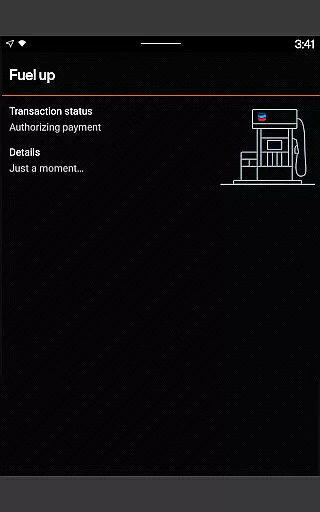
Chevron is a mobile payment and rewards application designed for seamless fueling experiences. The app allows users to pay for gas or diesel directly from their mobile devices, eliminating the need to insert a card at the pump. It also integrates with the Chevron Texaco Rewards program, enabling users to earn points on fuel and select in-store purchases, which can be redeemed for discounts at participating stations.
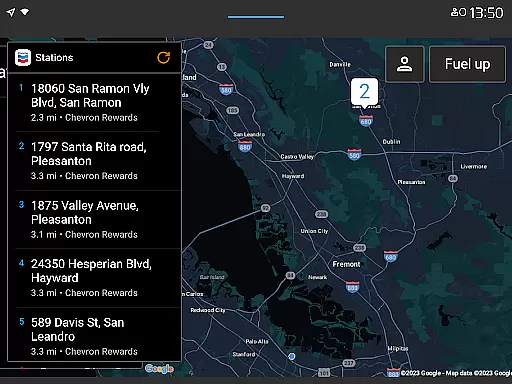
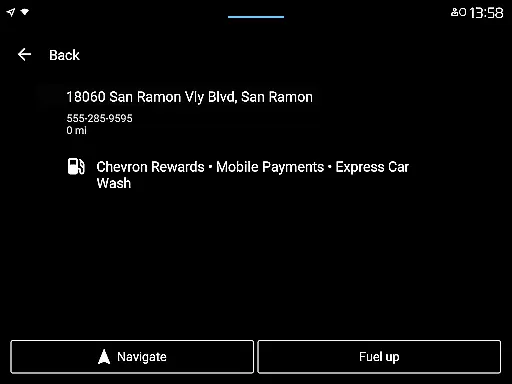
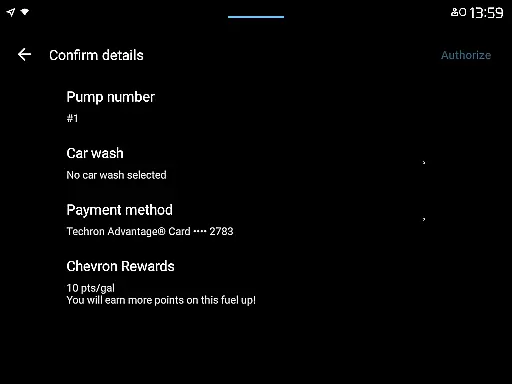
One of the standout features of the Chevron app is its compatibility with Android Auto and Wear OS, allowing drivers to interact with the app hands-free while driving. Users can easily locate nearby stations, redeem rewards, and even add car wash services through the app. This makes it an ideal solution for those who frequently travel by car and want to save both time and money while fueling up.
The app's value extends beyond just payments. It offers additional functionalities such as tracking Club Program punches, viewing available rewards, and filtering station amenities like EV charging and convenience stores. With these features, Chevron provides a comprehensive tool for managing all aspects of the fueling experience, making it especially useful for drivers who prioritize efficiency and savings.
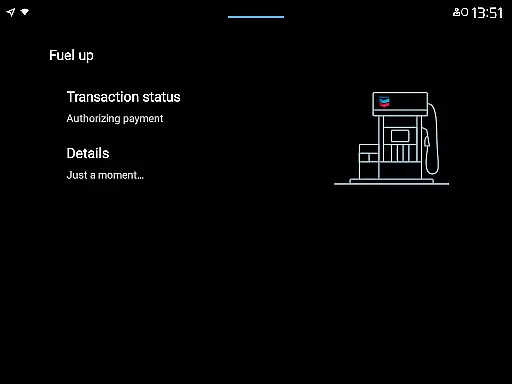
The Chevron app boasts a variety of innovative features that enhance the fueling experience. First and foremost, it offers a mobile payment system that lets users reserve pumps and pay for fuel directly from their phones. This feature not only speeds up the fueling process but also ensures a contactless transaction, which is particularly valuable in today's health-conscious environment.
Beyond payments, the app incorporates a robust rewards system. Users can earn points on every fuel purchase and redeem them for discounts of up to 50 cents per gallon at participating locations. Additionally, the ExtraMile Rewards program adds extra benefits, including exclusive offers and special promotions. These reward mechanisms provide tangible financial benefits to frequent users, encouraging customer loyalty.
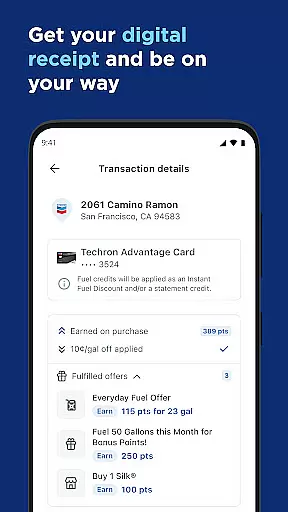
Another key feature is the app's integration with Android Auto and Wear OS. This allows users to access essential functions like station finding, payment, and reward redemption without needing to handle their phones while driving. The app also includes practical tools such as filtering station amenities and viewing digital receipts, further streamlining the user experience. These thoughtful design elements make the Chevron app a versatile and indispensable tool for modern drivers.
Companion app integration is essential for users who want a seamless experience across multiple devices. The Chevron app excels in this area by offering robust companion app features that enhance the overall user experience.
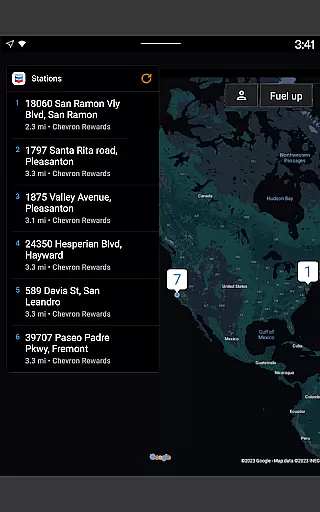
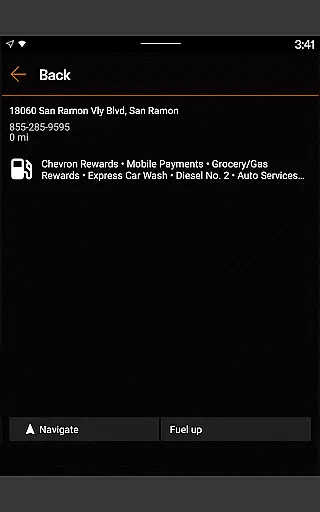
Through its integration with Android Auto, the app allows drivers to connect their mobile phones to their car's dashboard. This enables them to easily locate nearby stations, redeem rewards, add car wash services, and pay for fuel without needing to handle their phone while driving.
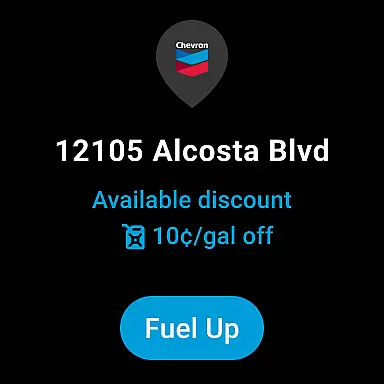
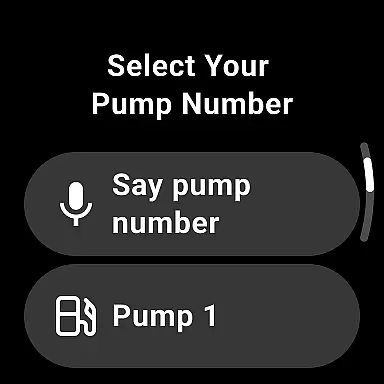
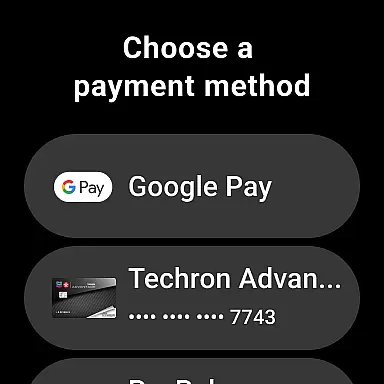
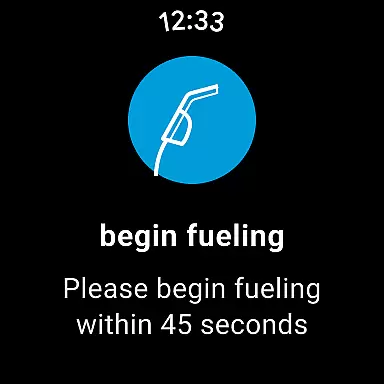
Furthermore, the Chevron app extends its functionality to Wear OS devices. Users can conveniently fuel up and redeem rewards right from their smartwatch at participating locations that accept mobile payments. This level of integration ensures that whether you're in your vehicle or on foot, managing your fuel purchases has never been easier.
The true value lies in how these integrations create a cohesive ecosystem where data flows smoothly between devices, allowing users to enjoy an uninterrupted service experience regardless of which device they are using.
For users with Wear OS devices, compatibility is key to ensuring that all features of an application are accessible and functional. The Chevron app offers comprehensive support for Wear OS, making it a versatile choice for tech-savvy individuals.
This compatibility allows users to perform essential tasks directly from their smartwatches. Whether it's initiating a fuel purchase or redeeming accumulated rewards, the ability to execute these actions without needing to pull out a smartphone adds significant convenience to the user experience.
In addition to basic functionalities, the app leverages the unique capabilities of Wear OS devices. For instance, users can receive notifications about promotions or discounts directly on their watches, keeping them informed and engaged even when they're away from their phones.
Ultimately, the Chevron app's commitment to broad device compatibility underscores its dedication to providing flexible and user-friendly solutions. By supporting both traditional mobile platforms and emerging wearable technologies, it ensures that every customer can enjoy the benefits of digital payment systems tailored to their specific needs.
User-friendly interface
Robust rewards program
Seamless mobile payments
Compatibility with Android Auto
Wide range of station amenities
Limited to participating stations
Requires stable internet connection
Rewards redemption can be complex
No iOS version available
Occasional payment glitches

Embrace the holiday spirit with this magical animated watch face!
 4.40
4.40
Rose gold watch face with festive lights & customizable features.
4.60
Simple Analog-Digital Watchface For Wear OS 3.0 and Up Smartwatches
4.2
A modern premium sporty hybrid watch face for Wear OS by Ballozi
4.70
Hyperlocal rain alerts by MyRadar using patent-pending technology, radar & more
4.80
Real-time results, stats, schedules and player profiles for all leagues
4.60
Stylish, Energizing and Modern Watch Face crafted by Dominus Mathias.
4.50
Hybrid Vibrant Health Watch Face for Wear OS
4.5
Track your active life in one place and share the journey with friends.
4.40
Christmas Theme Watch Face for Wear Os
5.00
Gym Log & Workout Tracker | Fitness Journal, Training & Weight Lifting Planner
4.90
Your second brain for organizing your life: to-do, calendar, reminder.
4.70
A realistic hybrid watch face with many customization options.
4.60
Fast and smart typing with Emojis, GIFs, and more
4.50
Animated video-game inspired “secret agent” simulation, right on your wrist!
4.20
A digital watch face that celebrates Christmas.
4.00
Wear Os Watch Face - Animated Snow Effect & Christmas Lights
4.2
Wear Os Watch Face - Animated Snow - Sesonal for Christmas & Winter
4.3
A heartwarming Christmas scene featuring a cute image of Santa and Rudolf
4.0


User Reviews