
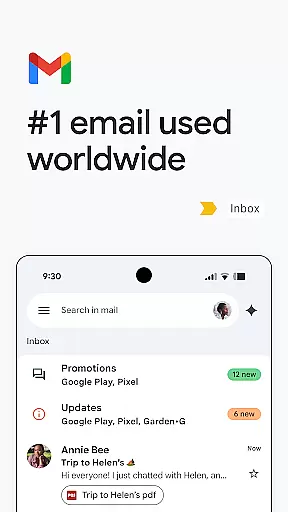

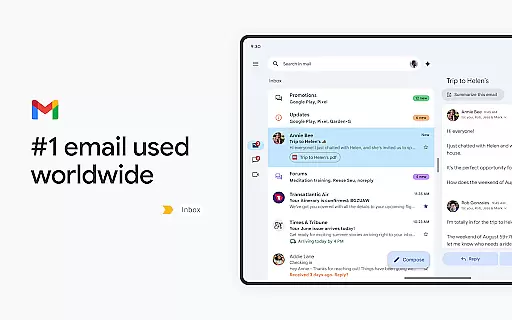
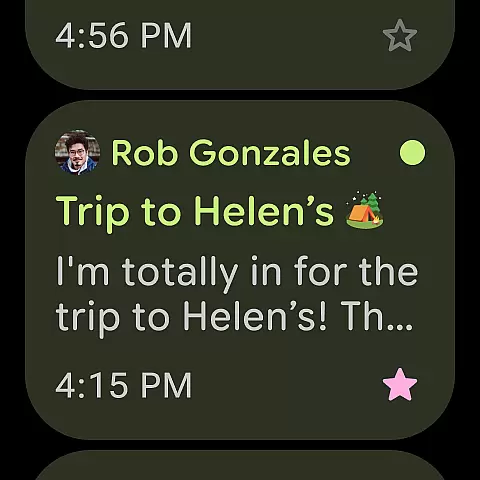
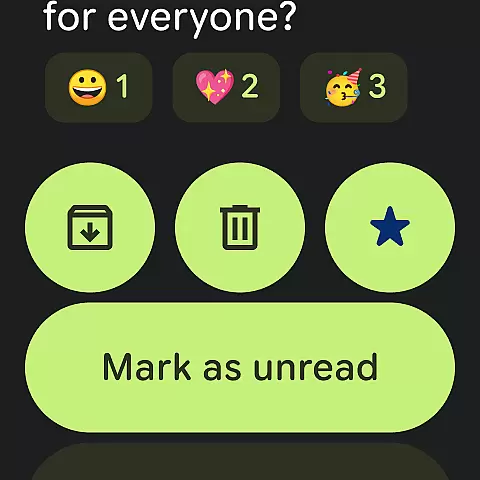
Gmail is the official email application from Google, designed to bring a seamless emailing experience to Android devices with advanced security features. It supports multiple accounts across different providers and offers powerful search capabilities powered by Google AI. The app extends its functionality to Wear OS, allowing users to manage emails directly from their smartwatch.
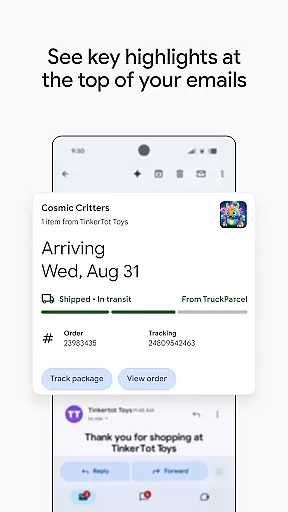
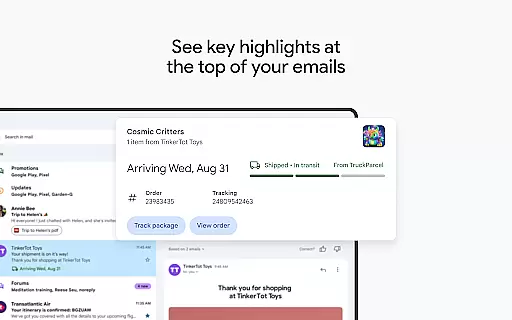
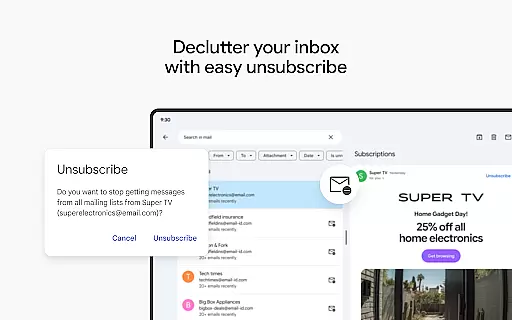
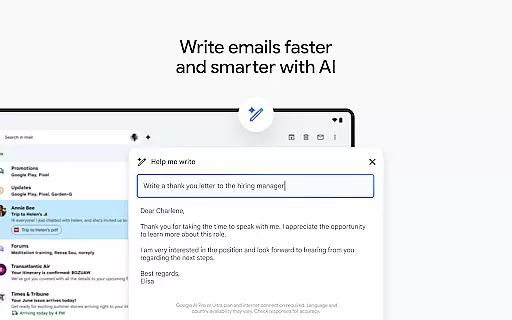
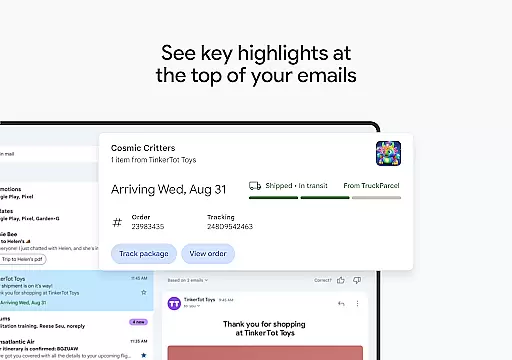
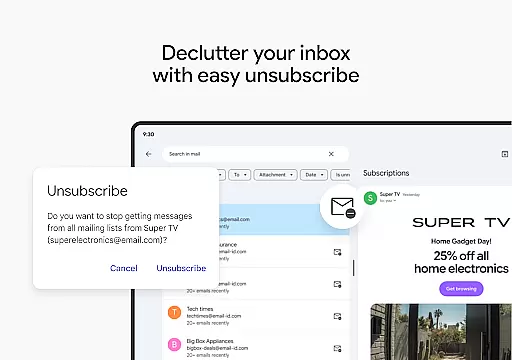
Key features include summary cards for quick email previews, an easy unsubscribe option, and AI-driven assistance through Gemini for writing and organizing emails. Gmail also integrates with Google Calendar for instant meeting scheduling and provides robust spam protection. With Google Workspace integration, it becomes a comprehensive tool for business communication and collaboration.
This makes Gmail ideal for professionals who need efficient email management while on the go. Its AI-powered tools help streamline workflows, making it easier to handle large volumes of emails and maintain productivity without compromising security.
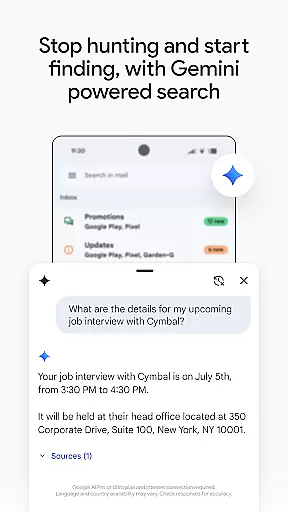
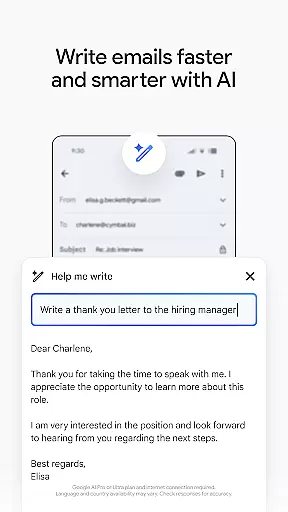
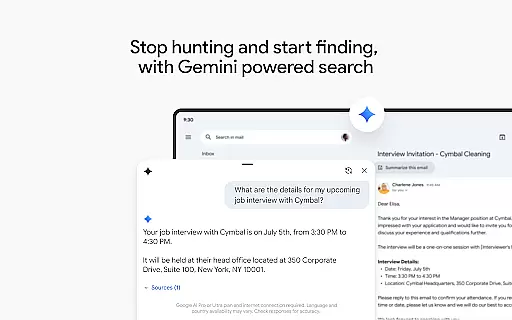
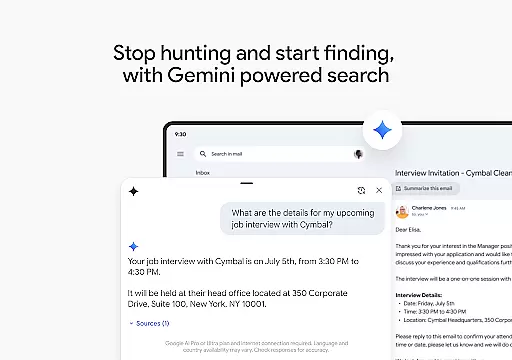
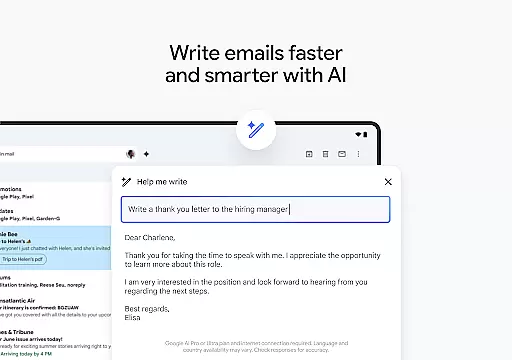
Gmail stands out with its advanced AI capabilities that enhance email management. Users can leverage Gemini, Google's AI assistant, to draft emails, organize inboxes, and search for specific information within emails or linked Google Drive files. This feature significantly speeds up routine tasks and improves overall efficiency.
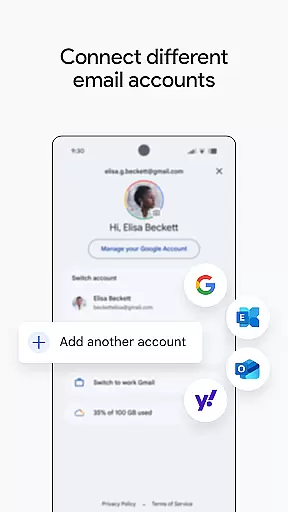
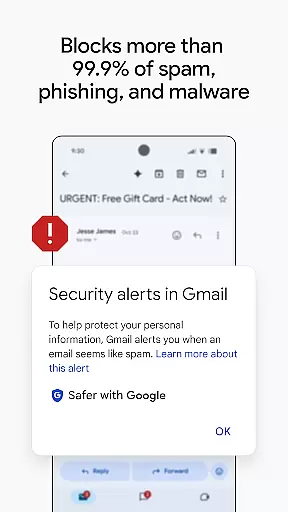
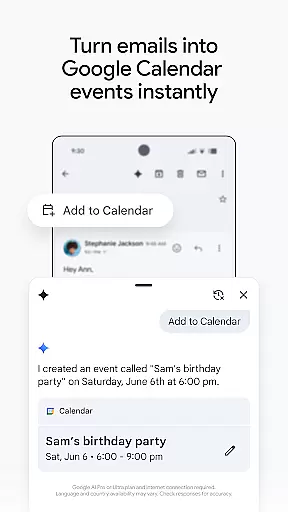
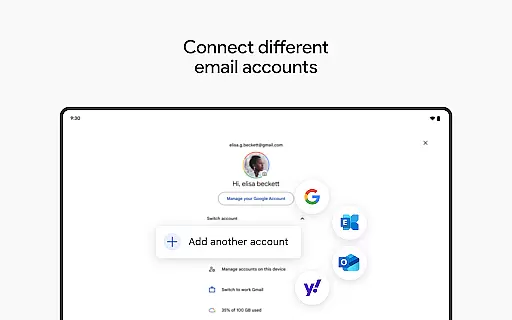
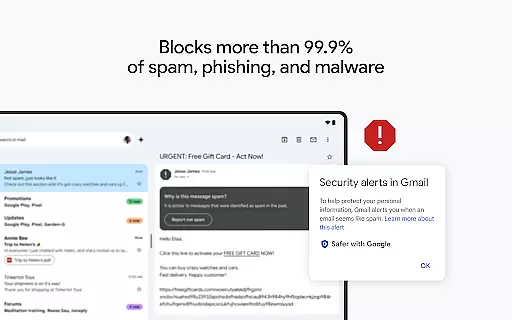
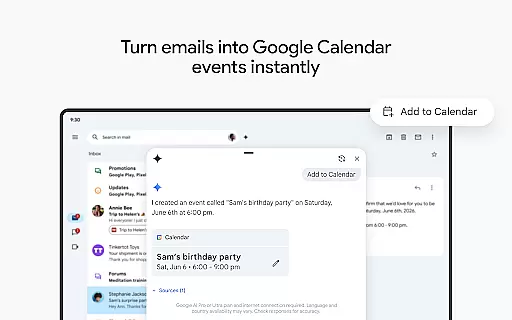
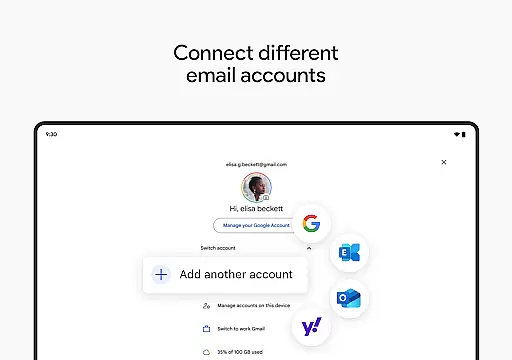
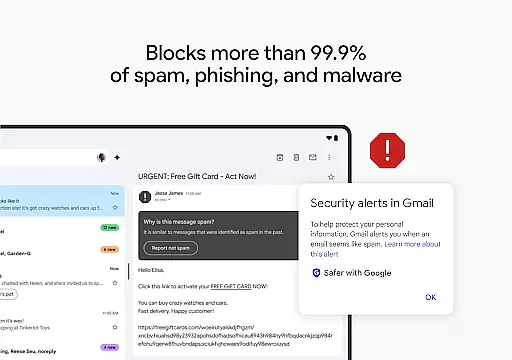
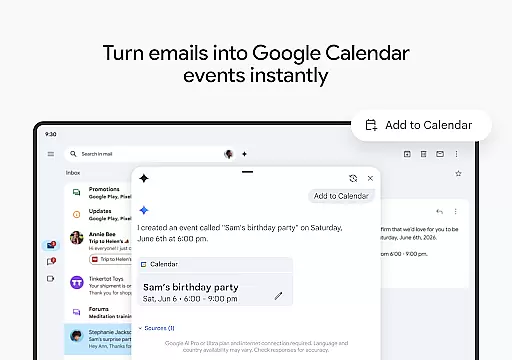
The app supports multiple email accounts from various providers, enabling users to consolidate all their emails into one interface. Enhanced security measures automatically block over 99.9% of spam, phishing attempts, and malware, ensuring a safe emailing environment. Additionally, the 'Add to Calendar' button facilitates quick creation of Google Calendar invites directly from the inbox.
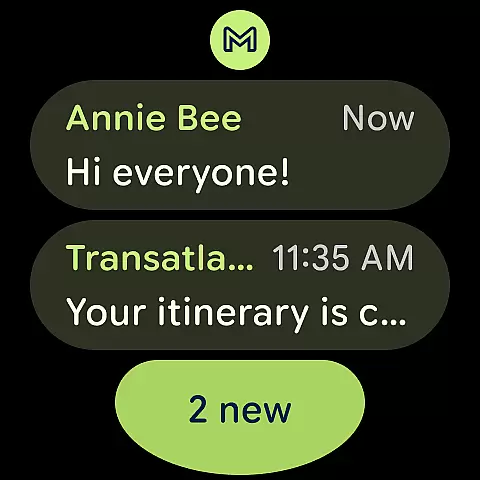
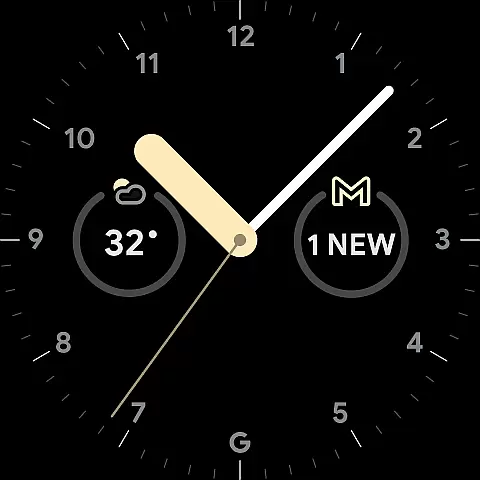
For those using Wear OS, Gmail offers complications and tiles that provide a snapshot of recent emails on the smartwatch. Integration with Google Workspace further enriches the experience by incorporating premium AI features, real-time collaboration tools, and enterprise-grade security, making it indispensable for modern workplaces.
Companion app integration is essential for users who want a seamless experience across multiple devices. Gmail excels in this area by offering robust synchronization between your Android phone or tablet and Wear OS devices. This ensures that your emails, labels, and settings are consistently updated across all your gadgets.
The Gmail app allows you to switch between multiple accounts from different email providers effortlessly. Whether you're on your phone, tablet, or Wear OS watch, you can access your inboxes with ease. The 'Add to Calendar' button powered by Gemini* further enhances productivity by enabling you to create Google Calendar invites directly from your inbox.
By adding a Gmail complication and tile on your Wear OS watch, you gain quick access to your emails right from your wrist. This feature provides a convenient overview of your emails without needing to take out your phone, making multitasking more efficient and keeping you connected at all times.
Ensuring compatibility with Wear OS and various devices is crucial for an optimal user experience. Gmail offers extensive support for Wear OS, allowing users to manage their emails directly from their smartwatches. This compatibility extends the convenience of email management beyond smartphones and tablets, providing users with greater flexibility.
Gmail's integration with Wear OS includes features like the ability to add complications and tiles on your watch face. These elements give you a snapshot of your inbox, enabling you to stay informed about new messages without needing to interact with your phone. Such functionality is particularly useful when you're on the go or engaged in activities where taking out your phone isn't practical.
Moreover, Gmail's device compatibility ensures that whether you're using an Android phone, tablet, or Wear OS device, you'll enjoy a consistent and reliable experience. With automatic blocking of over 99.9% of spam, phishing, and malware, Gmail keeps your inbox secure across all your devices, giving you peace of mind no matter how you choose to access your emails.
Advanced AI features
Multi-account support
Robust security
Wear OS integration
Google Workspace synergy
Premium AI requires subscription
Limited offline functionality
Occasional sync issues
Complex setup for new users
Resource-intensive

Gym Log & Workout Tracker | Fitness Journal, Training & Weight Lifting Planner
 4.90
4.90
Highly customizable hybrid watch face for Wear OS, perfect for everyday use.
4.60
A full-featured Amazon Alexa voice assistant that can show you things.
3.70
Structured watch face with seven complications and modular UI elements
3.90
sleep, alarm, snoring, stress, healing, focus, sound therapy, circadian rhythm
4.10
Your second brain for organizing your life: to-do, calendar, reminder.
4.70
To-Do List: daily schedule planner, task organizer, to do reminder app, calendar
4.60
Hyper-Realistic Airplane Dashboard Watch Face With 10 Skins and Custom AOD
4.00
A realistic hybrid watch face with many customization options.
4.60
Digital, flexibly customizable watch face. For Wear OS 5.0, API 34+ and later.
5.00
A modern hybrid informative watch face for Wear OS designed by BALLOZI
4.80
Easy Voice Recorder is your everyday companion to record important moments.
4.70
Hybrid watch face for Wear OS with customizable complications by Matteo Dini MD
4.70
Premium hybrid watch face with many customizations for Wear OS devices.
4.40
Watch face for Wear OS.
4.20
Snowflake Rose Gold Watch Face - Digital, modern, & sleek with GYRO effect.
4.10
Embrace the festive spirit with our Christmas Countdown watchface for Wear OS
4.10
Animated Watch Face and Customizable with 24 Backgrounds. Perfect for Christmas!
3.90
Christmas is near, let's count together the days left until Santa comes
4.2


User Reviews