
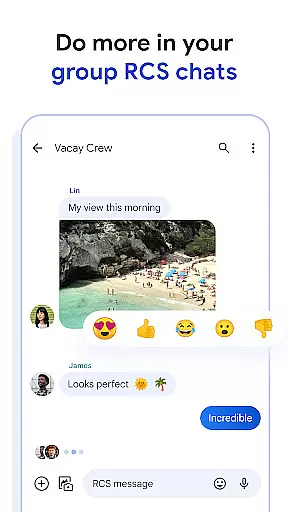
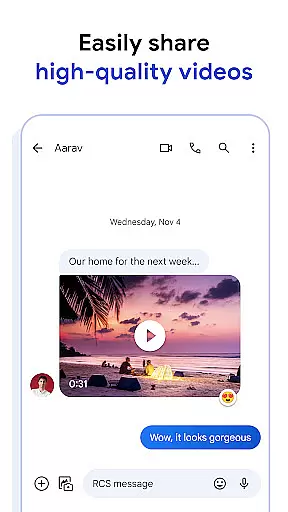
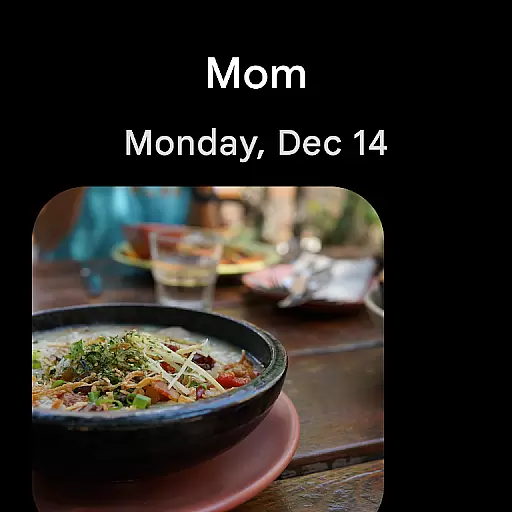
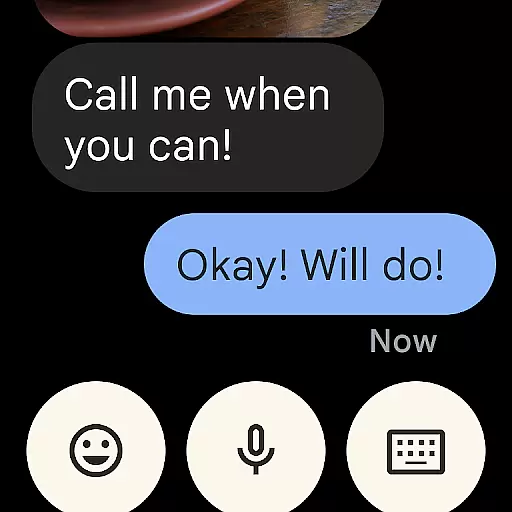
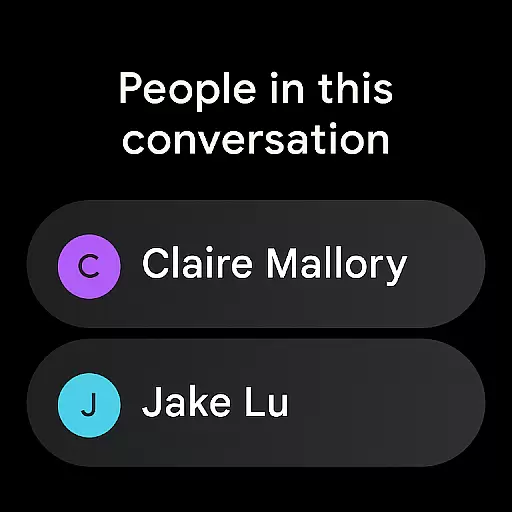
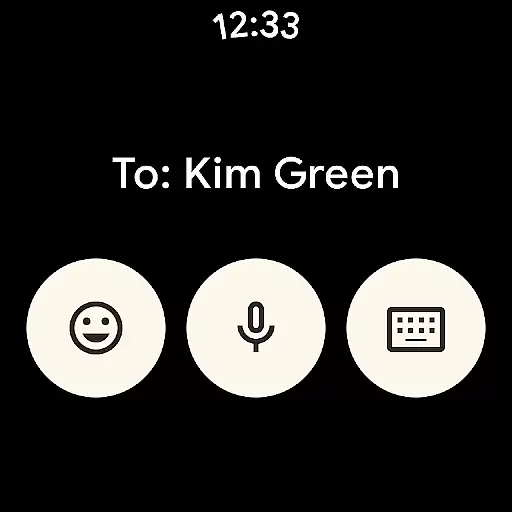
Google Messages is the official messaging app from Google, designed to enhance communication through Rich Communication Services (RCS). This Android Wear compatible application allows users to send high-resolution photos and videos, engage in dynamic group chats, and enjoy seamless cross-platform conversations with iPhone users. With end-to-end encryption and advanced spam protection, it ensures privacy while offering a personalized experience through custom chat features.
The app also integrates AI-powered tools like Magic Compose to help craft perfect messages. Available across multiple devices including tablets, computers, and Wear OS, Google Messages provides a richer, safer, and more expressive messaging platform. Note that RCS availability depends on region and carrier, and certain features may require beta testing or specific data plans.
Google Messages stands out with its implementation of RCS, replacing traditional SMS and MMS to offer high-quality media sharing and real-time interaction indicators such as typing awareness. The app supports dynamic group conversations that integrate effortlessly with other RCS-enabled platforms, extending compatibility even to iPhone users.
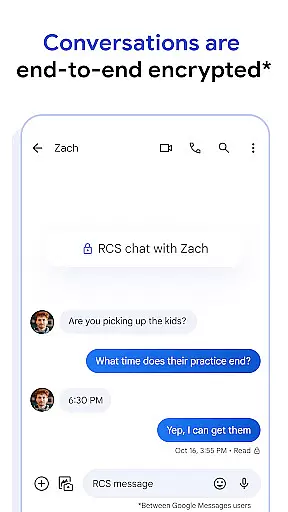
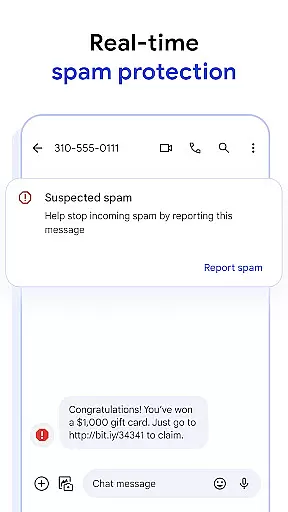
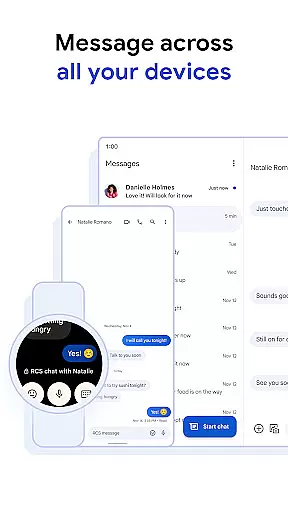
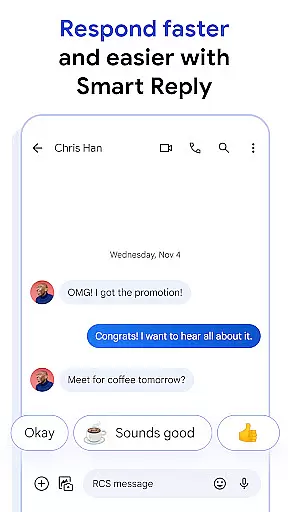
Privacy is prioritized with end-to-end encryption for messages and attachments between Google Messages users, ensuring secure communications. Additionally, the app offers advanced spam protection mechanisms. Users can personalize their chats with custom colors and fun elements like selfie GIFs. AI-driven features like Magic Compose provide intelligent suggestions to refine messaging. Furthermore, the app's multi-device support enables uninterrupted conversations across smartphones, tablets, computers, and Wear OS devices.
Companion app integration is a crucial feature for Android Wear applications, ensuring seamless synchronization between mobile devices and wearables. Google Messages excels in this area by providing users with the ability to continue conversations effortlessly across different devices.
The app achieves this through its advanced cross-device framework that maintains real-time updates. Whether you start a chat on your phone or tablet, you can easily pick up where you left off on your Wear OS device. This ensures that users are not tethered to a single device and can transition smoothly between their smartphone, tablet, or computer.
For users, this means unparalleled convenience and flexibility. You no longer need to worry about carrying multiple devices or missing important messages. The integration is designed to be intuitive, allowing users to focus on their conversations rather than the technicalities of device management.
This functionality significantly enhances user experience by offering a fluid and cohesive messaging environment. It allows users to stay connected regardless of the device they are using, making communication more efficient and reliable.
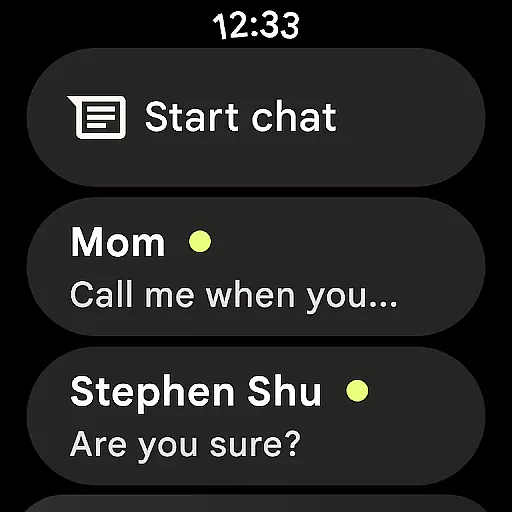
Device compatibility is essential for any application targeting the Android Wear platform. Google Messages has been optimized to work seamlessly with Wear OS, ensuring that users can enjoy a full range of features directly from their smartwatches.
The app supports various Wear OS devices, providing a consistent and high-quality experience across different hardware. This includes compatibility with the latest smartwatches as well as backward support for older models, ensuring that all users can benefit from its rich features.
By focusing on broad device compatibility, Google Messages ensures that users do not face limitations based on their specific wearable device. This inclusivity allows a wider audience to take advantage of features like RCS, end-to-end encryption, and AI-powered suggestions without needing to switch devices.
Ultimately, this compatibility translates into a versatile and accessible messaging solution. Users can enjoy the same level of functionality and security on their Wear OS devices as they do on their smartphones, enhancing overall user satisfaction and engagement.
User-friendly interface
End-to-end encryption
Rich Communication Services
AI-powered messaging tools
Cross-device compatibility
Limited RCS availability
Beta testing required for some features
Data plan may be necessary
Feature disparity across regions
Device-specific limitations

Precision analog watch face with 7 complications and style options
 4.1
4.1
MyNISSAN® lets you remotely control your car from your phone.*
4.50
Elegant animated Christmas tree with multiple customization options
4.20
Digital, flexibly customizable watch face. For Wear OS 5.0, API 34+ and later.
5.00
Digital watch face with big numbers and many customization for Wear OS devices
4.40
Bold weather Digital watchface with forecast & optional animated background
4.40
Animated video-game inspired “secret agent” simulation, right on your wrist!
4.20
Connect, create, and collaborate with Gmail, part of Google Workspace.
4.10
Start and succeed with PAP
4.10
Beautiful, colorful and practical watch face. For Wear OS devices.
5.00
Period, ovulation & pregnancy tracker. Fertility insights & menstrual calendar.
4.90
WTW M17 is a premium and luxurious hybrid watch face
4.70
Kia Access makes getting your vehicle information easier than ever
4.60
Stylish, Energizing and Modern Watch Face crafted by Dominus Mathias.
4.50
Embrace the holiday spirit with this magical animated watch face!
4.40
Embrace the festive spirit with our Christmas Countdown watchface for Wear OS
4.10
sleep, alarm, snoring, stress, healing, focus, sound therapy, circadian rhythm
4.10
Watch face designed for Thanksgiving Day. 7 Background Styles included.
3.20
Contemporary digital watch face with five complications
4.2


User Reviews