
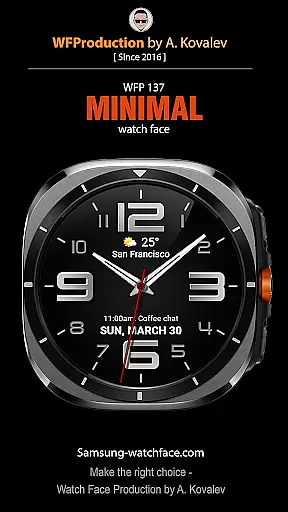
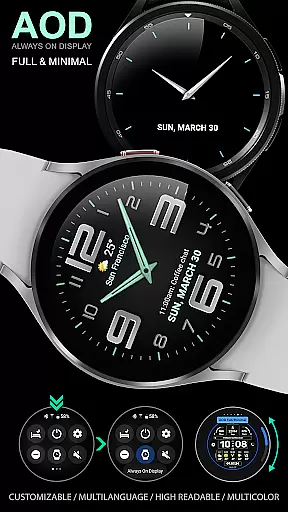
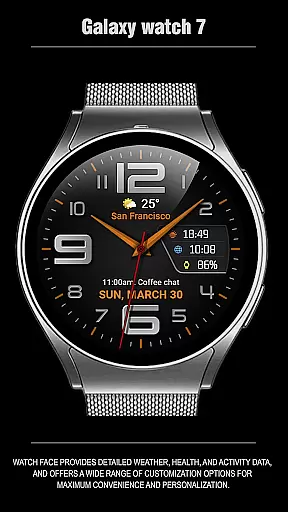
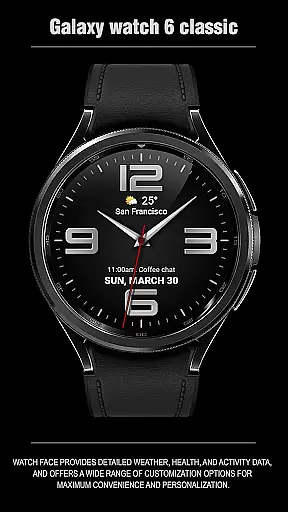
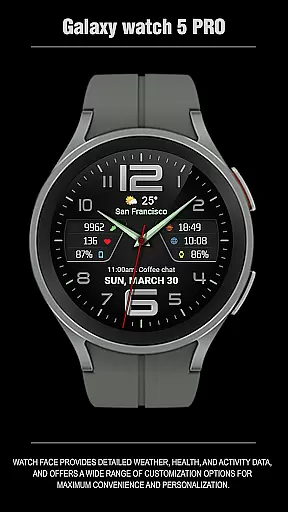
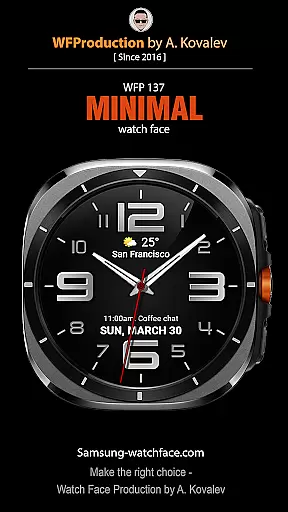
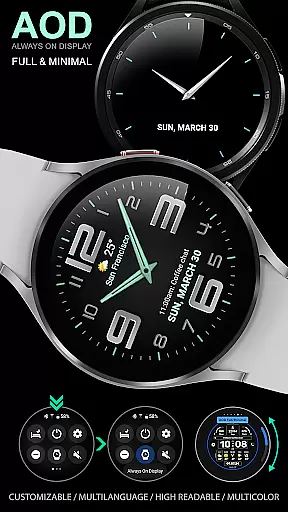
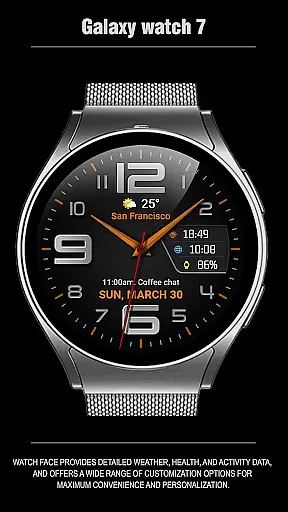
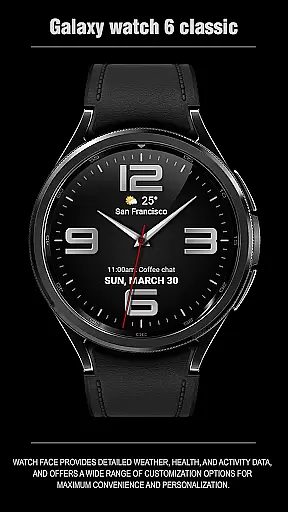
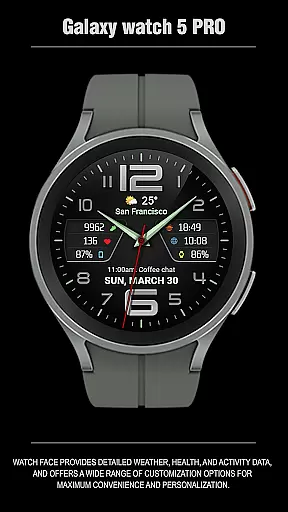
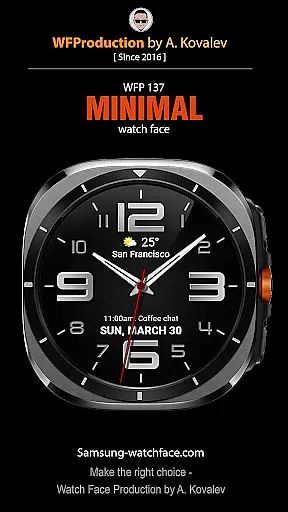
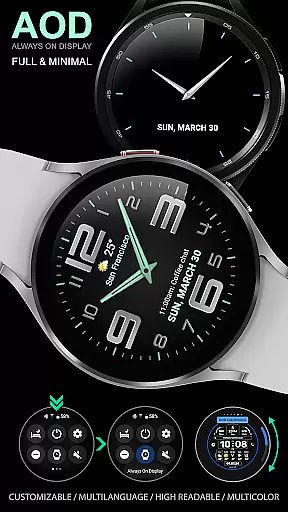
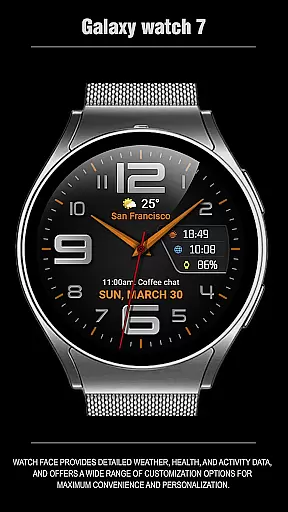
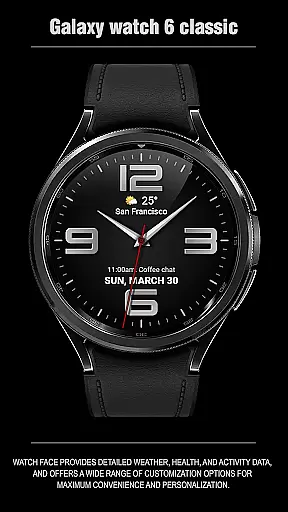
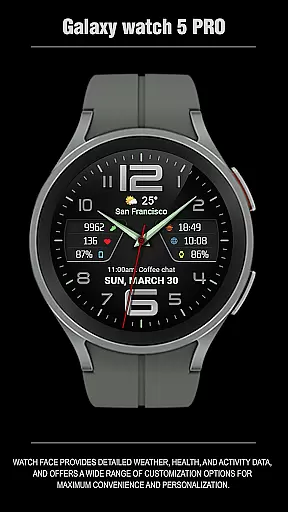
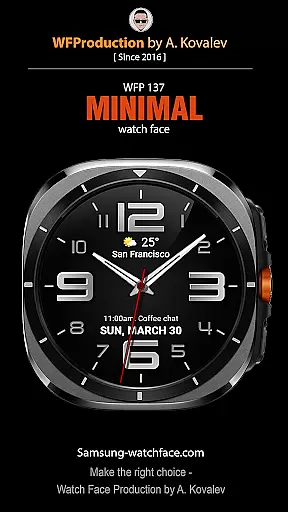
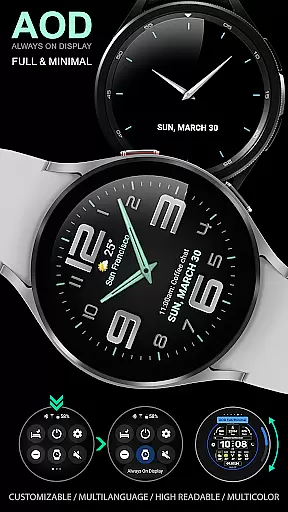
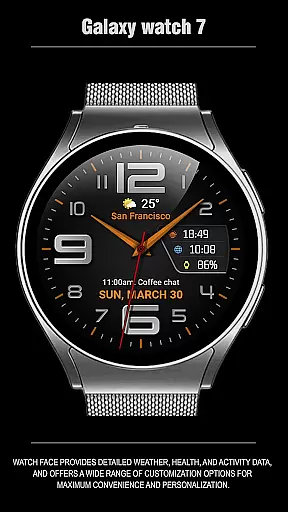
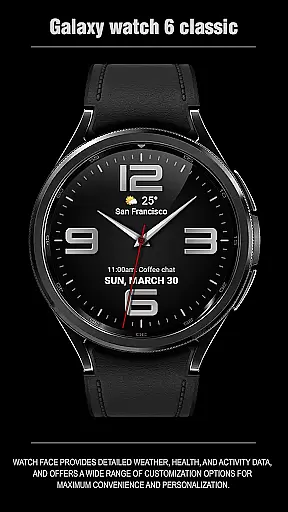
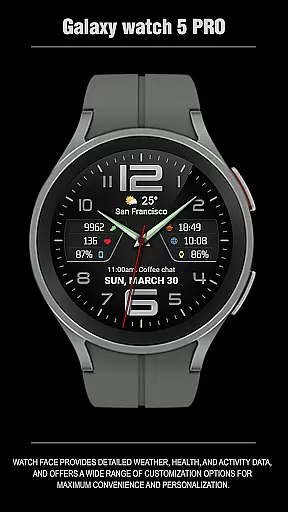
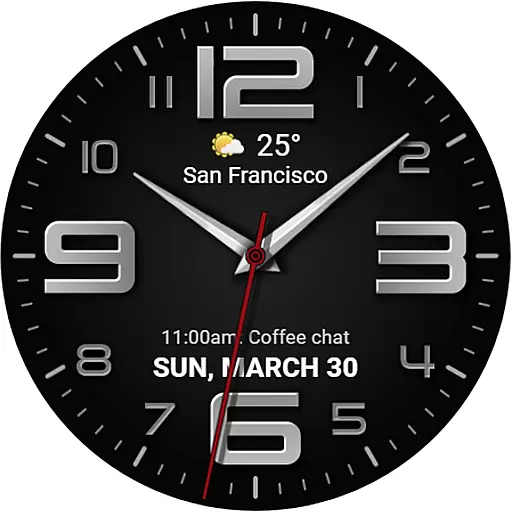
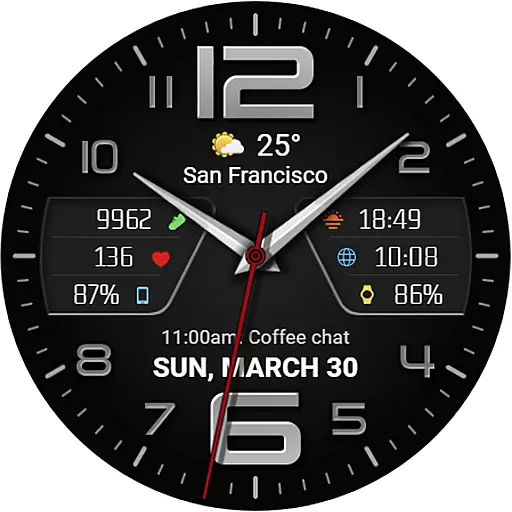
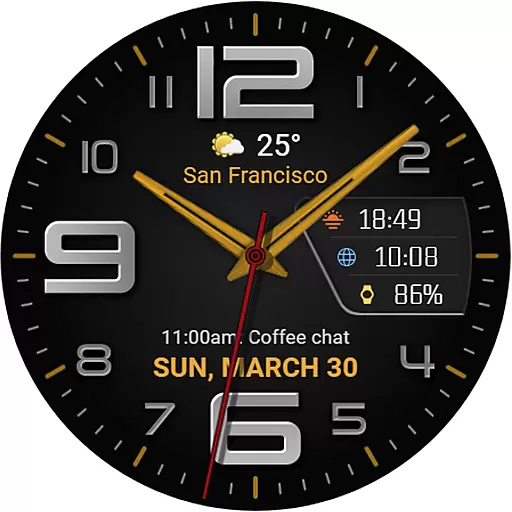
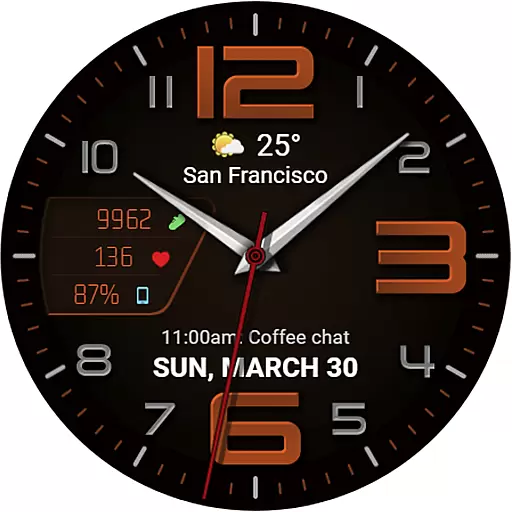
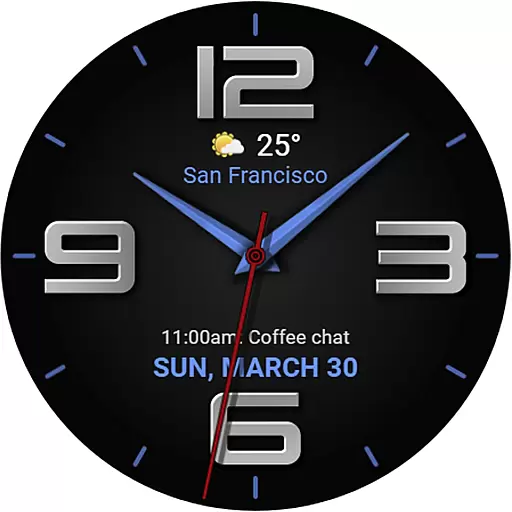
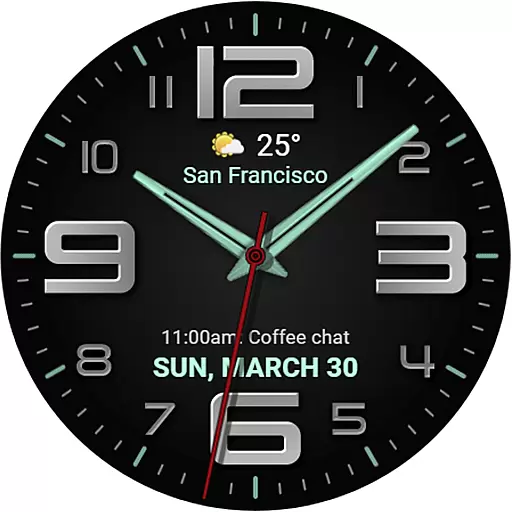
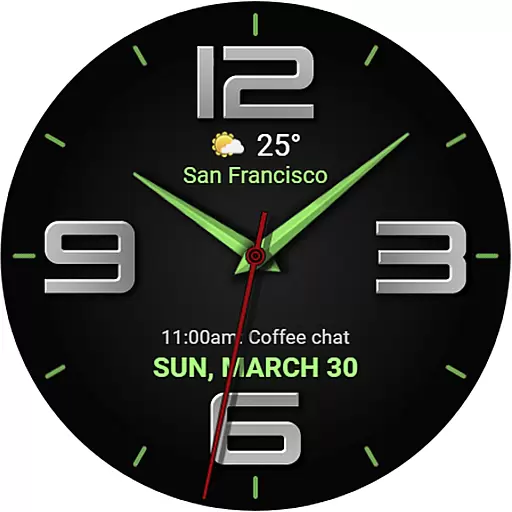
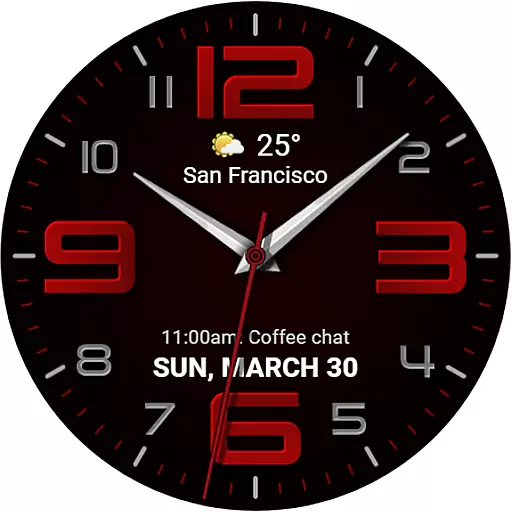
The WFP 137 Minimal watch face is a stylish and functional application designed for smartwatches. It offers users detailed weather forecasts, health tracking, and activity data while providing extensive customization options to enhance personalization and convenience.
With compatibility for devices running API 34+ and later, this watch face ensures broad device support. Users can follow simple installation instructions and access helpful widgets for phone charge status, calorie tracking, and more. The app also features promotional offers like Buy 1 - Get 1 free, adding value for users.
This application is ideal for individuals seeking a blend of style and utility on their smartwatch, allowing them to stay informed and express their unique preferences through customizable designs.
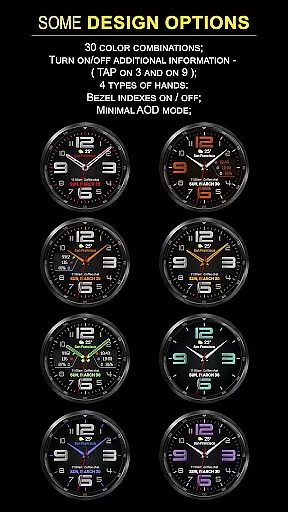
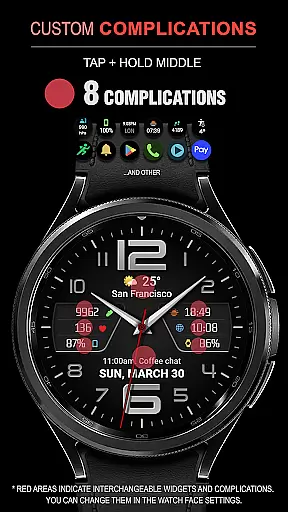
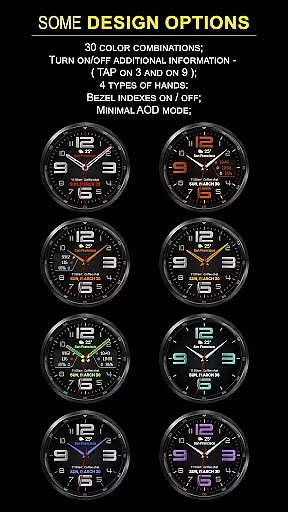
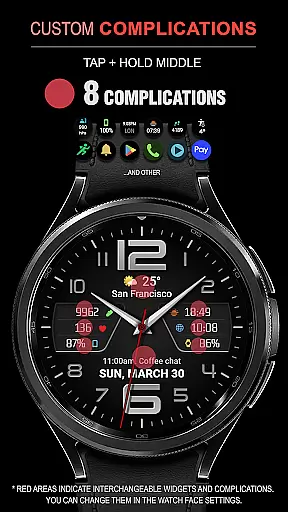
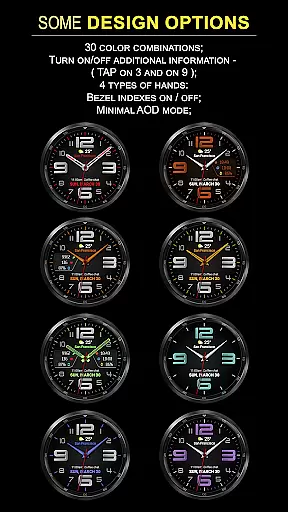
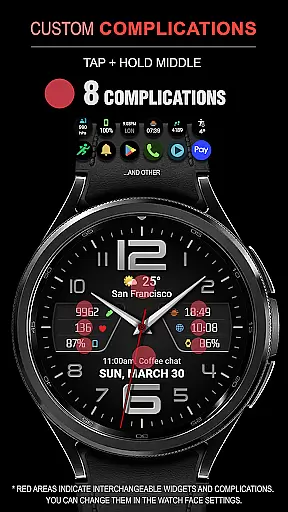
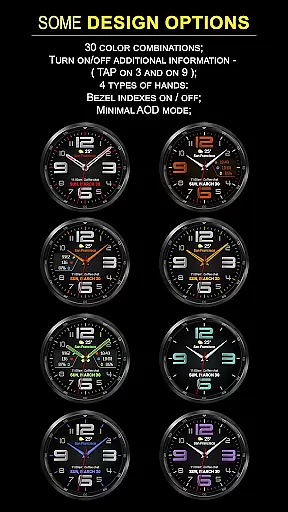
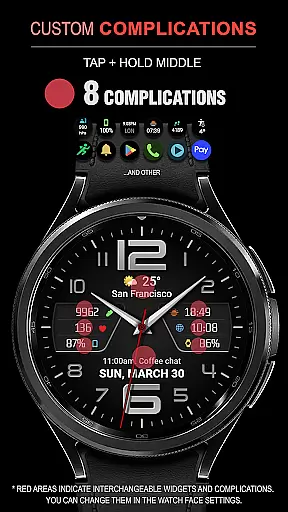
The WFP 137 Minimal watch face stands out with its rich feature set tailored for both functionality and aesthetics. Key features include eight complications, 30 color combinations, and four types of hands, enabling users to personalize their watch faces extensively.
Additional functionalities such as weather forecasts, high-resolution displays, and optimized battery consumption ensure that users receive accurate information without compromising device performance. The app supports multilingual interfaces and allows temperature display in Fahrenheit or Celsius.
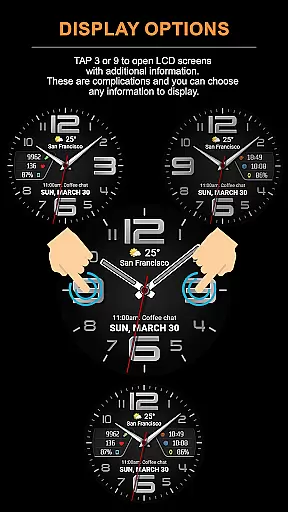
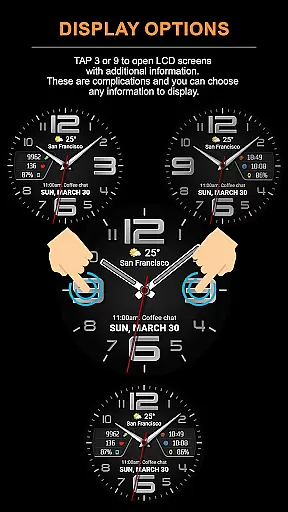
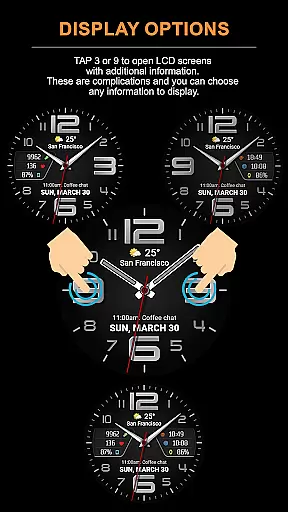
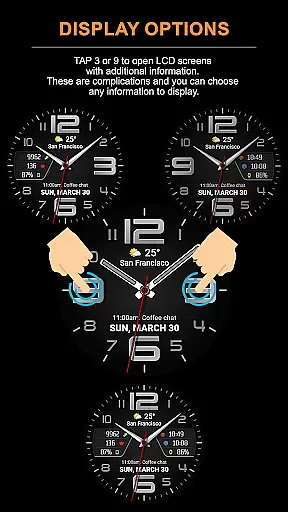
Advanced customization options include tap zones at 3 or 9 to open LCD screens with additional information, customizable Always-On Display (AOD) modes, and various informational widgets. These features collectively deliver a highly personalized and efficient user experience.
Companion app integration is essential for a seamless wearable experience. The WFP 137 Minimal watch face excels in this area by offering users the ability to sync and share data between their wearable and mobile devices effortlessly.
This functionality allows for real-time updates of weather, health, and activity data directly on the user's wrist. By following simple installation instructions available on samsung-watchface.com, users can ensure that all features are fully operational.
Users benefit from having access to phone charge widgets, calorie tracking, and floor counts among other metrics, enhancing their interaction with both the wearable and its companion app. Detailed guides provided via samsung-watchface.com/settings further facilitate an optimal setup process.
Ensuring broad device compatibility is crucial for any Wear OS application. The WFP 137 Minimal watch face supports devices running API 34+ and later, making it accessible to a wide range of users with compatible Samsung wearables.
This compatibility ensures that users can enjoy high-resolution displays, optimized performance, and low battery consumption across supported devices. With multilingual support and customizable AOD modes, the watch face adapts seamlessly to individual preferences and device capabilities.
By maintaining such extensive compatibility, WFP 137 guarantees not only current usability but also future-proofs its functionalities against upcoming Wear OS updates or new device releases.
Stylish design
Extensive customization
High optimization
Low battery consumption
Multilingual support
Requires API 34+
Complex setup
Limited widget info
No standalone use
Premium cost

Watch the sharpness of the sky on your wrist..
 3.70
3.70
Highly customizable hybrid watch face for Wear OS, perfect for everyday use.
4.60
Christmas Theme Watch Face for Wear Os
5.00
A heartwarming Christmas scene featuring a cute image of Santa and Rudolf
4.1
Elegant animated Christmas tree with multiple customization options
4.20
sleep, alarm, snoring, stress, healing, focus, sound therapy, circadian rhythm
4.10
Your second brain for organizing your life: to-do, calendar, reminder.
4.70
Viewer for Wyze/Yi/Eufy/Arlo/ONVIF/RTSP/P2P IP cams w/ adv. features & DIY DVR
4.00
A white realistic classic analog watch face with many customization options.
4.40
Easy Voice Recorder is your everyday companion to record important moments.
4.70
To-Do List: daily schedule planner, task organizer, to do reminder app, calendar
4.60
Beautiful artistic animated digital watch face, with a customizable layout!
4.40
Snowflake Rose Gold Watch Face - Digital, modern, & sleek with GYRO effect.
4.10
Your local weather forecast, storm tracker, radar maps & live weather news
3.40
Watch face designed for Thanksgiving Day. 7 Background Styles included.
3.20
Christmas is near, let's count together the days left until Santa comes
4.2
A Wintery Snow Globe on Your Wrist; now celebrating Christmas!
4.2
Artistic Digital Watchface
4.5
Stylish digital watch face for Wear OS devices with customizable features
4.4


User Reviews