
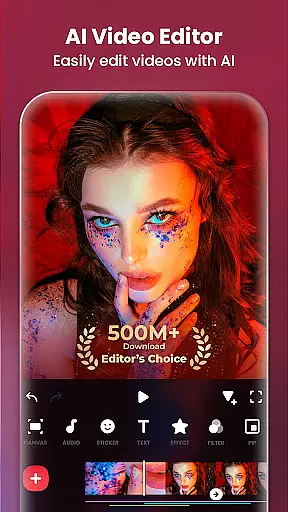
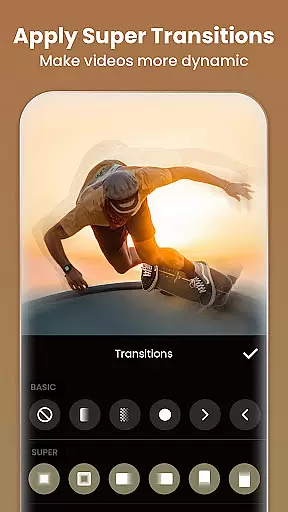
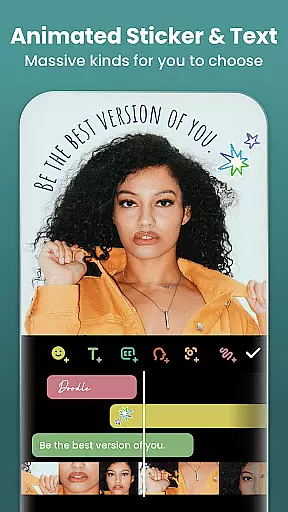
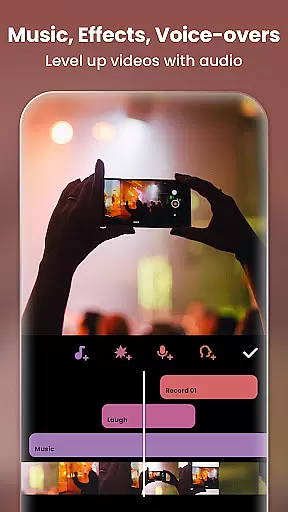
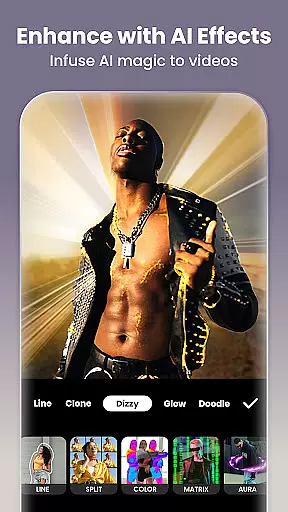
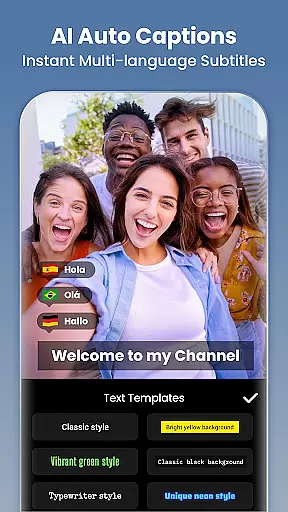
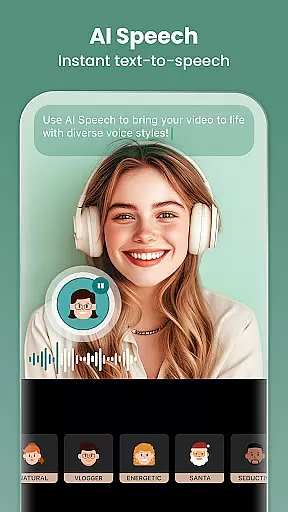
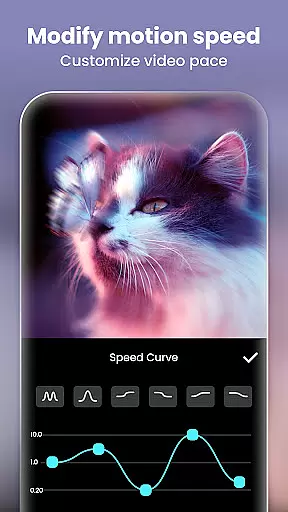
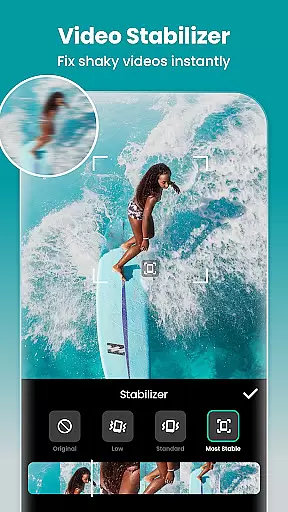
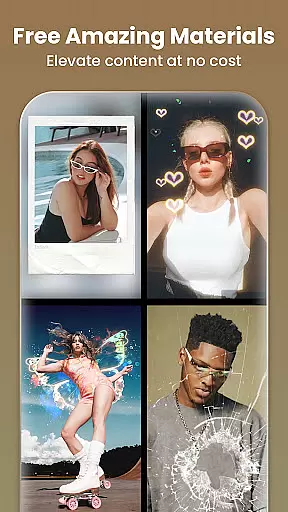
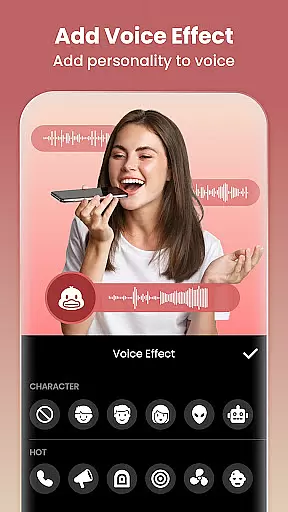
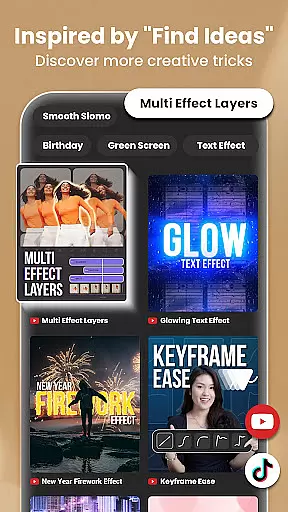
InShot is a versatile video editing and photo enhancement application designed for both casual users and professional content creators. This all-in-one tool offers a comprehensive suite of features including AI-powered effects, full-featured video editing capabilities, and advanced photo editing tools. Users can effortlessly create high-quality videos with music, text overlays, transition effects, and smooth slow-motion sequences.
The app's intuitive interface makes it easy to produce engaging content for various social media platforms like YouTube, Instagram, TikTok, and Facebook. Whether you're looking to make stylish Instagram story covers, professional vlogs, or creative photo collages, InShot provides the necessary tools to bring your vision to life while maintaining exceptional quality.
InShot stands out with its powerful AI tools that streamline the editing process. The AI Body Effects feature allows users to enhance their images and videos instantly with one tap, while Auto Captions eliminates the need for manual text typing through speech-to-text technology. Additionally, the Smart Tracking function enables stickers and text to move seamlessly with tracked objects, adding dynamic elements to videos.
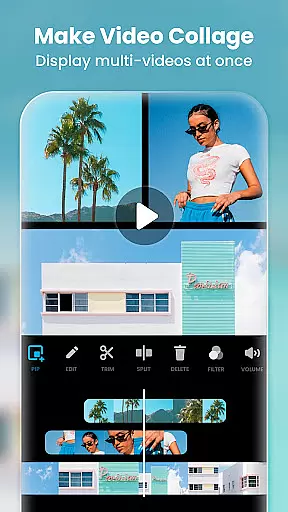
The app also excels in traditional video editing features. Users can trim and merge clips without quality loss, add various visual effects, adjust video ratios, and control playback speed. With support for chromakey editing, picture-in-picture compositions, and custom keyframe animations, InShot empowers creators to produce sophisticated video projects with professional-grade transitions and effects.
Real-time capture and preview functionality is essential for ensuring that every moment is captured exactly as intended. InShot offers a seamless experience where users can see the results of their edits instantly, allowing for immediate adjustments and fine-tuning.
The app's powerful video editing capabilities include trimming, merging clips, and adjusting speed without losing quality. This ensures that users can create professional-looking videos with smooth transitions and effects in real time, enhancing the overall visual storytelling.
In addition to video editing, InShot provides an array of filters, effects, and transitions that can be applied and previewed instantly. This feature empowers creators to experiment with different styles and aesthetics, ensuring their content stands out on platforms like Instagram, TikTok, and YouTube.
With real-time capture and preview, users can confidently produce high-quality content knowing that what they see during the editing process is precisely what their audience will experience. This immediacy not only saves time but also elevates the creative process, making it accessible to both novice and experienced editors alike.
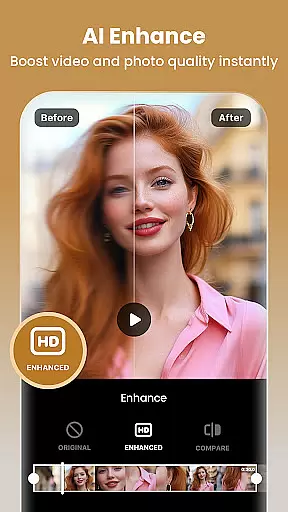
AI beauty and enhancement features are revolutionizing how we edit photos and videos by providing natural-looking improvements without manual effort. InShot leverages advanced AI tools to deliver enhancements that preserve authenticity while elevating visual appeal.
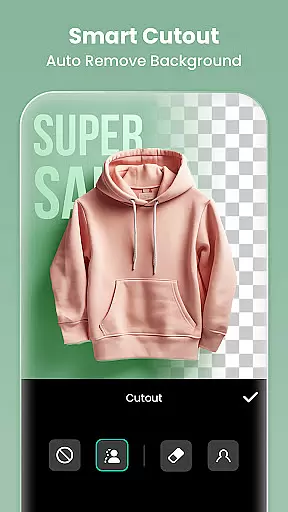
One standout feature is the Auto Remove Background tool, which allows users to effortlessly remove backgrounds from videos and photos at the touch of a button. This capability opens up endless creative possibilities, from replacing backdrops to creating picture-in-picture effects.
InShot also includes AI-powered body effects and smart tracking, enabling stickers or text to move seamlessly with tracked objects. These innovations add dynamic flair to videos, ensuring that enhancements blend naturally with original content.
By prioritizing naturalness in AI enhancements, InShot ensures that edited media retains its genuine essence, appealing to viewers across social media platforms. Users benefit from intuitive tools that enhance creativity without compromising the authenticity of their work.
User-friendly interface
Extensive AI features
Professional editing tools
Versatile export options
Active social integration
Some features require payment
Occasional ads display
Advanced tools may overwhelm beginners
Exporting large files takes time
Limited free music tracks

Find time and duration of different sunlight phases at any location
 4.90
4.90
Professional video recording application with manual controls for filmmakers!
2.80
What celebrity do you look like? Celebs will find your celebrity match!
4.10
Gallery Slideshow is slideshow maker app for slideshow from your gallery photos.
3.90
Create AI photos & videos with Enhancer; restore, fix, beautify, enhance photos
4.50
AI Photo Editor with 100+ Filters, Effects! Remove BG, Retouch & Photo Enhancer.
4.80
Professional quality photo edits with the new Snapseed.
4.00
Pro version: AR sun/moon tracker for any date. Tool for photographers & planners
4.90
Welcome to ProShot, the most powerful camera app on Android.
4.20
Photo prints, cards, & gifts at Walgreens. Easy ordering & fast local pickup !
4.80
Automatically backup your photos and videos to computer, NAS and Cloud services
4.60
Cut and paste photo editor & eraser to customize photos easy and swap faces fun
4.50
AI photo editor with hair editor, retouch tools, hair color changer & filters!
4.50
Photo editor & gallery. Crop pictures & edit photos offline, no wifi!
4.50
Use AI Video Generator to turn your words to ai generated videos.
4.50
Create amazing frames with up to five photos. Rounded corners, effects and more!
3.60
Over 800 film simulation recipes for Fujifilm. Black Friday Offer!
4.1
Add a dreamy vibe to your selfies and videos with soft style filters
4.2
Snap photos remotely using your Garmin watch as the camera trigger
4.5


User Reviews