
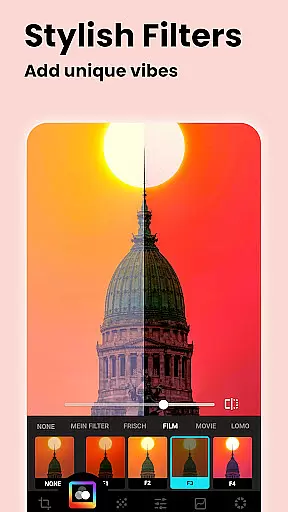
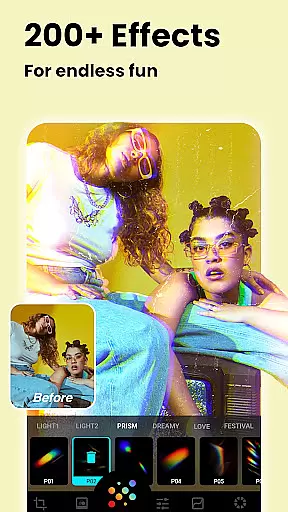



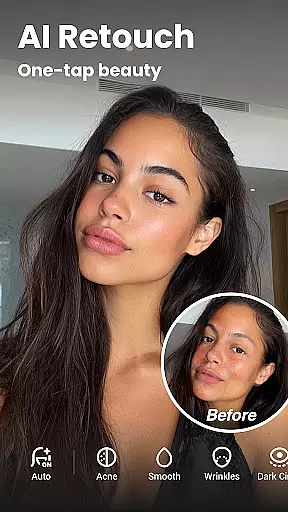

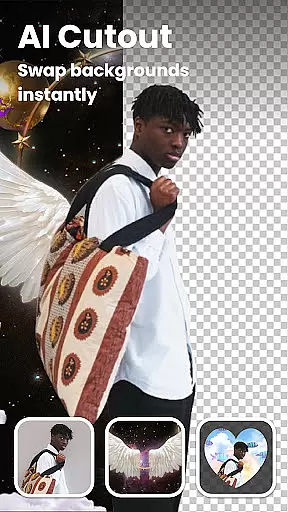


Lumii is a powerful AI Photo Editor that combines professional tools with smart AI editing features. Easily enhance photo quality, remove backgrounds, retouch selfies, and apply 100+ trendy photo filters and effects to edit photos.
Create artistic, high-quality photos effortlessly — no professional skills required. As one of the best photo maker and presets photography apps, Lumii makes photo editing simple, fast, and fun. No ads while editing.
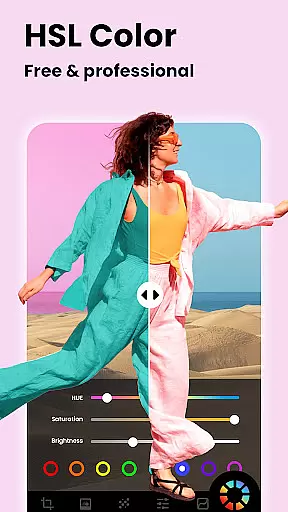
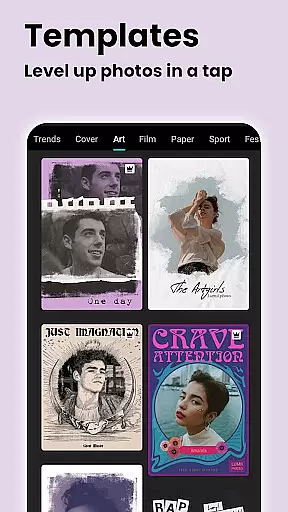
Lumii offers a wide range of features including customizable photo filters, 100+ photo effects, auto background eraser, useful & fun AI edits, BG blur, bokeh & mosaic, free HSL color, curves for photos, adding text to photos, double exposure, basic photo editing tools, glitch photo editor, trendy templates, and photo editing history & draft.
With these features, Lumii helps users become experts in photo editing, enhancing their photos with various filters and effects, and discovering endless fun during the process.
Real-time capture and preview functionality is essential for any photography app, allowing users to see exactly what their camera sees before taking a shot. Lumii offers this feature with an intuitive interface that ensures users can frame their photos accurately.
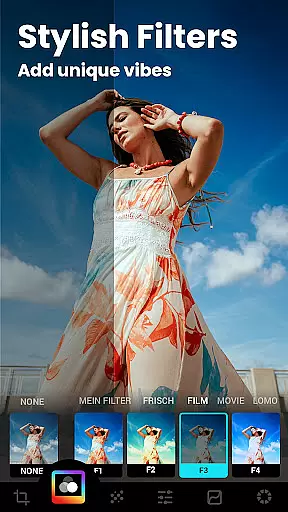
The application provides real-time filters and effects that can be previewed instantly through the camera viewfinder. This means users can apply aesthetic enhancements such as Film, LOMO, or Retro styles even before capturing the image, ensuring the desired outcome without post-editing guesswork.
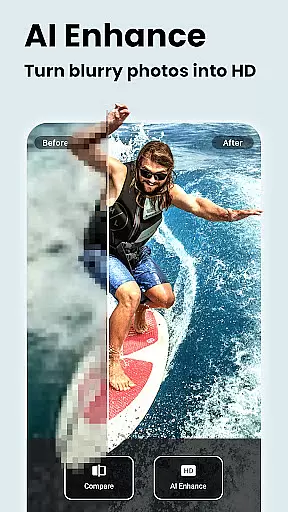
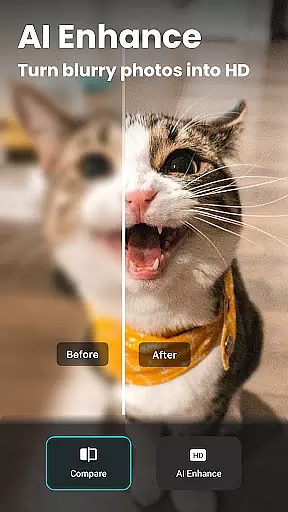
With Lumii's real-time capabilities, users benefit from professional-grade tools like AI Photo Enhancer which unblurs and enhances image quality on-the-fly. This feature turns ordinary portraits or group photos into high-definition masterpieces, providing immediate visual feedback and adjustments.
This instant visualization empowers photographers of all skill levels to make informed decisions about composition, lighting, and effects, thus elevating their photography game without needing advanced technical knowledge.
AI beauty and enhancement features are crucial in modern photo editing, offering users the ability to refine and perfect their images naturally. Lumii stands out by providing sophisticated AI-driven tools that ensure edits look realistic and not over-processed.
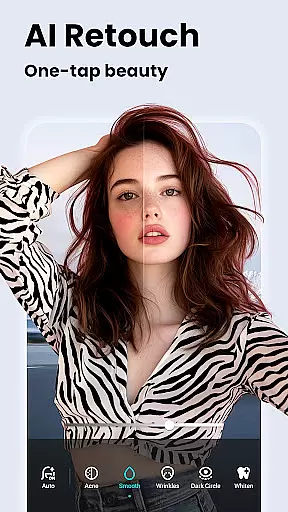
The app includes Auto Retouch functionalities that smooth skin, whiten teeth, and remove blemishes with just one tap. These features use advanced algorithms to maintain the natural texture and appearance of the subject, avoiding the artificial look often associated with digital enhancements.
Lumii also offers AI Remove, which intelligently detects and eliminates unwanted objects from photos while preserving the integrity of the surrounding area. This tool allows for seamless edits that blend naturally with the original image, enhancing its overall quality without visible traces of manipulation.
By prioritizing natural-looking results, Lumii ensures that every edited photo retains its authenticity, making it an ideal choice for users who seek polished yet genuine representations of their captured moments.
User-friendly interface
Wide range of photo effects
Advanced AI editing capabilities
No ads while editing
Comprehensive set of editing tools
Some features may require in-app purchases
Interface can be overwhelming for beginners
Occasional bugs reported by users
Limited customer support options
High system requirements for optimal performance

AI portrait generator and polaroid AI selfie, fun AI generated AI photo creator!
 4.30
4.30
Photo editor: face & body editor, beauty cam, filters and quality enhancer.
4.00
Turn your phone into a professional camera - full DSLR manual photography
4.30
Light-weight Media Gallery app for Android made with Jetpack Compose
4.60
Amazing Photo Effects - The most fun you can have with your photos!
4.70
Transform Photos: Edit, Beautify and Craft Memories & Make Collages!
4.10
Snap photos remotely using your Garmin watch as the camera trigger
4.5
Solocator stamps photos you take with GPS location, Compass Direction, Date/Time
3.80
Discover How to Plan any Sun, Moon and Milky Way Photo You Imagine in Seconds
4.70
Pro version: AR sun/moon tracker for any date. Tool for photographers & planners
4.90
A collection of tools and reference tables for DPs, ACs, DITs and Operators.
4.70
Enhance, retouch & create your story - Share the moment with Photoshop Express.
4.60
Easily create custom gifts, cards, photo books & more on the Shutterfly app!
4.60
Create Business Headshots, Polaroid Filter, Retake Photos,Profile Pics,AI Photos
4.50
Easily stitch panoramas from multiple photos or video.
4.40
The #1 app for B&W film developing featuring an advanced darkroom timer.
4.10
Gallery Slideshow is slideshow maker app for slideshow from your gallery photos.
3.90
Astrophotography with your smartphone, photo live stacking and much more!
3.90
Long exposure camera with computational photography
2.60


User Reviews