
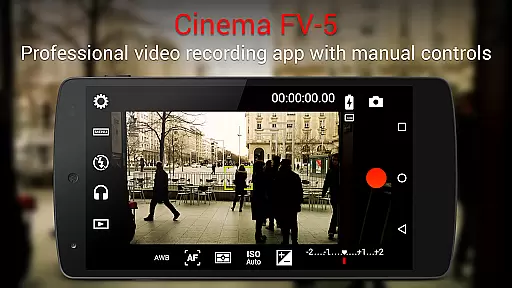
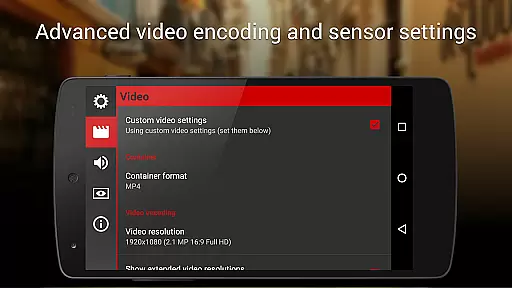
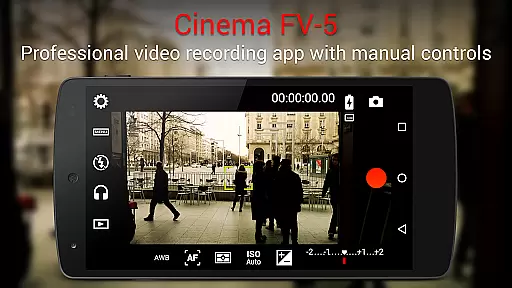
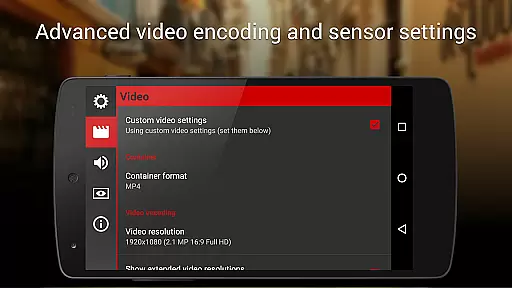
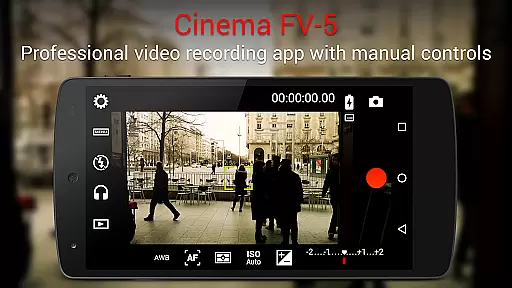
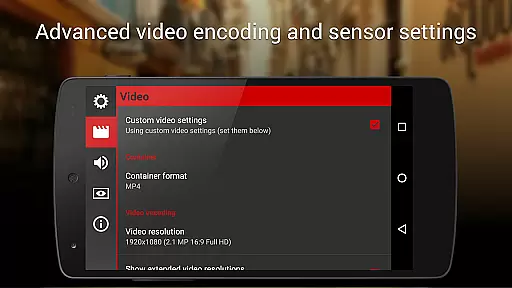
Cinema FV-5 is a professional-grade video camera application designed for mobile devices, offering users extensive manual controls for capturing high-quality footage. This app caters to both enthusiast and professional videographers by providing advanced features typically found in dedicated video cameras. With Cinema FV-5, users can adjust critical image sensor parameters such as exposure compensation, ISO, light metering modes, focus settings, and white balance. These capabilities ensure optimal postproduction results, making it an ideal tool for creative projects.
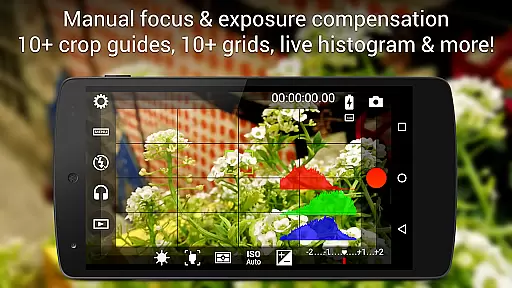
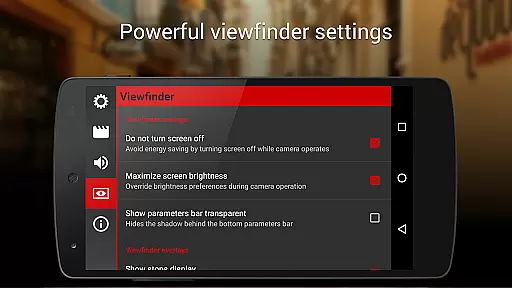
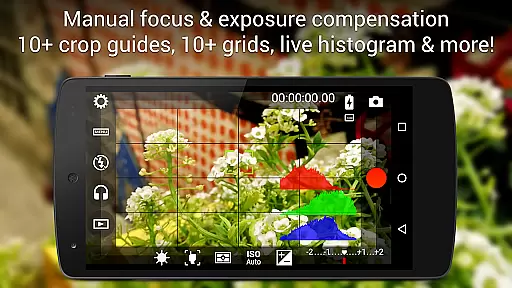
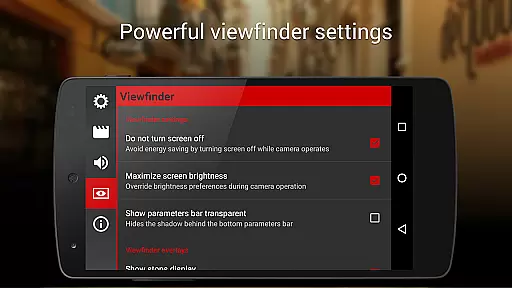
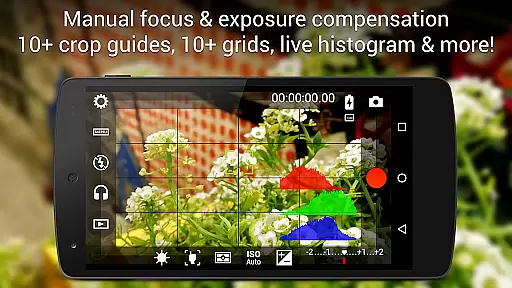
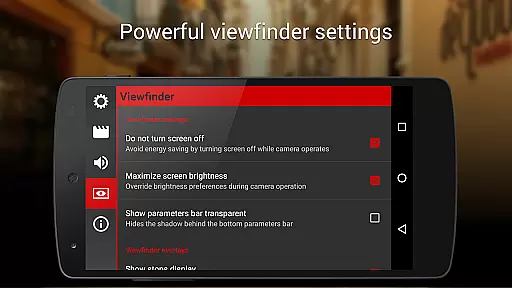
In addition to its robust manual controls, the app includes a professional viewfinder with compositing grids, crop guides, and safe area displays. It also features an advanced electronic viewfinder with live RGB and luminance histograms, professional sound metering options, and support for various audio input sources. The ability to record in 4K UHD on compatible devices further enhances its appeal for filmmakers seeking top-tier video quality. Whether shooting a short film or capturing footage for a documentary, Cinema FV-5 empowers creators to achieve their vision with precision and flexibility.
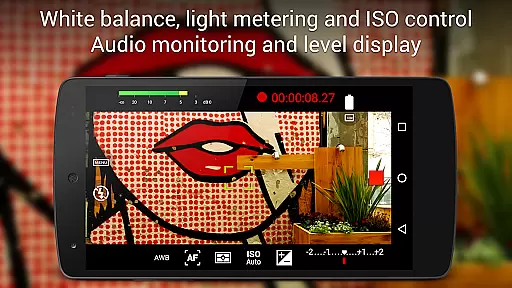
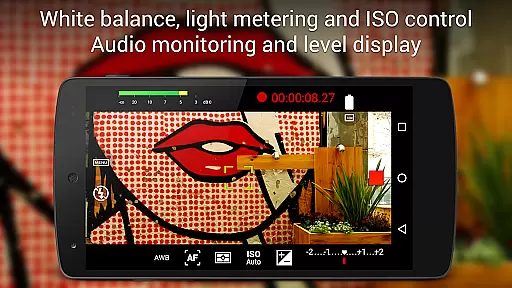
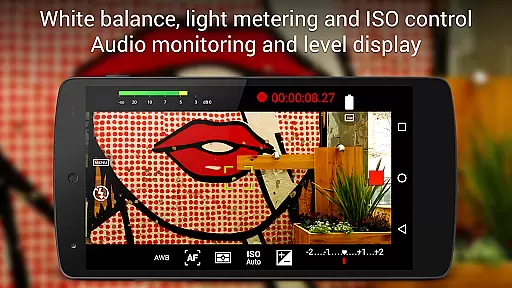
Cinema FV-5 stands out with its comprehensive set of features tailored for professional videography. One of its key strengths is the ability to adjust all essential image sensor parameters, including exposure compensation, ISO, light metering modes (matrix, center, spot), focus modes, and white balance. These adjustments can be made not only before but also during recording, allowing videographers to adapt to changing lighting conditions and capture dynamic scenes with ease.
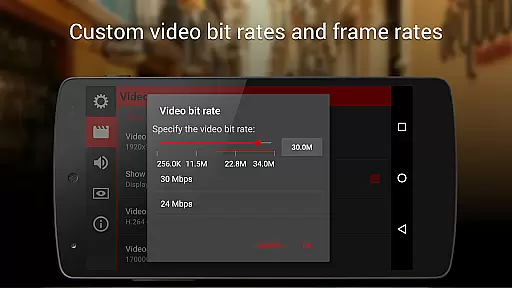
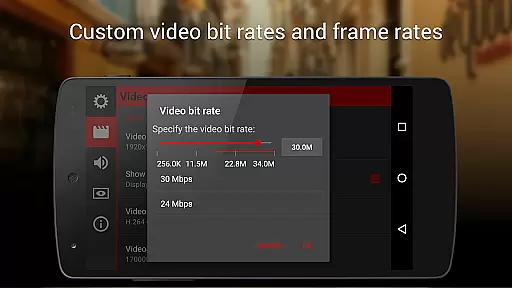
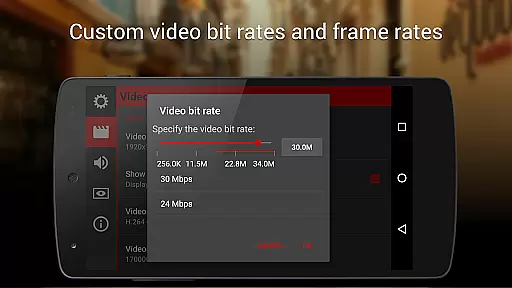
The app's professional viewfinder offers over 10 compositing grids and crop guides, along with safe area displays and live RGB/luminance histograms that remain accessible even while recording. Sound professionals will appreciate the detailed audio metering options, which include peak level indicators and clipping warnings. Additionally, Cinema FV-5 supports multiple audio input sources, customizable codec settings, and bitrate adjustments. Its compatibility with 4K UHD recording on supported devices ensures that users can produce crisp, detailed videos suitable for any high-end production workflow.
Cinema FV-5 excels in real-time capture and preview capabilities, offering videographers precise control over their footage. The application provides professional manual controls that allow users to adjust image sensor parameters such as exposure compensation, ISO, and white balance on the fly.
During recording, videographers can make crucial adjustments to focus and exposure, ensuring that the captured footage aligns with their creative vision. This flexibility is essential for achieving perfect postproduction results, making Cinema FV-5 a powerful tool for professional video capture.
The electronic viewfinder enhances the experience by displaying live RGB and luminance histograms. These features enable users to monitor their composition and exposure levels accurately, even while recording, which significantly benefits the quality of the final output.
While Cinema FV-5 does not focus on AI beauty enhancements, it offers advanced functionalities that cater to professional videography needs. The app's strength lies in its ability to provide filmmakers with tools for perfecting audio and visual elements through meticulous manual controls.
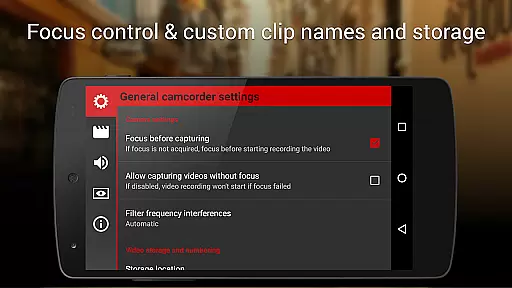
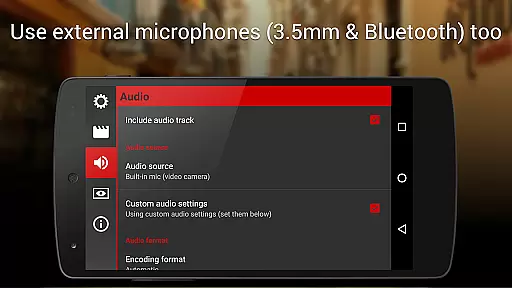
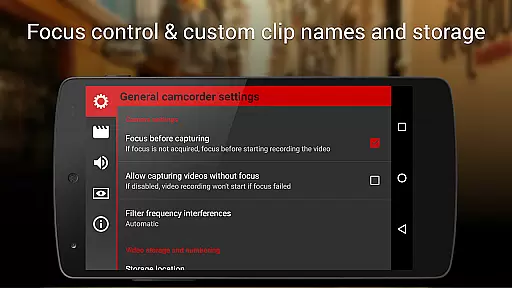
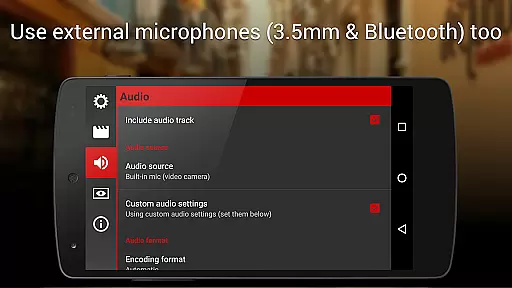
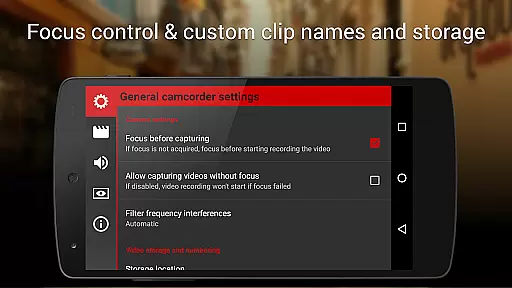
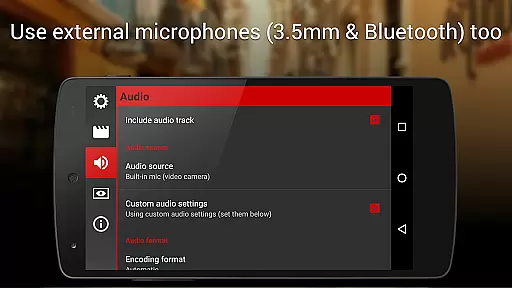
Users can choose between different audio input sources like built-in microphones or external options, ensuring high-quality sound recording. Additionally, customizable video settings such as codec selection, bitrate adjustment, and sampling rates contribute to producing natural and unaltered content.
This approach emphasizes authenticity over automated enhancements, allowing creators to deliver genuine and high-caliber video content without relying on artificial improvements.
Professional manual controls
Advanced viewfinder tools
4K UHD recording support
Flexible audio input options
Comprehensive video settings
Complex for beginners
Requires high-end device
No built-in editing
Premium price point
Limited automated features

Viewfinder, Light meter, Reciprocity failure time, DOF & Bellows Extension
 4.60
4.60
Cut and paste photo editor & eraser to customize photos easy and swap faces fun
4.50
Virtual makeup, hair filters & body tuner—edit from face to full body!
4.20
Perfect body tune & face app - photo retouch, makeup, slim body & beautify face.
4.80
Gallery Slideshow is slideshow maker app for slideshow from your gallery photos.
3.90
Luminar: Photo Editor - easy picture editing with AI
4.20
live datamoshing
4.00
A unique animation app. Powerful, easy to use, and lots of fun.
4.30
Welcome to ProShot, the most powerful camera app on Android.
4.20
Create funny photos and videos with the popular Time Warp Scan filter.
4.90
The original Rarevision VHS look seen everywhere!
4.70
Take videos and pictures with the popular TikTok TIME WARP SCAN filter.
4.60
Light-weight Media Gallery app for Android made with Jetpack Compose
4.60
Easily create custom gifts, cards, photo books & more on the Shutterfly app!
4.60
AI photo enhancer with Sora 2! Enhance, descratch, and colorize your old photos.
4.50
Create AI Photos, Improve and restore quality of blurry, old or damaged pics.
4.20
Professional camera app that brings DSLR manual photography controls to Android.
4.20
Turn photos into cartoons & avatars! - Photo Editor, Cartoon Face!
3.90
An interval timer to automate photo taking process for timelapse
2.90


User Reviews