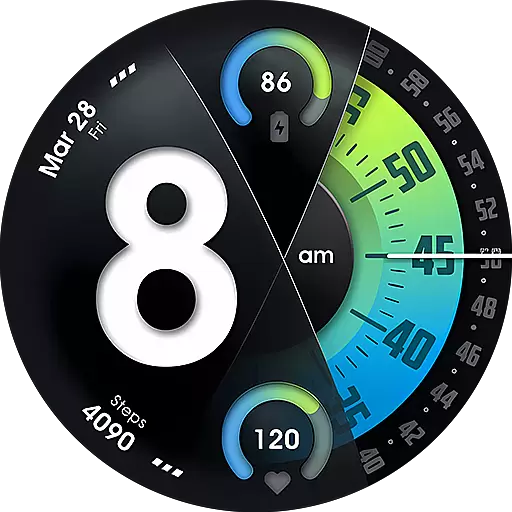
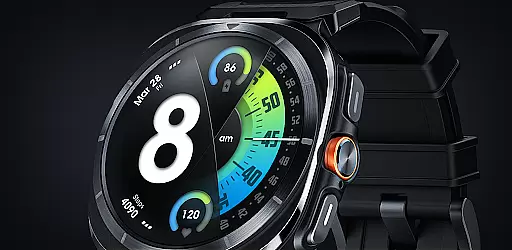
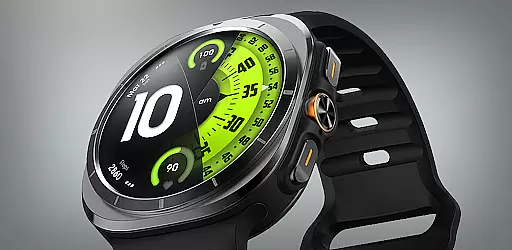
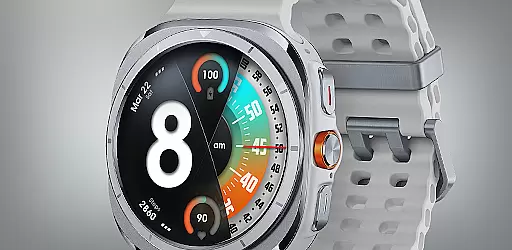
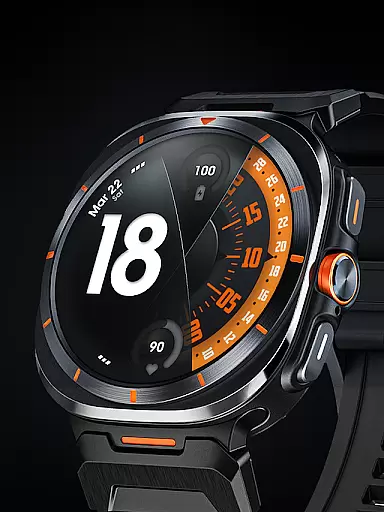
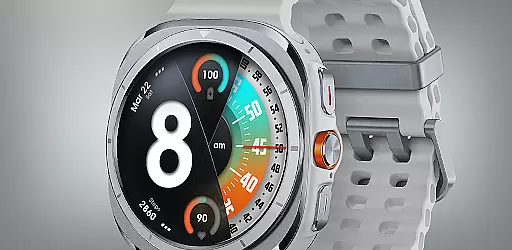
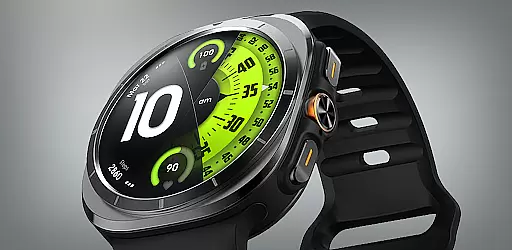
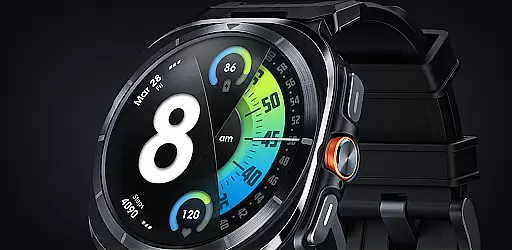
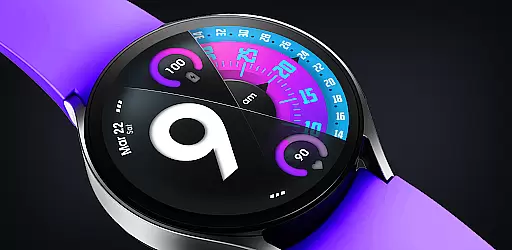
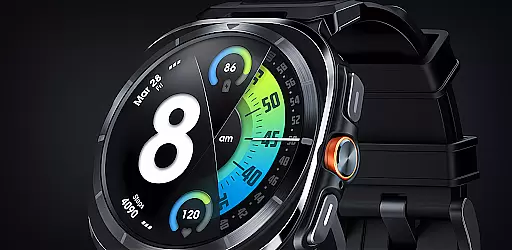
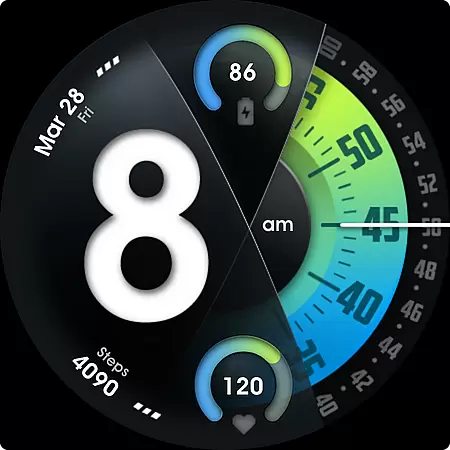
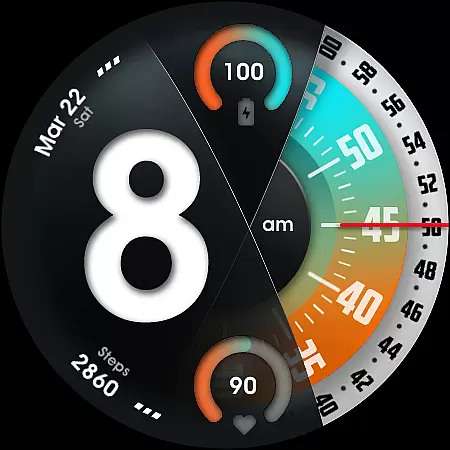
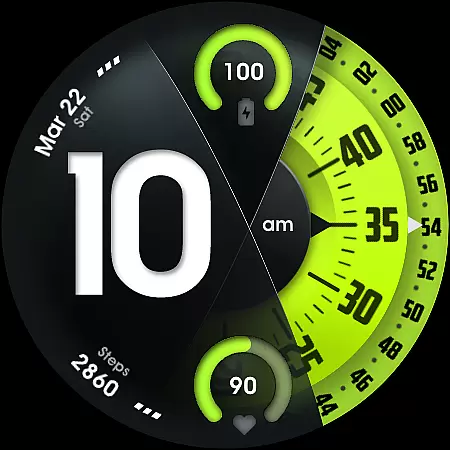
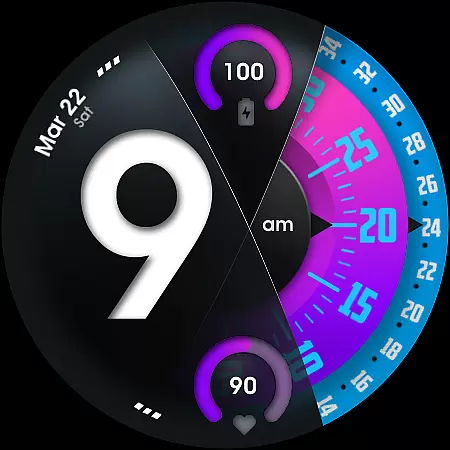
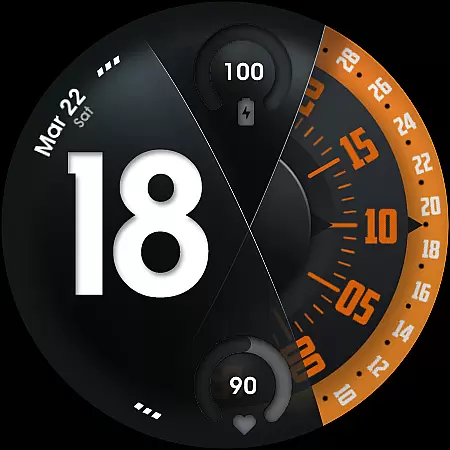
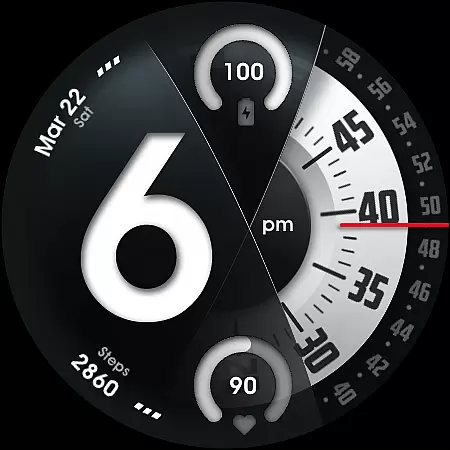
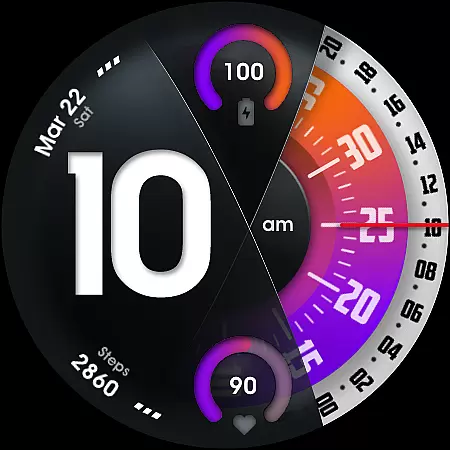
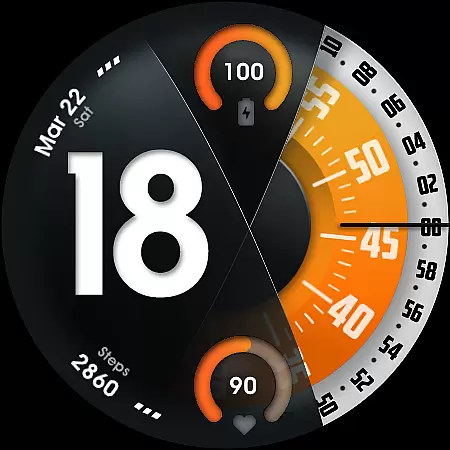
UsA Florencia Neo represents a fresh take on watch face design, blending digital functionality with classic analog aesthetics. This Wear OS application offers users a unique timekeeping experience through its digital-analog hybrid display, presenting hours in digital format while maintaining traditional minute and second hands.
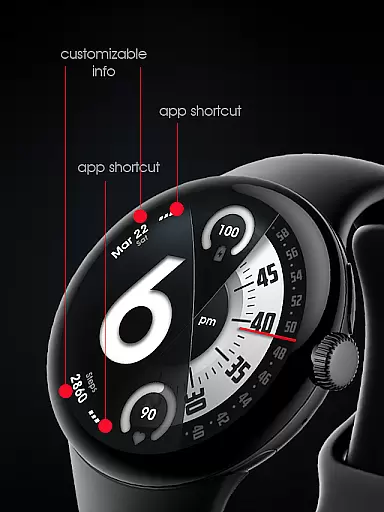
Beyond its core time-telling function, the app provides practical features such as battery and heart rate monitoring through intuitive gauges. With support for multiple color combinations, customizable seconds indicators, and two information complications, users can personalize their watch faces extensively. The inclusion of two customizable app shortcuts and a specially designed Always-On Display (AOD) mode further enhances usability and convenience.
This application is particularly suited for users of Galaxy Watch 4/5/6/7/8 Series, Pixel Watch series, and other devices running Wear OS 4 or newer. Its automatic installation feature and seamless integration with device settings make it an ideal choice for those seeking both style and substance in their smartwatch experience.
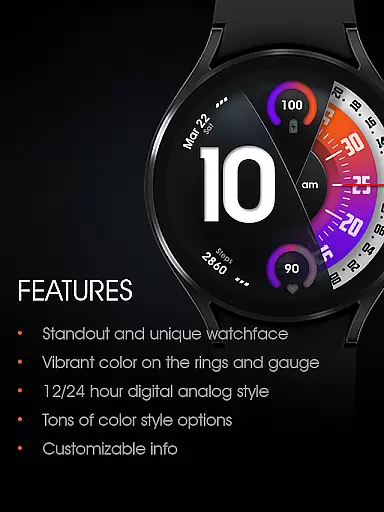
UsA Florencia Neo stands out with its comprehensive feature set tailored for customization and personalization. The watch face supports both 12-hour and 24-hour digital-analog styles, allowing users to switch between formats based on their preference or regional standards. Battery and heart rate information are displayed prominently with gauges, providing real-time health and device status updates.
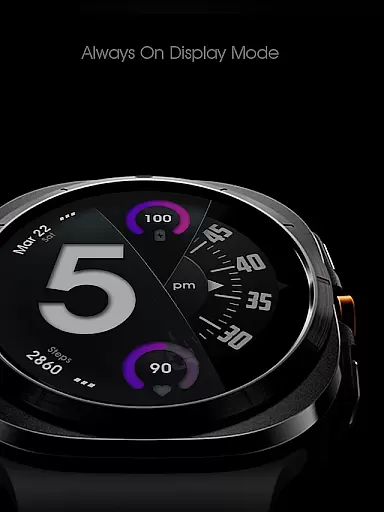
One of the key highlights is the extensive customization options available. Users can choose from various color schemes, modify seconds blade styles, and adjust line index indicators to create a truly personalized look. Two custom info complications and app shortcuts enable quick access to frequently used functions or data points. Additionally, the specially designed Always-On Display (AOD) ensures essential information remains visible even when the watch is idle, albeit at the cost of increased battery consumption.
The app's compatibility with Wear OS API 33+ ensures it runs smoothly on modern devices like Galaxy Watch 4/5/6/7/8 Series and Pixel Watches. Its automatic installation process simplifies setup, while the ability to sync heart rate measurement intervals with built-in settings demonstrates attention to detail. Overall, these features collectively enhance both the aesthetic appeal and functional versatility of UsA Florencia Neo.
Companion app integration is essential for a seamless wearable experience. UsA Florencia Neo ensures that your watch face settings are perfectly synced with your smartphone. This synchronization allows for effortless customization and management of the watch face directly from your phone.
The companion app provides an intuitive interface where users can modify various aspects of the watch face. From adjusting the digital-analog style to setting up custom complications, every feature is easily accessible. The app also supports syncing heart rate measurement intervals, ensuring that health data remains consistent across devices.
Users benefit from real-time updates and automatic installation processes. Once purchased, the watch face installs automatically on compatible devices. This streamlined process eliminates manual intervention, making it convenient for users to enjoy their new watch face immediately.
Moreover, the companion app offers live support and community engagement through its Telegram group. Users can join discussions, receive assistance, and share experiences with other enthusiasts. This active community enhances user satisfaction and ensures continuous improvement based on valuable feedback.
Ensuring broad device compatibility is crucial for maximizing user accessibility. UsA Florencia Neo is designed to work seamlessly with Wear OS API 33+ (Wear OS 4 or newer). This compatibility extends to popular models such as Galaxy Watch 4/5/6/7/8 Series, Pixel Watch series, and other devices running Wear OS 4 or later.
The watch face leverages advanced features available in these operating systems. For instance, it utilizes battery information gauges and heart rate monitors integrated into the system. These functionalities provide users with real-time insights into their device's status and personal health metrics.
Installation is straightforward and begins automatically once the purchase is made using the same Google account registered on the watch. After installation, users can access the watch face by opening the watch face list, scrolling to the right, and selecting 'add watch face.' The newly installed design will appear under the 'downloaded' section.
Customization options further enhance the user experience. By tapping and holding the watch face, users can enter the 'customize' menu. Here, they can adjust styles, manage shortcuts, and configure Always On Display settings. This flexibility ensures that each user enjoys a personalized and engaging wearable experience tailored to their preferences.
Unique design aesthetic
Extensive customization options
Real-time health monitoring
Seamless device integration
Automatic installation feature
Battery consumption concerns
Limited to Wear OS 4+
Requires specific permissions
No offline functionality
Premium pricing model

"PER27 Galaxy Digital" is a digital Wear OS watch face designed by PERSONA
 4.10
4.10
Rose gold watch face with festive lights & customizable features.
4.60
Deck out your Wear OS Watch face with a beautifully decorated pine wreath!
4.50
Artistic Digital Watchface
4.0
Kia Access makes getting your vehicle information easier than ever
4.60
Period, ovulation & pregnancy tracker. Fertility insights & menstrual calendar.
4.90
Bold weather Digital watchface with forecast & optional animated background
4.40
Hybrid Vibrant Health Watch Face for Wear OS
4.4
Hybrid watch face for Wear OS with customizable complications by Matteo Dini MD
4.70
Christmas - Festive - Christmas Village - Winter - Christmas lights
5.00
Real-time results, stats, schedules and player profiles for all leagues
4.60
Simple, helpful messaging by Google
4.60
Beautiful artistic animated digital watch face, with a customizable layout!
4.40
sleep, alarm, snoring, stress, healing, focus, sound therapy, circadian rhythm
4.10
Hyper-Realistic Airplane Dashboard Watch Face With 10 Skins and Custom AOD
4.00
Contemporary digital watch face with five complications
4.2
Stunning modern digital watch face with 7 complications and strong contrast
4.0
Simple Analog-Digital Watchface For Wear OS 3.0 and Up Smartwatches
4.4
Minimalistic design modern digital watch face.
4.5


User Reviews