
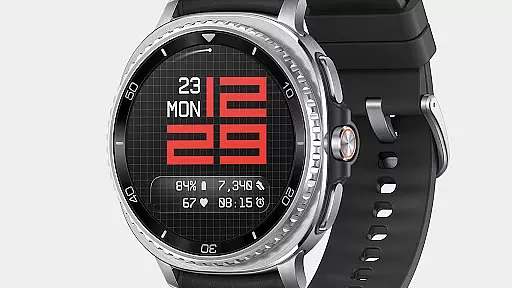
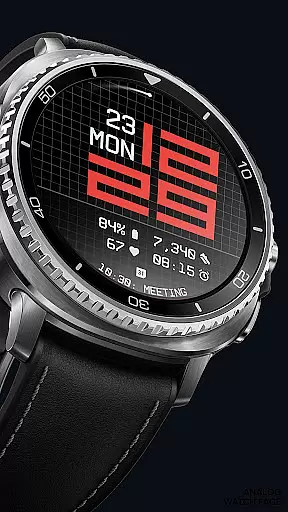
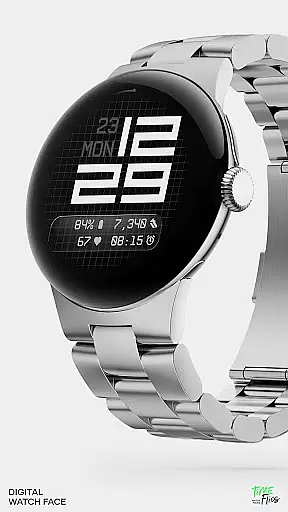
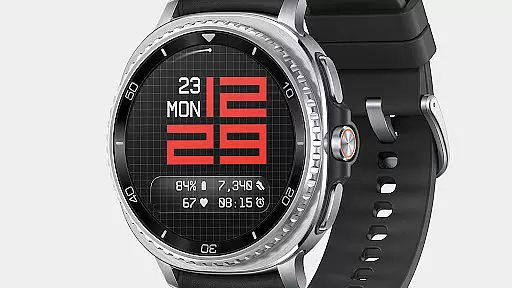
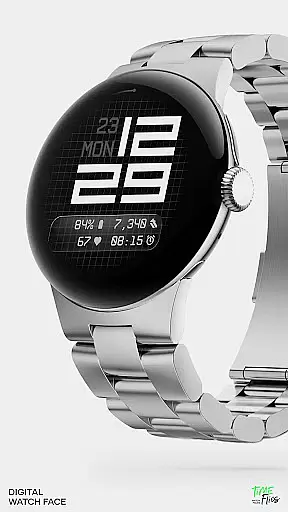
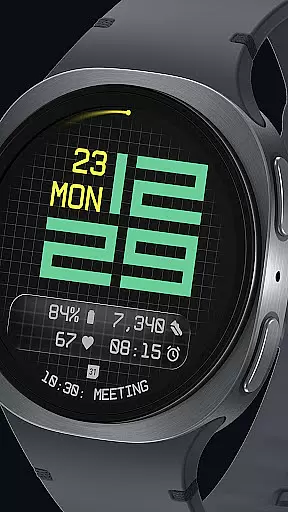
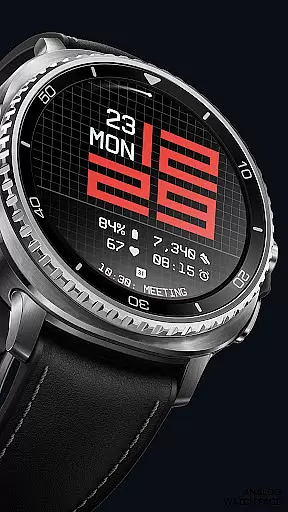
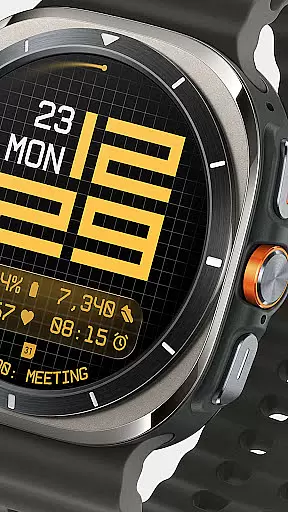
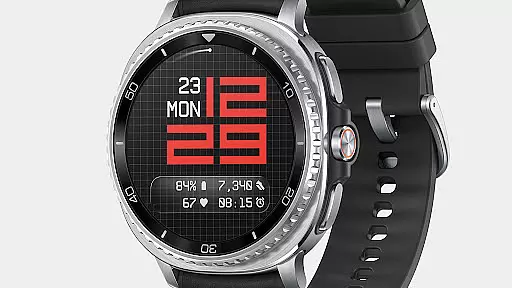
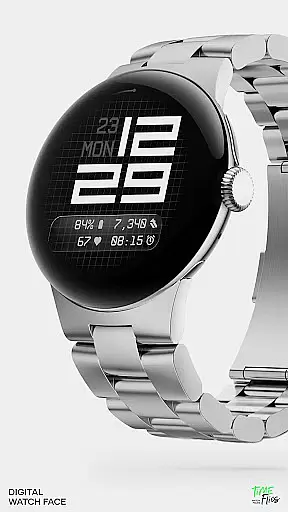
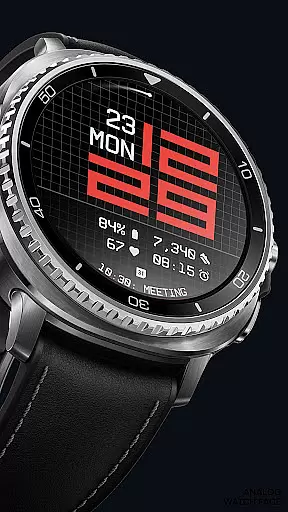
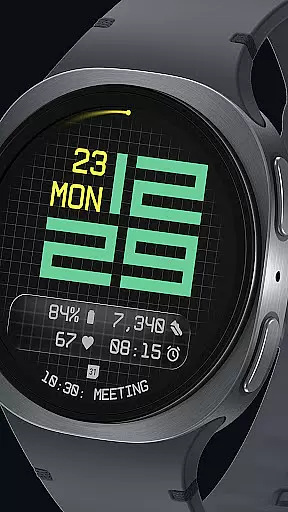

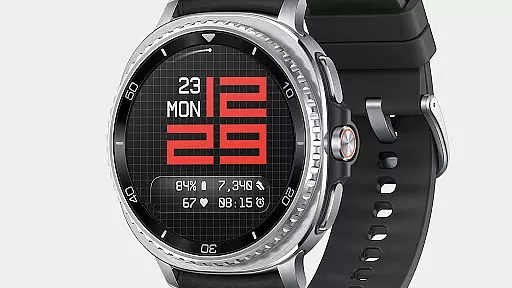
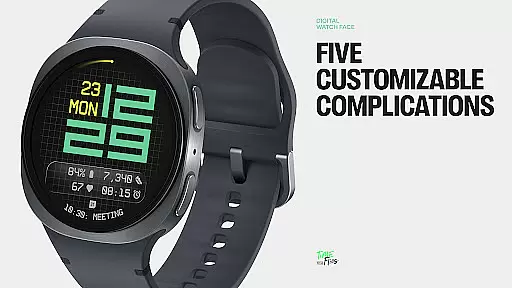
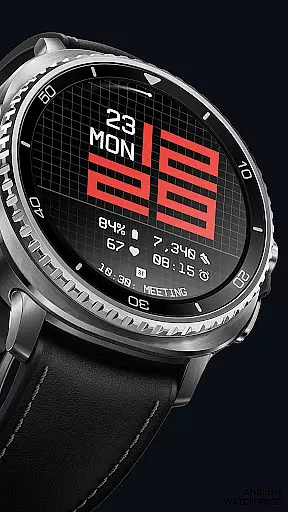
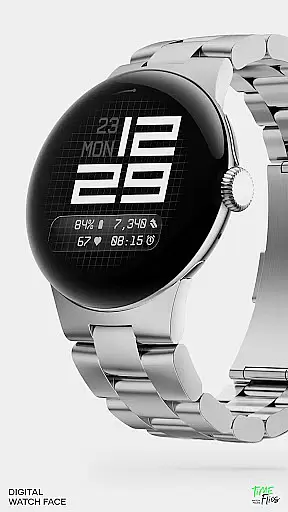
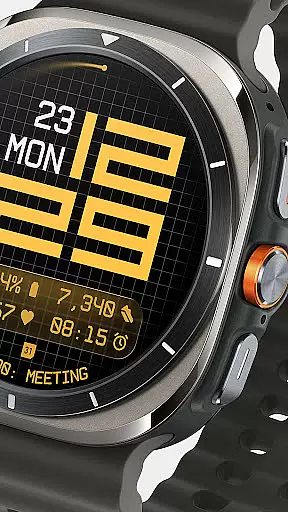
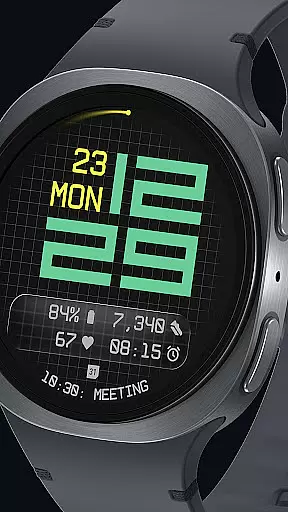
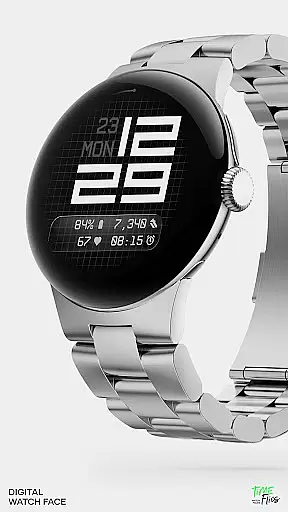
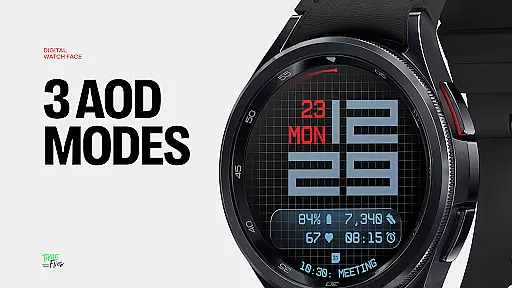
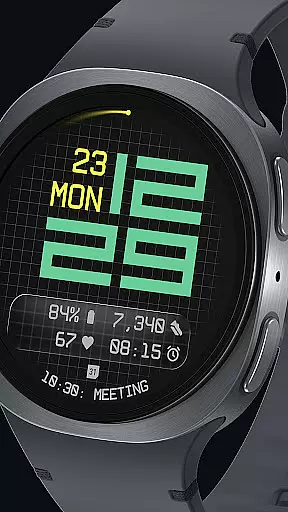
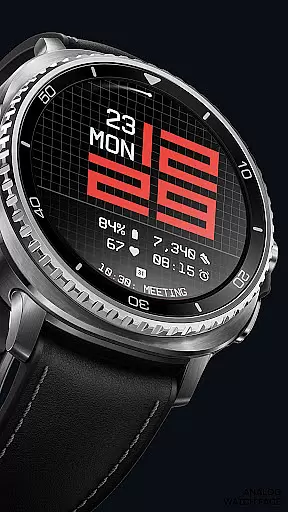
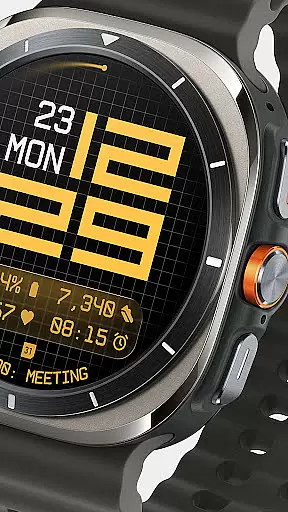
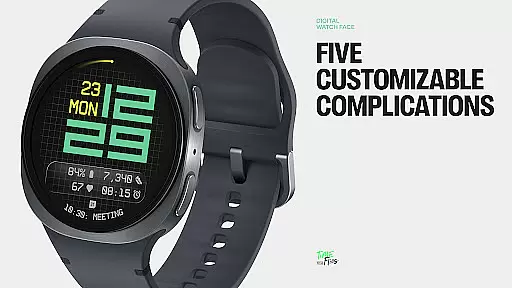
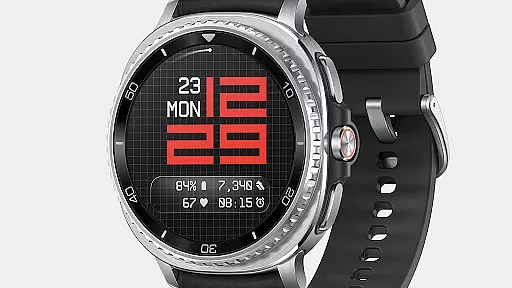
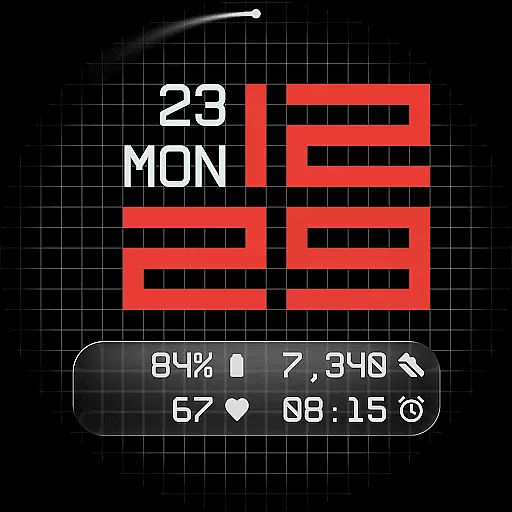
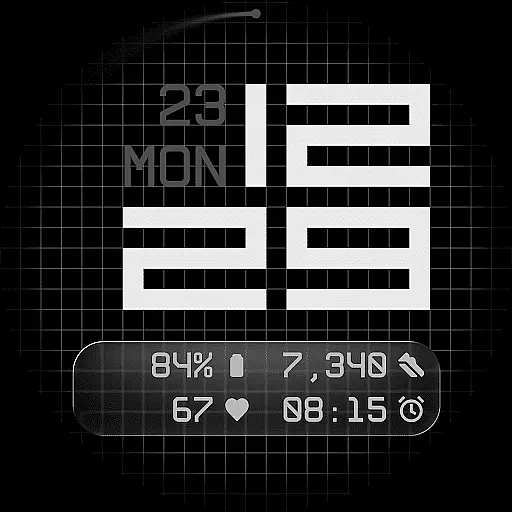
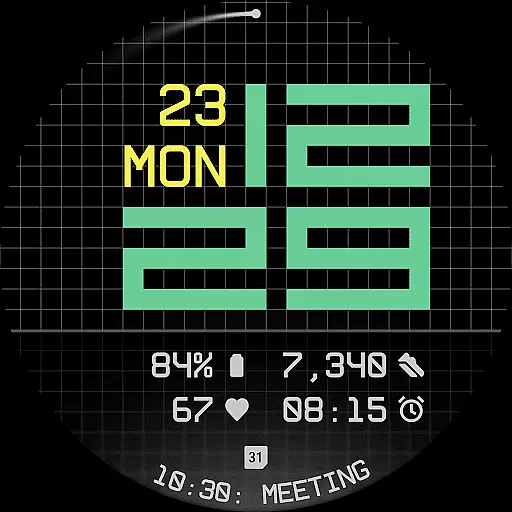
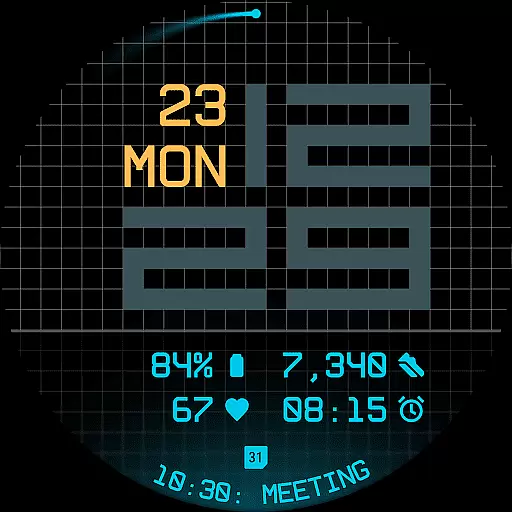
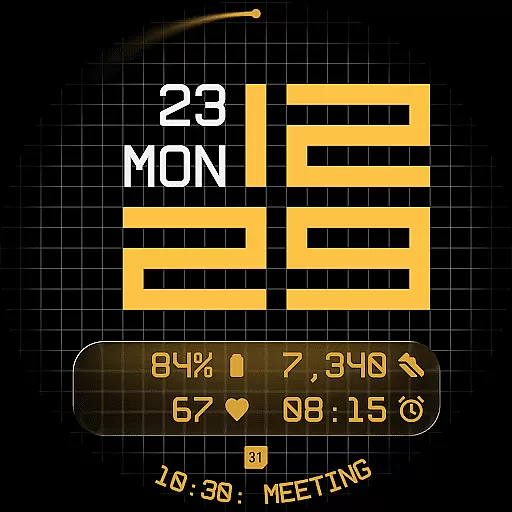
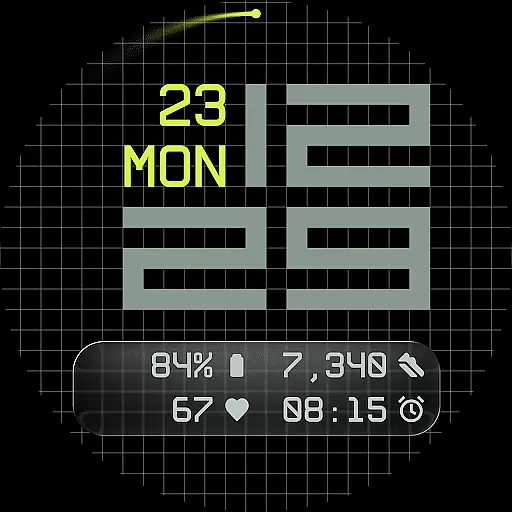
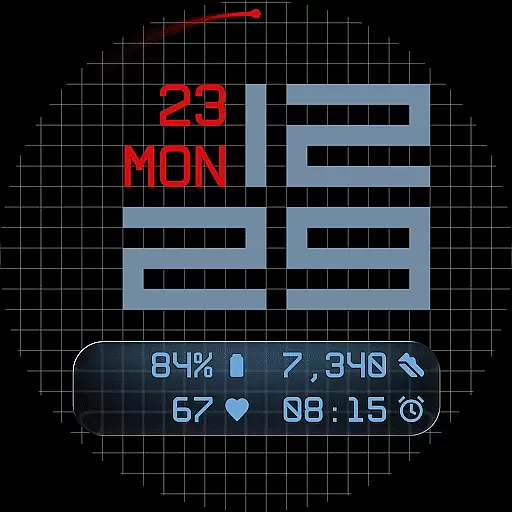
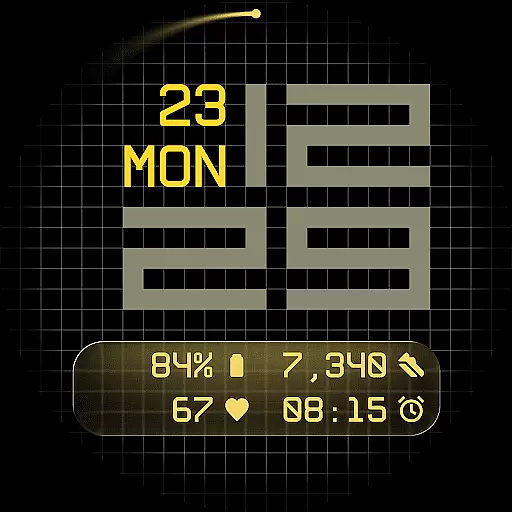
Fast Lane Watch Face is a cutting-edge digital watch face designed specifically for Wear OS smartwatches. It combines typographic clarity with modern aesthetics, offering users a sleek and functional timepiece experience. The design draws inspiration from automotive instrument panels, creating a rhythmic yet contemporary display that remains highly readable.
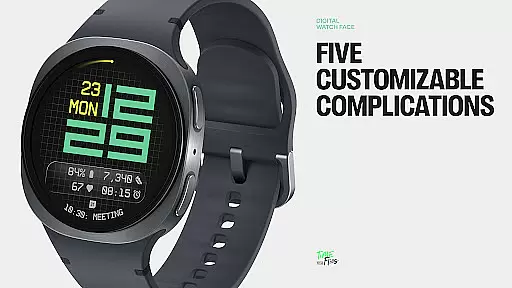
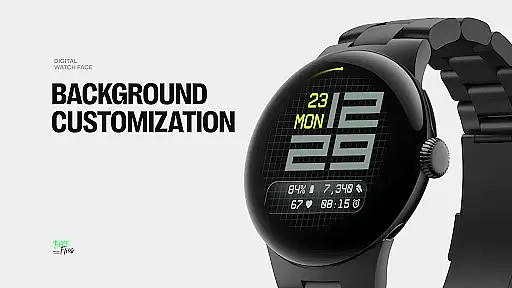
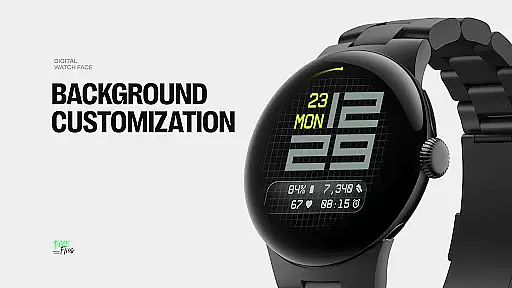
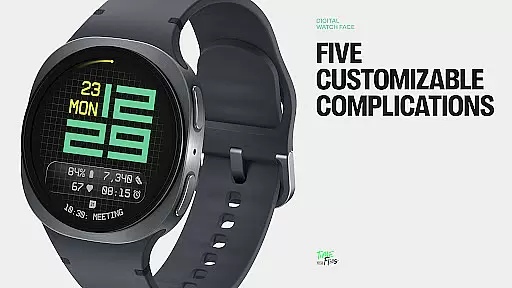
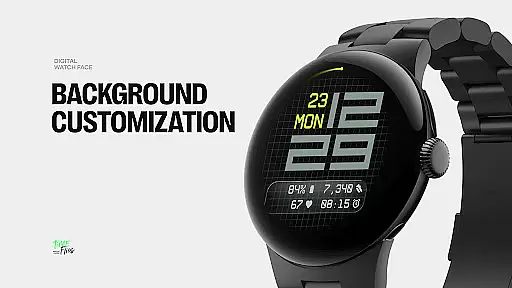
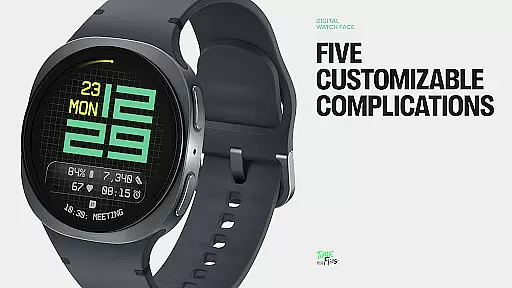
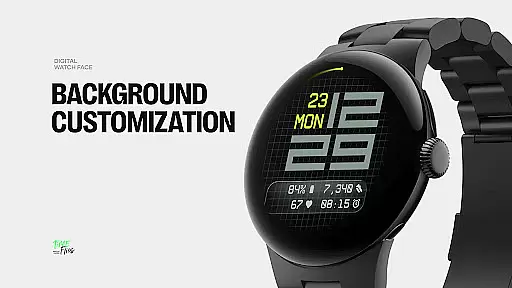
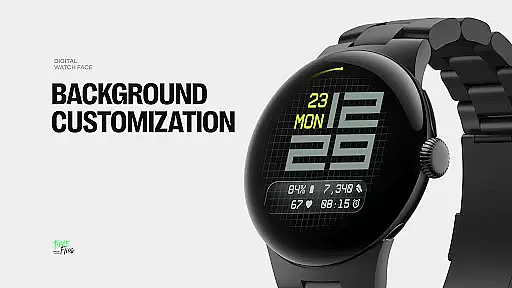
The watch face features a refined grid system that adds subtle structure to the background while allowing for multiple display styles. Users can choose from options like a minimal grid, a softly blurred circular accent, or a translucent UI-inspired glass island that hosts complications. With five available complications, including four short-text slots and one long-text slot, Fast Lane ensures maximum information density without cluttering the interface.
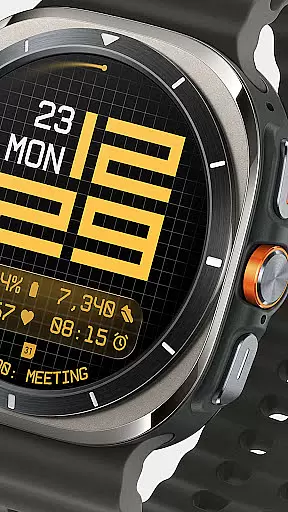
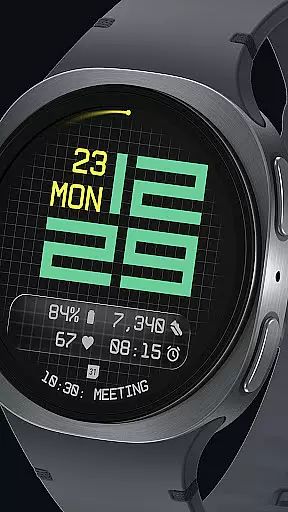
Ideal for tech-savvy individuals who value both form and function, this watch face provides essential details such as day, date, and customizable color themes in 30 variations. Whether you're monitoring your calendar events or tracking moon phases, Fast Lane Watch Face delivers precision and style tailored to your lifestyle.
Fast Lane Watch Face stands out with its innovative features that cater to customization and usability. One of the key highlights is the inclusion of five customizable complications, allowing users to personalize their watch face with up to four short-text slots and one long-text slot. This flexibility ensures that important information is always accessible at a glance.
The modular UI layers provide additional customization options, letting users select from various background designs such as a stylized grid, blurred segment, or translucent UI plate. These layers not only enhance visual appeal but also maintain coherence across different configurations. Additionally, the contemporary time display uses balanced typography inspired by speed and precision, making it both aesthetically pleasing and practical.
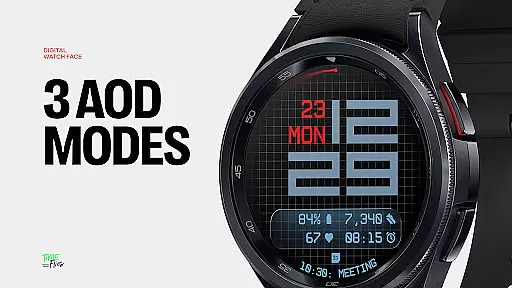
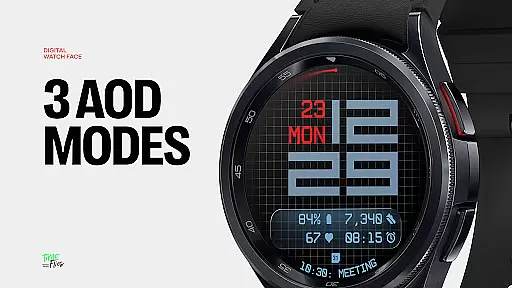
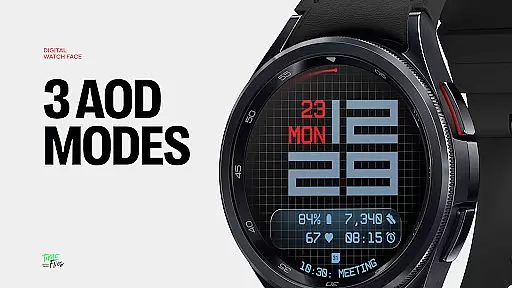
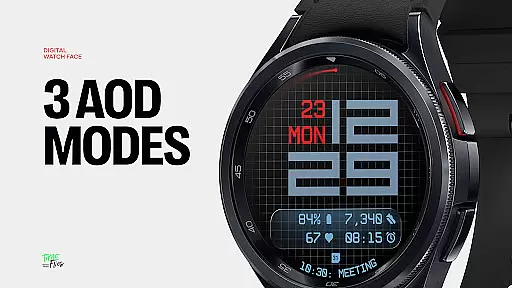
Other notable features include built-in day and date displays, an optional seconds indicator for added rhythm or simplicity, and three always-on display modes (full, dim, minimal) that retain core data even when the screen is idle. With support for 30 color themes and optimized performance through the Watch Face File Format, Fast Lane offers a versatile and energy-efficient solution for all Wear OS devices.
Companion app integration is a crucial feature for Android Wear applications like Fast Lane Watch Face. This functionality allows users to seamlessly manage and customize their smartwatch experience directly from their mobile device.
The Time Flies companion app provides a centralized platform where users can browse the complete collection of watch faces, receive timely updates, and install new styles with ease. This ensures that users always have access to the latest designs and features without needing to manually search or download individual updates.
Through the companion app, users can personalize their Wear OS experience by adjusting various settings such as color themes, UI layers, and complications. The app serves as a bridge between the smartphone and smartwatch, enabling efficient synchronization of preferences and data.
This level of integration significantly enhances user convenience while maintaining optimal performance across all Wear OS devices. The companion app's intuitive interface makes it easy for users to discover new features and maintain their smartwatch ecosystem.
Ensuring broad Wear OS and device compatibility is essential for any Android Wear application. Fast Lane Watch Face demonstrates exceptional versatility by supporting various smartwatch models and operating system versions.
The watch face is built using the standardized Watch Face File Format, which guarantees optimized performance and energy efficiency across different Wear OS devices. This technical foundation enables consistent rendering quality and smooth operation regardless of the specific hardware configuration.
With 30 color themes and multiple display options, Fast Lane maintains visual integrity and functionality across diverse screen sizes and resolutions. The three Always-On Display modes adapt seamlessly to different device capabilities while preserving battery life.
This comprehensive compatibility approach ensures that users can enjoy a unified experience regardless of their specific Wear OS device model. The watch face's modular design and technical implementation make it accessible to the widest possible audience of smartwatch users.
Highly customizable
Modern aesthetic design
Multiple display styles
Optimized performance
Wide color palette
Limited to Wear OS
Complex setup process
Fewer features in free version
Requires companion app
Battery consumption concerns

"PER27 Galaxy Digital" is a digital Wear OS watch face designed by PERSONA
 4.10
4.10
Christmas watch face. For Wear OS devices.
4.30
Christmas - Festive - Christmas Village - Winter - Christmas lights
5.00
The most customizable minimal watch face. For Wear OS 5.0, API 34+ and later
4.70
The #1 source of faces for your smartwatch!
4.00
Hybrid Vibrant Health Watch Face for Wear OS
4.1
A realistic hybrid watch face with many customization options.
4.60
Daily Weather forecast with 15 weather images for Day & Night plus Big Bold time
4.10
Back up your contacts & access them anywhere
4.30
A modern hybrid informative watch face for Wear OS designed by BALLOZI
4.80
Easy Voice Recorder is your everyday companion to record important moments.
4.70
Monitor health with the stress test and pulse checker in the heart rate app.
4.60
Stylish, Energizing and Modern Watch Face crafted by Dominus Mathias.
4.50
Let's celebrate Thanksgiving - Wear Os watch face
4.20
Snowflake Rose Gold Watch Face - Digital, modern, & sleek with GYRO effect.
4.10
Hyper-Realistic Airplane Dashboard Watch Face With 10 Skins and Custom AOD
4.00
Want to take charge of your health? Let Google Fit help you reach your goals.
3.50
Analog watch face with 8 complications and expedition styling
4.4
3 Complications. All shadow on/off. 30 Themes color palette...
4.1


User Reviews