
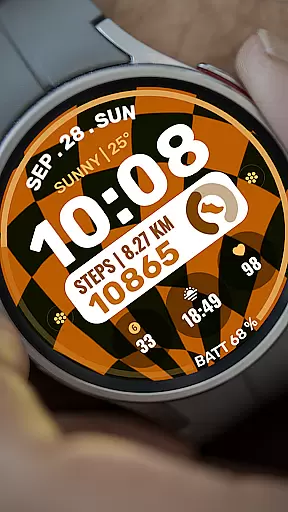
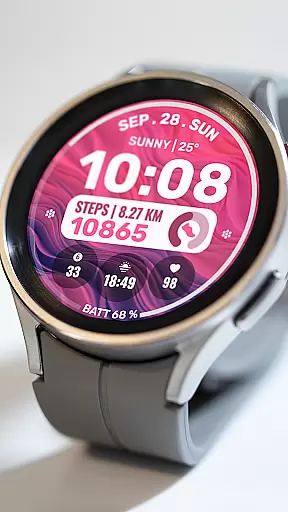
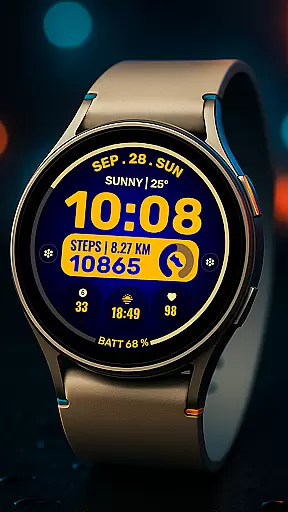
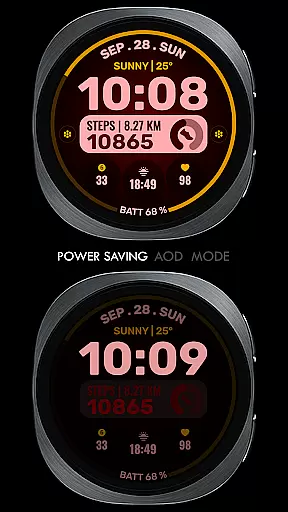
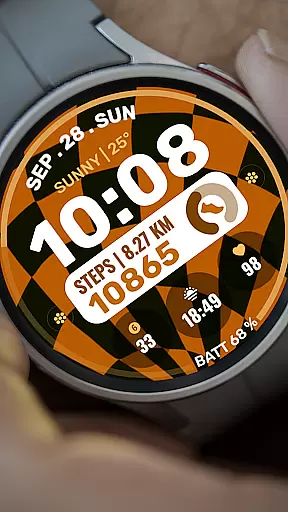
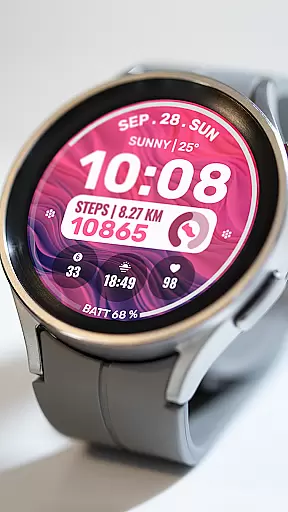
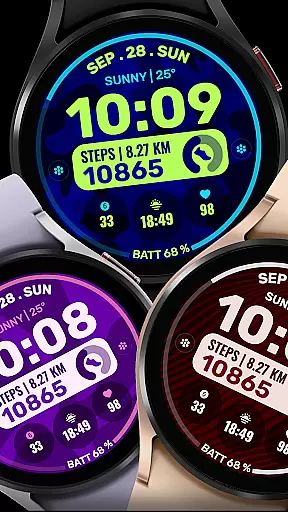
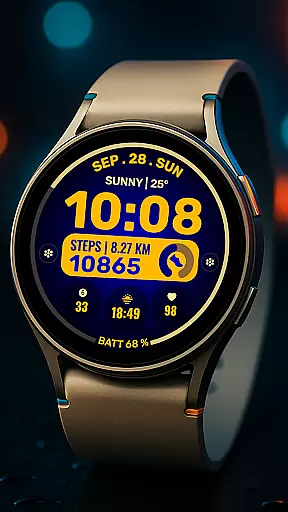
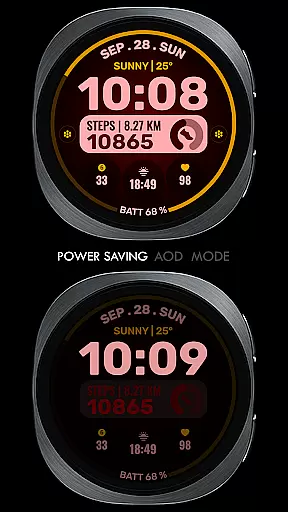
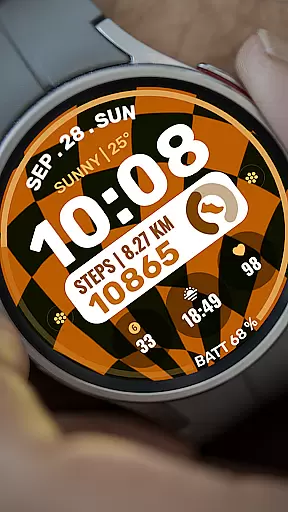
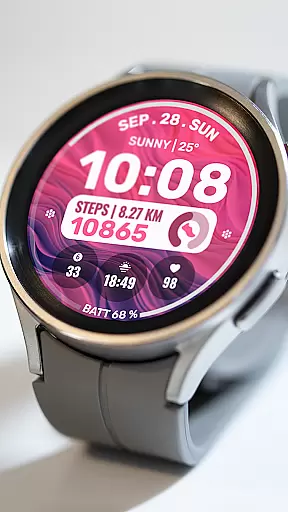
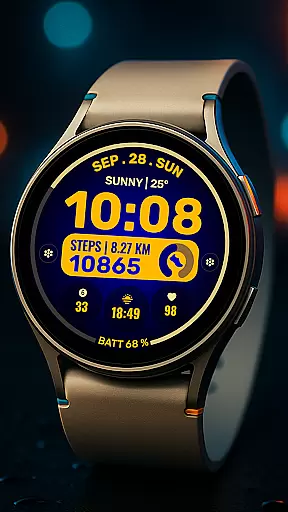
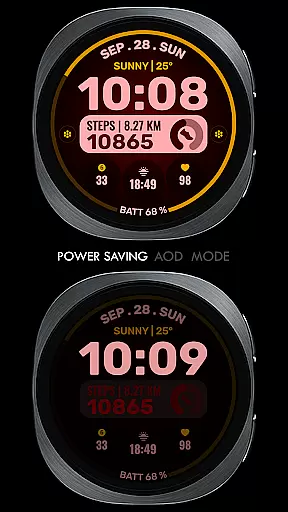
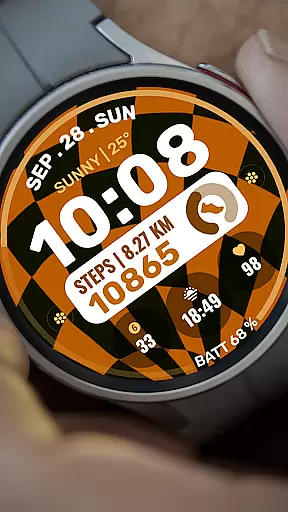
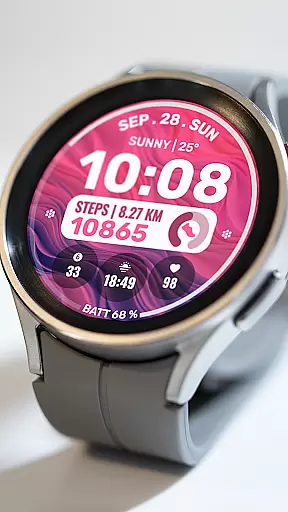
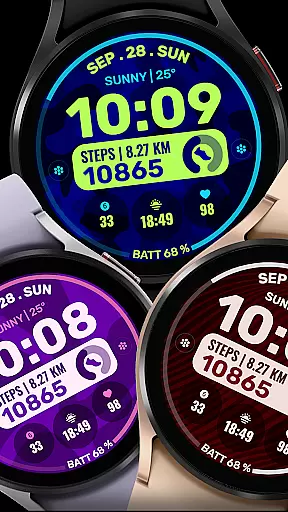
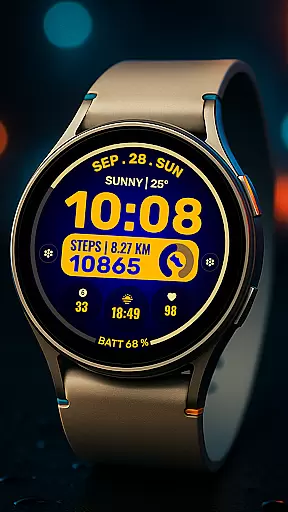
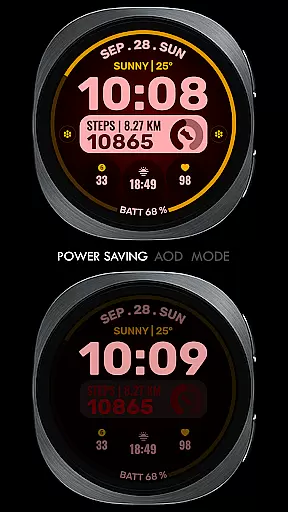
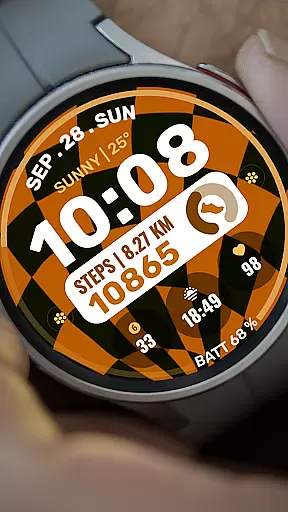
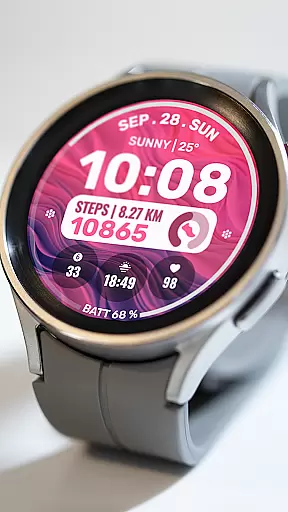
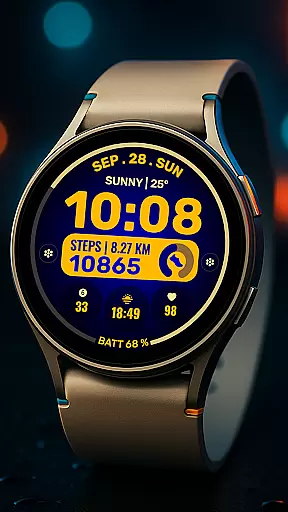
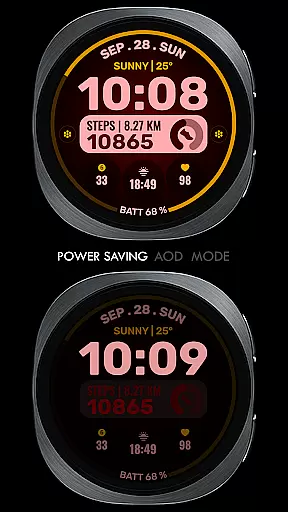
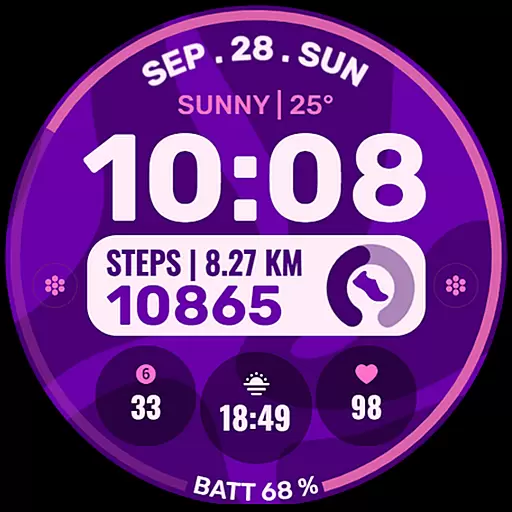
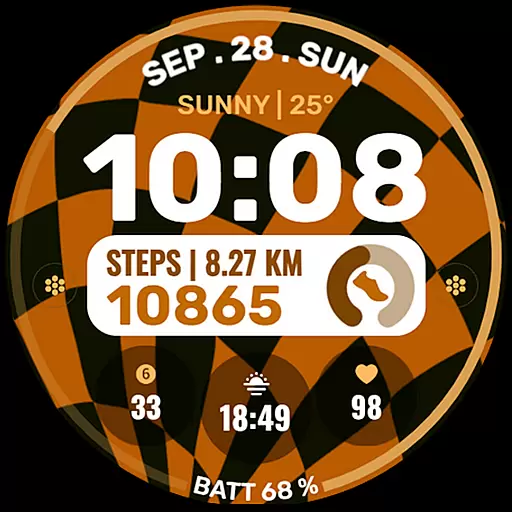
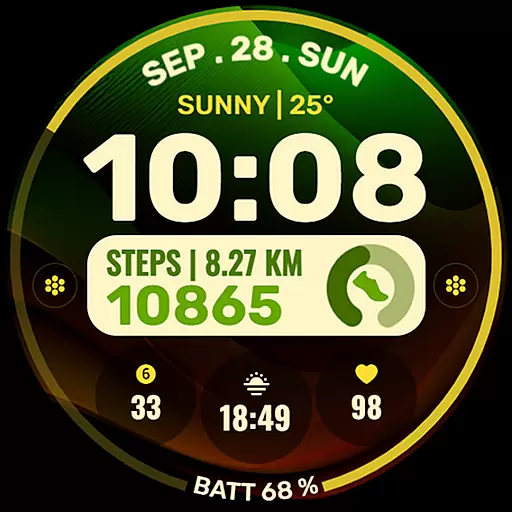
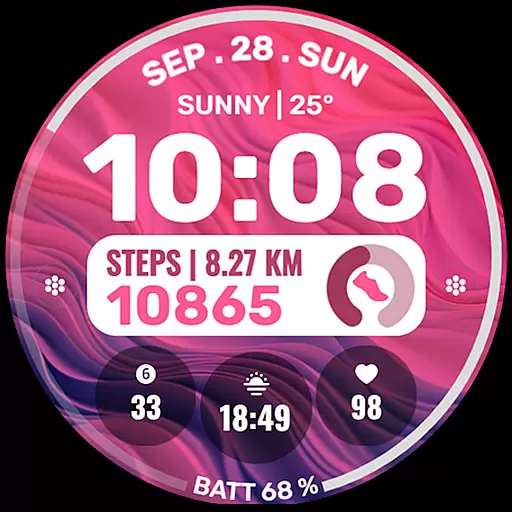
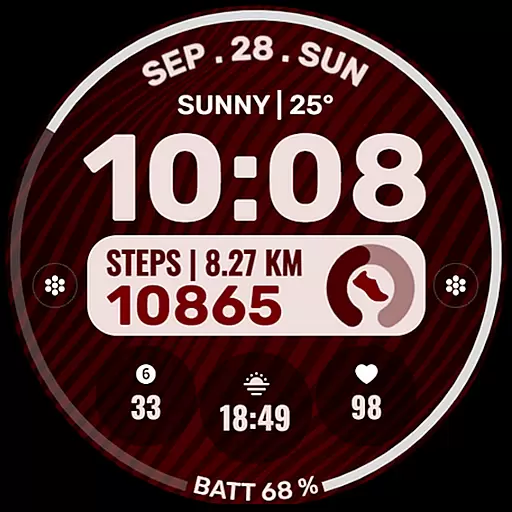
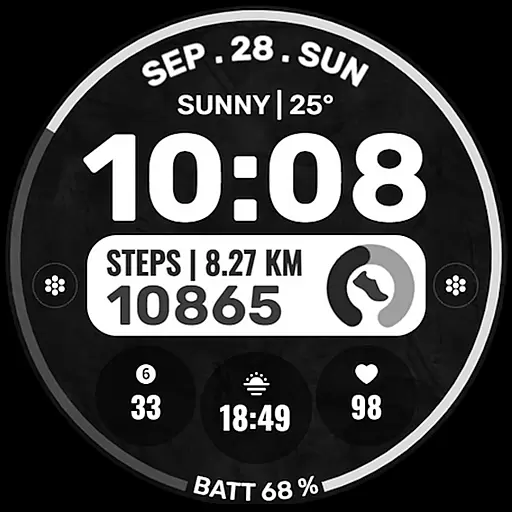
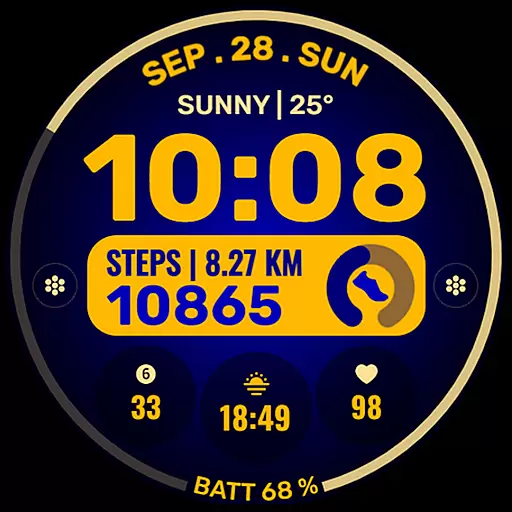
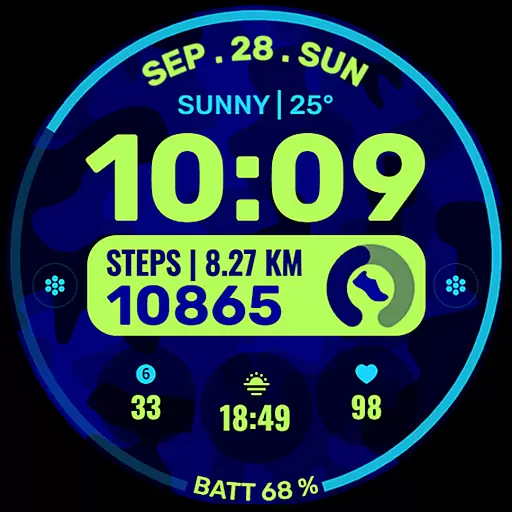
Data Dash is a feature-rich watch face designed specifically for Wear OS devices running API Level 34+ or Wear OS 4 and later. This artistic digital clock interface offers users a customizable timekeeping experience with practical utility features.
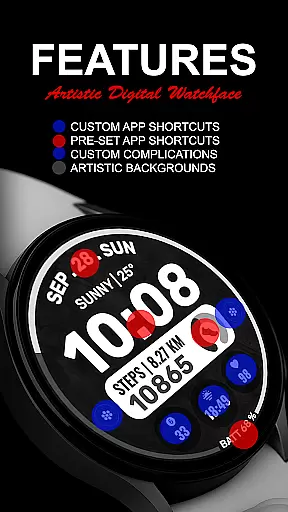
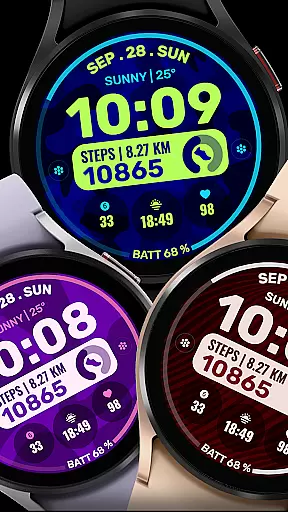
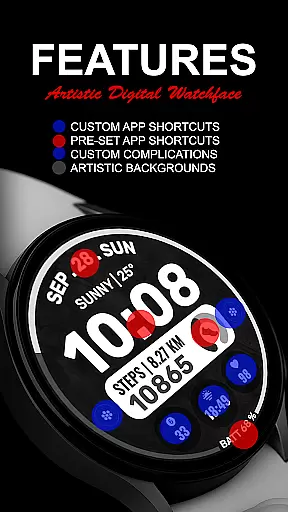
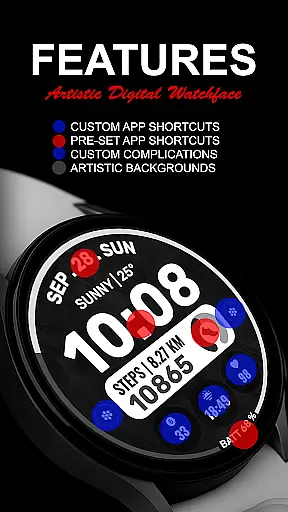
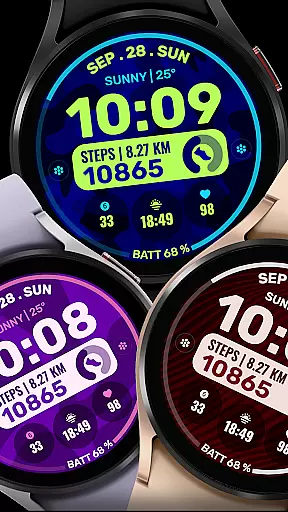
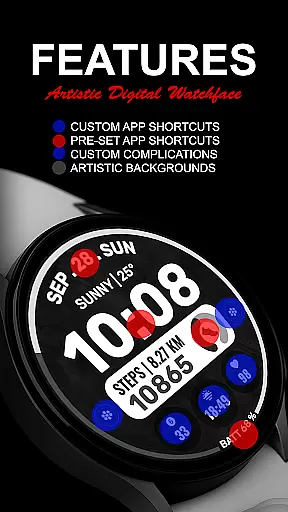
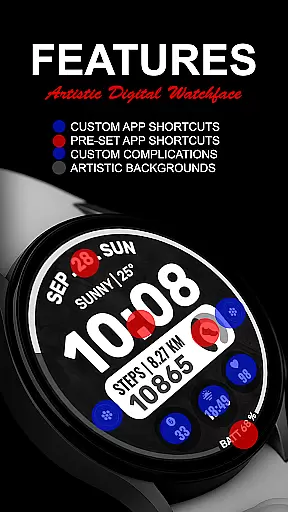
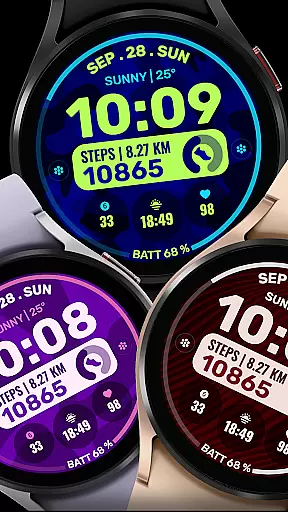
The watch face comes equipped with pre-set app shortcuts for essential functions like Alarm, Calendar, Battery, and Steps. Users can further personalize their experience with two custom app shortcuts and three customizable complications, allowing integration of various data points such as date, weather, steps, world clock, and more. The interface supports complete background and color theme customization.
Perfect for smartwatch users who want both aesthetics and functionality, Data Dash provides seamless synchronization between phone and watch, making it an ideal choice for those seeking a personalized wearable experience.
Data Dash stands out with its comprehensive customization options that cater to different user preferences. The artistic digital clock serves as the centerpiece, providing clear time display with aesthetic appeal.
Users can take advantage of the two custom app shortcuts and three complications slots, enabling them to create a truly personalized watch face. These complications support various data types including fitness tracking, calendar events, and environmental information - all easily accessible at a glance.
The watch face also features pre-set shortcuts for frequently used functions like setting alarms and checking battery levels. With support for custom backgrounds and color themes, Data Dash ensures each user's watch face is unique while maintaining optimal usability across supported Wear OS devices.
Companion app integration is crucial for a seamless wearable experience. Data Dash ensures that all features are perfectly synchronized between your smartphone and Wear OS device.
The watch face editor in the Samsung Wearable app may have syncing issues, but Data Dash allows direct customization on the watch itself. This guarantees that users can still personalize their experience without relying on potentially unstable companion apps.
By using the same email address for both devices, users can enjoy automatic installation and data transfer. The system will notify you once the watch face has been successfully transferred to your wearable device.
This integration extends beyond basic syncing - it includes support for third-party complications and custom app shortcuts, making your Wear OS device a truly personalized smartwatch solution.
Data Dash is designed to work with all Wear OS devices running API Level 34+ and Wear OS 4 or later versions. This broad compatibility ensures that most smartwatch users can enjoy its features.
The watch face supports various devices while maintaining optimal performance across different hardware specifications. Some advanced features might be limited on older devices, but core functionality remains consistent.
Installation is straightforward through the Google Play Store on your watch. After searching for 'Data Dash', the application will automatically detect your device's compatibility and install the appropriate version.
While offering extensive customization options, the developers have ensured that the watch face maintains stability across supported devices. Users can customize backgrounds, color themes, and complications without worrying about compatibility issues.
Highly customizable
Artistic design
Wide feature selection
Easy installation process
Comprehensive support
Complex setup required
Limited device compatibility
Potential sync issues
Third-party dependencies
Short refund window

WTW M17 is a premium and luxurious hybrid watch face
 4.70
4.70
A full-featured Amazon Alexa voice assistant that can show you things.
3.70
Let's celebrate Thanksgiving - Wear Os watch face
4.20
Bold, Modern Hybrid Watch Face for Wear OS. 10 Colors, Rich Info Display.
4.30
The #1 source of faces for your smartwatch!
4.00
The most customizable hybrid watch face. For Wear OS 5.0, API 34+ and later
4.70
A modern hybrid informative watch face for Wear OS designed by BALLOZI
4.80
Fast and smart typing with Emojis, GIFs, and more
4.50
From periods to pregnancy & perimenopause, Flo helps you track it all. Try now.
4.70
Christmas - Festive - Christmas Village - Winter - Christmas lights
5.00
Hyperlocal rain alerts by MyRadar using patent-pending technology, radar & more
4.80
Ideal for surviving in the wasteland left after nuclear fallout
4.50
A customizable Christmas watch face for Wear OS with a countdown.
4.20
Animated video-game inspired “secret agent” simulation, right on your wrist!
4.20
Daily Weather forecast with 15 weather images for Day & Night plus Big Bold time
4.10
Watch the sharpness of the sky on your wrist..
3.70
Christmas and New Year - Themed Watchface
4.4
A Wintery Snow Globe on Your Wrist; now celebrating Christmas!
4.5
Minimalistic design modern digital watch face.
4.1


User Reviews