
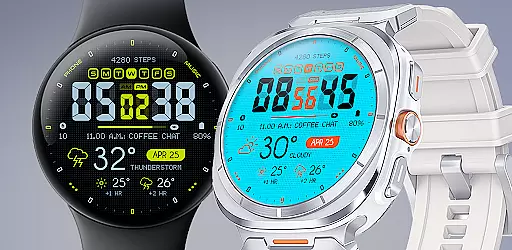
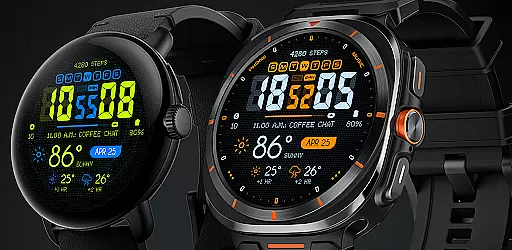
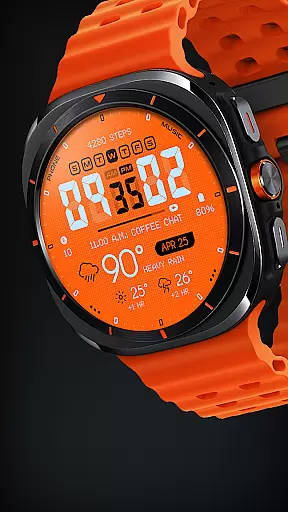
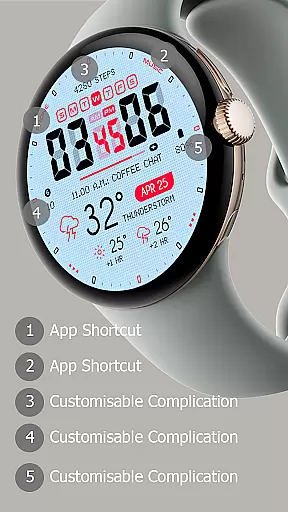
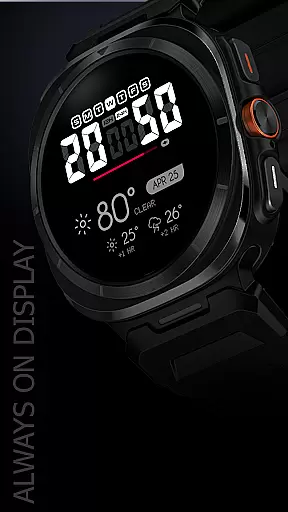
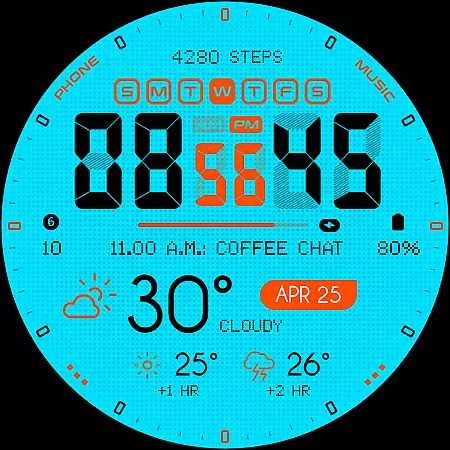
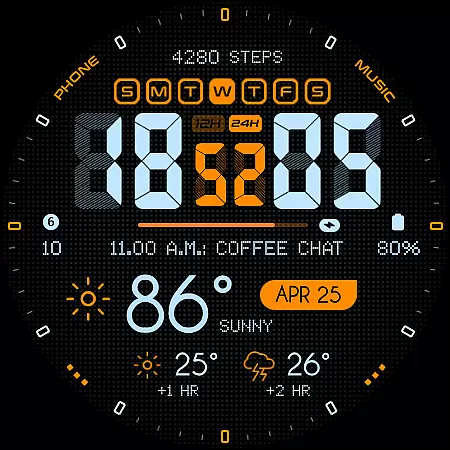
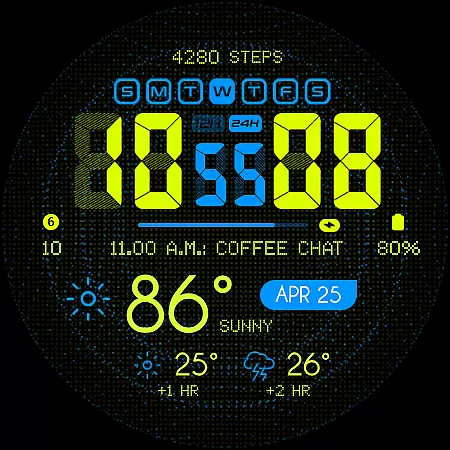
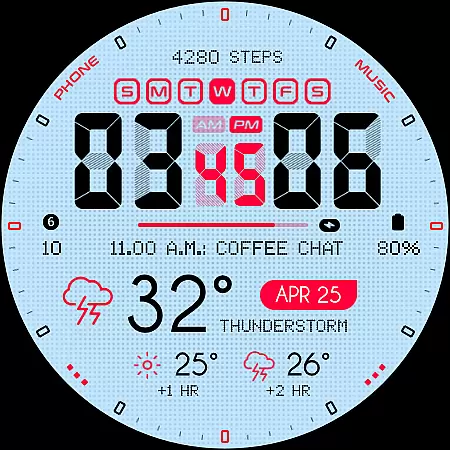
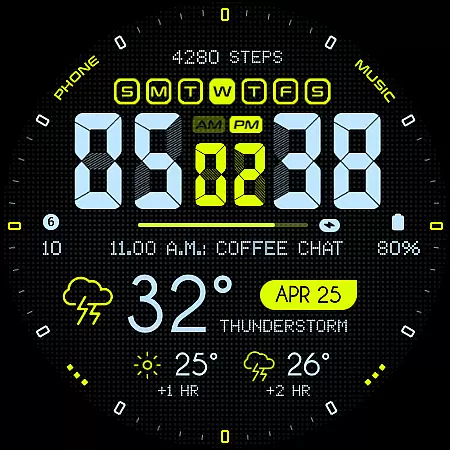
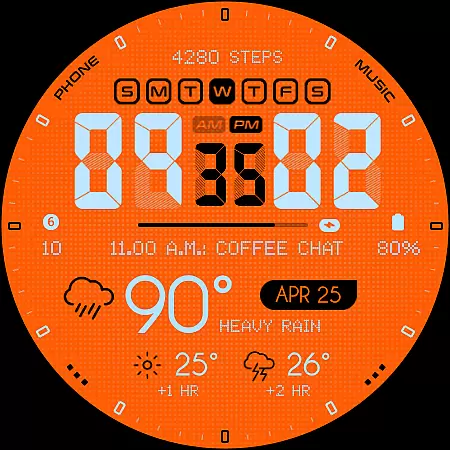
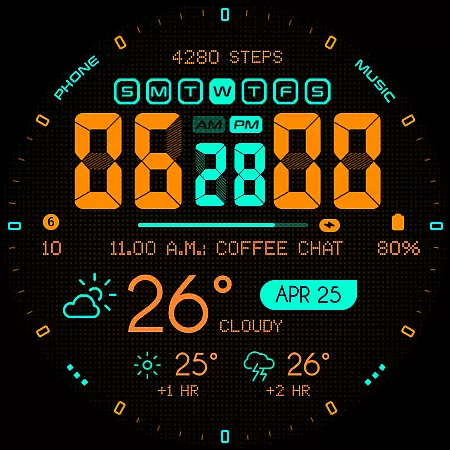
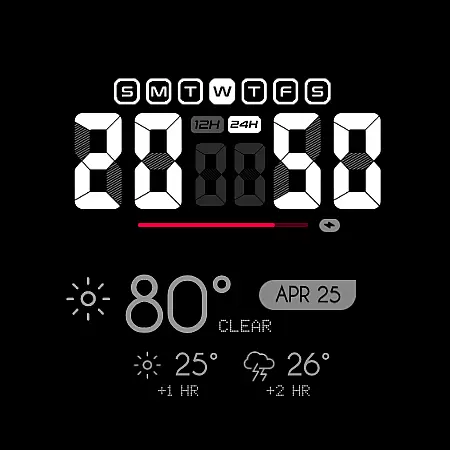
Oogly Atmos is a dynamic weather-themed watch face designed for Wear OS, bringing both style and functionality to your smartwatch. With vivid colors and an intuitive layout, it provides real-time weather updates, including current conditions and a 2-hour forecast. The design balances aesthetics with practicality, offering features like animated backgrounds and customizable elements that adapt to your preferences.
This watch face supports devices running Wear OS API 30+, including Galaxy Watch 5, Pixel Watch, and other compatible models. Whether you want an animated display for flair or a clean, focused look, Oogly Atmos delivers a personalized experience while keeping you informed about the weather at a glance.
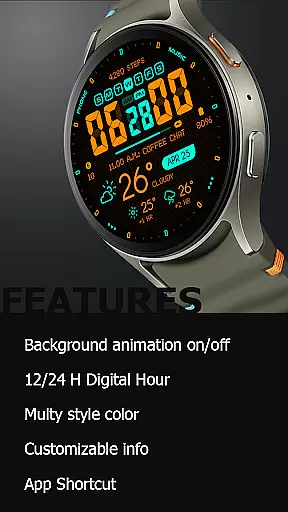
Oogly Atmos stands out with its versatile feature set tailored for both style-conscious and function-driven users. Key features include support for both 12-hour and 24-hour time formats, catering to different user preferences worldwide. The optional background animation adds a layer of visual interest, which can be toggled on or off based on your mood or need for simplicity.
Customization is at the core of this watch face. Users can toggle index markers on or off for a cleaner layout, access customizable information panels, and utilize app shortcuts for quick navigation. Additionally, the Always-On Display ensures essential information remains accessible even when the watch is idle, making it both convenient and energy-efficient.
Companion app integration is essential for a seamless wearable experience. Oogly Atmos excels in this area by offering users a cohesive connection between their smartwatch and mobile device.
The watchface provides real-time weather updates and customizable features through its companion app. Users can easily adjust settings such as 12/24 hour format, background animation, and information display to suit their preferences.
This level of integration ensures that all personalization choices are synchronized across devices, allowing for a consistent and user-friendly interface. With just one tap, you can toggle animations or switch to a cleaner layout if you need more focus.
Ensuring broad device compatibility is crucial for any Wear OS application. Oogly Atmos is designed for WEAR OS API 34+ and supports Galaxy Watch 5 or newer, Pixel Watch, Fossil, and other Wear OS devices with a minimum API of 30.
This wide compatibility range means that users with different devices can enjoy the bold, weather-themed watchface without worrying about technical limitations. The vivid colors and clean layout adapt well to various screen sizes and resolutions.
Additionally, features like Always-On Display and App Shortcut enhance usability across supported devices. Whether you're using a Galaxy Watch or a Pixel Watch, Oogly Atmos delivers style, function, and forecast seamlessly.
Real-time weather updates
Vivid and bold design
Customizable layout options
Supports multiple devices
Animated background feature
Limited to Wear OS
API 30+ required
Animation may drain battery
No iOS compatibility
Premium feel but not free

"PER27 Galaxy Digital" is a digital Wear OS watch face designed by PERSONA
 4.10
4.10
Diet tracker for weight loss - track calories, food and macros. Simple and easy!
4.70
Rose gold watch face with festive lights & customizable features.
4.60
A full-featured Amazon Alexa voice assistant that can show you things.
3.70
A heartwarming Christmas scene featuring a cute image of Santa and Rudolf
4.1
Kia Access makes getting your vehicle information easier than ever
4.60
Stay in touch with your friends and family using LINE!
3.40
Hyper-Realistic Airplane Dashboard Watch Face With 10 Skins and Custom AOD
4.00
Toyota app currently supports 2010 or newer vehicles (2018 or newer for Hawaii).
4.50
Period, ovulation & pregnancy tracker. Fertility insights & menstrual calendar.
4.90
A modern hybrid informative watch face for Wear OS designed by BALLOZI
4.80
To-Do List: daily schedule planner, task organizer, to do reminder app, calendar
4.60
Stylish, Energizing and Modern Watch Face crafted by Dominus Mathias.
4.50
Christmas watch face. For Wear OS devices.
4.30
Calming & relaxing sounds for sleeping and stress relief. Stay focused all day!
4.20
A customizable Christmas watch face for Wear OS with a countdown.
4.20
Structured watch face with seven complications and modular UI elements
3.90
Precision analog watch face with 7 complications and style options
4.4
Hybrid Vibrant Health Watch Face for Wear OS
4.3


User Reviews