
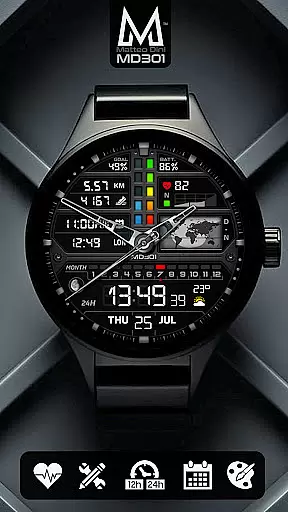
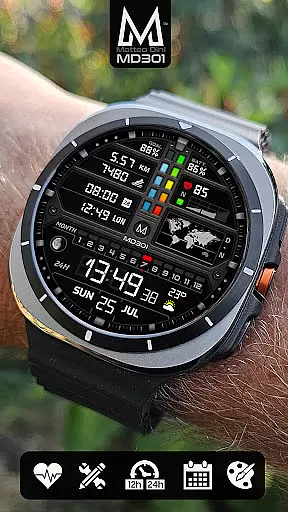
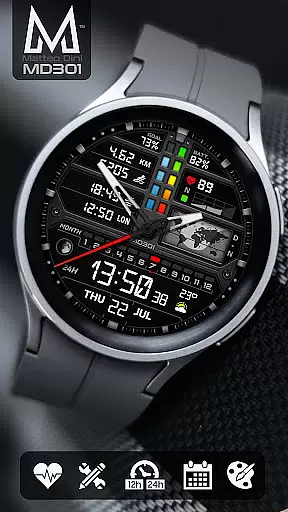
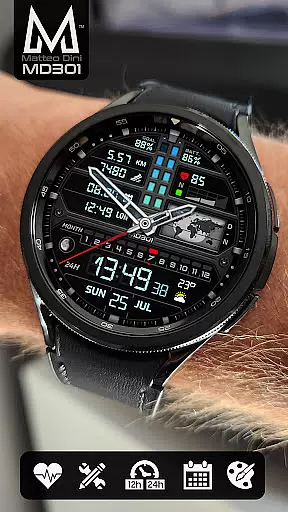
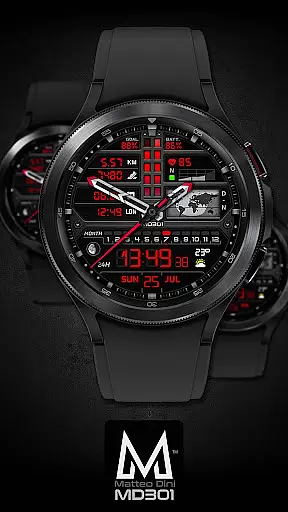
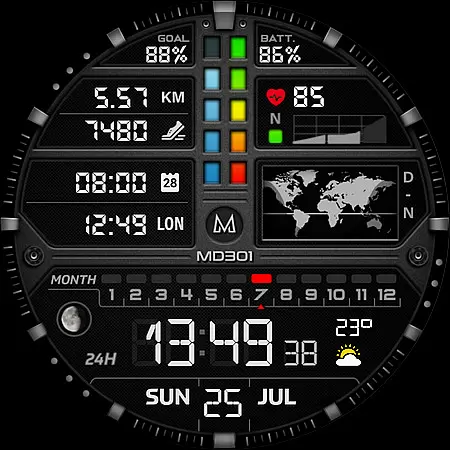
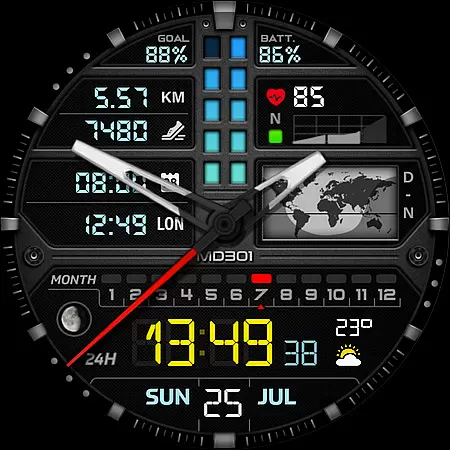
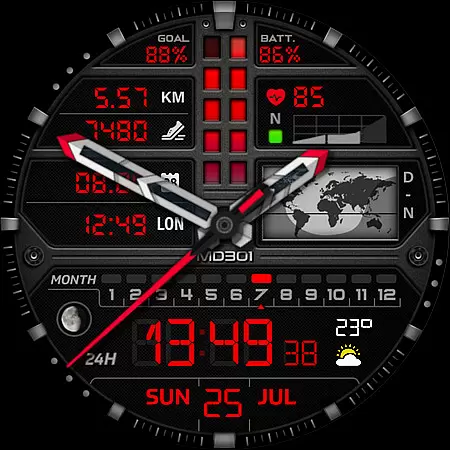
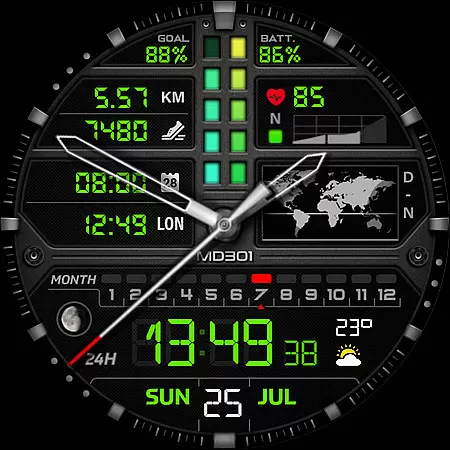
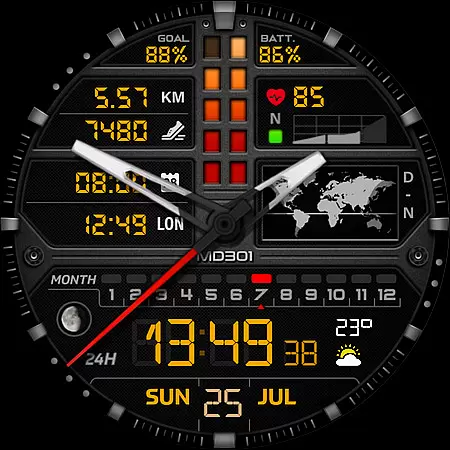
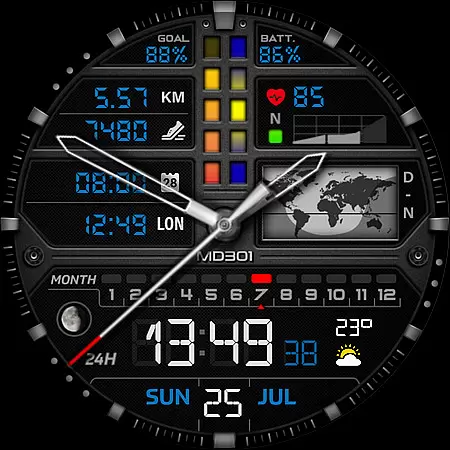
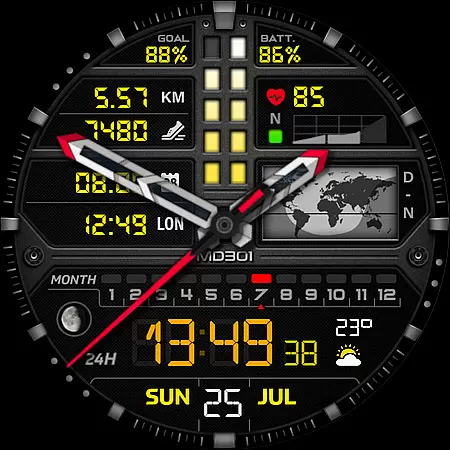
MD301 Hybrid watch face offers a versatile and customizable experience for Wear OS users. This advanced watch face format supports devices with API Level 33+ and includes features like day & night world map, heart rate monitoring, and moon phase tracking.
The design contains 3 preset app shortcuts, 3 customizable shortcuts, and 4 complications that can display weather, distance, and other data. With support for Always ON Display and changeable colors, it provides both functionality and personalization options.
Ideal for Samsung Galaxy Watch 4-8, Ultra, and Pixel Watch users who want a sophisticated timepiece with fitness tracking capabilities and global time visualization.
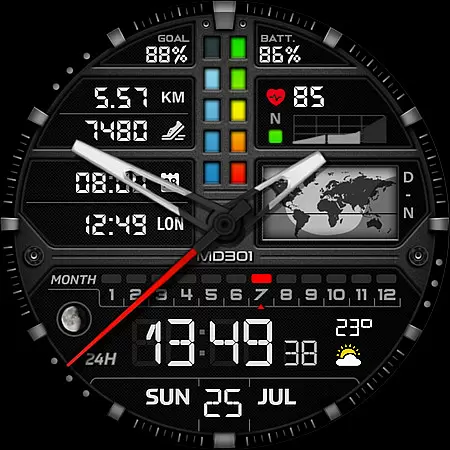
This hybrid watch face stands out with its comprehensive feature set tailored for tech-savvy users. The digital and analog time display adapts to 12/24hr formats, complemented by date, month, and moon phase indicators.
Unique elements include the day & night world map and multiple health tracking features such as heart rate monitoring and step counting. The 7 available shortcuts provide quick access to essential functions while the 4 customizable complications allow personalized data display.
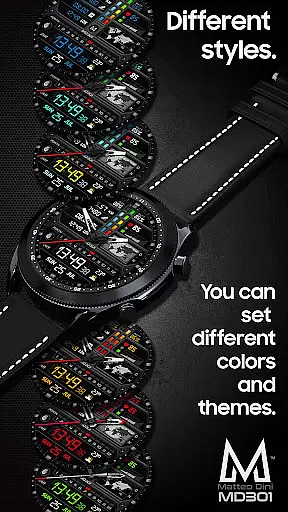
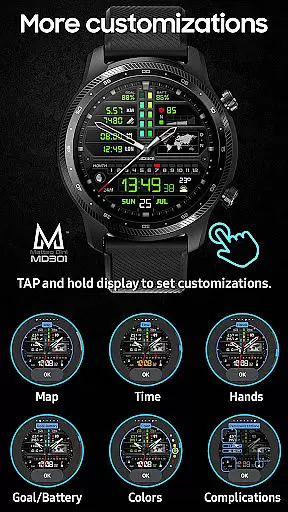
Advanced customization options let users modify hands, colors, and map displays directly on their watch, ensuring an optimal viewing experience throughout the day.
Companion app integration is crucial for a seamless wearable experience. The MD301 Hybrid watch face offers an advanced level of synchronization with its companion app, ensuring that all your preferences and customizations are perfectly mirrored on your Wear OS device.
This watch face allows users to customize directly on their smartwatch or through the companion app when available. With features like 3 Preset App shortcuts and 4 customizable complications, you can personalize what data is displayed, such as weather updates, heart rate, steps, and more.
The intuitive interface provided by the companion app makes it easy to adjust settings such as changeable colors, hands, digital time display, and even a day & night world map. This ensures that your watch face not only meets your functional needs but also reflects your personal style.
By offering robust companion app integration, MD301 enhances user engagement by providing a cohesive ecosystem where changes are updated in real-time across devices, thus elevating both convenience and satisfaction for Galaxy Watch users.
Ensuring broad device compatibility is essential for any Wear OS application. The MD301 Hybrid watch face stands out by supporting all Wear OS devices with API Level 33+ (Wear OS 4 and later versions), including popular models like Samsung Galaxy Watch 4-8, Ultra, Pixel Watch, among others.
With this wide-ranging support, users can enjoy a consistent experience regardless of their specific Wear OS device. The MD301 provides features such as Digital time in 12/24hr format, Analog display options, Date & Month indicators, Moon phase tracking, Battery status, Heart rate monitoring, Daily step goals, and much more.
Moreover, the Always ON Display feature with changeable colors caters to those who want quick access to information without having to wake their device. Such comprehensive functionality ensures that every user can take full advantage of their smartwatch's capabilities.
By prioritizing extensive Wear OS/device compatibility, MD301 guarantees that whether you're using a Samsung or another brand's wearable technology, you'll have access to a rich set of customization options designed to enhance both utility and aesthetics on your wrist.
Highly customizable
Feature-rich interface
Always ON Display
Health tracking tools
World map integration
Complex setup process
Editor loading issues
Additional apps needed
Battery consumption
Device compatibility

WTW M17 is a premium and luxurious hybrid watch face
 4.70
4.70
Beautiful artistic animated digital watch face, with a customizable layout!
4.40
Digital, flexibly customizable watch face. For Wear OS 5.0, API 34+ and later.
5.00
The most customizable minimal watch face. For Wear OS 5.0, API 34+ and later
4.70
Find EV charging stations
4.30
The ultimate destination for kids ages 3-8 to explore the Marvel Universe!
4.30
Real-time weather radar with temperatures, warnings, hurricanes, and widgets
4.80
Fast and smart typing with Emojis, GIFs, and more
4.50
From periods to pregnancy & perimenopause, Flo helps you track it all. Try now.
4.70
A modern premium sporty hybrid watch face for Wear OS by Ballozi
4.70
Walking app for weight loss: walk & step tracker, pedometer, indoor treadmill
4.60
Simple, helpful messaging by Google
4.60
Premium hybrid watch face with many customizations for Wear OS devices.
4.40
Locate your family members by GPS phone location tracker everywhere and anytime
4.30
Elegant animated Christmas tree with multiple customization options
4.20
Snowflake Rose Gold Watch Face - Digital, modern, & sleek with GYRO effect.
4.10
Animated Watch Face and Customizable with 24 Backgrounds. Perfect for Christmas!
3.90
Fitness interactive virtual pet super fighter boy watch face
4.0
Hybrid Vibrant Health Watch Face for Wear OS
4.0


User Reviews