
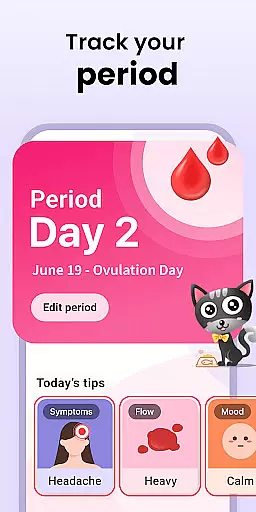
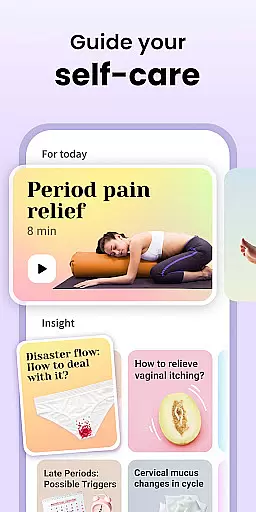
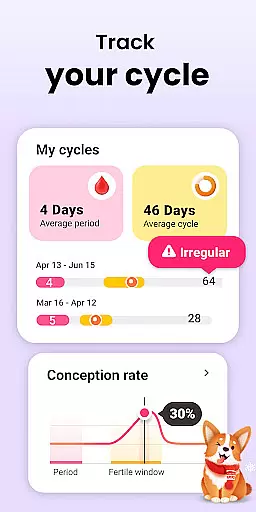
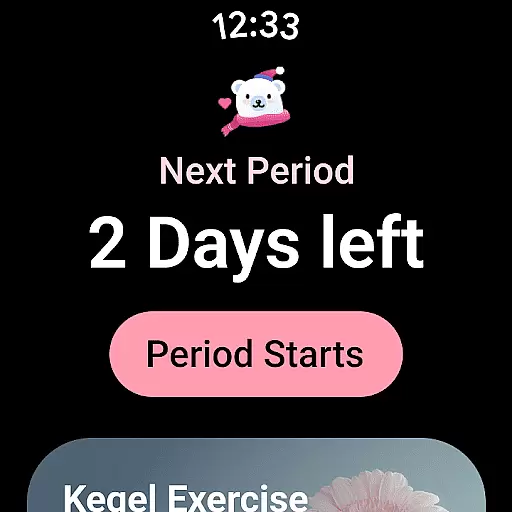
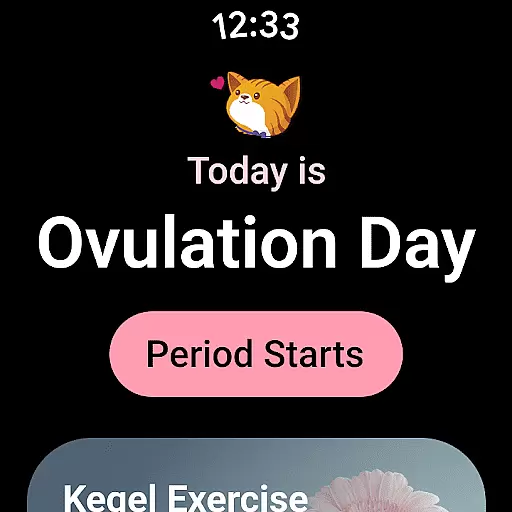
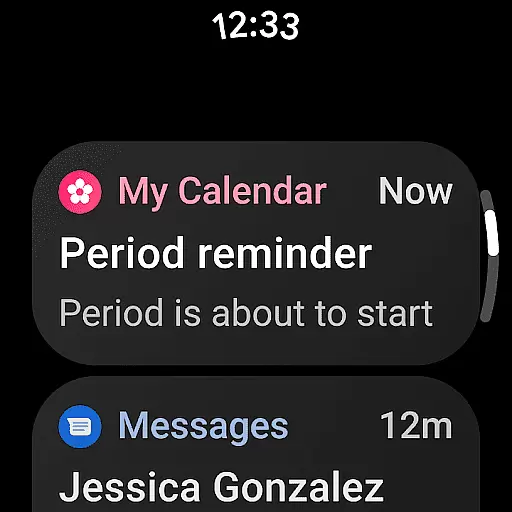
Period Calendar Period Tracker is a comprehensive menstrual cycle management app designed for Android Wear users. With over 300 million trusted users globally, this app offers precise tracking of menstrual cycles, ovulation, fertility windows, and birth control planning. The core functionality includes period prediction, symptom logging, and discreet reminders that integrate seamlessly with your smartwatch.
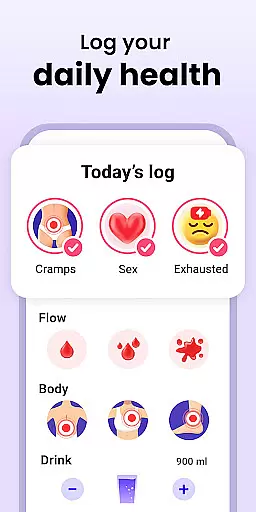
Beyond basic cycle tracking, the app provides advanced features like cervical mucus monitoring, basal body temperature charting, and intimate activity logging. These tools are invaluable for women trying to conceive or those practicing natural family planning. The app also supports Google account data backup, ensuring your private health information is secure yet accessible across devices.
Whether you have regular or irregular periods, this app adapts to your unique cycle patterns while delivering accurate predictions. Its intuitive interface and customizable notifications make it an essential companion for managing reproductive health right from your wrist.
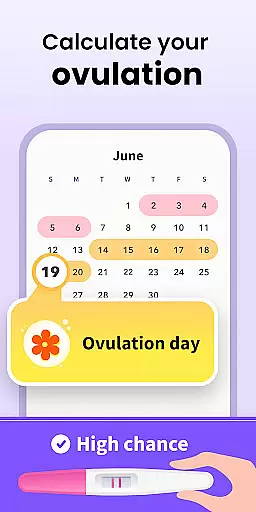
Period Calendar stands out with its robust feature set tailored for both fertility tracking and birth control. The app's ovulation calculator uses sophisticated algorithms to predict fertile windows with remarkable accuracy. Users can log various symptoms including cervical firmness, mucus consistency, and basal body temperature - all crucial indicators for determining optimal conception times or effective natural contraception.
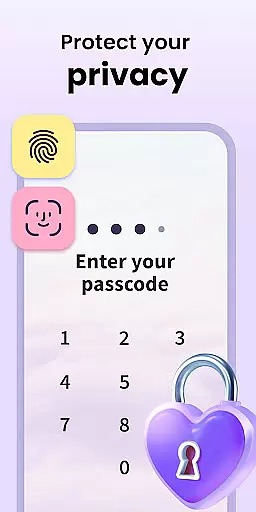
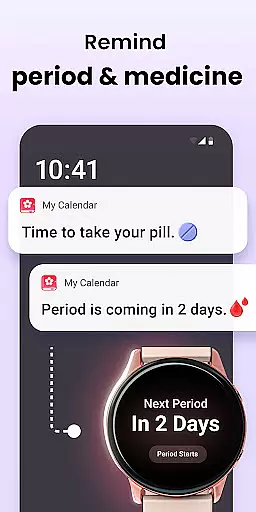
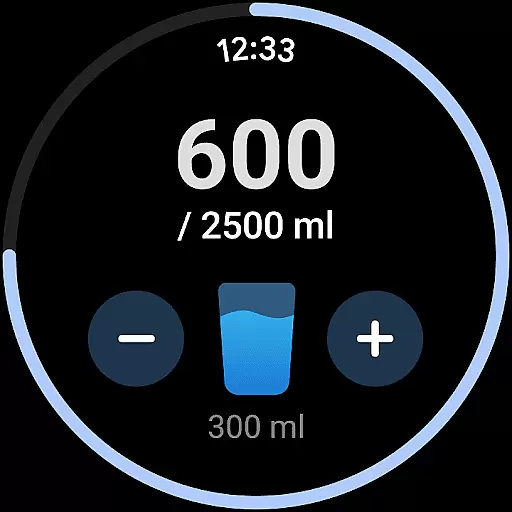
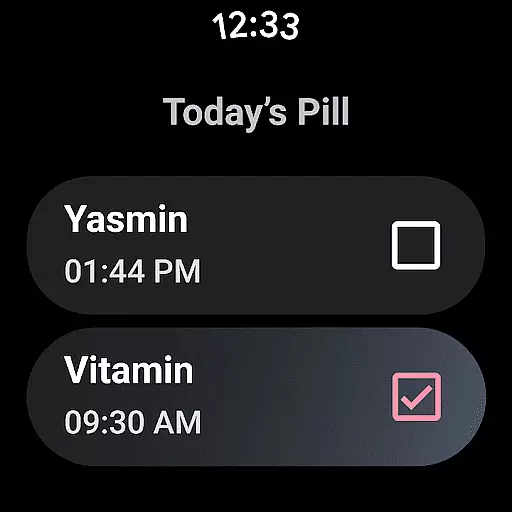
A key innovation is the app's integration with Wear OS complications and tiles. This allows users to view period predictions, receive pill reminders, and track water intake directly from their watch face. The multi-account system with enhanced security measures ensures privacy while enabling couples to share relevant data securely. Furthermore, the app's anonymous usage policy and encrypted data synchronization demonstrate a strong commitment to user privacy.
The application's versatility extends to its comprehensive reporting capabilities. Users can maintain detailed records of their menstrual flow, symptoms, and moods through an intuitive timeline interface. The built-in reminder system discreetly notifies users about upcoming periods, fertility windows, and medication schedules without compromising privacy in public settings.
Period Calendar Period Tracker offers seamless companion app integration, ensuring that your data is always synchronized across devices. This feature allows users to effortlessly maintain consistency between their smartphone and wearable devices.
The application utilizes Google account data backup and restoration, providing a reliable way to secure your information. With this integration, you can back up your period data to the cloud and restore it whenever necessary, preventing any loss of critical health information.
Support for Wear OS complications and tiles further enhances the user experience by offering quick access to essential features like period and ovulation prediction, water drinking reminders, and pill reminders directly from your wearable device's home screen.
This synchronization ensures that whether you're using the app on your phone or checking your wearable, all your tracked symptoms, moods, and fertility windows are up-to-date and accessible, making health management more convenient than ever.
Designed with broad device compatibility in mind, Period Calendar Period Tracker supports Wear OS, ensuring that users with different devices can benefit from its comprehensive tracking features. This compatibility makes the app versatile and adaptable to various smartwatches and wearables.
By incorporating support for Wear OS complications and tiles, the app provides an intuitive interface on your wearable device. You can easily view period and ovulation predictions, set water drinking reminders, and receive pill notifications without needing to open the full application.
The app respects user privacy and data security while maintaining high compatibility standards. It allows anonymous usage and encrypted data syncing, giving you peace of mind about your personal information's safety across all compatible devices.
Whether you're monitoring your menstrual cycle, tracking symptoms, or planning for conception, this app's compatibility with Wear OS ensures you have constant access to vital information right at your fingertips, enhancing both convenience and usability.
User-friendly interface
Accurate cycle predictions
Comprehensive health tracking
Secure data management
Wear OS integration
Premium features locked
Occasional sync issues
Limited free options
Advanced features complex
Battery consumption high

Stylish digital watch face for Wear OS devices with customizable features
 4.3
4.3
Gym & home workout plans with strength training, exercise tracking, HIIT & more.
4.60
Funny animated watch face for Thanksgiving
4.2
Minimalistic design modern digital watch face.
4.4
Hyper-Realistic Airplane Dashboard Watch Face With 10 Skins and Custom AOD
4.00
Daily Weather forecast with 15 weather images for Day & Night plus Big Bold time
4.10
Your music, your playlists, and more—offline and unlimited.
4.20
Control your Samsung Smart TVs, appliances, and SmartThings-compatible devices
4.60
Track airplanes and follow flights with our real-time flight tracker
4.50
WTW M17 is a premium and luxurious hybrid watch face
4.70
Walking app for weight loss: walk & step tracker, pedometer, indoor treadmill
4.60
Highly customizable hybrid watch face for Wear OS, perfect for everyday use.
4.60
A white realistic classic analog watch face with many customization options.
4.40
Watch face for Wear OS.
4.20
Wear Os Watch Face - Animated Snow Effect & Magic Spark - 6 Scenes
4.10
Animated Watch Face and Customizable with 24 Backgrounds. Perfect for Christmas!
3.90
Watch the sharpness of the sky on your wrist..
3.70
Christmas is near, let's count together the days left until Santa comes
4.3
Analog watch face with 8 complications and expedition styling
4.4


User Reviews