
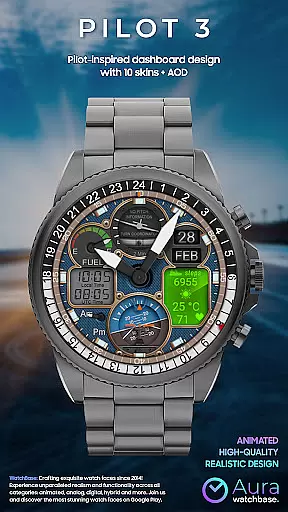
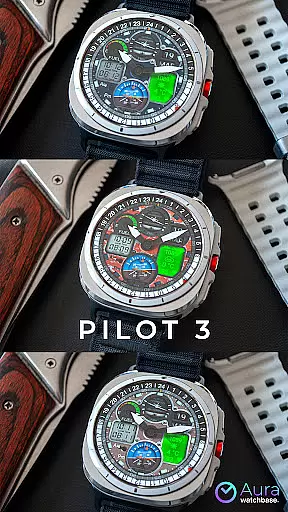
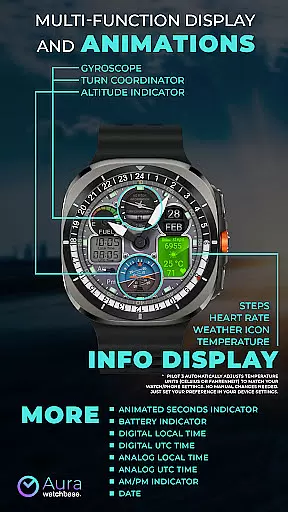
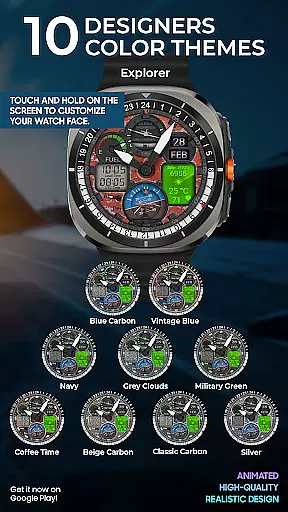
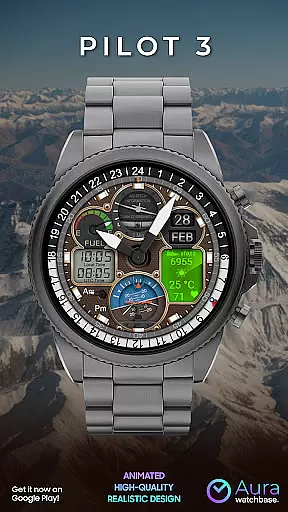
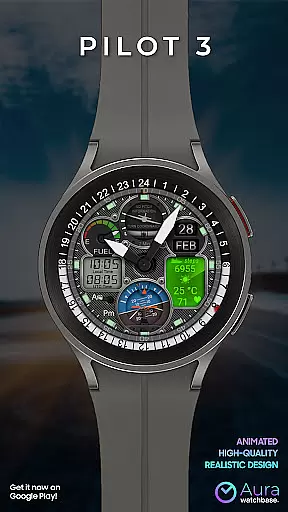
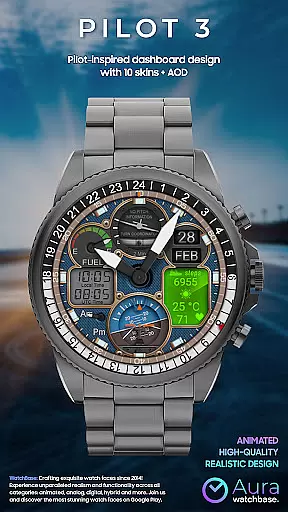
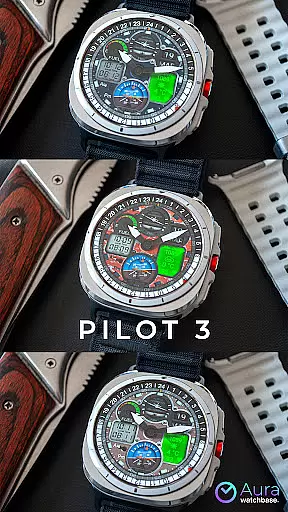
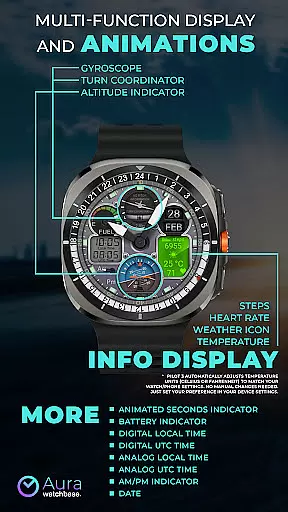
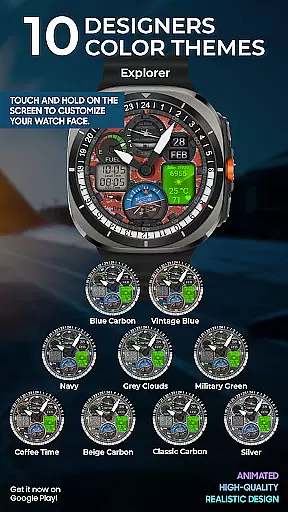
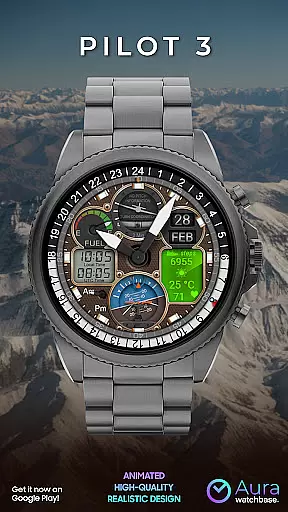
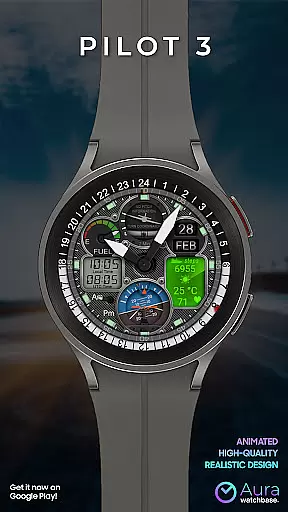
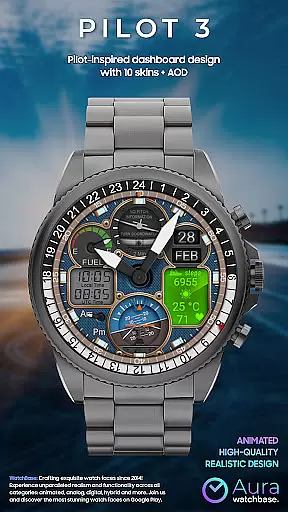
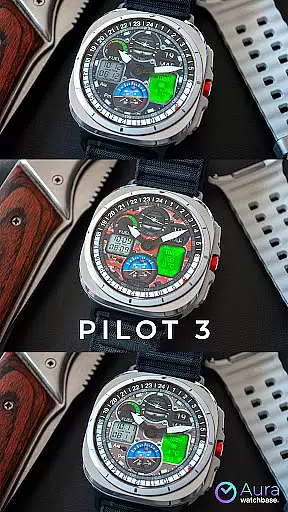
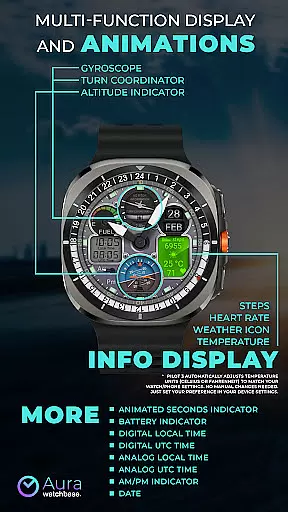
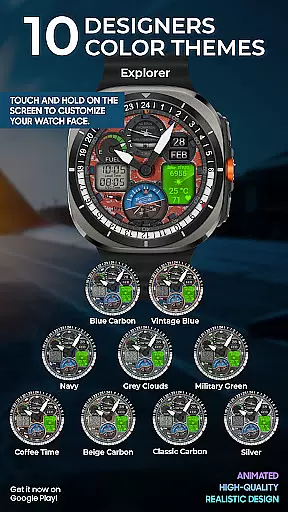
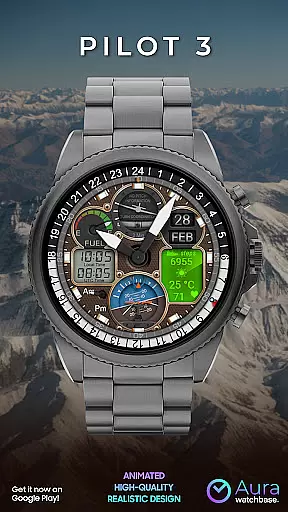
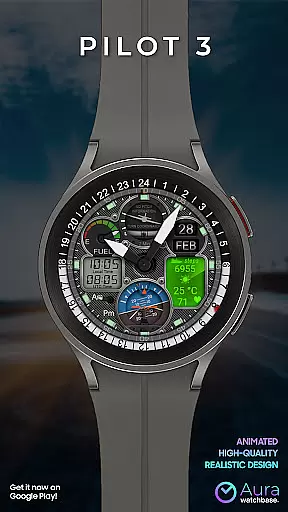
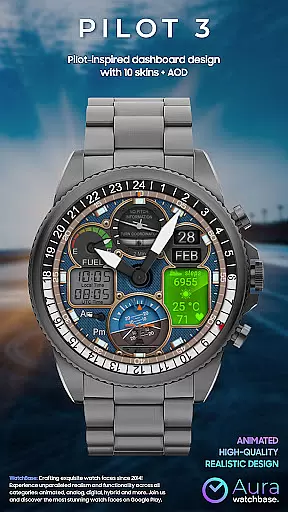
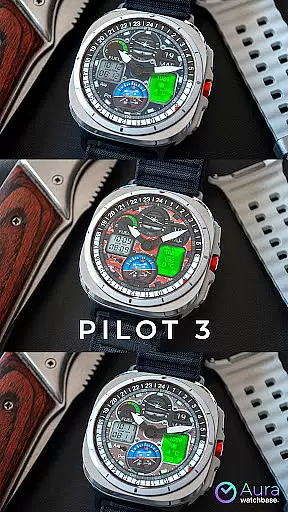
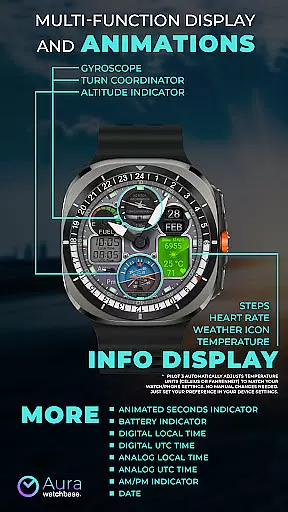
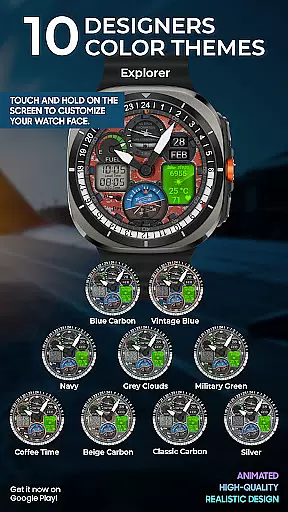
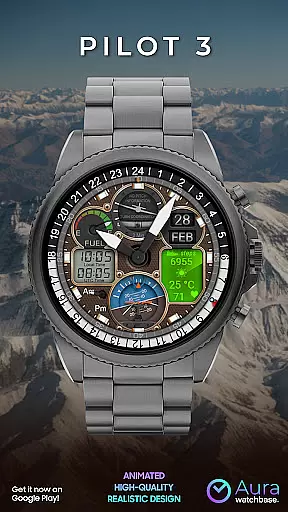
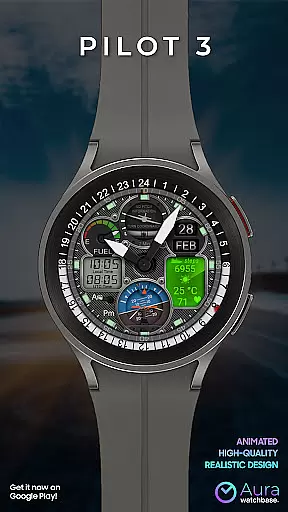
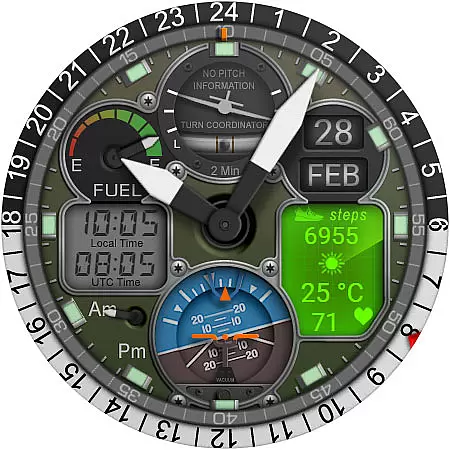
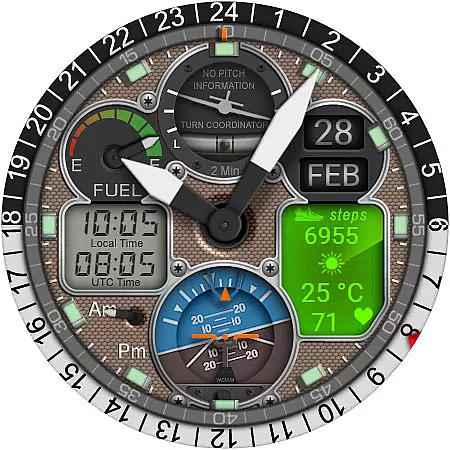
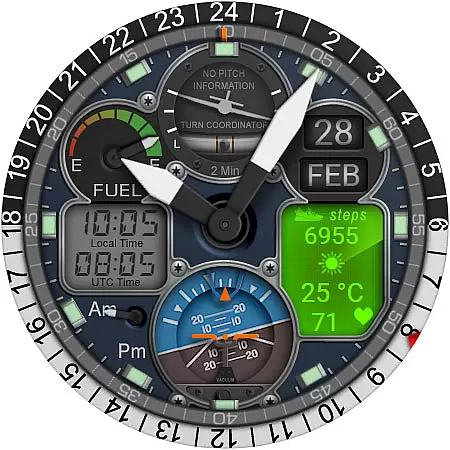
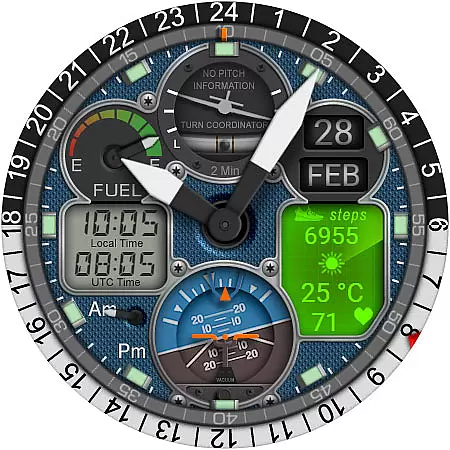
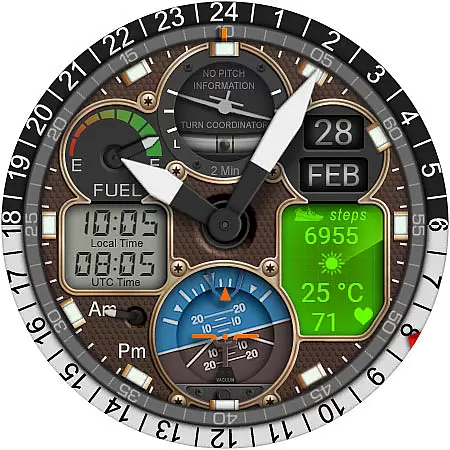
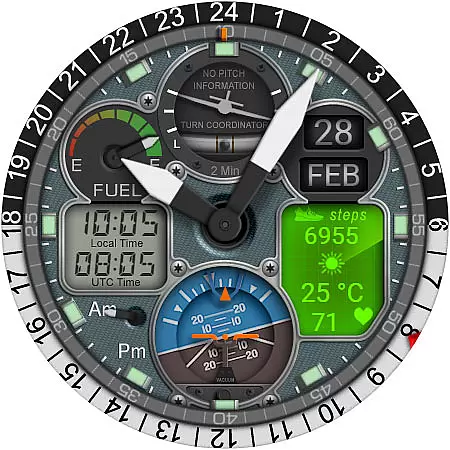
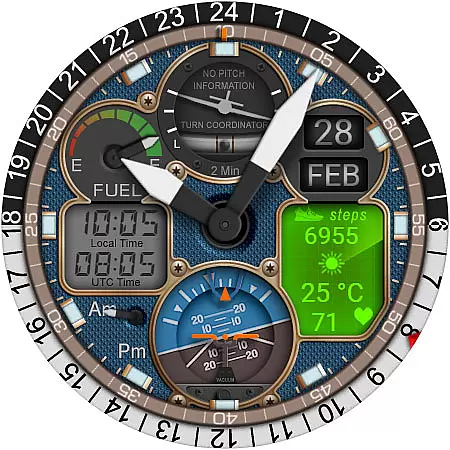
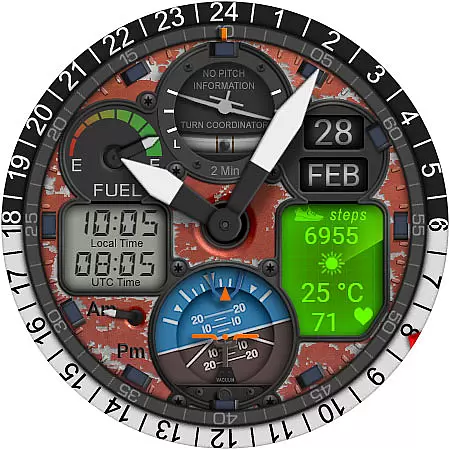
WB PILOT 3 Animated Watch Face brings the thrill of aviation to your Wear OS smartwatch. Designed exclusively for devices running Wear OS 5 and higher, this hybrid watch face combines stunning graphics with functional features. The interface mimics a pilot's cockpit, complete with animated elements like the Turn Coordinator, Altitude Indicator, and Gyroscope.
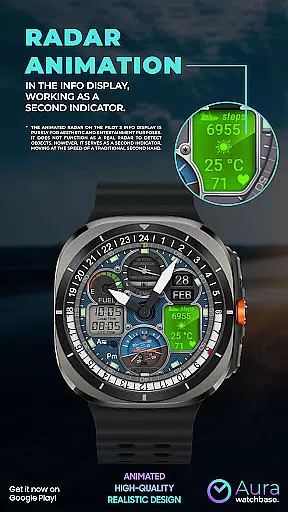
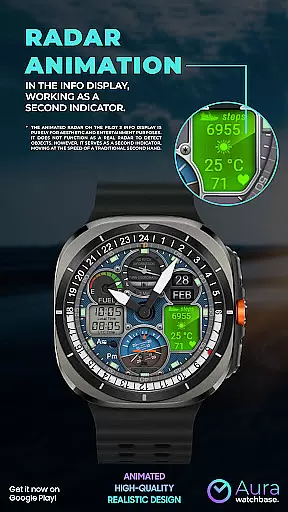
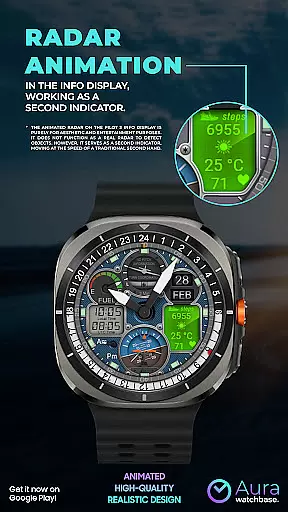
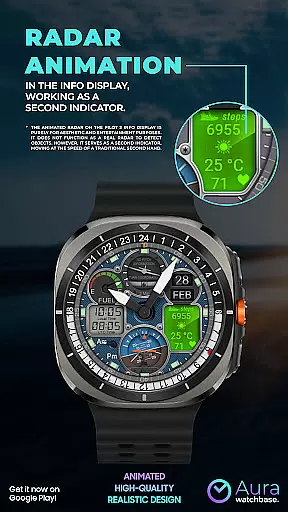
This watch face offers both digital and analog time displays, along with AM/PM indicators, battery status, date, and additional info such as steps, heart rate, and weather. With 10 customizable skins and an animated second indicator that doubles as a radar-like display, it provides both aesthetic appeal and practical utility. Whether you're an aviation enthusiast or simply appreciate unique designs, WB PILOT 3 delivers an engaging user experience tailored to your preferences.
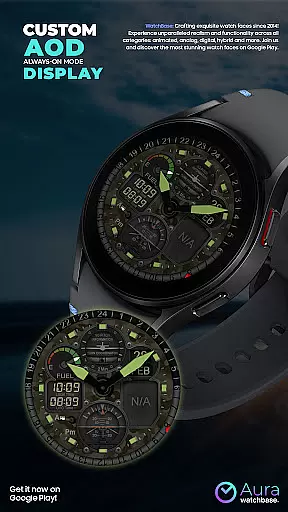
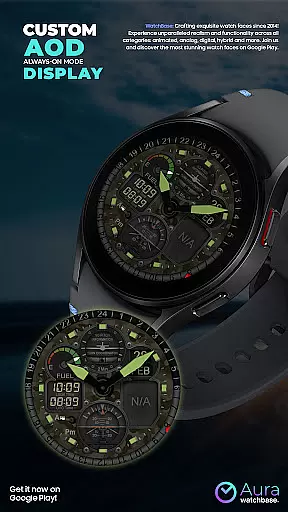
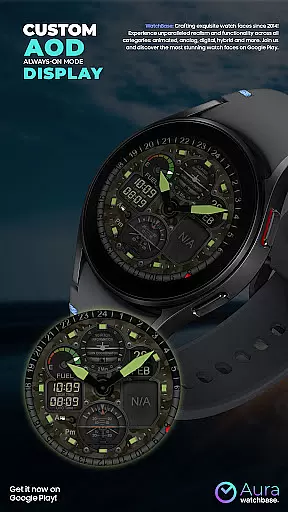
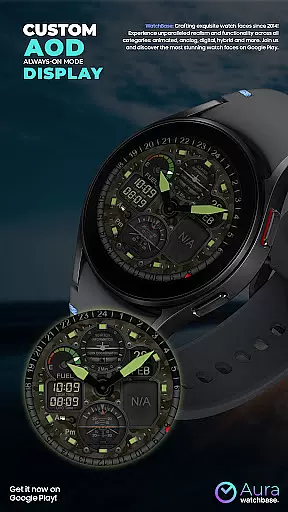
WB PILOT 3 stands out with its rich feature set designed to enhance usability while maintaining a sleek design. It includes 10 distinct skins, allowing users to personalize their watch faces according to their style. The Always-On Display (AOD) ensures essential information remains accessible at a glance without draining battery life excessively.
Among its standout features are the animated elements that replicate cockpit instruments, including the Turn Coordinator, Altitude Indicator, and Gyroscope. These animations not only add visual interest but also serve functional purposes. For instance, the animated radar acts as a second hand, moving in sync with traditional timekeeping. Additionally, the watch face supports dual-time zones, displaying both local and UTC times in digital and analog formats. Integrated health and environmental tracking—such as step count, heart rate, and weather updates—further enhance its utility, making it more than just a stylish accessory.
Companion app integration is a crucial feature for smartwatch applications, especially for watch faces like WB PILOT 3. This functionality ensures seamless synchronization between the wearable and its paired smartphone.
The WB PILOT 3 Animated Watch Face utilizes a companion app to simplify the installation process. After purchasing the watch face, users can tap the install button within the phone app. This action triggers a notification on the watch, presenting the watch face for installation. This streamlined approach eliminates potential confusion during setup.
This integration provides additional benefits beyond installation. It allows for automatic synchronization of settings between the phone and watch. For instance, temperature units automatically adjust to match the user's device preferences without requiring manual adjustments.
The companion app also helps resolve common synchronization issues. If users encounter prompts to repurchase the watch face on their device, they can be assured that no double charges will occur. The system typically resolves these issues with a simple restart or by waiting for the synchronization to complete.
Device compatibility is a fundamental aspect of any Wear OS application. For WB PILOT 3 Animated Watch Face, this compatibility ensures optimal performance across supported devices.
This animated watch face is specifically designed for devices running Wear OS 5 and higher. This requirement guarantees that users can fully experience the advanced graphics and animations that replicate cockpit instruments. The technical specifications of these operating systems enable smooth rendering of elements like the Turn Coordinator, Altitude Indicator, and Gyroscope animations.
The compatibility extends beyond just the operating system version. The watch face automatically adjusts to various screen sizes and resolutions of compatible Wear OS devices. This adaptability maintains visual quality and functional integrity across different smartwatch models.
Furthermore, the application's compatibility parameters help prevent installation on unsupported devices. This precaution ensures that users only install the watch face on hardware capable of delivering the intended experience, maintaining both performance standards and user satisfaction.
Visually Stunning Design
Customizable Skins
Hybrid Time Display
Animated Elements
Health and Weather Info
Limited OS Compatibility
Potential Sync Issues
Complex Installation
Battery Consumption
No Real Radar Function

Christmas Theme Watch Face for Wear Os
 5.00
5.00
MyNISSAN® lets you remotely control your car from your phone.*
4.50
Beautiful artistic animated digital watch face, with a customizable layout!
4.40
The ultimate destination for kids ages 3-8 to explore the Marvel Universe!
4.30
The #1 source of faces for your smartwatch!
4.00
Real-time weather radar with temperatures, warnings, hurricanes, and widgets
4.80
Retro digital watch face with customizable colors and a unique lighting effect
4.60
A digital watch face that celebrates Christmas.
4.00
Spam call blocker and caller ID for automatic call protection!
4.40
A modern hybrid informative watch face for Wear OS designed by BALLOZI
4.80
Highly customizable hybrid watch face for Wear OS, perfect for everyday use.
4.60
Ideal for surviving in the wasteland left after nuclear fallout
4.50
sleep, alarm, snoring, stress, healing, focus, sound therapy, circadian rhythm
4.10
Your local weather forecast, storm tracker, radar maps & live weather news
3.40
Wear Os Watch Face - Animated Snow - Sesonal for Christmas & Winter
4.4
A heartwarming Christmas scene featuring a cute image of Santa and Rudolf
4.5
Stunning modern digital watch face with 7 complications and strong contrast
4.3
3 Complications. All shadow on/off. 30 Themes color palette...
4.1
Fitness interactive virtual pet super fighter boy watch face
4.0


User Reviews