
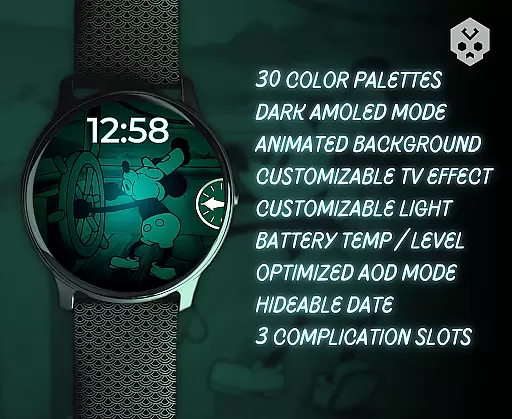
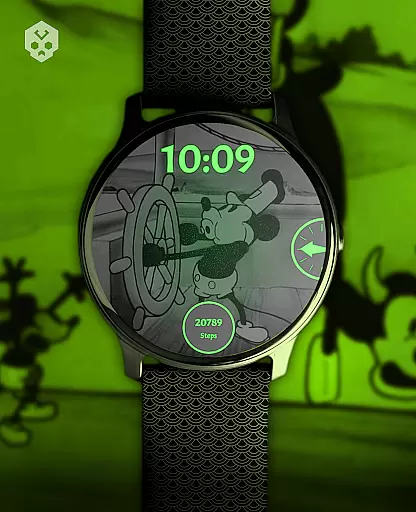
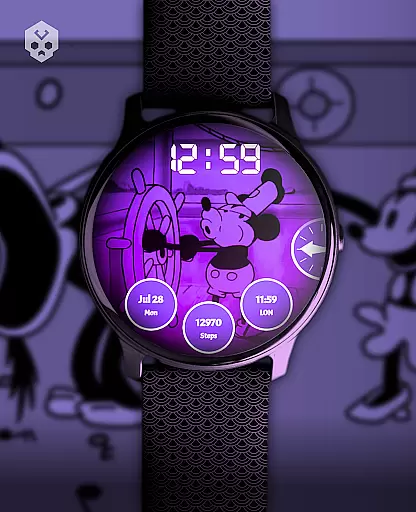
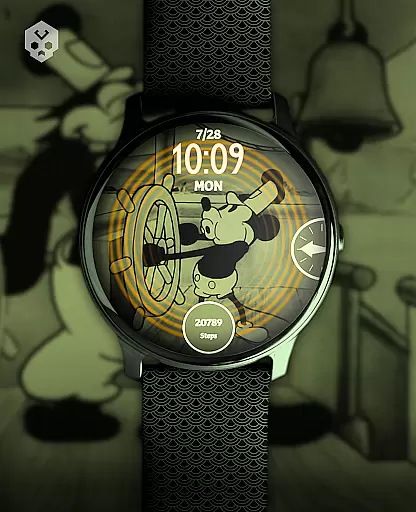
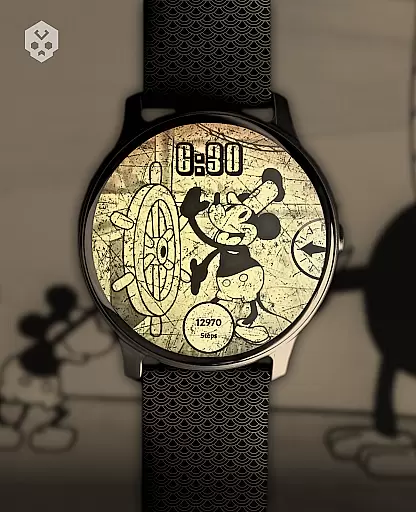
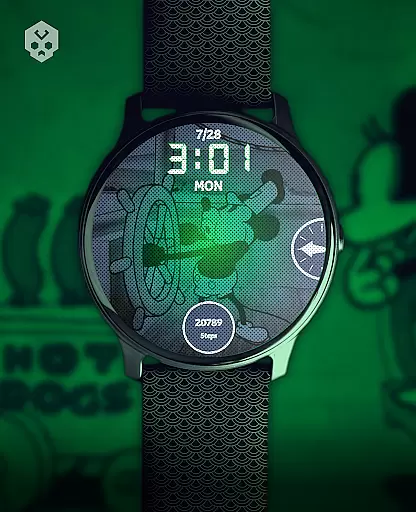
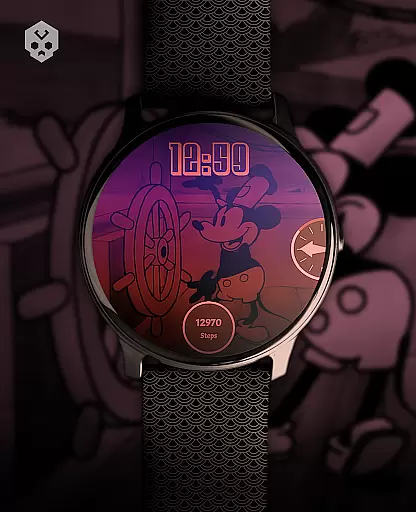
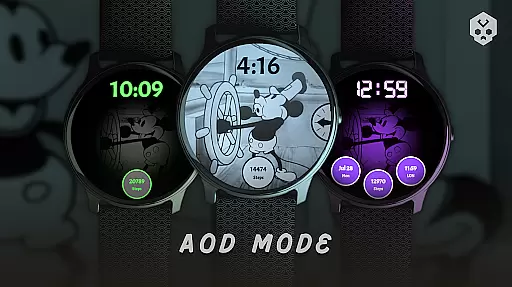

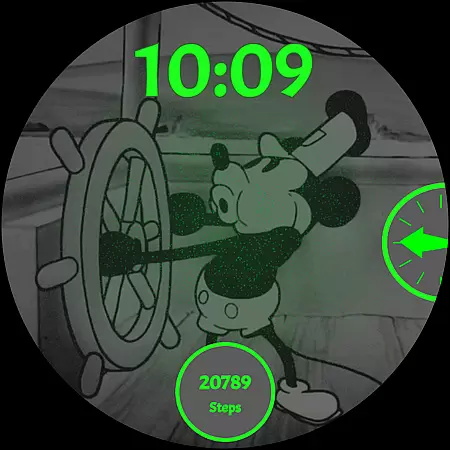
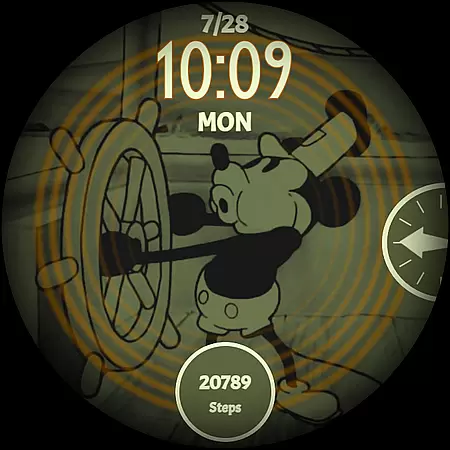
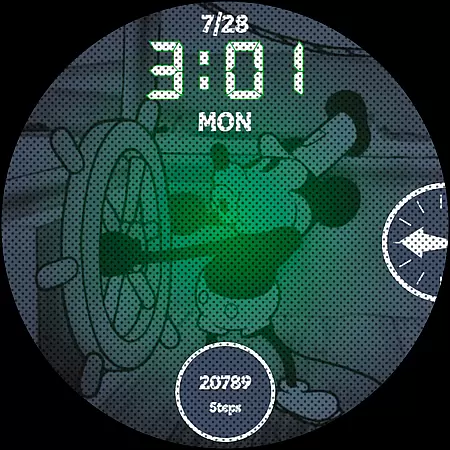
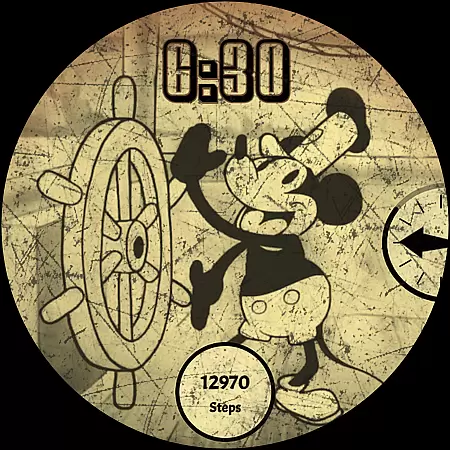
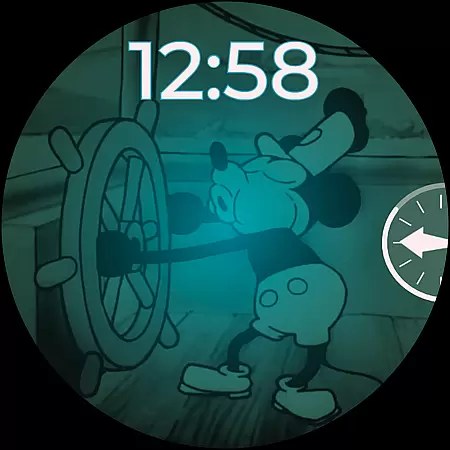
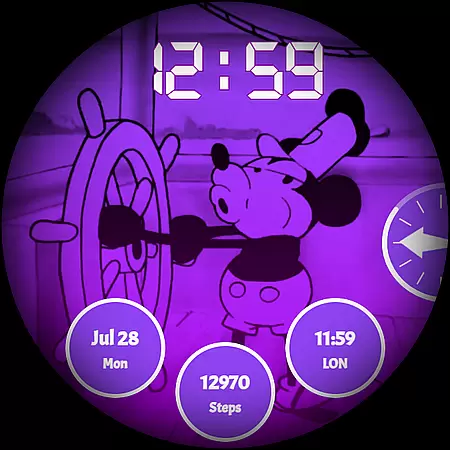
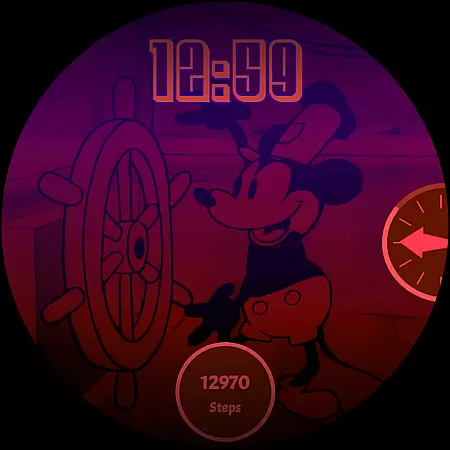
Steamboat Mouse Watch Face brings the iconic Steamboat Willie character to your smartwatch with a retro cartoon-inspired design. This Wear OS watch face is highly customizable, offering users a unique blend of vintage aesthetics and modern functionality. Perfect for fans of classic animation, it allows personalization while providing essential information at a glance.
The watch face supports various features like multiple color schemes, high readability mode, and battery status indicators. Compatible with numerous Wear OS devices, this app transforms your smartwatch into a stylish accessory that reflects your personality. Its detailed design and customization options make it stand out among other watch faces.
Steamboat Mouse Watch Face offers an array of impressive features designed to enhance user experience. With 30 color schemes, users can tailor the appearance to their liking. The watch face supports both 12 and 24-hour formats and includes customizable overlays and backgrounds, ensuring a personalized look.
Functionality is not compromised for style; the watch face provides high readability modes, reacts to low battery levels, and displays battery temperature and status. It also includes three customizable complications and an easy-to-use companion app for installation and management. These features combine to create a versatile and user-friendly product.
Customization is at the heart of the Steamboat Mouse Watch Face, offering users a versatile and personalized experience on their smartwatches. With 30 distinct color schemes, users can tailor the appearance to match their personal style or mood. The inclusion of both 12 and 24-hour time formats ensures global usability, accommodating different regional preferences.
Beyond colors and time formats, this watch face provides customizable overlays and backgrounds, allowing for a unique look that stands out. Whether you prefer a minimalistic or vintage aesthetic, the design adapts to your preference, ensuring high readability and an engaging visual experience. This level of customization empowers users to craft a device that truly reflects their individuality.
The practical aspects of daily life are not forgotten, as the watch face reacts to low battery conditions and offers at-a-glance information on battery temperature and status. These features ensure that aesthetics do not come at the expense of functionality, providing useful insights without needing to dive into settings or menus.
By integrating three customizable complications, users can access their most important information quickly and efficiently. This flexibility in choosing what data is displayedu2014be it weather, fitness stats, or notificationsu2014enhances the overall utility of the smartwatch. Such comprehensive customization options make the Steamboat Mouse Watch Face a standout choice for those seeking a blend of personality and performance on their wrist.
The Steamboat Mouse Watch Face excels in theme compatibility, ensuring a seamless integration with a wide array of Wear OS devices. As a standalone application, it supports numerous smartwatches from brands like Samsung, Mobvoi Ticwatch, Fossil, Oppo, and the latest Xiaomi models, among others. This broad compatibility means that regardless of your smartwatch brand, you can enjoy a cohesive and well-integrated user experience.
Designed with meticulous attention to detail, the watch face maintains visual consistency across different devices and screen sizes. Its handcrafted nature guarantees that each element, from the iconic steamboat-inspired visuals to the informative widgets, aligns perfectly with the device's display capabilities. This dedication to quality ensures that users experience the intended design without compromise.
Installation is straightforward, thanks to an easy-to-use companion app that facilitates the setup process. Should any issues arise, the app includes a handy email support feature, ensuring that help is just a tap away. This approach underscores a commitment to user satisfaction and device compatibility, making the adoption of the Steamboat Mouse Watch Face hassle-free.
Moreover, ongoing support and updates further enhance theme compatibility over time. By addressing potential bugs and introducing new features, the developers demonstrate a clear dedication to maintaining optimal performance across all supported devices. Users can rest assured that their investment in this watch face will continue to deliver value, adapting to future advancements in wearable technology while preserving its distinctive charm and functionality.
Unique retro design
Highly customizable
Wide device compatibility
Multiple color schemes
Essential info at glance
Premium price point
Wear OS only
Complex setup
Limited free support
Occasional bugs

Capture moments that pass like a storm, second by second.
 4.3
4.3
Themes - Widget & Wallpaper: Customize home screen, icon changer w unique themes
4.30
Aesthetic Widgets, HD Wallpapers, Themes in Mico Widget for Home and Lock Screen
4.50
Zip lock screen with magic wallpaper to decorate your phone with fun zipper lock
4.60
Yandex Browser — stylish and secure, with voice search and data compression
4.40
300+ Beautifully crafted widgets inspired by OneUI.
4.60
300+ widgets inspired by Material You and Material 3 expressive design.
4.60
Transform your device in a game console
4.40
Install amazing sticker packs: endless styles, always cool.
4.70
100+ Stylish Fonts, Emojis, Symbols keyboard for Instagram & TikTok!
4.80
Customizable Glass widgets. Over 360+ stunning widgets and more!
4.70
Make your phone look simple & luxury, like iDevice
4.60
Icons made of colorful linear lines
4.60
200+ Material Inspired Widgets
4.50
AI-powered Copilot. Personalized keyboard with gifs, stickers & themes
4.40
Adult video chat, dating, making friends, random matching
4.20
Unique Fonts, typefaces and stylish text. Fonts for Instagram, Whatsapp & others
4.20
⭐ OneUI inspired Fluffy Icon Pack – Soft. Stylish. Standout. ⭐
4.0
Modern Glass Icon Pack with glossy icons, clean minimal theme & aesthetic style
4.2


User Reviews