
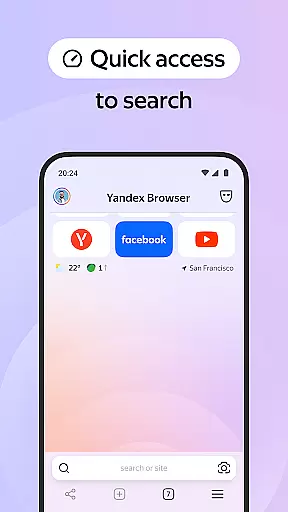
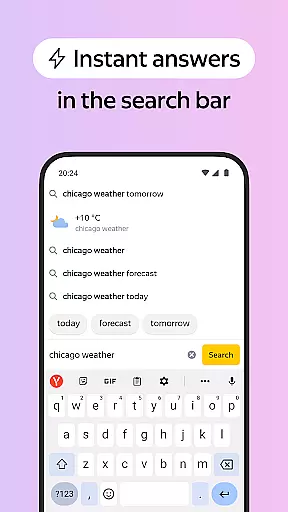


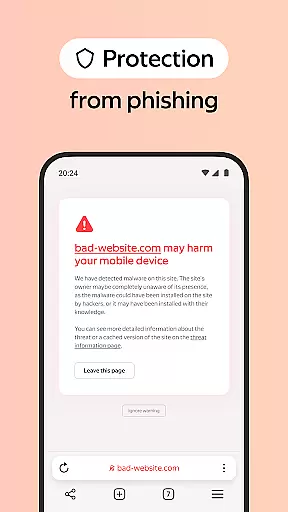

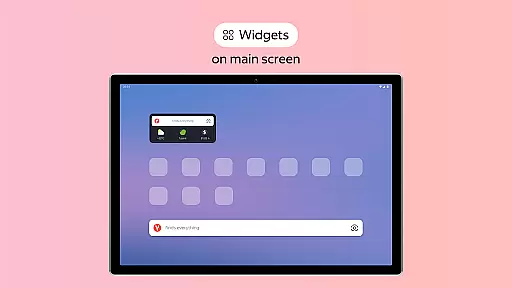
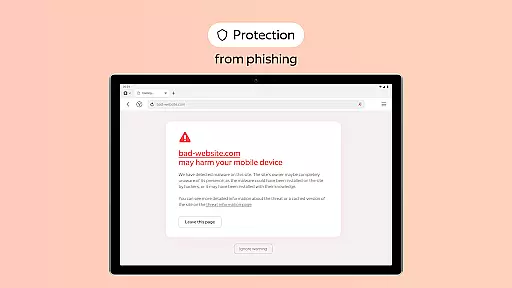

Yandex Browser with Protect is a stylish and secure mobile browser that offers advanced features for an optimal browsing experience. The app combines sleek design with essential security measures, including active protection against harmful websites and data encryption during public Wi-Fi usage. Its unique capabilities such as Reader Mode, Ad Blocking, and Incognito Mode ensure users can browse the web without distractions while maintaining their privacy.
The browser also supports voice search functionality and data compression to enhance usability and reduce mobile data consumption. With customizable wallpapers, cross-device syncing via Yandex account, and a user-friendly interface, it provides both personalization and convenience. Whether you're looking to block ads, protect sensitive information, or simply enjoy a clutter-free browsing experience, Yandex Browser caters to all these needs effectively.
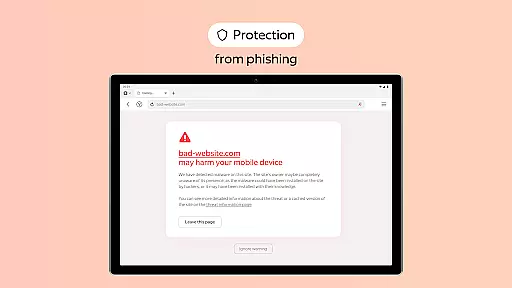
Yandex Browser stands out with its comprehensive feature set tailored for modern internet users. One of its key highlights is the Protect security system, which actively safeguards users from malicious websites and secures personal data on unsecured Wi-Fi networks. Additionally, the integrated ad-blocking functionality allows third-party apps to eliminate intrusive advertisements, ensuring a seamless browsing experience.
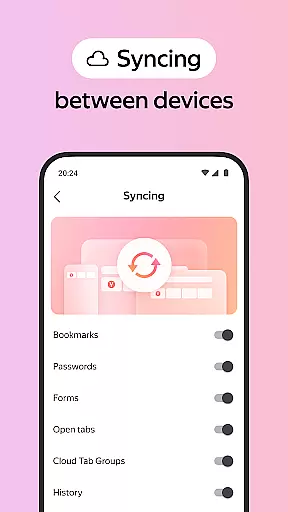
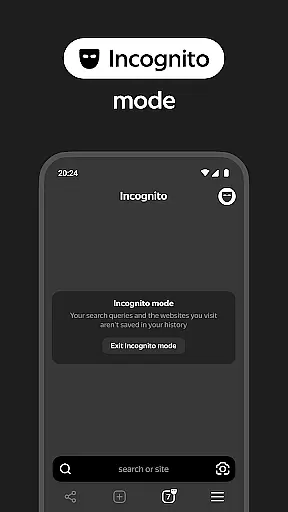
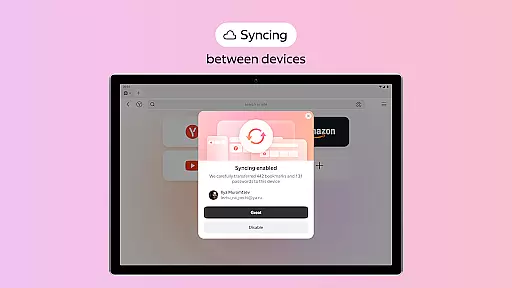
For those who prefer minimalistic interfaces, Reader Mode removes unnecessary page elements like menus and buttons, leaving only essential content visible. Privacy-conscious users will appreciate the Incognito Mode, which prevents the storage of passwords, search queries, and browsing history. Furthermore, the app offers extensive customization options through its wallpaper library, enabling users to personalize their browsers according to their preferences. Syncing across devices via a Yandex account adds another layer of convenience for accessing bookmarks and favorite sites anywhere.
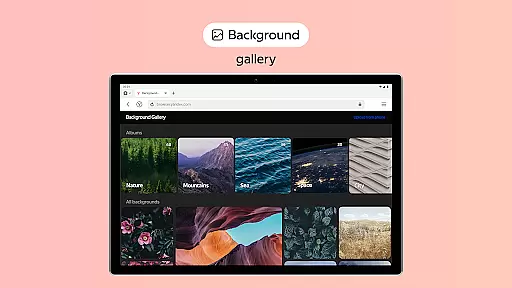
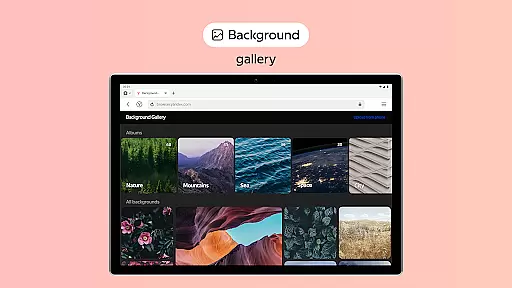
Customization is at the heart of a personalized browsing experience, and Yandex Browser excels in providing diverse options to tailor your browser to your unique style. With an extensive wallpaper library, users can choose from a wide array of backgrounds that suit their personal preferences or mood. This feature not only enhances the visual appeal but also makes every browsing session feel more engaging and enjoyable.
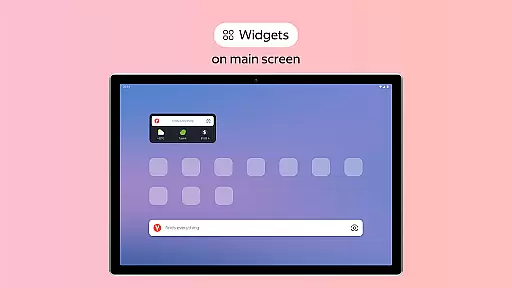
In addition to aesthetic customization, Yandex Browser allows you to manage interface elements effectively. The Reader Mode lets you hide unrelated ads, menus, buttons, or widgets on websites, leaving only the essential text and images. This decluttering leads to a cleaner, more focused reading experience without distractions, making it easier for users to consume content that matters to them.
The ability to customize extends to functionality as well. Users can integrate third-party blocking apps with ad-blocking features, ensuring a seamless and uninterrupted browsing experience. By removing annoying ads, Yandex Browser provides a smoother and faster web surfing experience. Overall, these customization options empower users to create a browser environment that aligns perfectly with their needs and preferences.
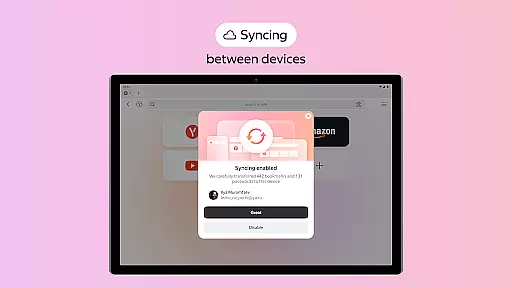
Theme compatibility is crucial for users who want a consistent look and feel across all their devices, and Yandex Browser ensures this through its robust syncing capabilities. By allowing users to sync their data via a Yandex account, the browser enables access to favorite websites and bookmarks on any device. This seamless integration means that your customized settings and preferences are preserved, offering a uniform browsing experience no matter where you are.
Moreover, Yandex Browser's support for various themes ensures that users can maintain visual consistency. Whether you prefer a dark mode for reduced eye strain or vibrant themes that reflect your personality, the browser accommodates these choices effortlessly. This flexibility in theme selection not only enhances user satisfaction but also contributes to a more intuitive and visually comfortable browsing session.
Security and privacy do not take a backseat in this personalized experience. Features like Incognito Mode ensure that your private browsing sessions remain confidential, without storing passwords, search queries, or browsing history. Combined with the Protect system, which safeguards personal data on public Wi-Fi networks, Yandex Browser offers both aesthetic customization and peace of mind. This dual focus on visual personalization and security highlights the browser's commitment to delivering a comprehensive and compatible user experience.
Advanced security features
Customizable interface
Efficient ad blocking
Cross-device syncing
User-friendly design
Limited third-party extensions
Higher memory usage
No built-in VPN
Fewer themes than competitors
Occasional slow performance

Classic analogue watch face. For wear os devices.
 4.60
4.60
Personalize your phone with stunning HD and 4K wallpapers!
4.70
Over 28,000 high quality icons to bring color & homogeneity to your phone.
4.60
Try creating your own keyboard with "Keyboard theme for android" app now!
4.50 4.10
4.10
Embrace the Night. Unleash the power of darkness with Raven Dark Icon Pack
4.60
Icons made of colorful linear lines
4.60
Launcher OS™ Pro without ads help make your phone simple and pretty
4.30
Custom ringtones songs, music ringtones for Android phones
4.60
A minimalist productivity launcher. One-hand-friendly. Zero ads.
4.70
Nothing Icon pack with more than 3750+ highly crafted icons.
4.70
Bring adorable pets to life on your screen. Playful, interactive and full of fun
4.60
Customize your home screen with stunning themes, blur, widgets & icons.
4.60
Customizable screen pets that play, climb, and keep you company.
4.50 4.50
4.50
The definitive Icon pack maker and editor
4.30
Create unique, fun emojis with Funny Emoji Maker! Unlimited creativity!
4.00
Emoji Maker app - Design custom emojis and effortlessly blend them with Mixer
3.80 3.50
3.50


User Reviews