
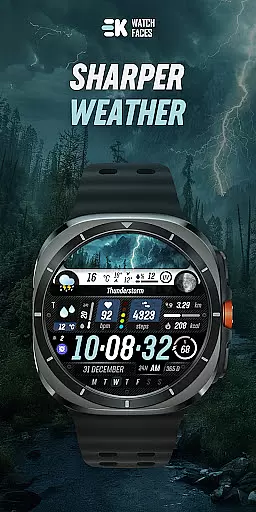
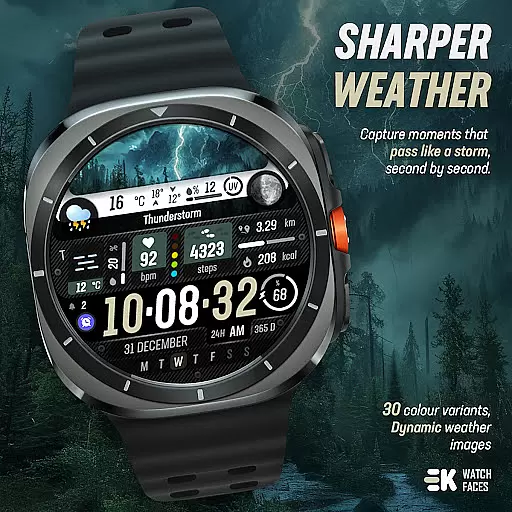
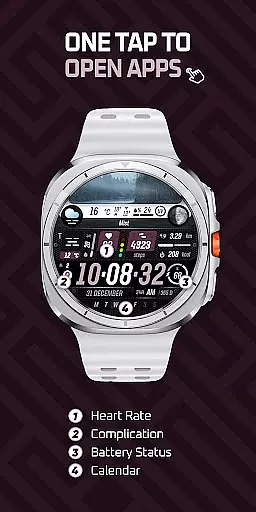
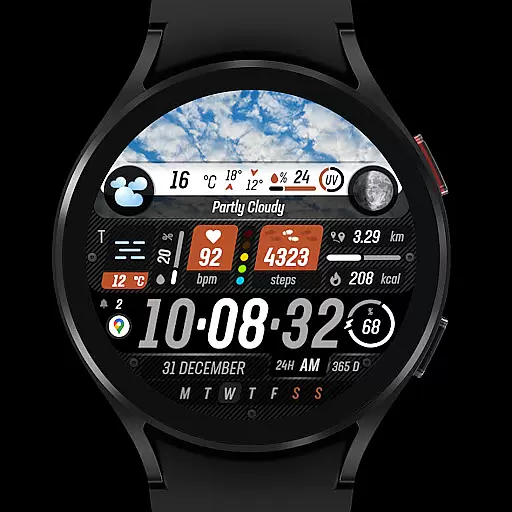
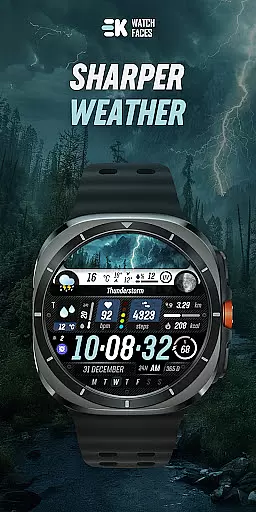
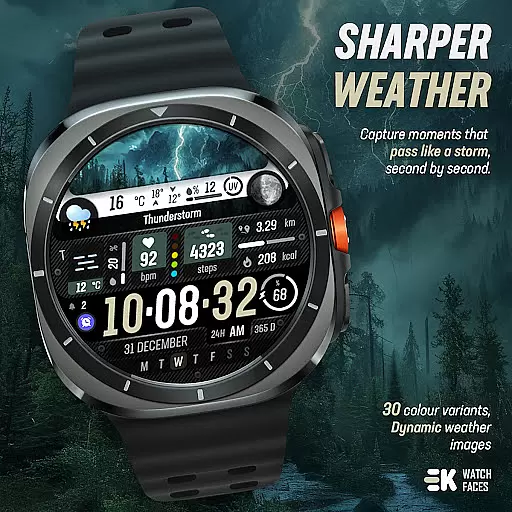
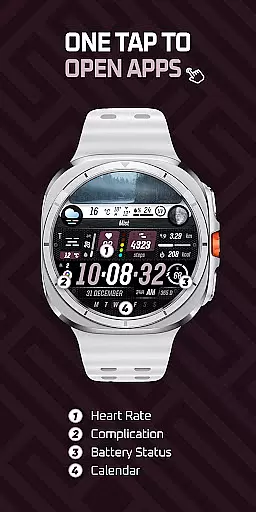
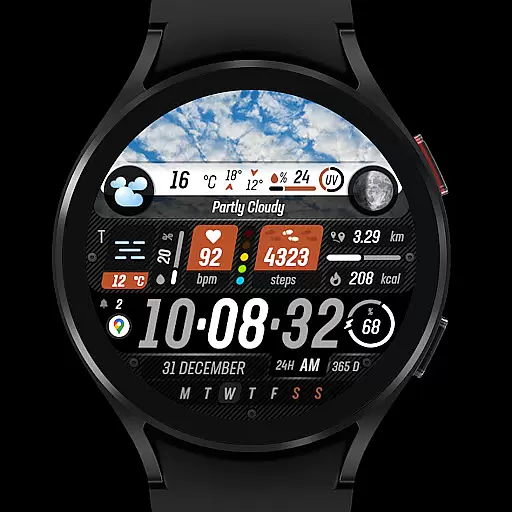
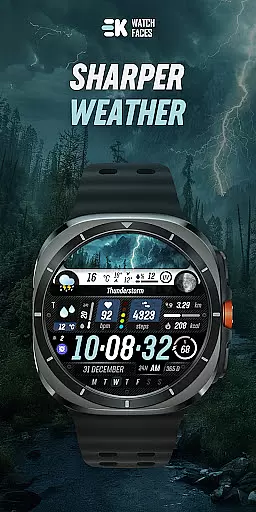
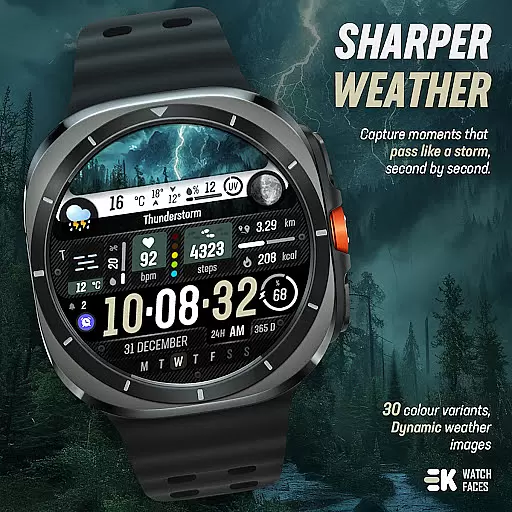
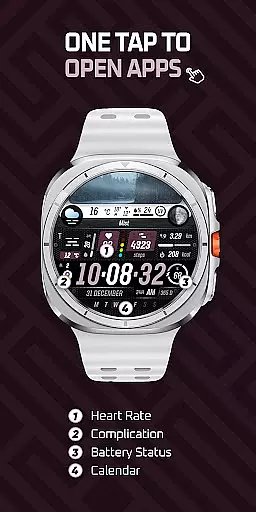
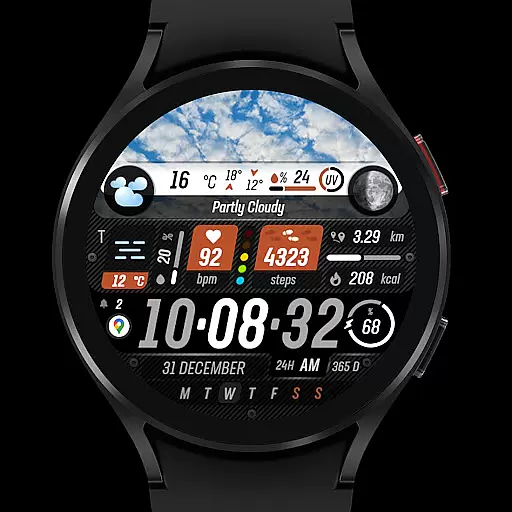
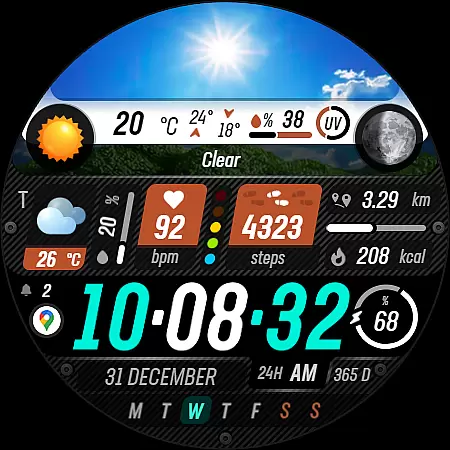
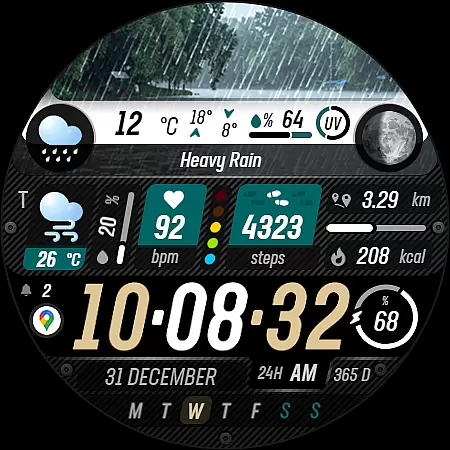
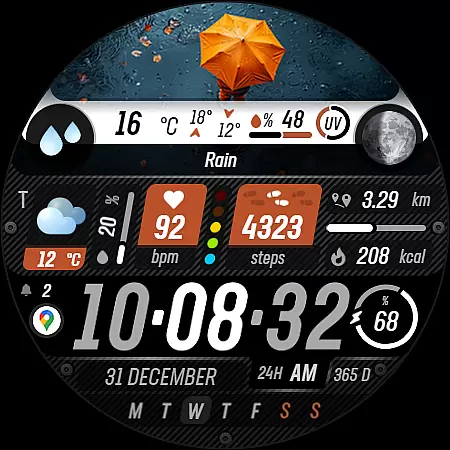
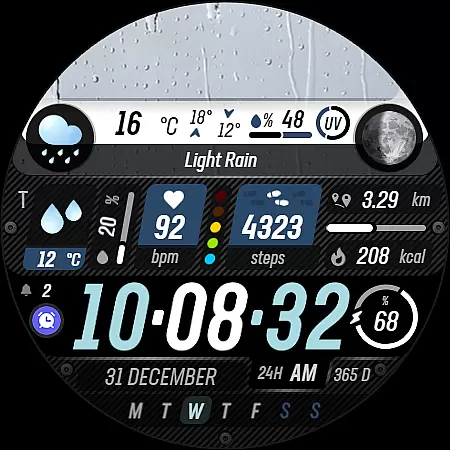
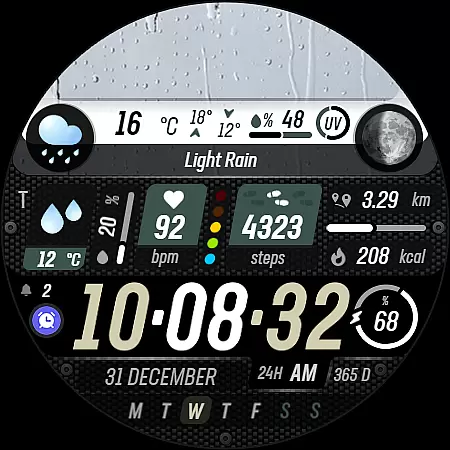
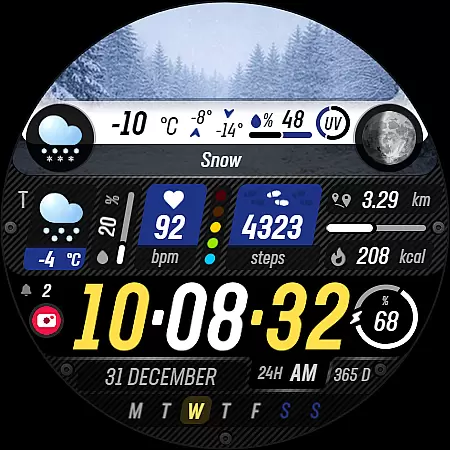
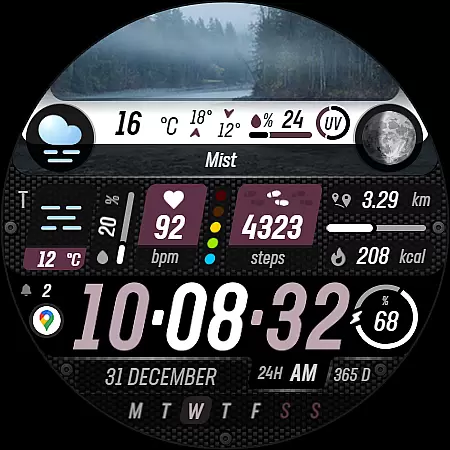
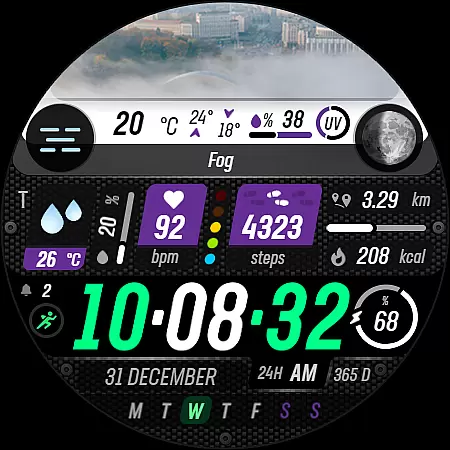
Sharper Weather is a feature-rich watch face designed exclusively for Wear OS devices, offering users an enhanced and personalized timekeeping experience. This application transforms your smartwatch into a dynamic weather station, providing real-time meteorological updates directly on your wrist.
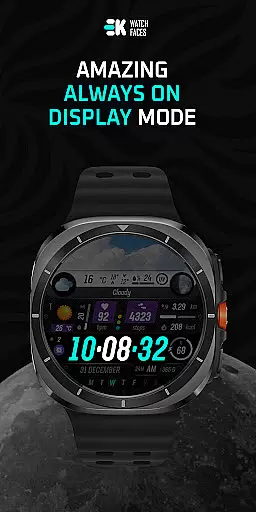
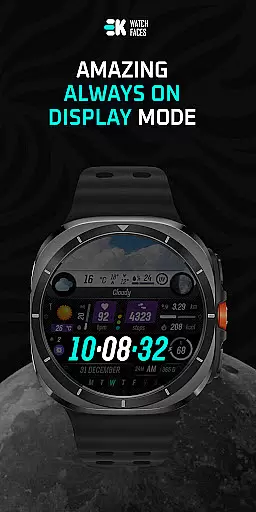
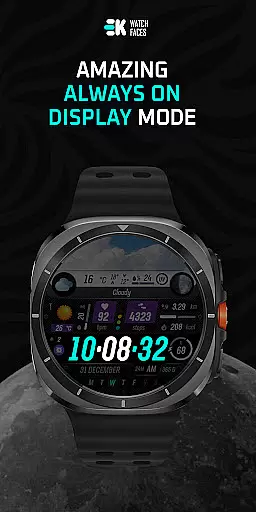
The app stands out with its ability to display weather conditions through vivid imagery that changes based on the time of day. It also offers comprehensive health tracking features such as step counting, distance measurement, calorie burning estimation, heart rate monitoring, and more. With support for always-on display and customizable complications, Sharper Weather ensures both functionality and personalization are at the forefront of your wearable experience.
Ideal for tech-savvy individuals who demand both style and substance from their wearables, this app provides a seamless blend of aesthetics and utility. Whether you're an outdoor enthusiast needing quick access to weather forecasts or someone who values detailed health metrics, Sharper Weather caters to all these needs while maintaining a sleek design.
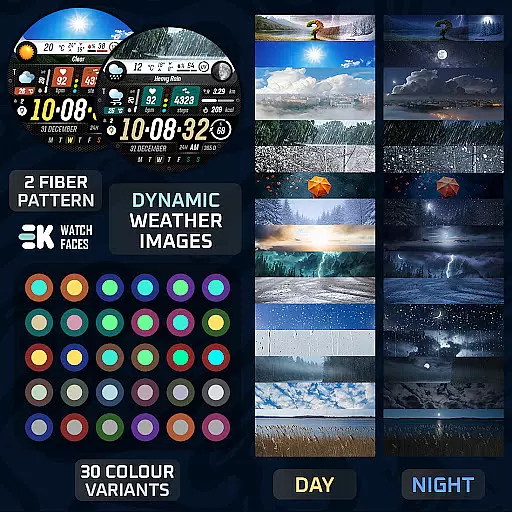
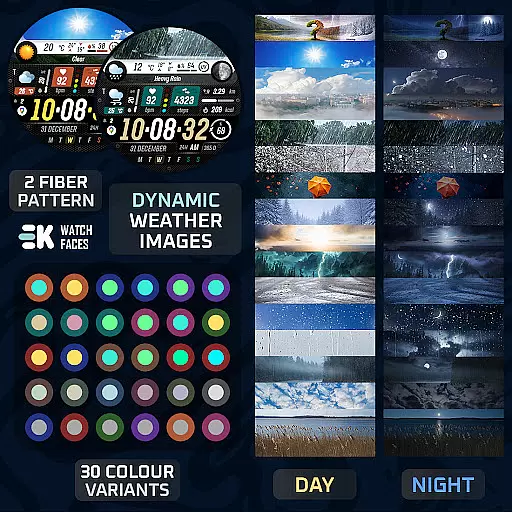
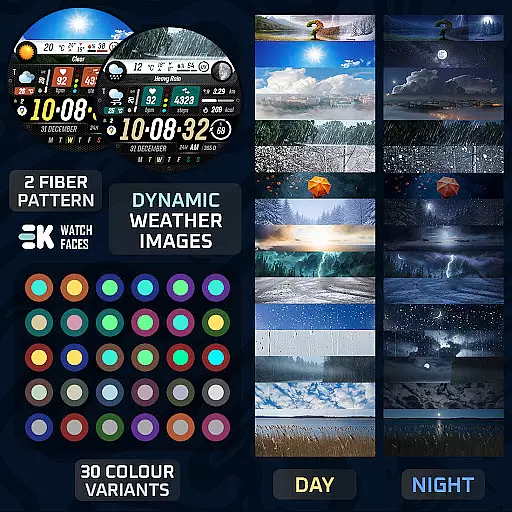
Sharper Weather boasts an impressive array of features tailored to enhance user interaction and provide valuable information at a glance. One standout capability is its dynamic weather imaging system, which adjusts visuals according to current weather conditions and time of day, ensuring users receive contextually relevant data.
In addition to visual appeal, the app integrates advanced health and fitness tracking functionalities. Users can monitor their daily activities including steps taken, calories burned, and even heart rate, all within a visually appealing interface. The inclusion of calendar notifications, live moon phases, and adjustable shortcuts further enriches the user experience by allowing customization based on individual preferences.
Moreover, Sharper Weather supports various units of measurement and time formats, adapting automatically to match regional settings. With permissions enabled for sensors and complication data, users gain full access to all features, making it not just a watch face but a comprehensive lifestyle companion.
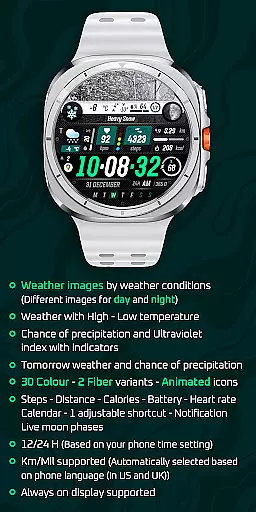
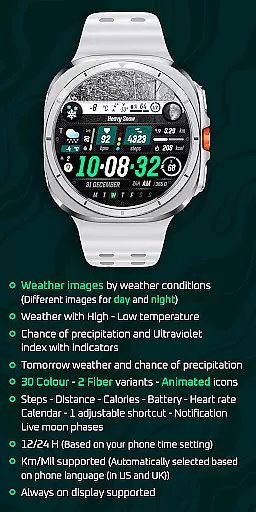
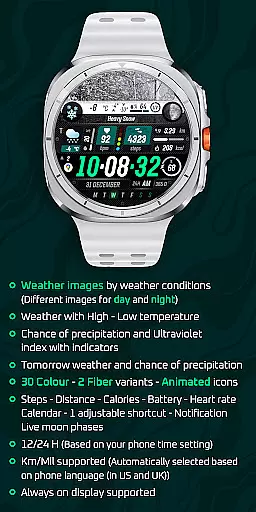
Sharper Weather offers an extensive range of customization options that allow users to tailor their Wear OS experience according to personal preferences. With 30 color choices and 2 fiber variants, the watch face can be personalized to match individual style or mood.
In addition to aesthetic adjustments, the application provides animated icons and supports both 12-hour and 24-hour time formats based on the user's phone settings. This ensures a seamless integration with the weareru2019s daily routine while offering a dynamic visual experience.
The inclusion of features such as weather images that change with conditions, high-low temperature displays, chance of precipitation indicators, ultraviolet index tracking, tomorrow's forecast, steps counting, distance measurement in Km/Mil units depending on locationu2014all contribute towards creating a highly customizable smartwatch interface.
By enabling sensors manually for full functionality including complications data permissions, users gain access to even more personalized information like heart rate monitoring and live moon phases which enhance the overall utility of this versatile watch face app.
Theme compatibility is at the core of Sharper Weather - Watch Face design philosophy ensuring it works harmoniously across various devices running Wear OS 5+ (API 34+). The developer has taken care to optimize performance so whether youu2019re using a newer model or one from previous generations, you'll enjoy consistent quality.
This attention extends beyond mere technical specifications; by supporting always-on display functionality alongside automatic language detection for metric/imperial units selection, thereu2019s an emphasis on delivering intuitive usability regardless of where you are located globally.
Moreover, through its vibrant social media presence spanning platforms like Instagram, Facebook, Twitter among others, EkWatchFaces fosters community engagement around their products thus indirectly contributing towards better theme cohesion within their ecosystem since feedback loops help refine future updates.
Ultimately, these efforts culminate into not just visually appealing but also practically useful wearable technology solutions designed keeping end-user satisfaction paramountu2014a testament to thoughtful engineering meeting aesthetic sensibilities head-on.
User-friendly interface
Dynamic weather updates
Comprehensive health tracking
Customizable display options
Vibrant animated icons
Limited device compatibility
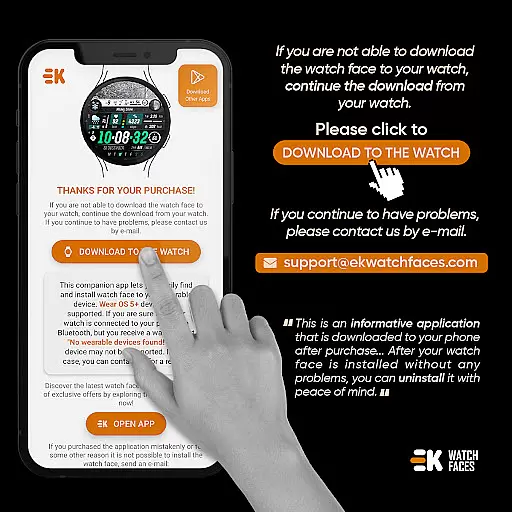
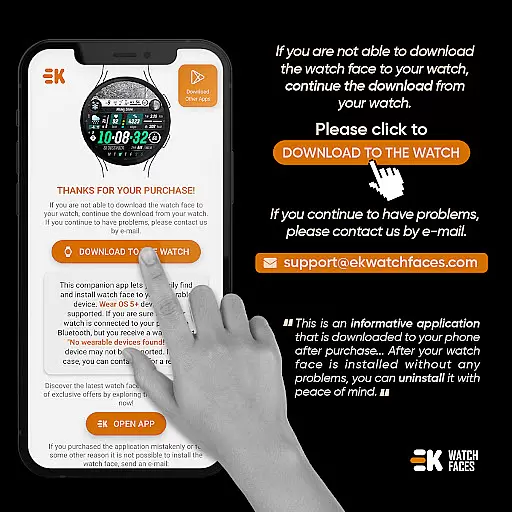
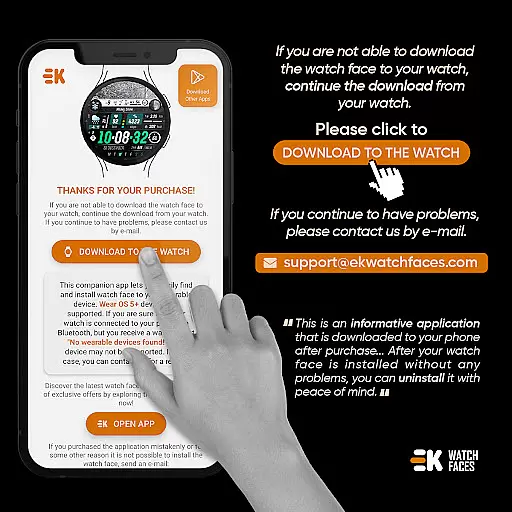
Potential installation issues
Requires manual permission setup
No direct developer support
Possible payment synchronization errors

Ultra realistic gold analog watch face with lots of customization options.
 4.50
4.50
Prank your friends with realistic broken screen and cracked HD effects!
4.4
Run multiple accounts of the same app on a single device
4.10
Romantic Kiss Stickers App. Start romantic messaging now!
4.30 4.10
4.10
Adaptive Dot Style IconPack with Light & Dark Theme.
3.70
Crystal-clear, square icon provides a sleek and sophisticated visual upgrade
4.00
300+ Stunning and well-designed widgets inspired by NOTHING.
4.70
Fast SMS & group chat - use GIFs and emojis from your home screen launcher.
4.50
Winter's Journey: digital watch face for Galaxy Watch & Wear OS
4.80
Dark icon pack based on One 8
4.80
100+ Stylish Fonts, Emojis, Symbols keyboard for Instagram & TikTok!
4.80
350+ widgets with a premium glass-style finish, perfect for home & lock screens.
4.70
Choose your keyboard with RGB colors effect, themes, fonts, emojis.
4.60
3D, live, and moving wallpapers & themes in 4K and HD for your device.
4.50
Vibrant Adaptive Icons with Material You and Enhanced Monet Colors.
4.50
200+ Material Inspired Widgets
4.50
Themes - Widget & Wallpaper: Customize home screen, icon changer w unique themes
4.30
Struggling to find apps? Use this app to locate and open any app on your phone!
2.20


User Reviews