
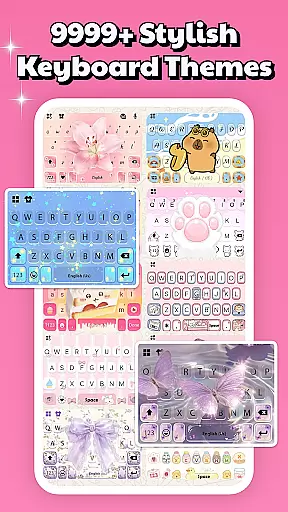
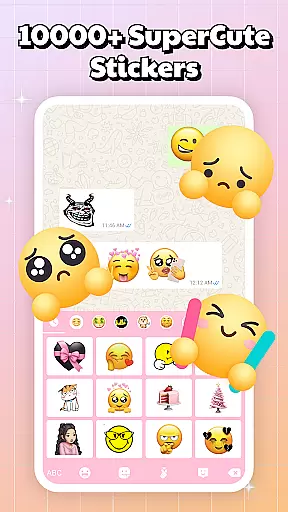
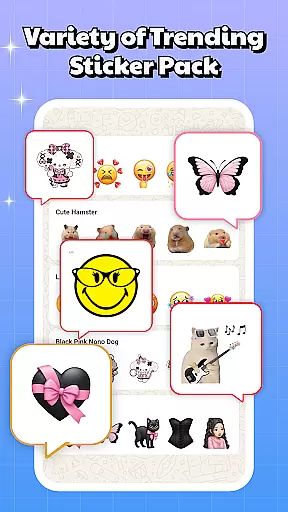
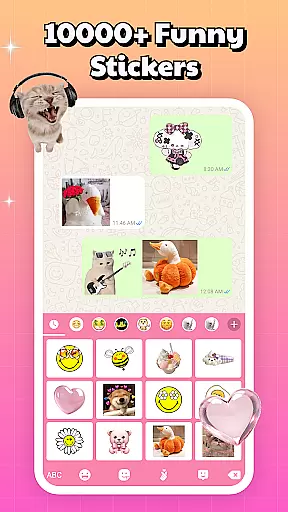
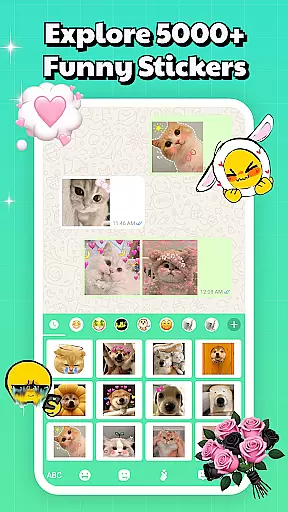
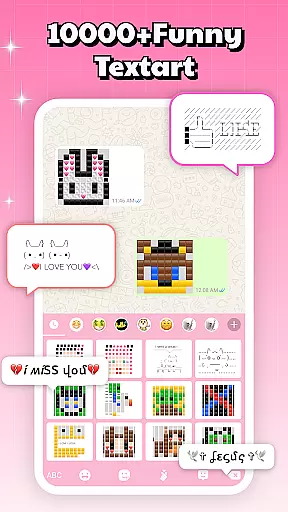
Sticker & Emoji - Memes Maker is a versatile personalization app that brings fun and creativity to your digital conversations. With an extensive library of both animated and static sticker packs, this app works seamlessly across all major chat platforms like Telegram, WhatsApp, iMessage, and Facebook Messenger.
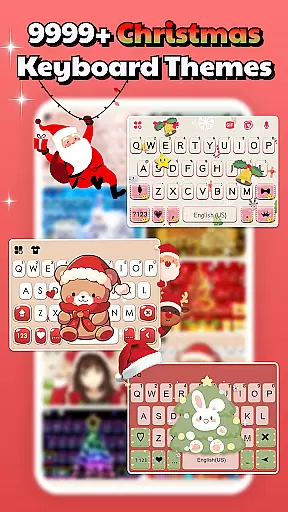
The app also features a smart keyboard with 10,000+ free keyboard themes, allowing users to customize their typing experience. From aesthetic designs to playful and edgy styles, Sticker & Emoji ensures every chat reflects your unique personality. Best of all, it's completely free to download and use.
One of the standout features of Sticker & Emoji is its compatibility with multiple messaging apps, making it easy to enhance any conversation. The built-in smart keyboard provides quick access to your favorite stickers without needing to switch between apps.
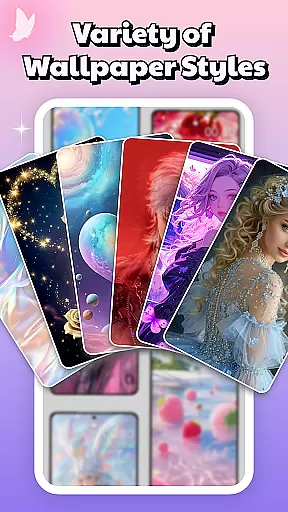
In addition to stickers, the app offers various keyboard themes such as LED, transparent, gravity, animated, and HD photo backgrounds. These themes are updated daily, ensuring you always have fresh options. The app also includes aesthetic, neon, and cute wallpapers for your phone's background and lock screen, letting you personalize every aspect of your device.
With regular updates featuring trending stickers and memes, Sticker & Emoji keeps your chats lively and current. Whether you're into anime, minimalist designs, or playful emojis, this app has something for everyone.
Sticker & Emoji - Memes Maker offers an impressive range of customization options that cater to diverse user preferences. With over 10,000 free keyboard themes, the app allows users to personalize their typing experience like never before. These themes include LED, transparent, gravity, animated, and HD photo keyboards, ensuring there's something for everyone.
The app goes beyond basic theming by providing various background and lock screen options. Users can choose from aesthetic, neon, fancy, cool, and cute designs, transforming their devices into true reflections of their personalities. The inclusion of popular themes such as anime, love, and nature-inspired designs demonstrates the app's commitment to comprehensive customization.
What sets this personalization suite apart is its regular updates and trend-conscious approach. New themes are added daily, keeping the content fresh and relevant. This ensures users always have access to the latest design trends without having to search elsewhere for modern customization options.
Theme compatibility is where Sticker & Emoji - Memes Maker truly shines in the personalization category. The application ensures seamless integration across multiple messaging platforms including Telegram, WhatsApp, iMessage, and Facebook Messenger. This cross-platform support means users can maintain consistent theming regardless of which application they're using.
The smart keyboard feature enhances this compatibility by allowing direct access to sticker packs while typing. This eliminates the need for constant app switching and streamlines the user experience across different communication channels. The built-in functionality maintains consistent performance and visual appeal throughout various applications.
Furthermore, the app's compatibility extends to different device types and operating systems. Whether users prefer iOS-inspired designs or Android-specific features, the themes adapt perfectly to each platform. This universal compatibility approach ensures that all users can enjoy a personalized experience that works harmoniously with their existing device ecosystem.
User-friendly interface
Extensive sticker collection
Daily theme updates
Cross-platform compatibility
Free to use
Limited advanced features
Occasional ads
Heavy on storage
Some themes feel repetitive
Requires frequent updates

Classic analogue watch face. For wear os devices.
 4.60
4.60
A light in the dark, a unique style and an andless cutomization!
4.30
Capture moments that pass like a storm, second by second.
4.2
Prank your friends with realistic broken screen and cracked HD effects!
4.4
Themes - Widget & Wallpaper: Customize home screen, icon changer w unique themes
4.30
Add cute Shimeji pets to screen, interact with them and relax with cute motions
4.60
Turn text & photos into stunning AI videos, art, and creative visual stories.
4.50
Organize and manage your photos and videos effortlessly with Photo Gallery
4.20
A minimalist productivity launcher. One-hand-friendly. Zero ads.
4.70
Wallpaper HD 4K Live - Thousands of high-quality Anime backgrounds for you.
4.80
Vertically oriented rectangular icons
4.70
Beautiful realistic hybrid watch face with numerous customization options.
4.50
AI-powered Copilot. Personalized keyboard with gifs, stickers & themes
4.40
Art & Emoji Keyboard with Cool Fonts, Cute Themes and Custom Designs.
4.40
Unique Fonts, typefaces and stylish text. Fonts for Instagram, Whatsapp & others
4.20
Run multiple accounts of the same app on a single device
4.10
Customizable flower power digital watch face for Wear OS watches.
4.00
Create unique, fun emojis with Funny Emoji Maker! Unlimited creativity!
4.00
Struggling to find apps? Use this app to locate and open any app on your phone!
2.20


User Reviews