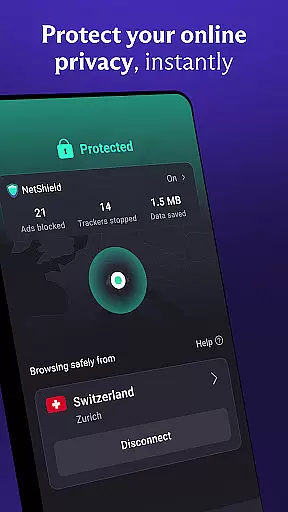
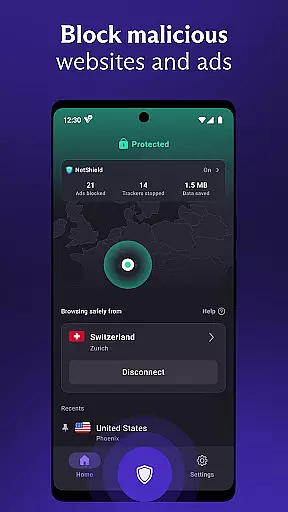
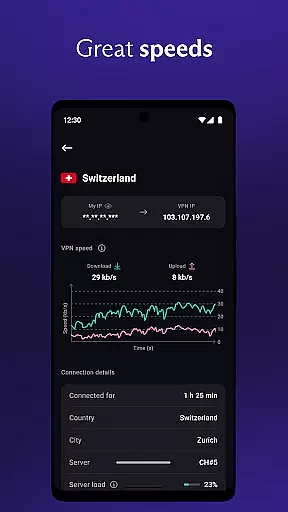

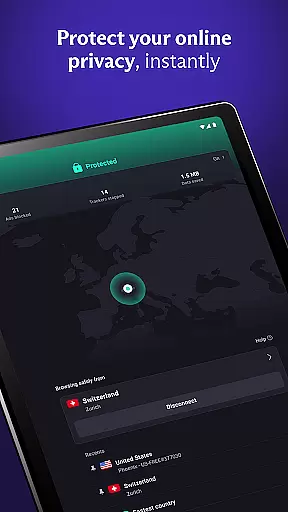
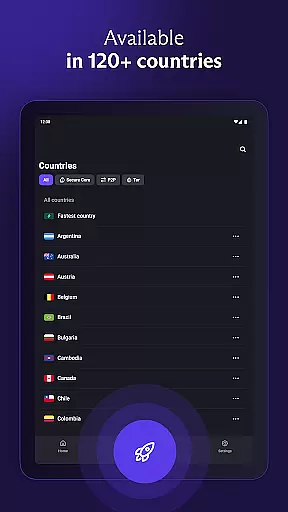
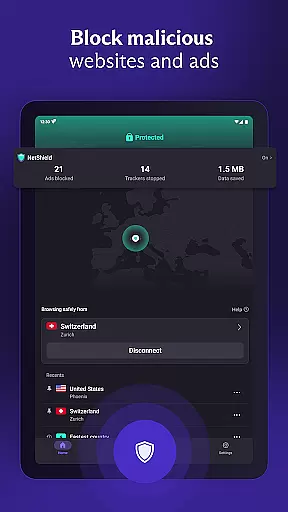
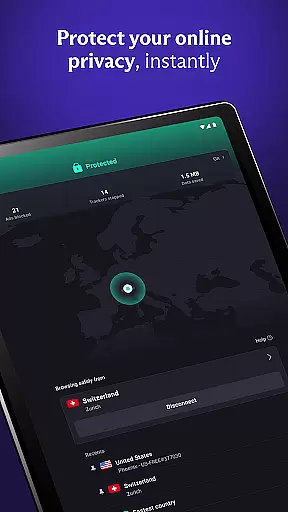

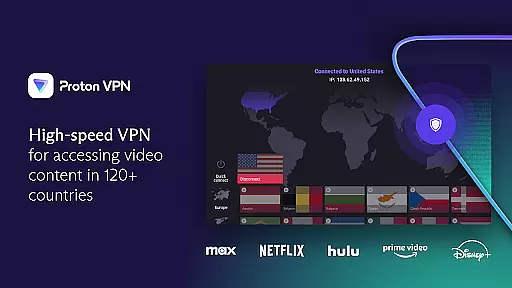
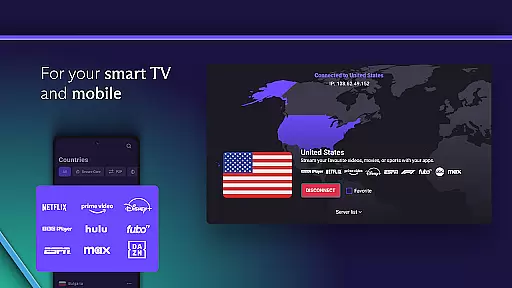
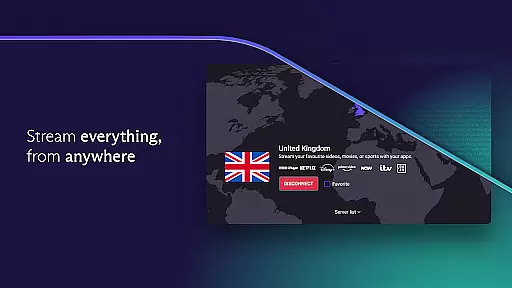
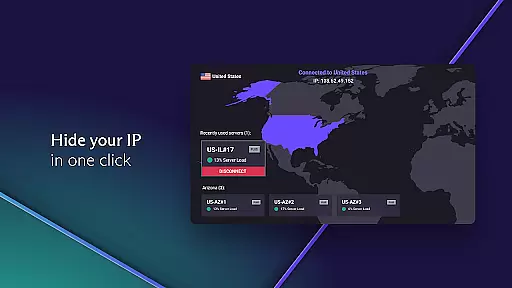
Proton VPN stands as a premier virtual private network application developed by the scientists behind Proton Mail, offering users secure and private internet access. This tool is designed to encrypt online activities, ensuring privacy and unrestricted browsing without recording user data or selling it to third parties. With servers fully encrypted and features like DNS leak protection and always-on VPN, it provides robust security against various online threats.
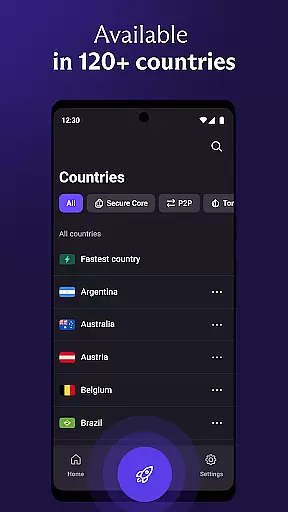
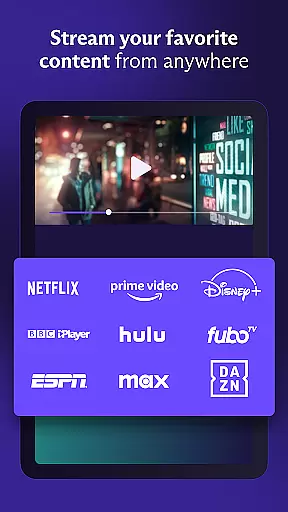
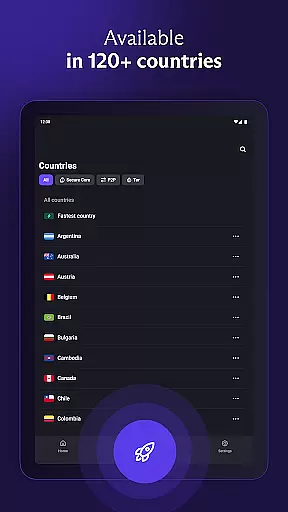
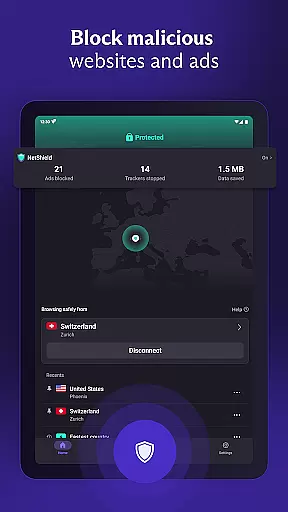
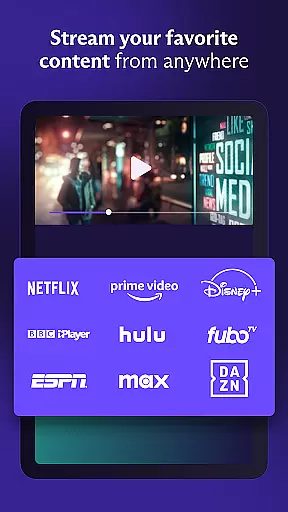
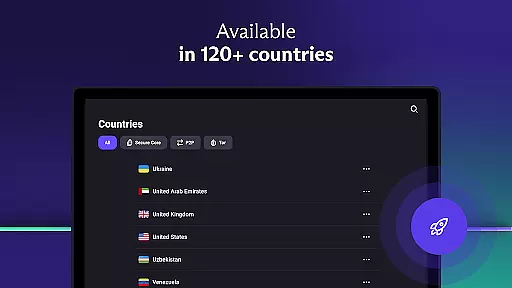
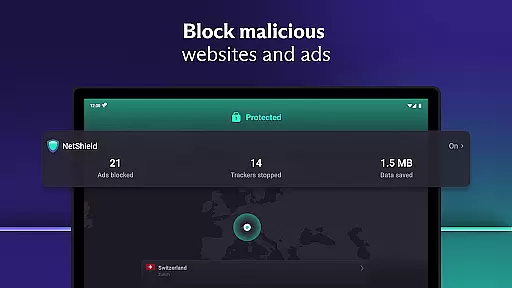
The app offers both free and premium tiers, with the free version including unlimited data access and no speed restrictions. Premium users gain access to over 15,000 high-speed servers across 126 countries, advanced features like NetShield for ad blocking, and support for streaming services. Whether bypassing geo-restrictions or securing public Wi-Fi connections, Proton VPN ensures comprehensive protection and accessibility for all users.
Proton VPN boasts an array of advanced features that cater to diverse user needs. It supports multiple secure protocols such as OpenVPN and WireGuard, ensuring top-tier encryption standards. The inclusion of Perfect Forward Secrecy means that even if encryption keys are compromised, past sessions remain secure, providing peace of mind for users concerned about long-term privacy.
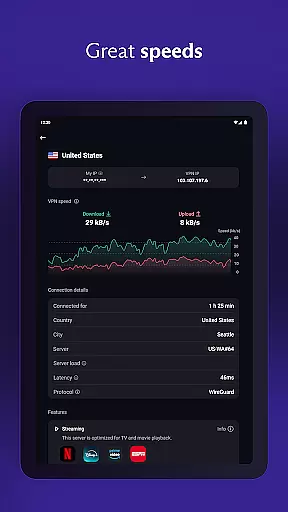
Additional standout features include the unique VPN Accelerator technology, which can boost connection speeds by up to 400%, and Secure Core architecture that defends against network-based attacks through multi-hop VPN connections. With options like split tunneling and discreet app icons, alongside independently audited open-source code, Proton VPN delivers both performance and transparency, making it a reliable choice for enhancing digital security.
Proton VPN excels in delivering core functions with precision and effectiveness, ensuring users experience secure and private internet access. The app employs advanced protocols like OpenVPN and WireGuard, which are proven to be secure, thus guaranteeing the integrity of your connection.
With features such as Perfect Forward Secrecy and full-disk encrypted servers, Proton VPN ensures that your data remains protected at all times. These measures prevent any possibility of traffic being captured and decrypted in the future, providing peace of mind for privacy-conscious users.
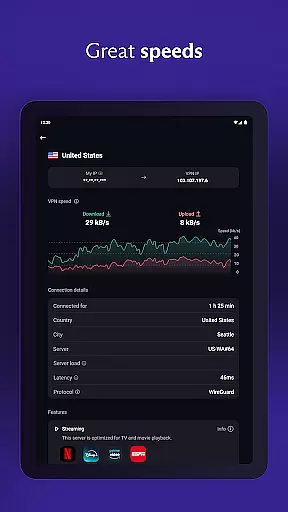
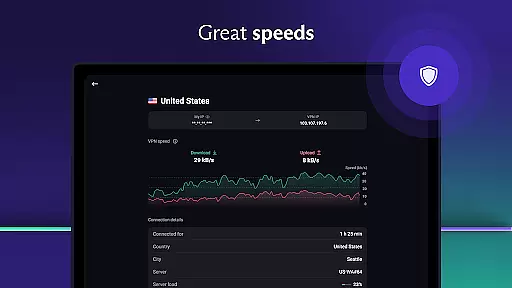
The application also offers unlimited data access without bandwidth or speed restrictions, even on its free plan. This means you can browse, stream, and download without worrying about hitting a cap or experiencing throttling speeds, making it highly effective for various online activities.
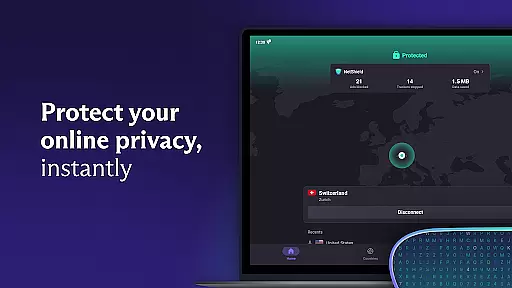
Proton VPN stands out with its simple and intuitive interface, designed to make secure internet access accessible to everyone. The 'Quick Connect' feature exemplifies this by allowing users to secure their internet connection with just one click, particularly useful when using public Wi-Fi hotspots.
For those who require more control, the app provides advanced settings without overwhelming the user. Options like Split Tunneling let you choose which apps use the VPN, offering customization while maintaining ease of use. Such features ensure that both novice and experienced users can navigate the app effortlessly.
Moreover, Proton VPN's commitment to open-source code and transparency is reflected in its straightforward presentation. Users can trust the appu2019s security claims because they are verifiable by anyone, reinforcing the reliability of its simplistic yet powerful design.
Unlimited bandwidth
No logging policy
Advanced security features
Multi-platform support
Free tier available
Limited free servers
Premium features costly
Occasional speed drops
Complex setup for beginners
Ads in free version

 4.50
4.50
Extremely fast, secure, and protects your privacy
4.80
Complete kernel toolbox with features to manage and tweak your rooted device
4.30
This app unlocks the Pro features of the Central for DayZ app
3.60
ADB support Android 4.X-Android 13(Support wireless pair mode).No root required!
4.70
With videos, electrical calculators, and built-in ebook, Ugly’s has your answer.
4.50
Download any file easily and quickly with Downloader
4.4
Remote Play with FSR upscaling, low latency & full controller support
4.80
Clean up your phone, find files, play media, and share files offline
4.50
Bedrock Together: Join any bedrock server on Xbox/PS
4.80
Creation, Learning, Entertainment & More — The All-in-One AI Search Engine
4.70
Keep track of your Palia friendships, tasks, and inventory with Palia Notebook
4.60 4.50
4.50
eXtended Permission Manager - a small app to manage permissions and AppOps
4.50
Clean up large files and similar photos, fast and easy to use
4.40
Carry a FTP server in your pocket and avoid USB cables for file transfer
4.20
MS-DOS in your pocket. Play old DOS games anywhere you are ;)
4.10
Unleash gamepad precision for ultimate mobile gaming dominance.
3.90
Fun lie-detection pranks for friends and parties.
3.80


User Reviews