
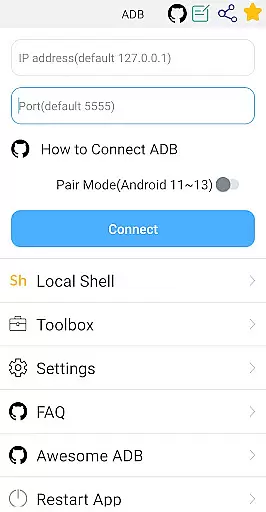

ADB Shell is a comprehensive and powerful toolbox application designed for Android developers and power users. This app provides an extensive set of features to manage applications, devices, and system information with ease. With capabilities ranging from launching and uninstalling apps to taking screenshots and monitoring system performance, it serves as an all-in-one solution for device management.
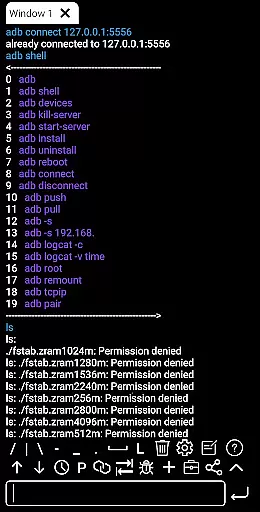
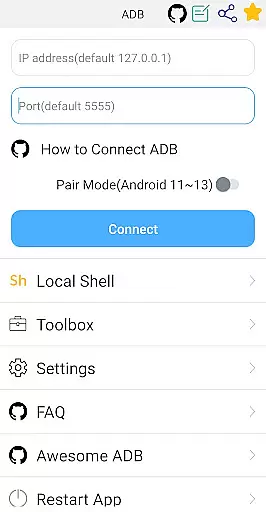
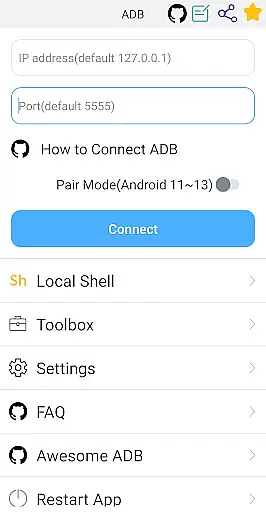
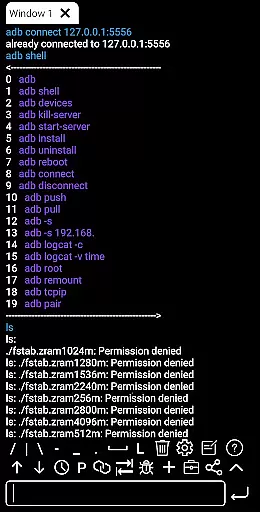
The shell functionality supports Android versions 4.X through Android 13, offering wireless pair mode, WiFi ADB, local shell ADB, and more. Users can execute commands, view outputs, and even share them with others. The app's multi-window support, color text display, and background operation make it a versatile tool for advanced operations on Android devices.
Whether you're debugging applications or managing device settings remotely, ADB Shell streamlines these tasks efficiently. Its intuitive interface and robust feature set make it invaluable for anyone needing detailed control over their Android devices.
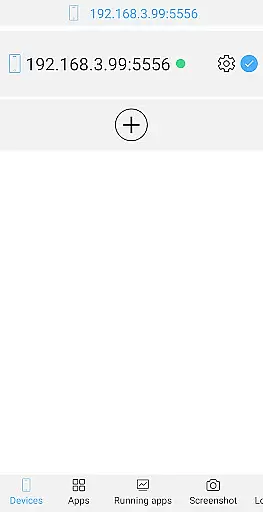
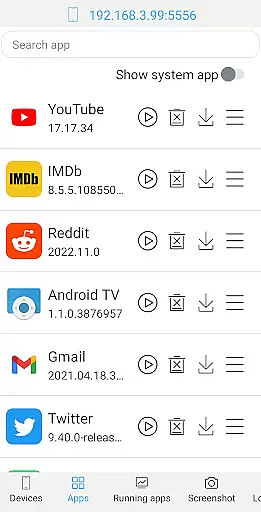
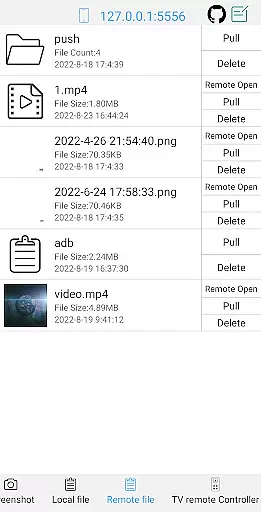
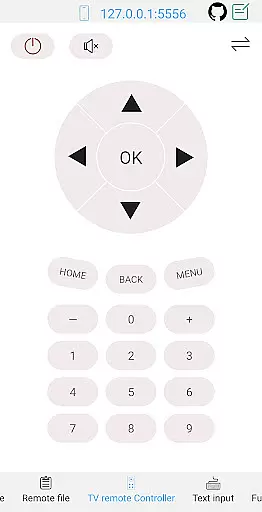
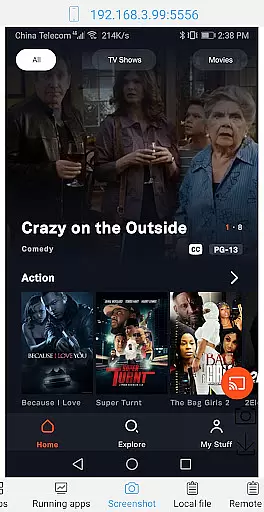
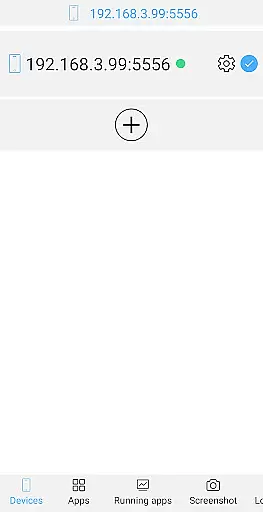
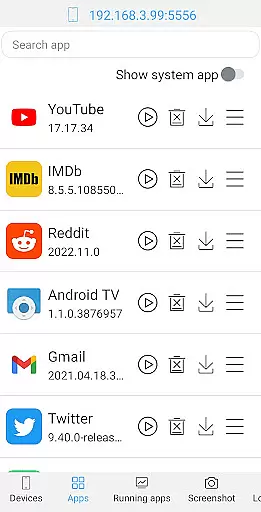
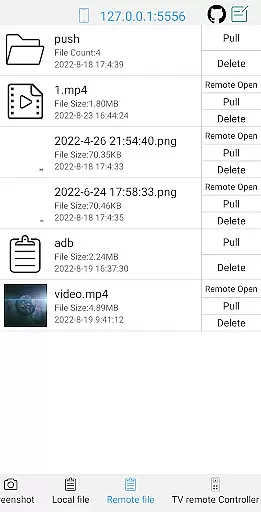
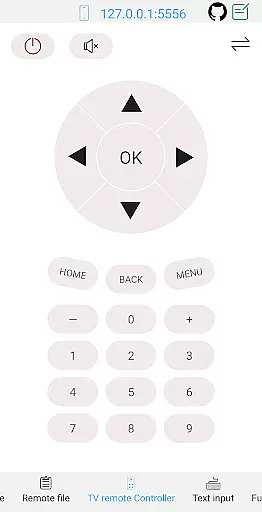
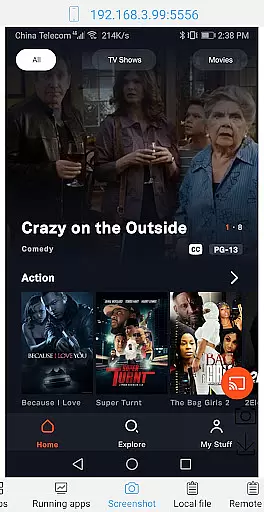
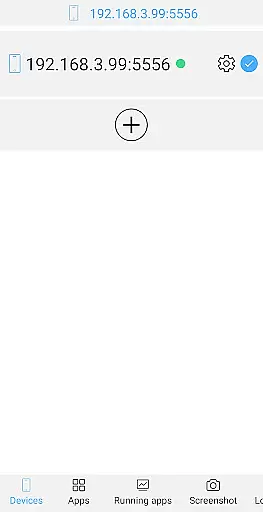
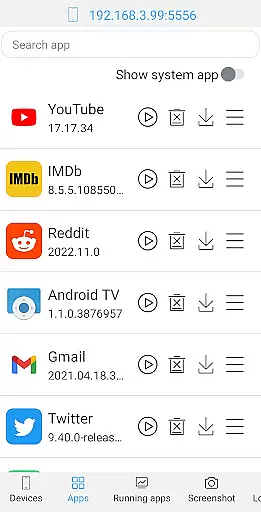
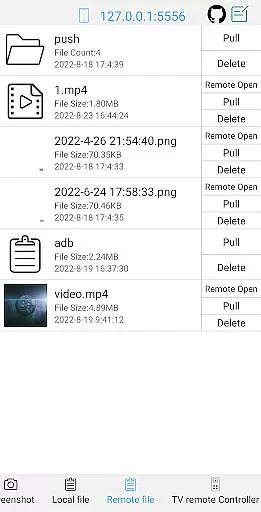
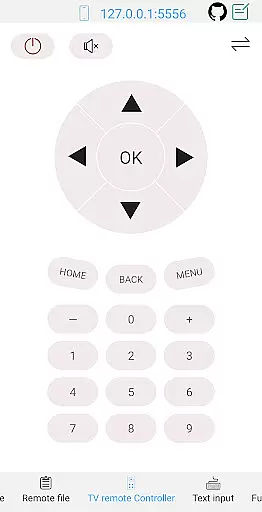
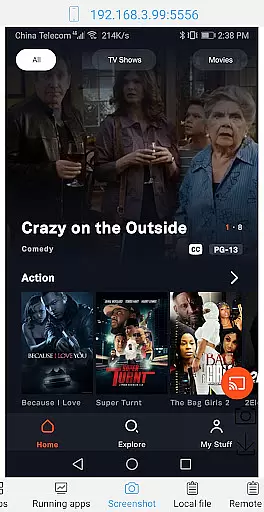
ADB Shell stands out with its rich feature set tailored for both application and device management. The toolbox allows users to perform various actions such as launching, uninstalling, downloading, and managing applications. It also offers device management features like viewing running applications, taking screenshots, pushing and pulling files, and controlling remote devices.
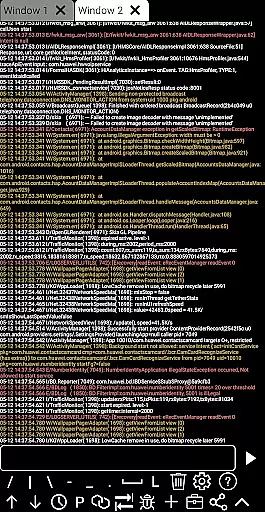
On the shell side, the app supports a wide range of functionalities including wireless pair mode for newer Android versions, WiFi ADB, and local shell ADB. It enables associative input, auto-saving output, command history, fast copy commands, and multi-window operations. Additionally, users can run commands in the background, receive recommendations for commands and files, and use prefab commands.
These features collectively enhance productivity by providing tools that simplify complex tasks. For instance, the ability to open remote media files directly or monitor system information ensures that users have comprehensive control over their devices without needing additional software.
ADB Shell stands out for its comprehensive and accurate core functions that cater to both novice and advanced users. The application supports a wide array of operations, from launching and uninstalling applications to managing devices and viewing system information. Each tool within the ADB Shell is designed with precision, ensuring that commands are executed effectively without compromising the device's integrity or performance.
The app facilitates efficient file management by supporting push and pull operations, allowing users to seamlessly transfer files between their computer and Android device. Additionally, it offers unique features such as taking screenshots, installing APKs, and opening remote media files directly. These capabilities ensure that users can perform complex tasks with ease and reliability, enhancing productivity and convenience.
For developers and power users, ADB Shell provides extensive shell features including wireless pair mode support for Android 11-13, local shell ADB, and logcat functionality. This ensures that all debugging and development tasks are handled with utmost accuracy. With autosave output, command history, and fast copy command features, users can streamline their workflow and execute commands more efficiently than ever before.
ADB Shell prides itself on an interface that balances simplicity with intuitiveness, making it accessible even to those new to ADB operations. Despite the complexity of tasks it can perform, the app maintains a straightforward layout where tools and functions are easily navigable. This design philosophy ensures that users spend less time figuring out how to use the app and more time executing their tasks.
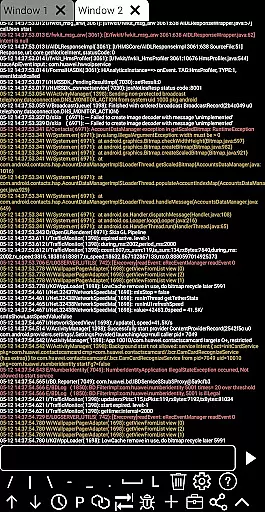
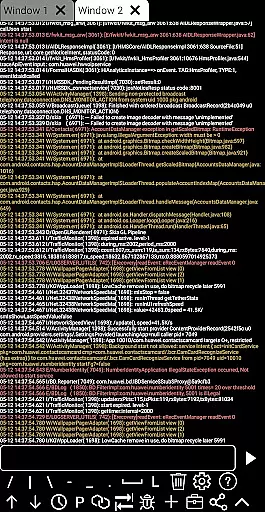
One of the standout aspects of ADB Shell's interface is its support for multi-window operations and color text, which significantly enhances usability. Users can run multiple ADB sessions simultaneously and differentiate between various types of output through distinct text colors. This intuitive approach not only simplifies multitasking but also makes the output more readable and easier to analyze.
Moreover, the inclusion of features like associative input, recommend commands, and prefab commands further underscores the app's commitment to user-friendly design. These elements guide users through complex processes, reducing the learning curve associated with ADB operations. By prioritizing clarity and ease of use, ADB Shell ensures that users of all skill levels can harness the full potential of their devices without unnecessary complications.
User-friendly interface
Comprehensive toolbox
Wide Android version support
Efficient device management
Advanced shell capabilities
Complex for beginners
Requires technical knowledge
Limited aesthetic customization
No built-in tutorials
Potential security risks

pdf merge, word to pdf, jpg to pdf, edit pdf, convert to pdf and much more!
 4.20
4.20
Use your phone as a webcam on your computer over WiFi or USB.
4.40
Quickly & easily calculate the spacing of handrail balusters
4.20
VESC Tool can monitor and configure VESC-compatible devices over BLE and Wifi
4.20
PC precision for mobile gaming: dominate with keyboard and mouse!
4.30
Making emulation easy for everyone!
4.30
Undelete and recover your lost or deleted files with DiskDigger!
3.40
Pro Emulator is an easy to use game console emulator for a range of consoles.
4.40
Your personal health butler
3.60
Connect wirelessly to your computer to watch movies, browse the web, play games
5.00
HD Camera captures every special moment.
4.60
FV File Manager Pro, Fast and powerful file manager for Android
4.60
App to pay for FUTO Keyboard
4.60
With videos, electrical calculators, and built-in ebook, Ugly’s has your answer.
4.50
Complete kernel toolbox with features to manage and tweak your rooted device
4.30
A simple app to back up and restore SMS & MMS messages and call logs.
4.10
Fun lie-detection pranks for friends and parties.
3.80
This app unlocks the Pro features of the Central for DayZ app
3.60
A non-root local ADB shell client. READ BELOW!
3.40


User Reviews