
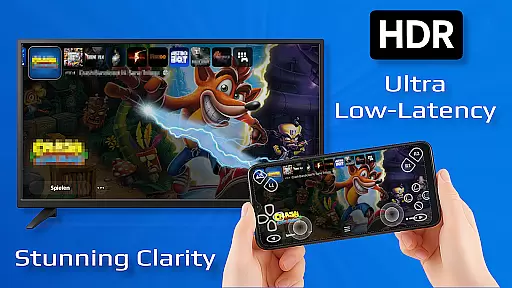
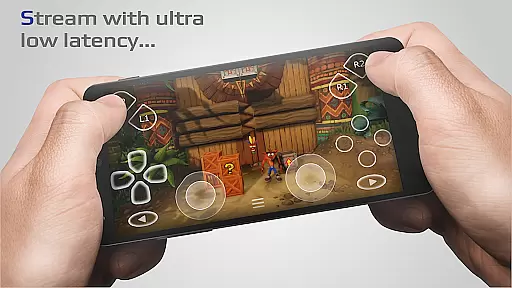
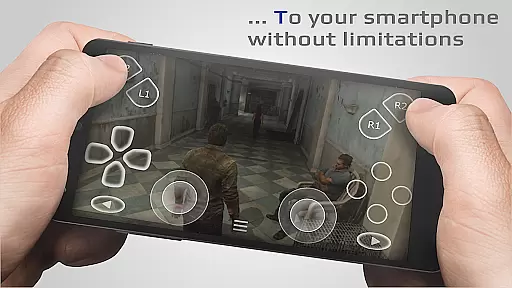
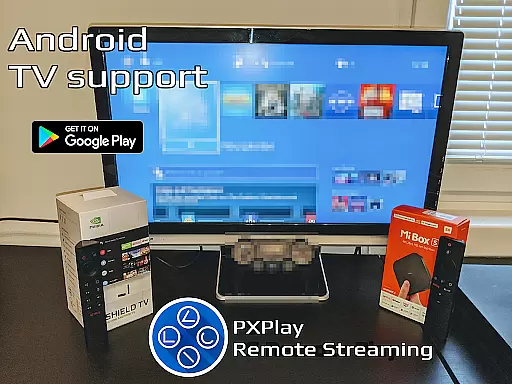
PXPlay is a powerful remote control application designed for gaming enthusiasts who want to access their gaming devices from anywhere. The app offers an optimized streaming experience with minimal latency, making it ideal for remote gameplay. It supports third-party controllers and mobile data connections, ensuring flexibility in usage. PXPlay is compatible with Android TV devices and offers features like gamepad button mapping and customizable on-screen layouts.
One of the standout capabilities of PXPlay is its support for rooted Android devices and older firmware versions starting from 5.05. Users can enjoy advanced functionalities such as Picture-In-Picture mode and Multi-Window support, provided their device meets the necessary Android version requirements. With PXPlay, users can also register multiple profiles and capture their screen using third-party apps. This makes PXPlay not just a remote play tool but also a versatile utility for gamers.
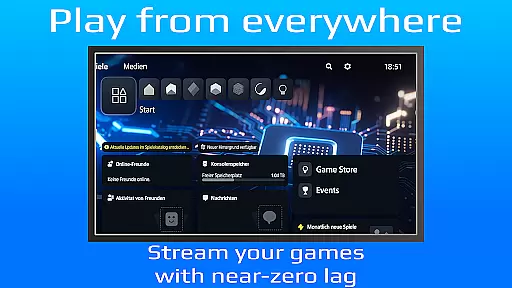
The app's practical use case shines when you're traveling or away from your gaming console but still wish to play your favorite games. By connecting through PXPlay, you can stream games directly to your mobile device with low latency. This functionality is particularly beneficial for those who need to manage their gaming experience remotely while maintaining high performance and video quality. PXPlay ensures that distance is no longer a barrier to enjoying top-tier gaming experiences.
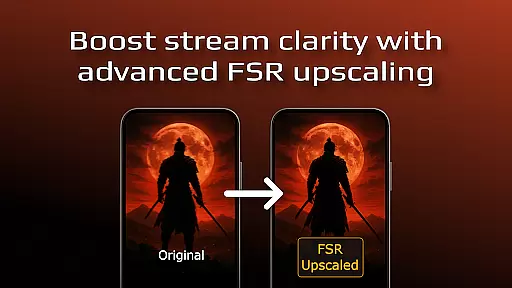
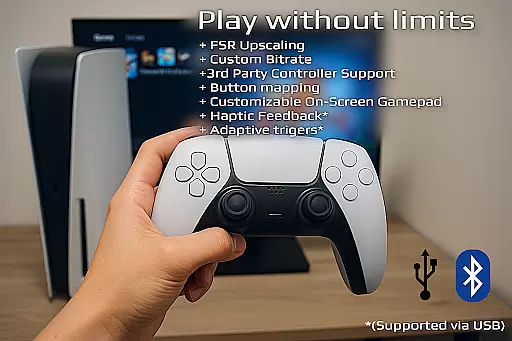
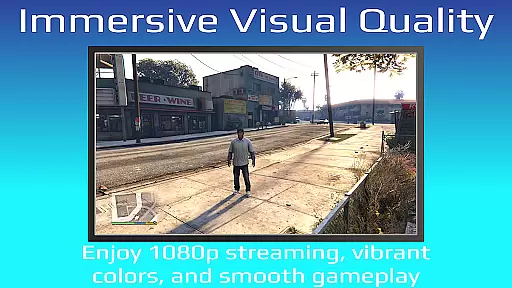
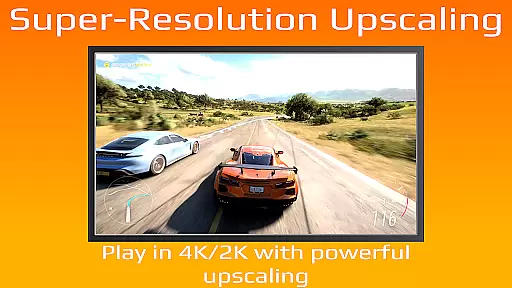
PXPlay stands out due to its comprehensive feature set tailored specifically for gamers. One of its key highlights is the ability to enhance video quality using FSR upscaling and sharpening technologies. This ensures that even when streaming over mobile networks, users experience crisp and clear visuals. Additionally, the app provides extensive support for third-party controllers across all Android devices, giving users the freedom to choose their preferred input method.
Another remarkable feature is PXPlay's adaptability to various hardware configurations. It supports both older firmware versions from 5.05 and newer ones, ensuring broad compatibility. For users looking for multitasking capabilities, PXPlay offers Picture-In-Picture mode and Multi-Window support, which require Android 8.0 and 7.0 respectively. These features allow users to seamlessly switch between apps or keep an eye on their game while performing other tasks.
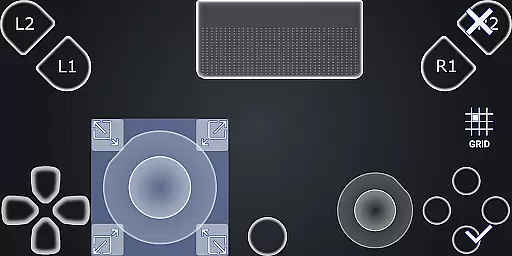
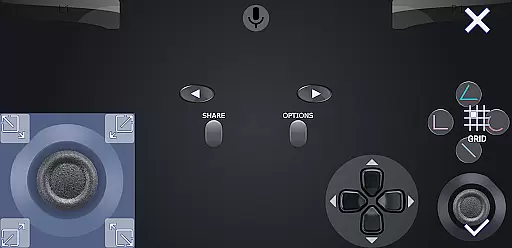
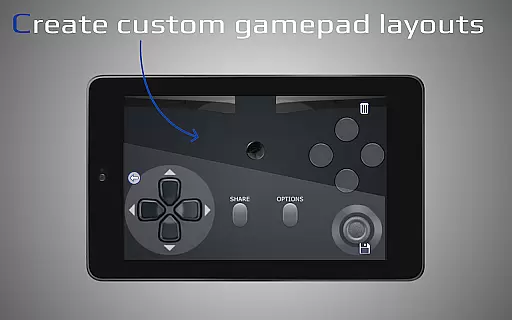
PXPlay also excels in customization options. Users can personalize their on-screen gamepad layout and map buttons according to their preferences. Furthermore, the app allows registration of multiple profiles, catering to households with several gamers. Lastly, PXPlay functions as a virtual controller, providing an alternative way to interact with gaming devices. All these features collectively make PXPlay a robust tool for enhancing remote gaming experiences.
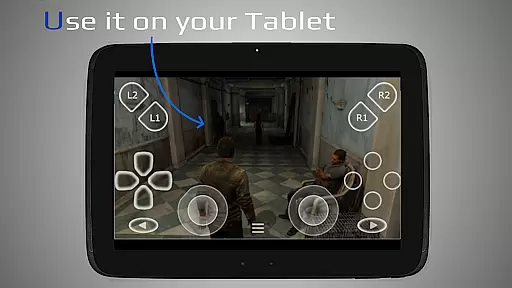
PXPlay is designed to provide an exceptional remote gaming experience by ensuring core functions are both accurate and effective. The application supports third-party controllers across all Android devices, allowing users to play their favorite games with minimal latency. This compatibility ensures that gamers can enjoy a seamless experience regardless of their hardware choice.
The app's effectiveness is further enhanced through features like FSR upscaling and sharpening, which improve video quality during streaming sessions. PXPlay also supports gamepad button mapping and customization of on-screen gamepad layouts, giving users control over their gaming interface. These options ensure that the application meets diverse user preferences while maintaining high performance standards.
For users seeking flexibility, PXPlay allows multiple profile registrations and works even on rooted devices. It supports older firmware versions from 5.05 onwards, making it accessible to a wide range of gaming setups. With additional functionalities such as Picture-In-Picture mode and Multi-Window support, PXPlay demonstrates its commitment to delivering versatile and reliable remote gaming solutions.
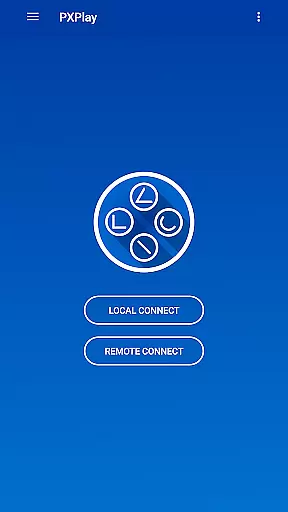
PXPlay excels in providing an intuitive and straightforward user interface that simplifies the remote gaming experience. Upon launching the app, users are greeted with easy connection setup processes that eliminate unnecessary complications. This ease of use ensures that even those new to remote gaming can quickly adapt and start enjoying their favorite games without a steep learning curve.
The interface design prioritizes essential features such as streaming with low latency prominently, ensuring users can access them effortlessly. Additionally, the app offers Picture-In-Picture mode and Multi-Window support, enhancing multitasking capabilities without cluttering the screen. Such thoughtful design choices contribute to an overall streamlined and efficient user experience.
Furthermore, PXPlay provides comprehensive customization options for on-screen controls, catering to individual preferences while maintaining clarity and simplicity. By focusing on these aspects, PXPlay ensures that its interface remains approachable yet powerful enough to meet the demands of avid gamers who require precision and responsiveness in their virtual controller setups.
Low latency streaming
Third-party controller support
Customizable gamepad layout
Multiple profile registration
Compatibility with older firmware
Requires stable internet connection
Complex setup for beginners
Limited free features
Firmware upgrade risks
Dependent on third-party apps for some functions

A powerful, easy-to-use flight computer on your phone or tablet!
 3.80
3.80
Transfer Files, APK from Phone to Watch & Install.
4.4
Just swipe the edge to do something!
4.40
Extremely fast, secure, and protects your privacy
4.80
PDF Reader - Document Viewer: Read, Manage & Organize Your Documents
3.10
Head tracking for PC sim games such as MSFS 2024 or Elite:Dangerous. No headset!
4.50
Save any video in HD - paste the link, download fast and watch offline.
4.2
Safely recover deleted photos, videos, and files with a single easy tap.
3.70
Undelete and recover your lost or deleted files with DiskDigger!
3.40 4.50
4.50 4.50
4.50
The Ultimate Bluetooth Keyboard & Mouse. Securely control your PC, Mac, and more
4.50
Use your phone as a webcam on your computer over WiFi or USB.
4.40
Clean up large files and similar photos, fast and easy to use
4.40
Remote for Roku, Fire TV, Samsung TV, LG TV, Android TV, Chromecast and VIZIO TV
4.20
Carry a FTP server in your pocket and avoid USB cables for file transfer
4.20
1-Click close all background apps on Android TV
3.90
Unleash gamepad precision for ultimate mobile gaming dominance.
3.90
Fun lie-detection pranks for friends and parties.
3.80


User Reviews