
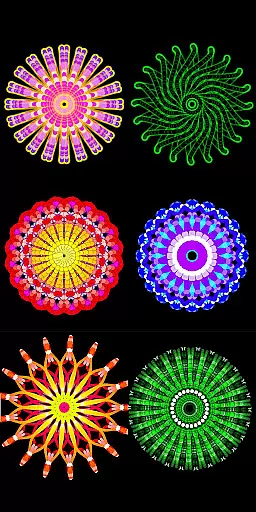
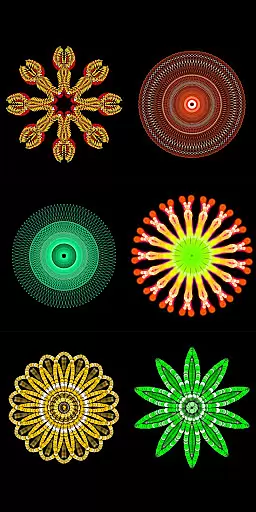
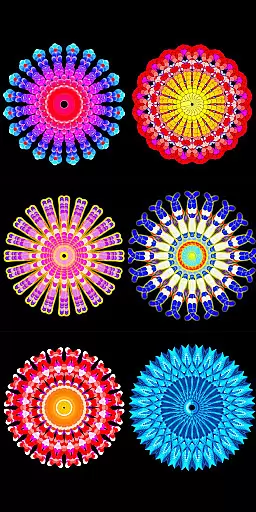
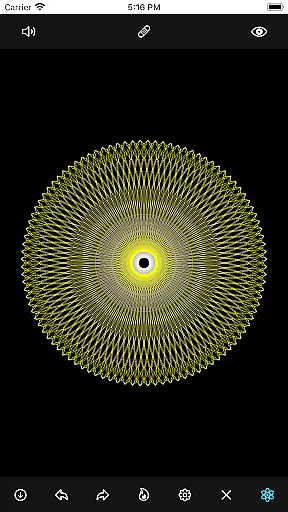
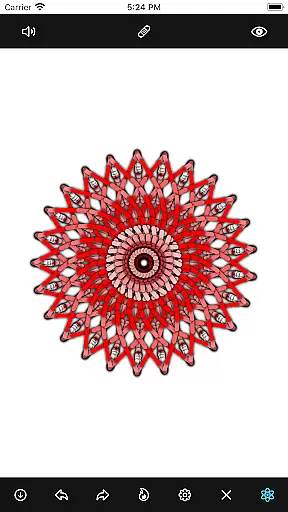
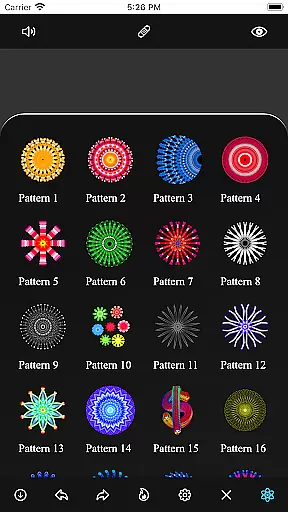
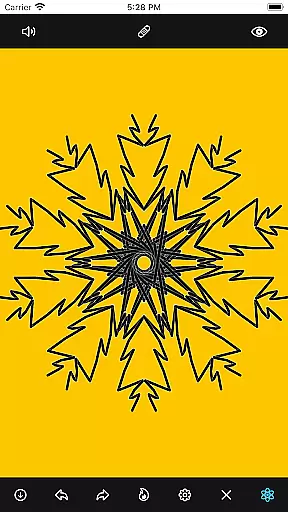
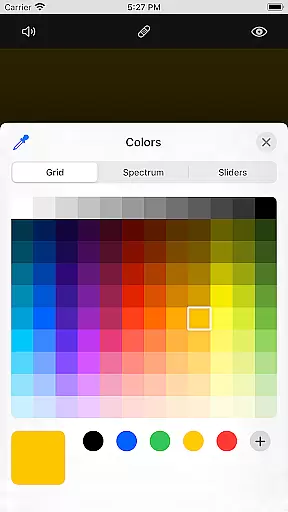
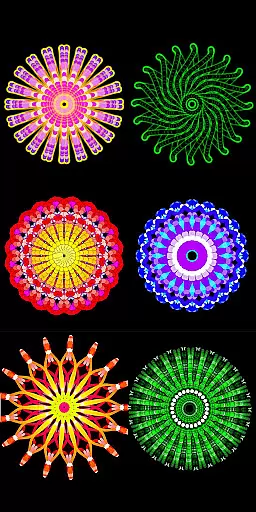
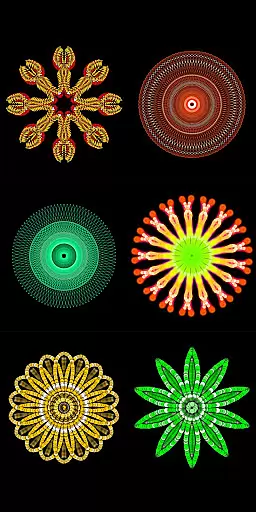
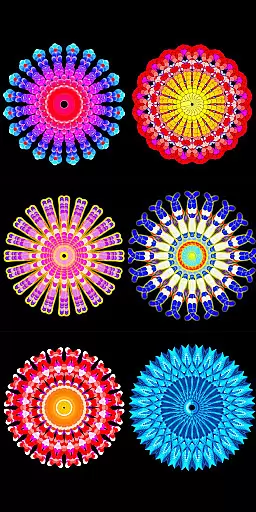
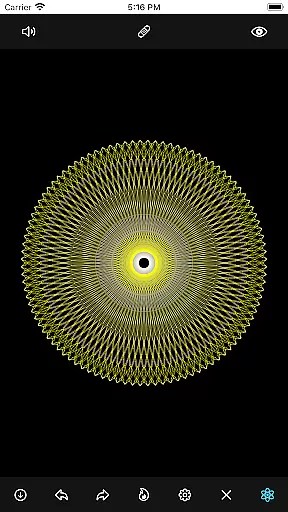
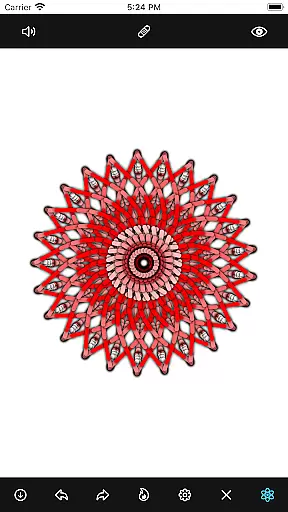
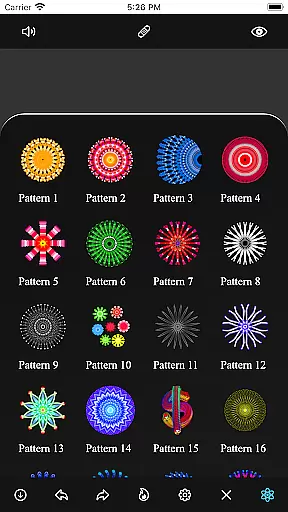
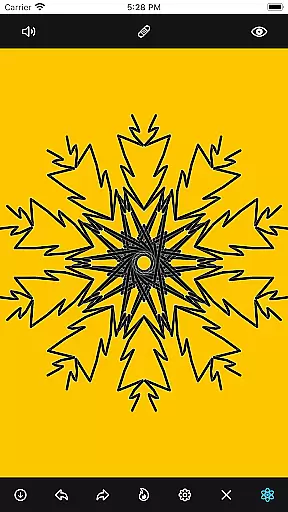
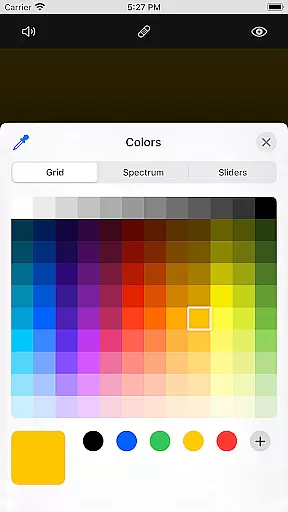
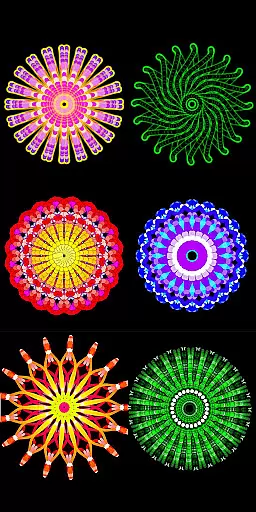
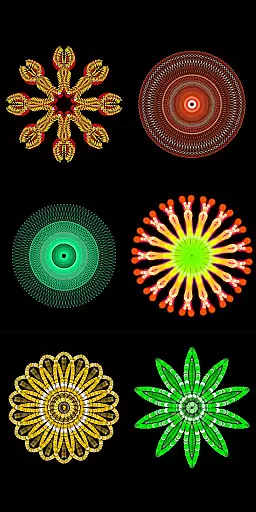
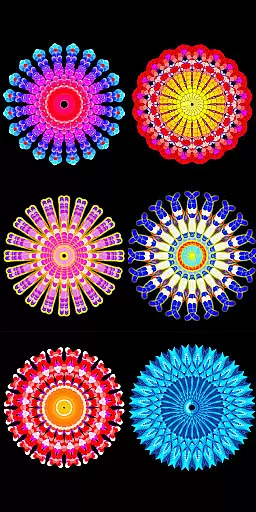
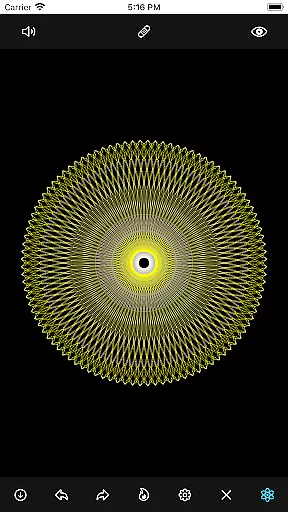
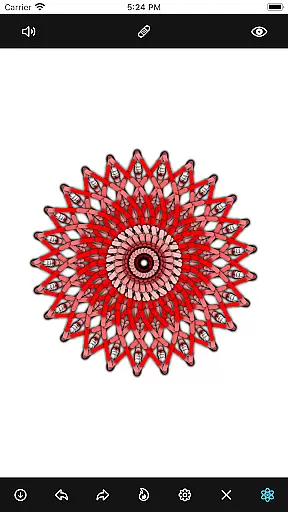
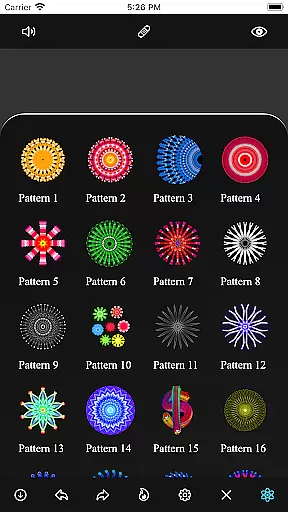
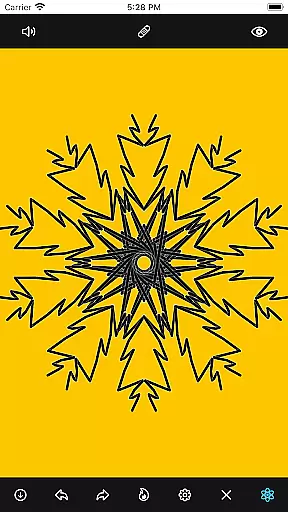
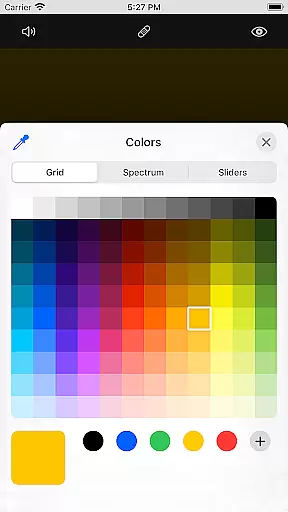
Mandala Maker 360 is an innovative art and design application that allows users to create stunning mandala drawings with remarkable ease. The app provides a comprehensive set of customization options, enabling artists to modify canvas symmetry, background color, brush settings, and even apply shadows. With predefined patterns and over 50 images available for drawing, the creative possibilities are virtually endless.
Whether you're a professional artist or simply enjoy dabbling in digital art, Mandala Maker 360 offers tools that cater to all skill levels. Its intuitive interface ensures that users can quickly grasp the functionalities and start creating intricate designs right away. The app's versatility makes it perfect for both casual doodling and serious artistic projects.
Mandala Maker 360 stands out with its extensive feature set tailored for mandala enthusiasts. Canvas customization allows users to change the background color, adjust the canvas center, enable touch-based centering, and utilize canvas mirroring. These features provide complete control over the drawing environment, ensuring precision and personalization.
The app also excels in brush customization, offering multiple brush styles, diverse color options, random color selection, and adjustable brush sizes and types. For those who prefer using images, the app includes over 50 images that can be resized and dimensioned as needed. Additionally, shadow properties such as random shadow application and customizable shadow sizes and colors add depth and dimension to your creations.
With predefined patterns and various drawing options, Mandala Maker 360 empowers users to explore their creativity fully. Whether you choose to start from scratch or use one of the many templates, this app provides all the tools necessary to bring your artistic vision to life.
Mandala Maker 360 offers an extensive suite of creative tools that cater to both beginners and advanced artists. The application provides a rich set of features for canvas customization, including options to change the background color, adjust the canvas center, and apply mirroring effects.
Brush customization is another highlight, allowing users to choose from multiple brush styles, select different color types, and even enable random color selection. With adjustable brush sizes and types, the app ensures precision and personalization in every stroke.
In addition to brush and canvas settings, the app includes shadow properties for adding depth to your mandala drawings. Users can apply random shadows and modify shadow sizes and colors, giving their artwork a more dynamic appearance.
The inclusion of predefined patterns and over 50 images to draw with further enhances the creative possibilities. This comprehensive toolkit empowers users to create intricate and personalized mandala designs with ease.
One of Mandala Maker 360's standout features is its exceptional canvas and format flexibility, which allows users to tailor their artistic workspace according to specific needs. The app supports various customization options, such as changing the canvas symmetry and adjusting the center point with a simple touch command.
Users can experiment with different image sizes and dimensions, providing greater control over the composition of their mandala drawings. This flexibility extends to the ability to use custom images as drawing elements, with over 50 options available for selection.
The app's support for multiple color types and random color selection adds another layer of versatility to the creative process. Artists can freely explore different color combinations without being limited by preset palettes or restrictions.
This combination of adaptable canvas settings, diverse image options, and flexible color management creates an optimal environment for producing unique and visually stunning mandala artwork across various formats and styles.
User-friendly interface
Extensive customization options
Versatile drawing tools
Over 50 images included
Intuitive pattern selection
Limited free features
In-app purchases required
Occasional bugs reported
Steep learning curve
High system requirements

The ultimate tool for creating animations
 4.60
4.60
Create sweet, cool and unique couple avatars easily, in just a few steps!
3.40
Sketch, plan, take notes and illustrate on an infinite canvas.
4.20
See Color, Paint Color
4.90
Passport size photo maker, create ID photo and visa photo in seconds
4.80
Nano Banana AI Image Generator, Anime Filter, AI Portrait, AI Photo Generator
4.30
Just trace a projected picture on paper and color! Draw & Paint with AR drawing
4.40
Draw, fidget, and spin glow art! Relax and express your creativity with a finger
4.60
Create amazing pictures and unleash your creative genius with AR Drawing Sketch
4.40
2D animation studio for Android tablets - unlimited layers, infinite timeline
4.70
Painting, drawing, & sketching
4.50
Create neon drawing with magic doodle and fun doodle art effects!
4.50
AI generated images & photos, turn your words into drawing, painting & pictures.
4.30
Digital Drawing: Draw & Paint
4.10
Unleash Your Creativity with Draw Cartoon - AR Drawing App
4.10
Paint with oils and sketch with natural tools on a realistic virtual canvas.
3.80
Your homescreen as an elegant glass with customized blur, lighting, and visuals.
3.70
Experience next-gen icons with a modern liquid glass look.
3.60
Premium version of Shimeji-ee app with no ads & no limit active shimeji
4.1


User Reviews