
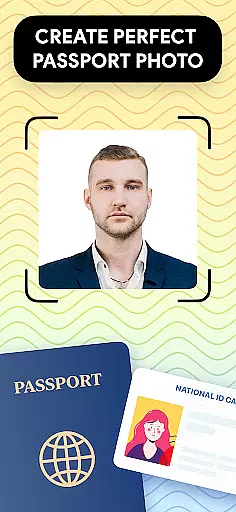
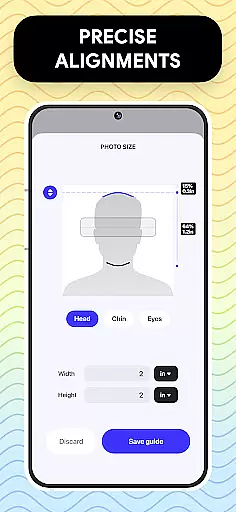
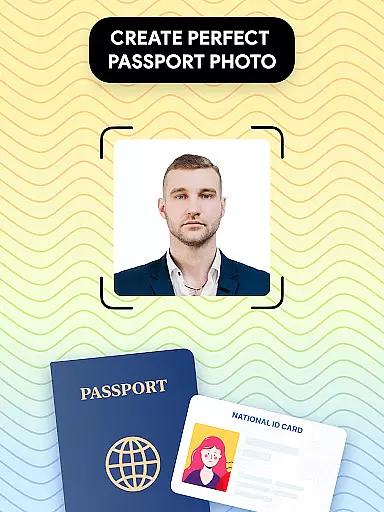
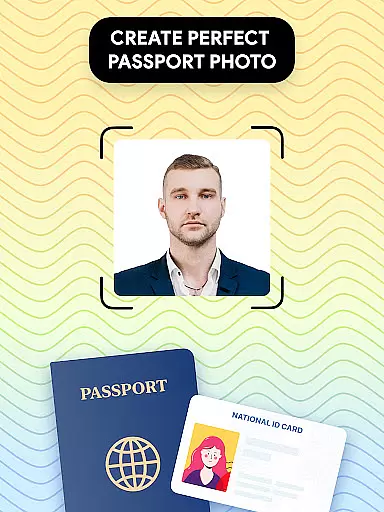
Passport Photo - ID Photo Print is a professional passport photo editor designed to help users create high-quality passport, visa, and ID photos from the comfort of their homes. The app offers precise size adjustments for various photo dimensions such as 3x4, 4x4, 4x6, 5x7, or 2x2, ensuring compliance with government requirements across different countries.
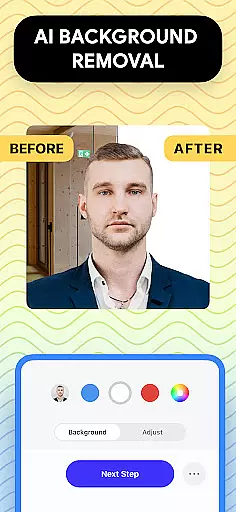
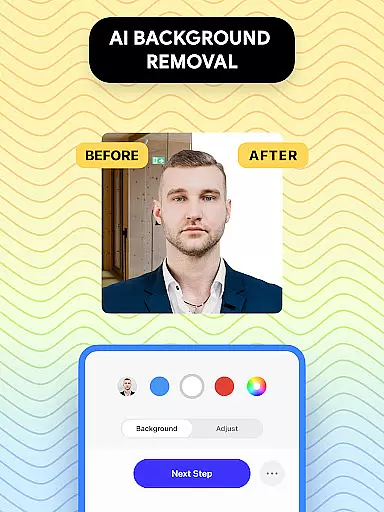
In addition to its core functionality, the app provides advanced editing tools that allow users to adjust brightness, temperature, and sharpness, while also offering a background removal feature to ensure a clean white or custom-colored backdrop. With an intuitive interface and quick export/print options, this app makes it easy to produce professional-grade passport photos using just a smartphone.
This solution is particularly valuable for users who need to regularly update their passport photos or require photos that meet specific country regulations. Whether you're preparing for a visa application or simply updating your ID photo, Passport Photo streamlines the entire process, saving both time and effort.
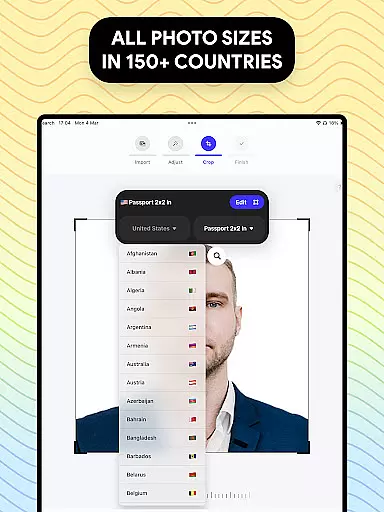
Passport Photo - ID Photo Print stands out with its comprehensive set of features tailored specifically for passport and visa photo creation. One of its key strengths is the ability to customize photo sizes according to global standards, including popular formats like 3x4, 4x6, and 2x2. This ensures that users can rely on the app for virtually any official document requirement.
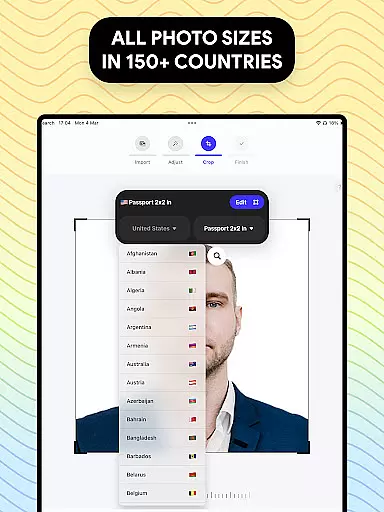
The app's editing capabilities are equally impressive, offering tools for brightness, temperature, and sharpness adjustments, along with a robust background remover that simplifies the process of achieving a clean, regulation-compliant image. Furthermore, the inclusion of a database containing passport photo requirements for various countries adds significant value, making it a versatile tool for international travelers.
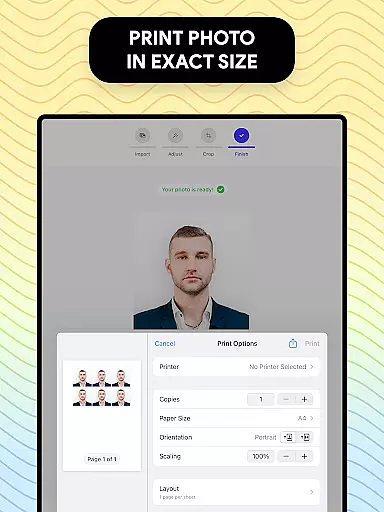
With its user-friendly design and seamless integration of print/export functions, Passport Photo eliminates the need for professional photo studios. Users can now take, edit, and print their passport photos entirely from their mobile devices, providing unmatched convenience and efficiency.
When it comes to creating and editing passport photos, having access to a comprehensive set of creative tools is essential. Passport Photo - ID Photo Print offers an extensive suite of features that cater to all your photo editing needs.
This app provides users with the ability to adjust brightness, temperature, and sharpness, ensuring that each photo meets the highest standards of quality. The inclusion of these editing tools allows for precise modifications, making certain that your passport or visa photos are picture-perfect.
Moreover, the app supports various photo sizes such as 3x4, 4x4, 4x6, 5x7, or 2x2, which are necessary for different official documents. This flexibility ensures that whether you need a photo for an ID, visa, or passport, this app has got you covered.
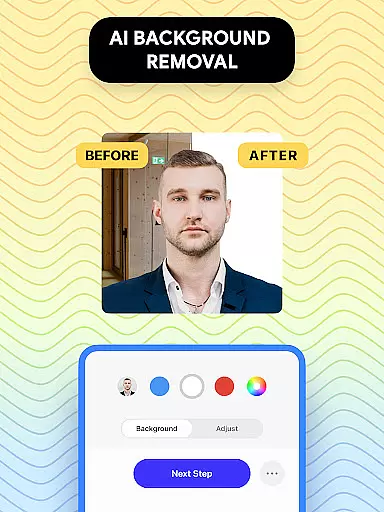
With its powerful background remover feature, users can easily replace their photo's background with a white or any colored backdrop, adhering to specific country requirements without the hassle of finding a suitable background setting.
The ability to adapt to various canvas sizes and formats is a critical feature for any photo editing application, especially when dealing with official documentation like passports and visas. Passport Photo - ID Photo Print excels in providing canvas/format flexibility.
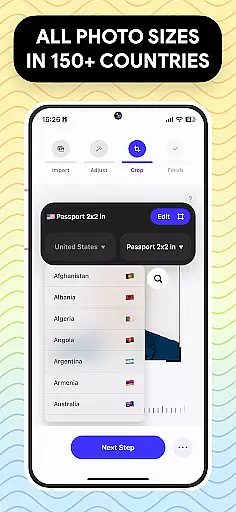
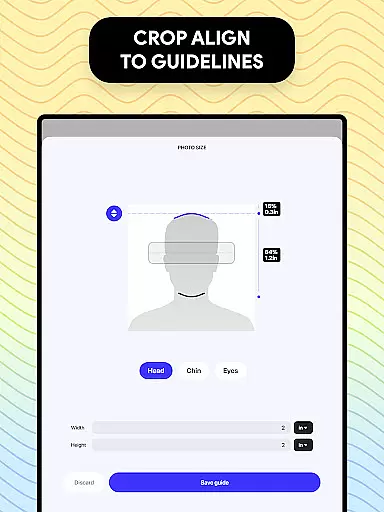
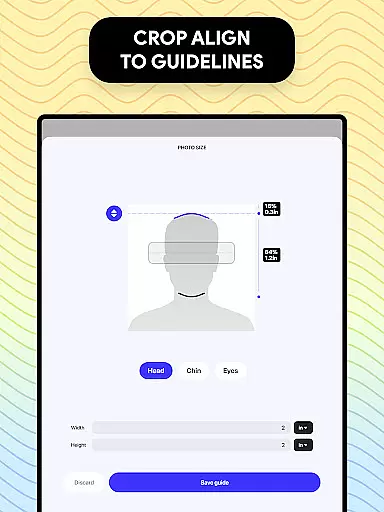
Users can effortlessly change the aspect ratio and crop their photos to exact dimensions required by different countries. Whether it's for a US passport or other international IDs, this app ensures that your photo fits perfectly within the specified parameters.
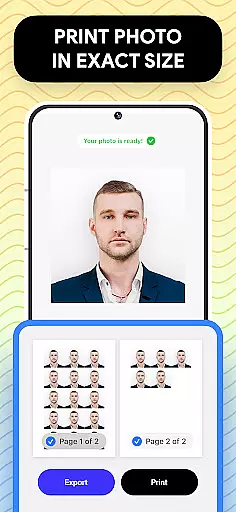
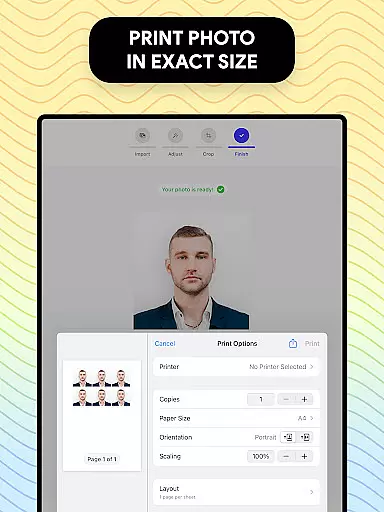
In addition to supporting standard print sizes, the app also allows exporting and printing directly from your phone. This convenience saves time and resources while maintaining professional-grade output quality.
Furthermore, the app's compatibility with diverse photo format requirements across the globe makes it an indispensable tool for frequent travelers and those needing to update their official photos regularly. Its adaptability ensures that no matter where you are, you can rely on Passport Photo - ID Photo Print to produce compliant and high-quality images.
User-friendly interface
Comprehensive editing tools
Global size compatibility
Quick export/print options
Background removal feature
Limited artistic filters
No live customer support
Premium features may require payment
Occasional ads in free version
Advanced tools have learning curve

AI generated images & photos, turn your words into drawing, painting & pictures.
 4.30
4.30
Create sweet, cool and unique couple avatars easily, in just a few steps!
3.40
Your Essential Color Theory Guide: Red, Yellow, Blue (RYB)
4.0
AI Art Generator transforms your words into AI generated art & paintings.
3.70
Draw Trace image sketch by, AR art projector app, Easy to trace any image.
4.50
Draw glowing spinners, relax, and spin your creative art
4.60
Painting, drawing, & sketching
4.50
Powerful home decoration & house design that allows you to design dream home.
3.80
Draw, make movies & animate cartoons easily with our 2D animation maker app
4.40
See Color, Paint Color
4.90
Make your phone cooler and have a fantastic experience
4.80
Learn how to draw with step-by-step tutorials, fun lessons & multiplayer drawing
4.70
Draw on screen: FP sDraw is a simple and lightweight drawing app
4.70
Draw, fidget, and spin glow art! Relax and express your creativity with a finger
4.60
Video AI: Revolutionize Your Content Creation with Advanced Video Generation
4.50
Custom Character Creator & PFP Maker!
4.20
Paint with oils and sketch with natural tools on a realistic virtual canvas.
3.80
Vidu is an AI video generator made for creators and aspiring makers.
3.30
Draw anime easily with AR guidance, sketch templates & trace tools!
3.10


User Reviews