
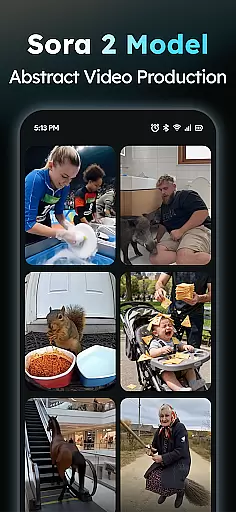
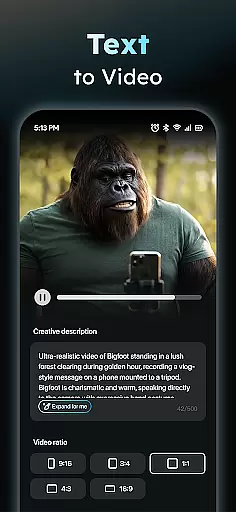
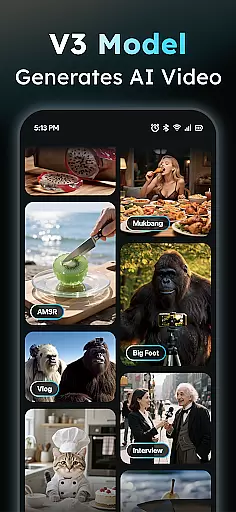
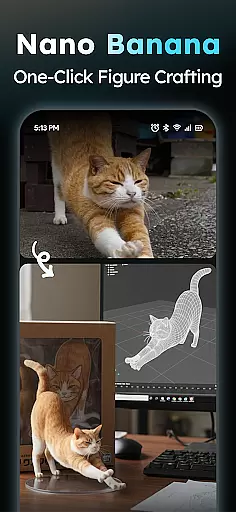
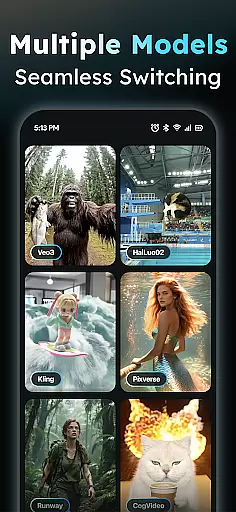
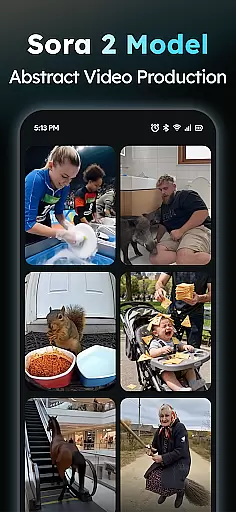
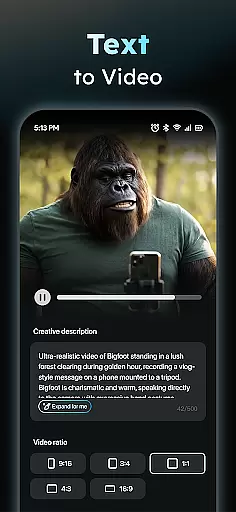
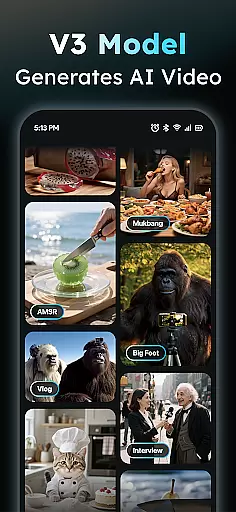
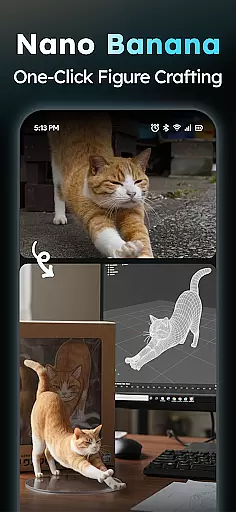
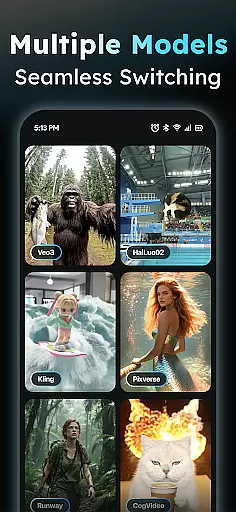
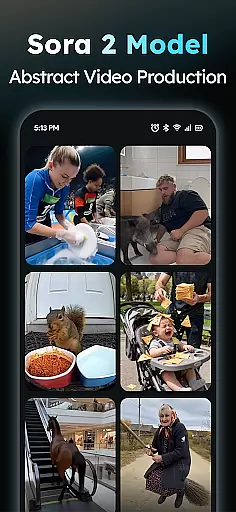
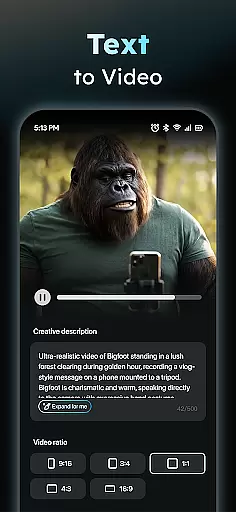
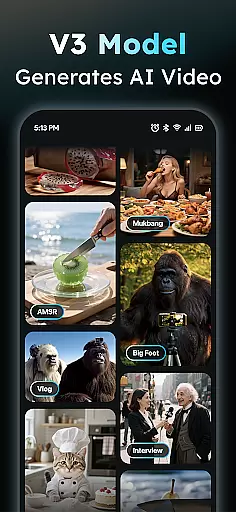
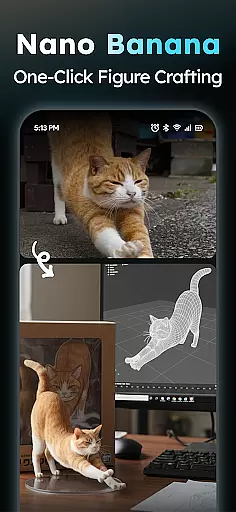
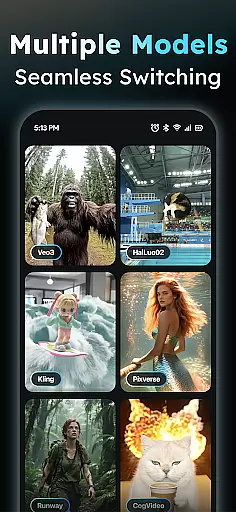
AIreel is a cutting-edge video creation application designed for users who want to generate professional-quality videos without prior experience. The app integrates advanced AI models like veo3, hailluo, and runway to power its dual engines for both Text-to-Video and Image-to-Video generation. With AIReel, users can effortlessly create cinematic content by simply inputting text or uploading images. Whether you're looking to produce viral short videos or transform static images into dynamic visuals, AIReel provides all the necessary tools.
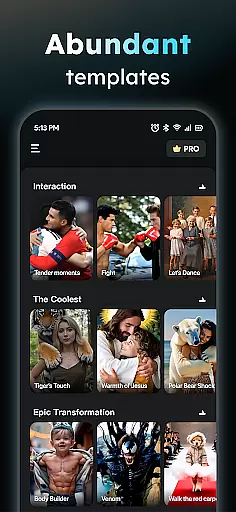
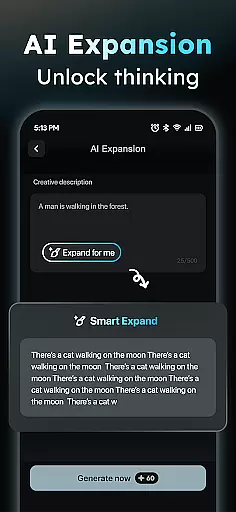
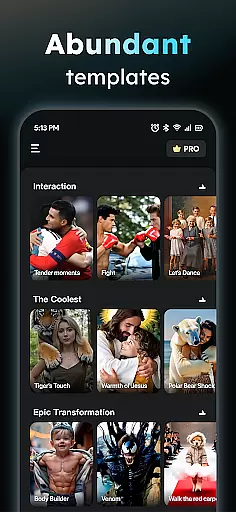
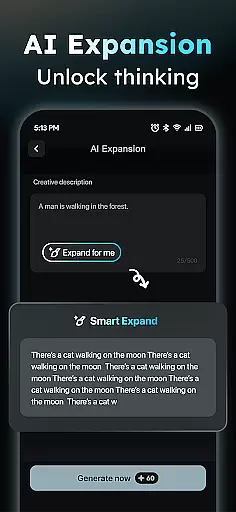
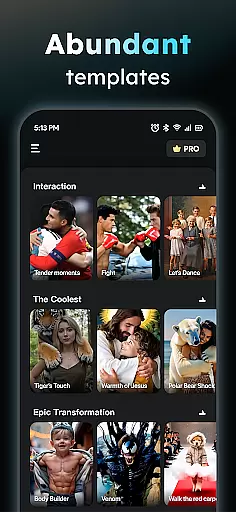
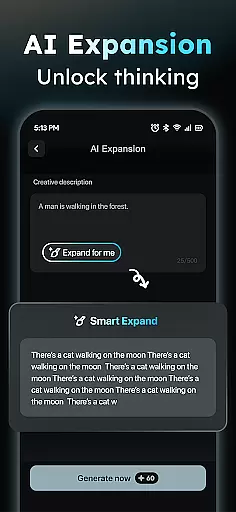
The app also features a Prompt Assistant that helps turn basic ideas into professional prompts, making AI-powered video creation accessible even to beginners. Additionally, AIReel offers a Social Template Hub with daily updates of trending TikTok, Reels, and Short templates, ensuring your content stays relevant and engaging. Export options are versatile, supporting various aspect ratios including 9:16, 16:9, and 1:1, catering to different platforms' requirements.
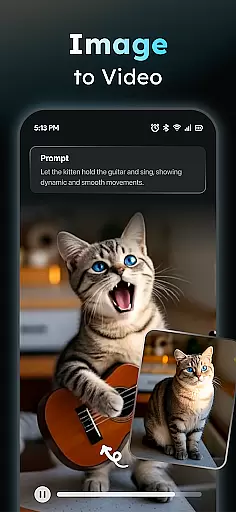
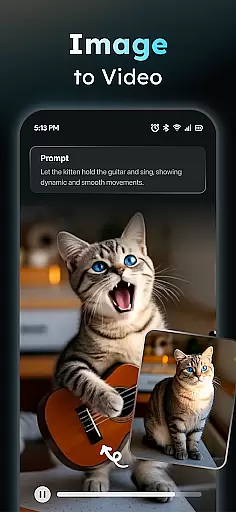
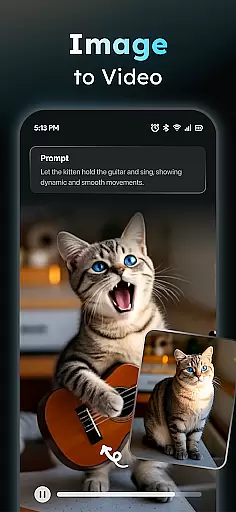
AIReel stands out with its robust set of features tailored for efficient and creative video production. One of its core functionalities is the AI Video Generator, which allows users to input any text and automatically adds scenes and music to create viral short videos. This feature significantly reduces the time and effort required to produce engaging content. Another notable feature is the Photo to Video AI, which supports real-person, anime, and pet images, enabling users to upload JPG or PNG files and transform them into moving masterpieces.
In addition to these, AIReel includes a Prompt Assistant that simplifies the process of generating professional prompts, thereby lowering the barrier to entry for AI-driven video creation. The app's Social Template Hub is updated daily with trending templates from popular platforms like TikTok, Reels, and Shorts, providing users with fresh and relevant content ideas. Furthermore, AIReel ensures privacy-focused local processing on compatible devices and employs human moderation to maintain content appropriateness.
In the realm of digital creativity, having a comprehensive suite of tools is essential for bringing ideas to life. AIReel stands out by integrating advanced AI models such as veo3, hailluo, and runway, which serve as the backbone for its dual engines dedicated to Text-to-Video and Image-to-Video transformations.
This application allows users with no prior experience to craft cinematic content effortlessly. By simply inputting text or uploading images in JPG or PNG format, creators can produce viral short videos or animate static images into dynamic masterpieces, supporting real-person, anime, or pet subjects.
Moreover, AIReel offers a Prompt Assistant that helps translate concepts into professional prompts, significantly lowering the barrier to entry for AI-generated content. With a Social Template Hub that updates daily with trending TikTok, Reels, and Shorts templates, users have an extensive array of creative options at their disposal.
The ability to work with various canvas sizes and formats is crucial for artists and designers aiming to reach diverse audiences across multiple platforms. AIReel excels in this area by enabling exports in different aspect ratios such as 9:16, 16:9, or 1:1, catering to all major social media platforms.
Whether you're creating content for Instagram Stories, YouTube videos, or square posts on Facebook, AIReel's flexible export options ensure your creations look perfect on any platform without distortion or cropping issues.
Additionally, the app boasts rendering speeds that are 50% faster than mainstream tools, allowing creators to spend less time waiting and more time innovating. This efficiency, combined with local processing capabilities on compatible devices, ensures privacy while maintaining high performance standards.
User-friendly interface
Advanced AI models
Dual-mode generator
Fast rendering speed
Privacy-focused design
Limited free features
Device compatibility issues
Occasional bugs
Subscription costs
Learning curve for new users

The ultimate tool for creating animations
 4.60
4.60
Art of Combination Wear OS Watch faces
4.3
Make your phone cooler and have a fantastic experience
4.80
Photo editor for art, avatars, filters & fun transformations.
4.60
2D animation studio for Android tablets - unlimited layers, infinite timeline
4.70
Art of Combination Wear OS Watch faces (for Wear OS 5+ devices)
3.90
Create Logos, Tattoos, AI Art & more with our AI Photo Generator & Design Editor
4.20
Sketch and paint on your device with the feel and freedom of drawing on paper
4.00
Explore future self face age filter & remove background image for a unique look.
3.50
Draw on screen: FP sDraw is a simple and lightweight drawing app
4.70
Minecraft & Roblox Clothes
4.70
Draw, fidget, and spin glow art! Relax and express your creativity with a finger
4.60
Just trace a projected picture on paper and color! Draw & Paint with AR drawing
4.40
Trace, draw, and create art with AR - from memes to masterpieces!
4.30
Beauty Camera - Selfie Camera is the ultimate beauty camera and selfie app
4.30
Custom Character Creator & PFP Maker!
4.20
Design your dream room with AI. Get decor ideas & plan home interiors
3.90
Paint with oils and sketch with natural tools on a realistic virtual canvas.
3.80
Your homescreen as an elegant glass with customized blur, lighting, and visuals.
3.70


User Reviews