
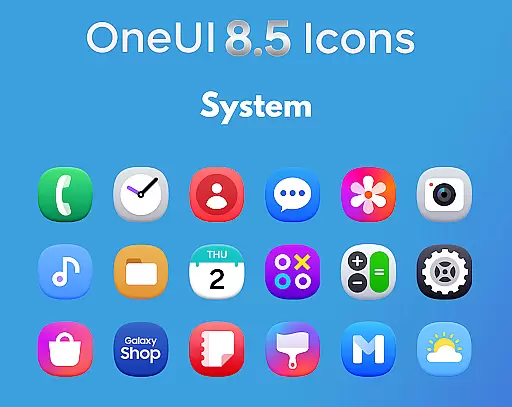
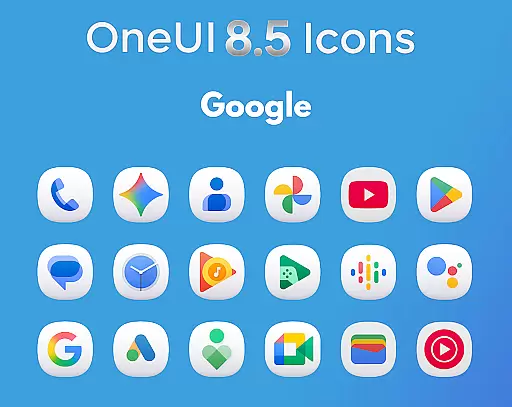
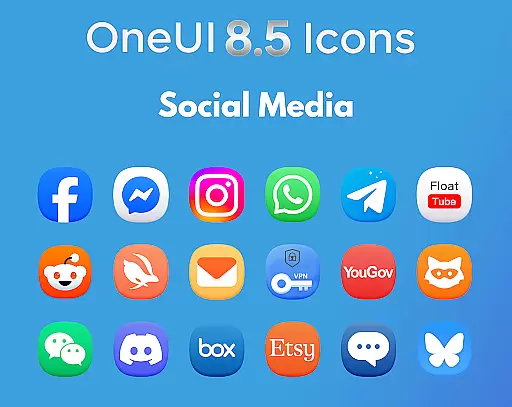
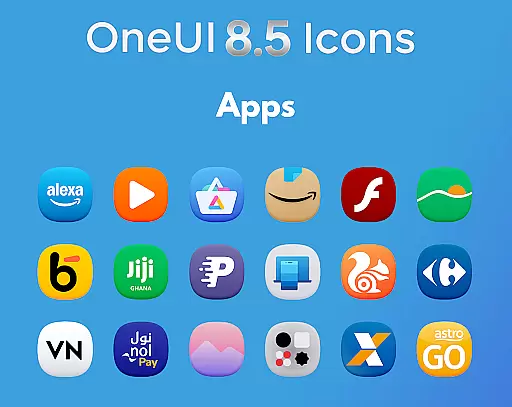
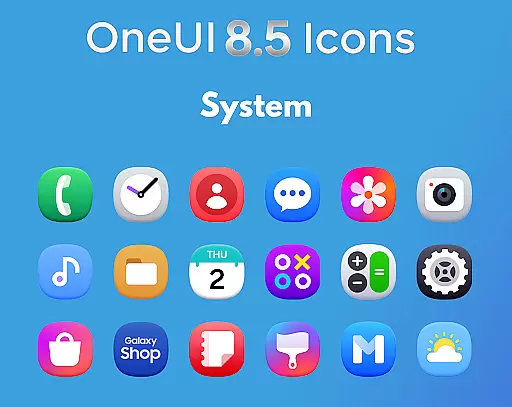
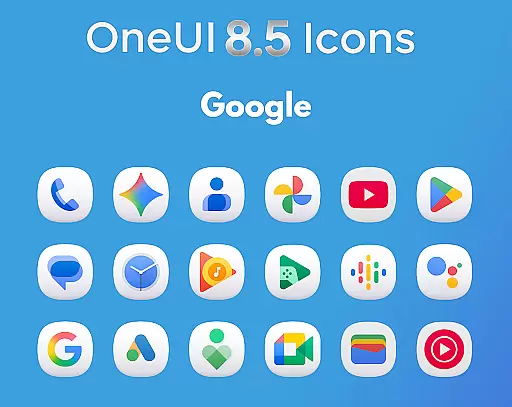
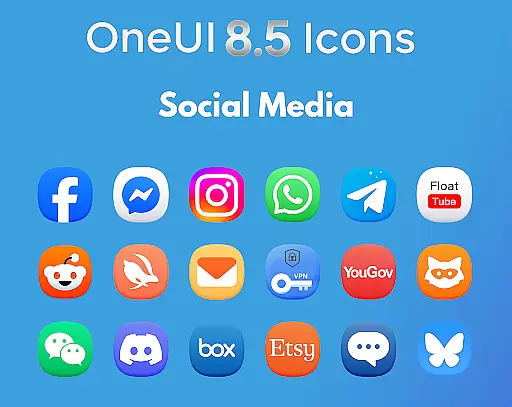
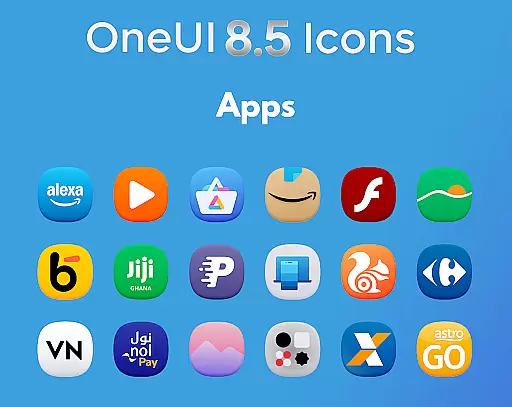
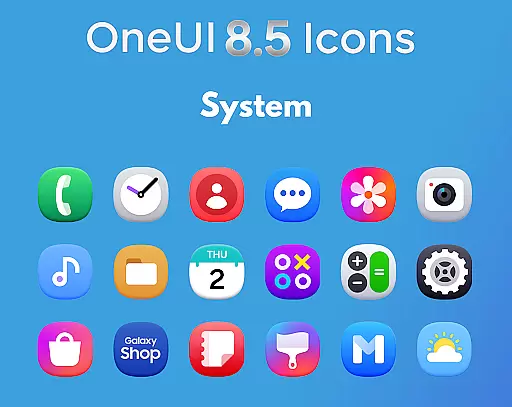
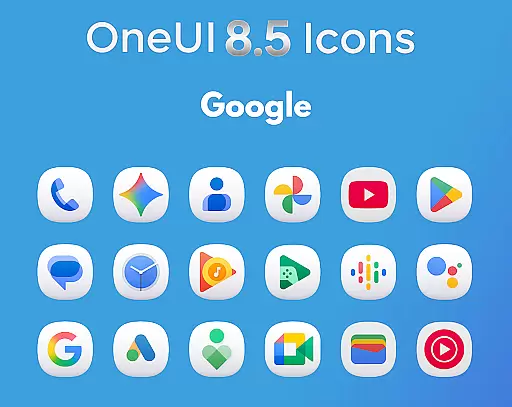
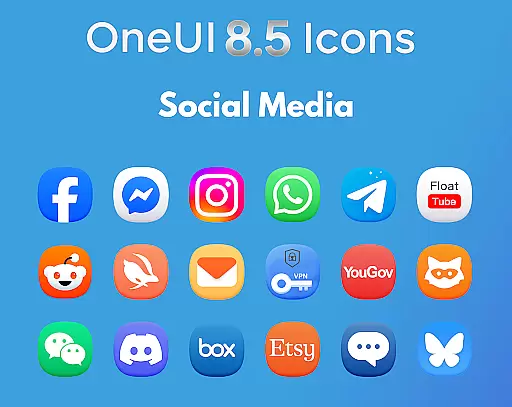
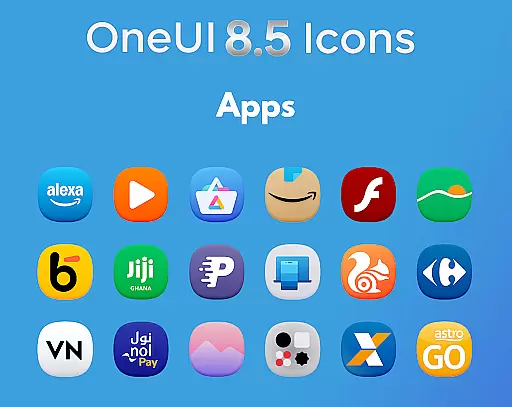
OneUI 8.5 Icons is a premium icon pack designed for Android users seeking a modern and futuristic home screen customization. With over 1425 icons, this pack aligns with Samsung's OneUI 8.5 design language, offering sharp, high-quality visuals inspired by the latest Play Store updates.
Each icon features a subtle 3D-inspired bottom curve, ensuring a polished and professional appearance. Regular updates and icon request support ensure users have access to new content, making it ideal for those looking to enhance their device aesthetics with cutting-edge design.
The OneUI 8.5 Icon Pack stands out with its meticulously crafted design elements. Featuring over 1425 high-quality icons, each one is ultra HD ready and perfectly balanced with clean shapes and subtle 3D shading at the base.
Inspired by Samsung's upcoming OneUI 8.5 style, the pack incorporates the latest Play Store icon trends. Users benefit from regular updates, ensuring the library grows over time. Additionally, the inclusion of an icon request tool allows users to suggest specific app icons, enhancing personalization and usability.
OneUI 8.5 Icons offers a comprehensive suite of creative tools that cater to both casual users and design enthusiasts. With over 1425 high-quality icons, the pack ensures extensive coverage for various apps and system functions.
The icon pack is meticulously crafted based on Samsung's upcoming OneUI 8.5 style, featuring a unique 3D-inspired bottom curve. This attention to detail guarantees that each icon not only looks modern but also aligns perfectly with the latest design trends.
Users benefit from regular updates that continually expand the icon library. These updates ensure that your device maintains a fresh and cohesive look, adapting to new app releases and system changes.
Flexibility is at the core of OneUI 8.5 Icons, allowing users to customize their home screens with ease. The icons are ultra HD ready, ensuring they look sharp on any display resolution, from standard HD to high-end 4K screens.
Each icon is designed with balanced shapes and subtle 3D bottom shading, providing a polished and professional appearance. This design approach allows seamless integration with various Android launchers and themes.
Moreover, the pack supports icon requests, enabling users to suggest specific icons they need. This feature ensures that users can achieve a complete transformation of their home screen, regardless of the apps they use.
Premium Design Quality
Regular Updates Included
Wide Icon Variety
Ultra HD Ready Icons
Unique 3D-Inspired Style
Limited to Android
No iOS Compatibility
Design May Feel Niche
Requires Manual Updates
Icon Requests Take Time

The ultimate tool for creating animations
 4.60
4.60
Custom Character Creator & PFP Maker!
4.20
Create stylish invitation cards using templates for weddings, birthdays & RSVP.
4.20
Make your phone cooler and have a fantastic experience
4.80
Novices can also easily complete diamond painting masters
4.70
Create amazing pictures and unleash your creative genius with AR Drawing Sketch
4.40
An intuitive, high-performance painting app that lets you focus on creating
4.40
Multiplayer Drawing game, Coloring, Painting・Sketch, Handwriting・Paint, draw
4.30
Unleash your inner artist! Sketchar: AR Drawing for Limitless Creativity
4.40
Photo editor for art, avatars, filters & fun transformations.
4.60
Draw anime & manga drawing, art with templates to create stunning picture!
4.50
Unleash your drawing and painting potential
4.50
The perfect place to start sketching! Use Sketchbook to draw and paint sketches.
4.50
Everything you need to create hand drawn animation, anywhere you go!
4.40
Remove Background, Magic Eraser, Photo Enhancer, Story Templates, Collage Maker
4.30
AR Anime Drawing: How to draw anime with AR drawing & sketching apps!
4.00
Art of Combination Wear OS Watch faces (for Wear OS 5+ devices)
3.90
Transform photos into amazing monochrome dither art with professional algorithms
4.1
Art of Combination Wear OS Watch Faces
4.3


User Reviews