

SketchPro is a premier digital art application tailored for professional artists and designers. This comprehensive drawing tool offers advanced AI-powered features that streamline the creative process, making it ideal for graphic designers, illustrators, and comic book artists. With its robust set of customizable brushes and professional-grade tools, SketchPro enables users to create intricate drawings, illustrations, and designs with precision.
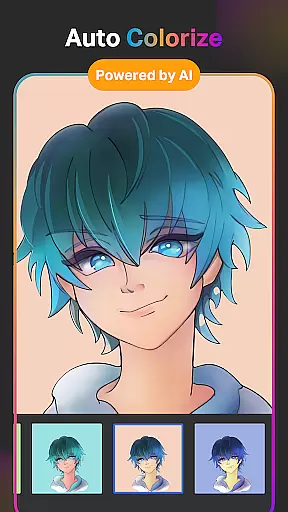
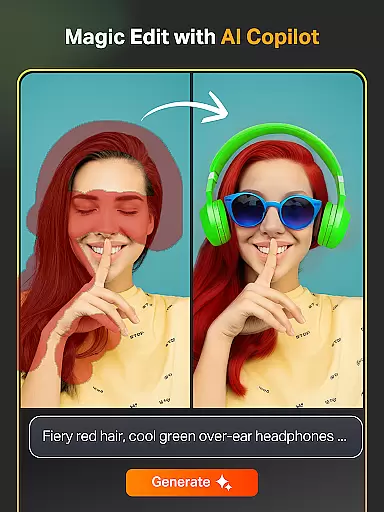
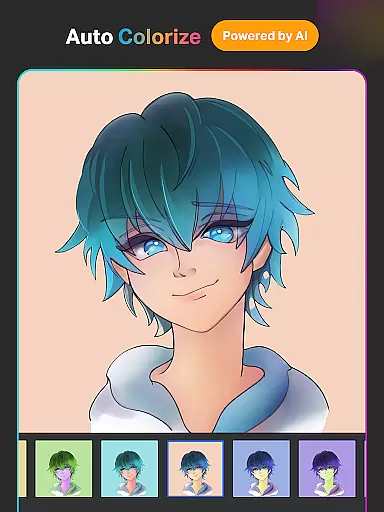
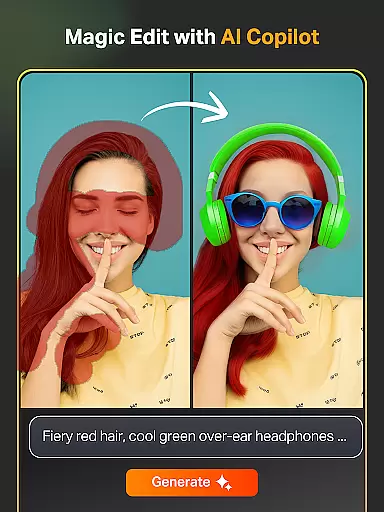
The app's standout feature is its integration of artificial intelligence, which includes tools like Text to Image AI, Sketch to Image AI, and Magic Edit AI. These innovative functions allow artists to transform simple prompts into complex artworks, modify existing pieces with ease, and experiment with colors and textures effortlessly. Additionally, SketchPro provides essential utilities such as layers, symmetry tools, and gradient options, ensuring a seamless workflow for all creative professionals.
Whether you're working on detailed illustrations or quick sketches, SketchPro caters to various artistic needs. Its intuitive interface and powerful capabilities make it an indispensable tool for anyone looking to elevate their digital artistry. By combining traditional drawing techniques with cutting-edge technology, SketchPro ensures that every artist can achieve their vision efficiently and effectively.
SketchPro stands out in the realm of digital art applications due to its extensive array of features designed specifically for professional artists. One of its most notable aspects is the inclusion of AI-driven tools that significantly enhance the creative process. For instance, the Text to Image AI allows users to generate artwork from simple text prompts, while the Sketch to Image AI transforms hand-drawn sketches into polished images through straightforward commands.
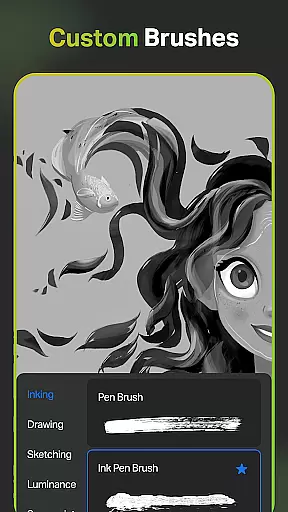
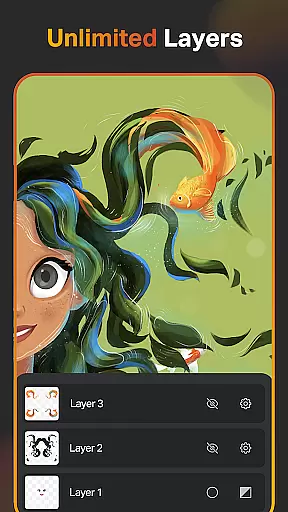
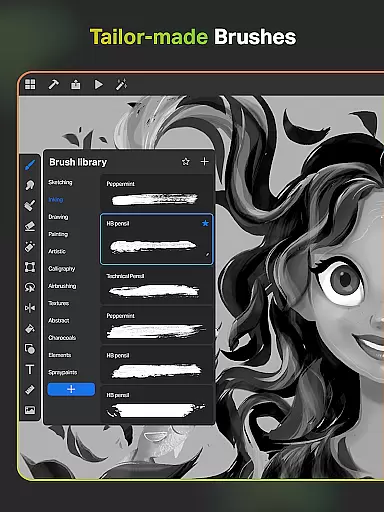
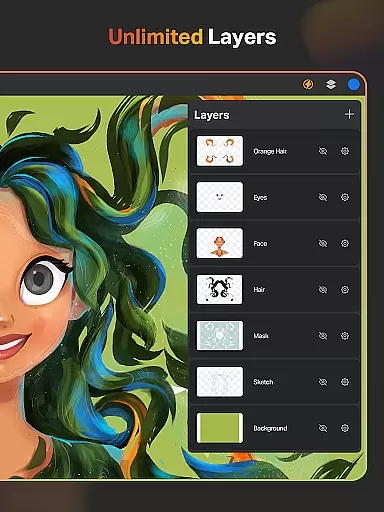
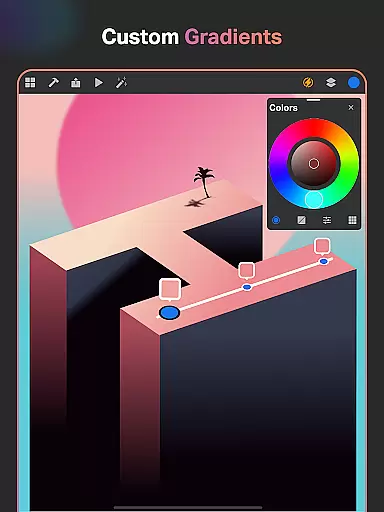
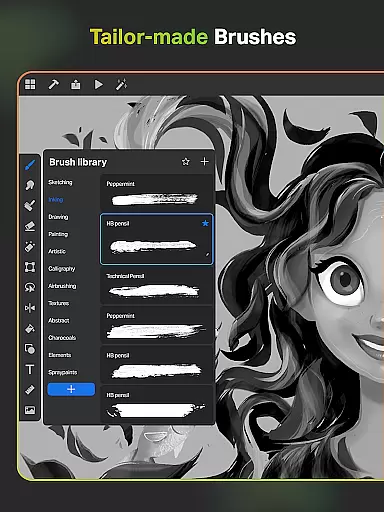
In addition to these AI capabilities, SketchPro offers a rich selection of customizable brushes tailored for different artistic styles, including sketching, painting, and illustrating. Artists can personalize their brush settings and save favorites for quick access during projects. The app also includes a layer system with unlimited layers, enabling complex compositions and detailed edits without compromising performance. Furthermore, features like the Smart Shapes tool and Gradient options provide additional flexibility for creating precise designs.
SketchPro doesn't stop there; it also incorporates practical tools such as the Smudge Tool, Fill Bucket, and Cutter Tool, which facilitate efficient drawing and editing processes. With functionalities like cloud syncing and time-lapse playback, users can organize their work systematically and review their creative journey. Overall, SketchPro empowers artists with a versatile platform that supports both traditional and modern approaches to digital art.
SketchPro offers an extensive suite of creative tools that cater to the needs of professional digital artists. The application includes customisable brushes for sketching, painting, and illustrating, allowing users to tailor their tools to specific project requirements.
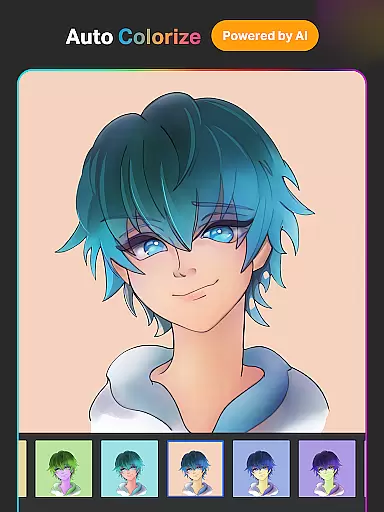
Advanced AI drawing tools further enhance the creative process. Users can transform hand-drawn sketches into images, revamp colors and textures, and even expand their canvas with AI while maintaining original content quality. These features ensure a seamless and innovative workflow.
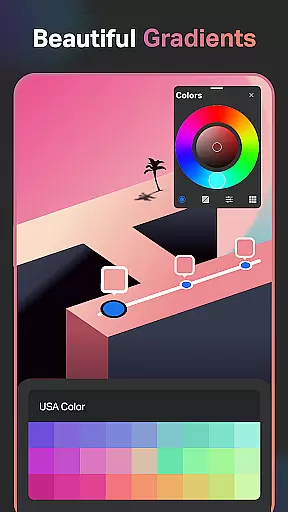
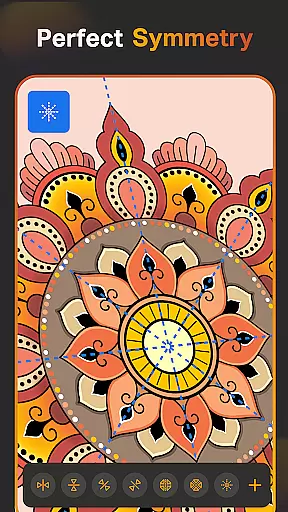
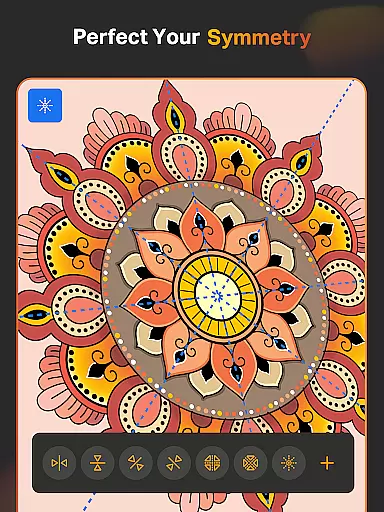
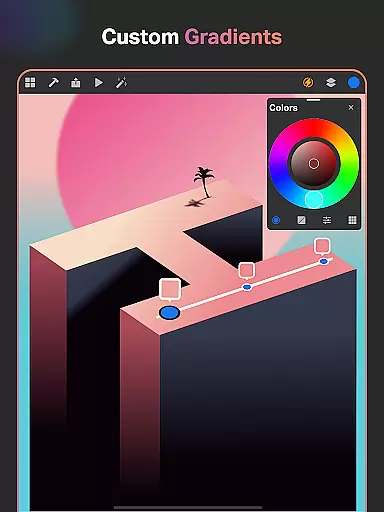
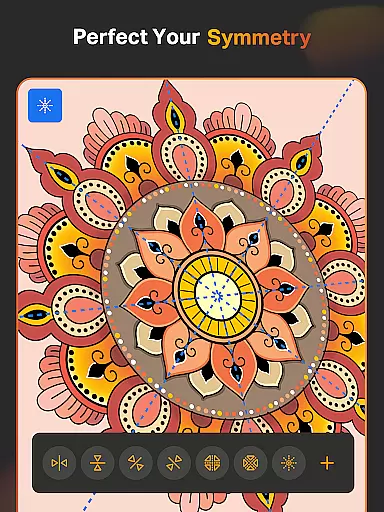
In addition to AI capabilities, SketchPro provides smart shapes, symmetry tools, and gradient options. These functionalities enable precise and professional drawings, illustrations, and designs, making it an ideal choice for graphic designers, illustrators, and comic artists.
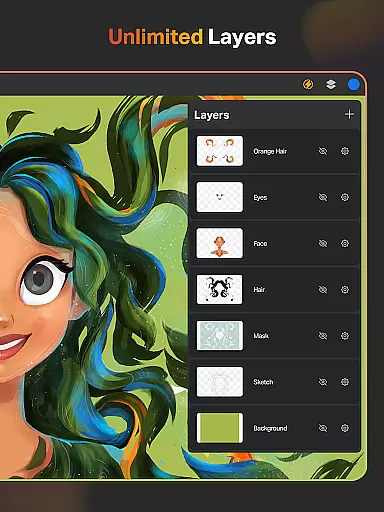
SketchPro excels in providing canvas and format flexibility, essential for diverse artistic projects. The app supports unlimited layers, empowering artists to create complex compositions without constraints. This layer system includes options to rasterize, duplicate, and merge layers, enhancing design possibilities.
Artists can utilize a full-color wheel with adjustable values and shades, ensuring accurate color representation. The ability to create themed color palettes and import colors from photos adds another dimension to personalizing artwork within various formats.
Moreover, SketchPro's custom canvas feature allows users to define their workspace according to project specifications. With cloud syncing and automatic saving, artists can securely store and access their work across devices, ensuring that creative sessions are uninterrupted and adaptable to different formats.
Advanced AI tools
Customizable brushes
Unlimited layers
Professional design
Cloud syncing
Complex interface
High learning curve
Premium pricing
Limited free features
Device compatibility

Pose and morph realistic male and female models! 3D poser app
 3.00
3.00
Digital Drawing: Draw & Paint
4.10
See Color, Paint Color
4.90
Castle is social media for creating and playing games!
4.60
AR Anime Drawing: How to draw anime with AR drawing & sketching apps!
4.00
Draw glowing spinners, relax, and spin your creative art
4.60
Your homescreen as an elegant glass with customized blur, lighting, and visuals.
3.70
Everything you need to create hand drawn animation, anywhere you go!
4.40
Multiplayer Drawing game, Coloring, Painting・Sketch, Handwriting・Paint, draw
4.30
Photo stitcher for automatically screenshot stitching into a long screenshot
4.70
Digital, Abstract, Classic - all types of color wheels in one app!
4.60
Nano Banana AI Image Generator, Anime Filter, AI Portrait, AI Photo Generator
4.30
Beauty Camera - Selfie Camera is the ultimate beauty camera and selfie app
4.30
Create stylish invitation cards using templates for weddings, birthdays & RSVP.
4.20
Floor Plan Creator lets you create, edit and share floor plans.
4.00
AI Face Swap, Video Effects Editor, Realtime Morph, Funny Video FX,AI Filters
3.70
Create cute cat emojis & PFPs! Fun, custom avatars for cat lovers.
3.70
AI Assistant, powered by ChatGPT GPT-4 & GPT-4o. Your intelligent companion.
3.50
Art of Combination Wear OS Watch Faces
3.30


User Reviews