
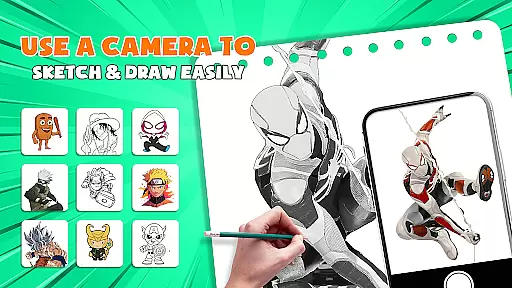
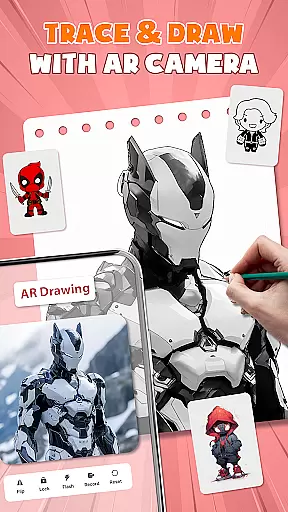
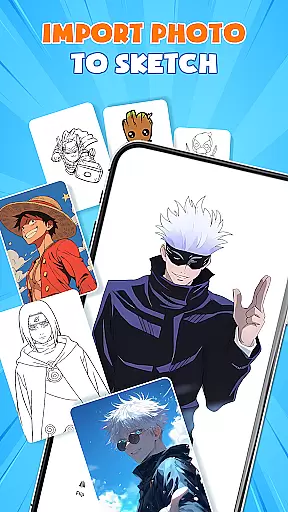
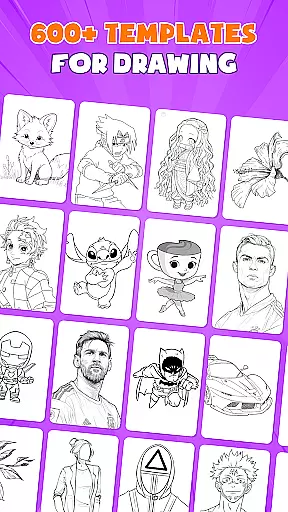
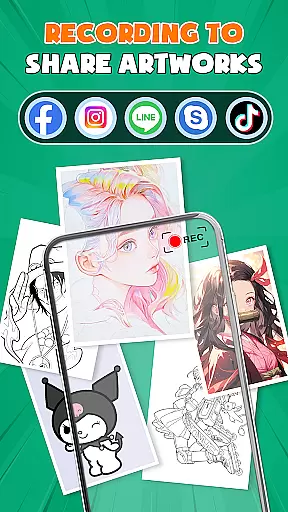
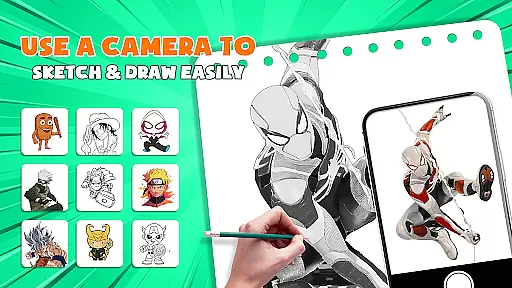
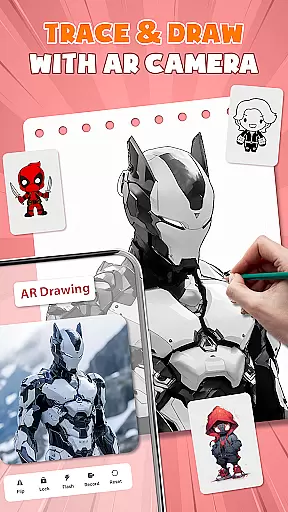
AR Drawing - Paint & Sketch is an innovative art application that combines augmented reality with traditional drawing techniques. This app allows users to create anime-style artwork using advanced AR tracing and sketching tools. With features like AR projection, precise tracing overlays, and a vast library of free templates, the app caters to both beginners and professional artists.
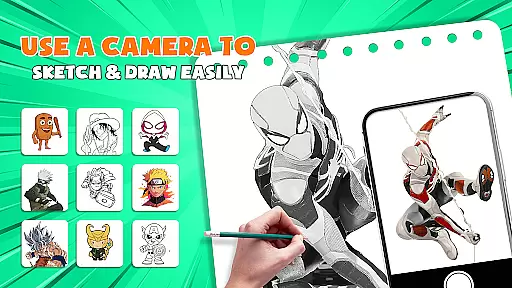
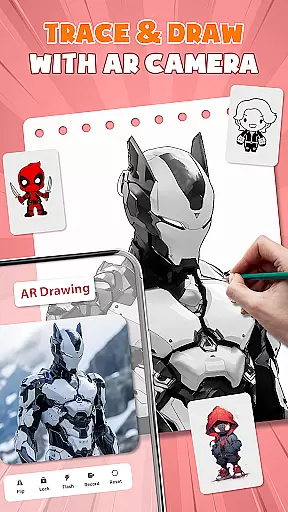
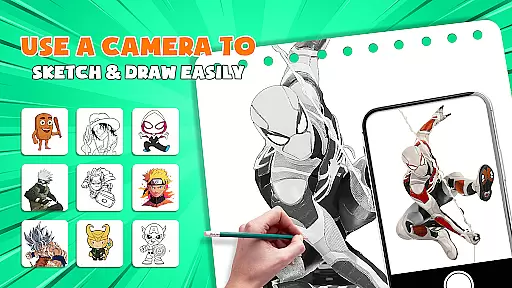
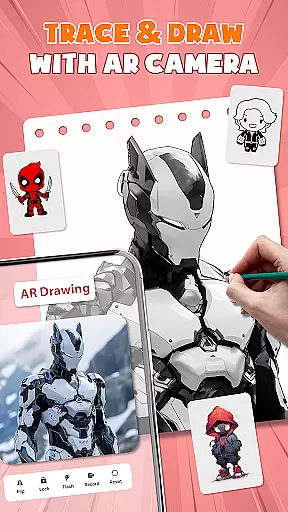
The application's standout feature is its ability to transform your device into a mobile projector for accurate tracing. Users can import images, adjust transparency, and trace directly onto paper or canvas. The app also offers painting functionalities with vibrant brushes and shading options, making it a complete tool for digital and physical art creation.
Whether you're looking to learn anime drawing, participate in art games, or connect with a community of artists, AR Drawing - Paint & Sketch provides a comprehensive platform. Its intuitive interface and diverse features make it suitable for various artistic projects, from simple sketches to detailed anime illustrations.
AR Drawing - Paint & Sketch distinguishes itself through a rich set of features designed to enhance the creative process. One of its primary capabilities is AR projection, which allows users to trace real-world objects and scenes with remarkable accuracy. This feature is complemented by a robust suite of drawing and painting tools that support various artistic styles, including anime and realistic pencil sketches.
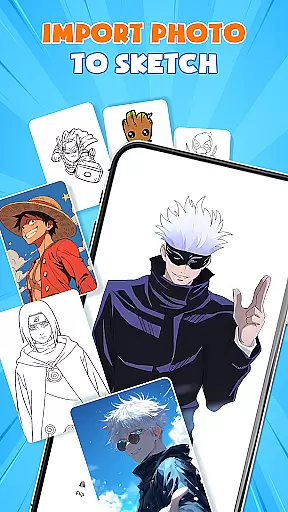
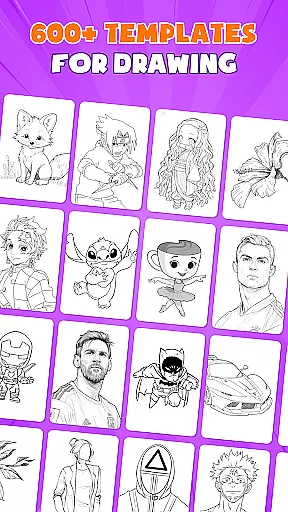
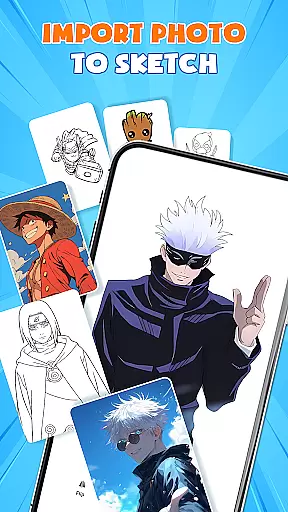
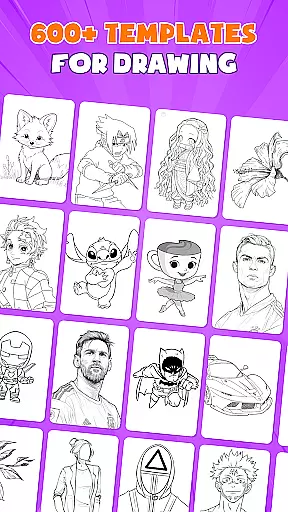
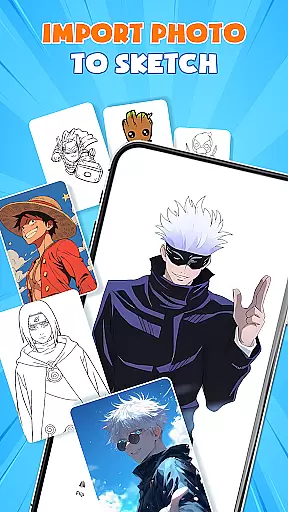
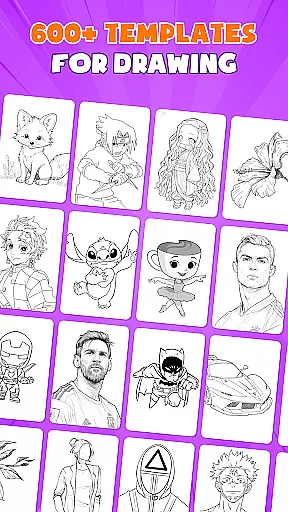
The app includes over 1000 free sketch templates and drawing tutorials specifically tailored for anime art. These resources help users improve their skills while providing inspiration for new projects. Additionally, the app supports importing images from your gallery, enabling direct tracing and transformation into artwork. The inclusion of tattoo and pencil art modes further expands its versatility.
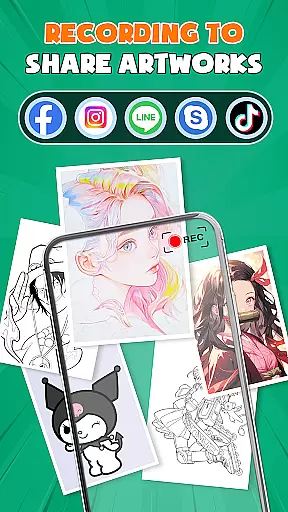
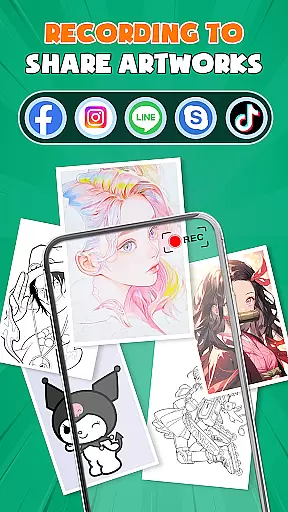
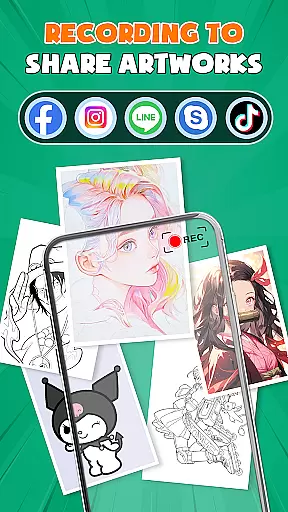
Another notable aspect is the community integration, where users can share their creations, receive feedback, and participate in drawing competitions. This social component fosters collaboration and growth among artists. The combination of professional-grade tools, educational content, and community engagement makes AR Drawing - Paint & Sketch a powerful ally for anyone interested in digital or traditional art forms.
AR Drawing - Paint & Sketch offers an extensive suite of creative tools that cater to both amateur and professional artists. The app includes AR projection and tracing features, allowing users to turn their devices into mobile projectors for precise tracing. This functionality is complemented by a full suite of painting apps features, including vibrant brushes and shading options with the AR pencil drawing mode.
In addition to traditional sketching and coloring, the app provides specialized modes such as Anime Studio and Tattoo & Pencil Art. These modes offer tailored presets and effects, enabling users to explore various art styles from anime drawings to realistic tattoos. With over 1000+ free templates available in the app's library, artists can easily find inspiration or direct outlines to kickstart their projects.
The inclusion of picture importing and adjusting opacity makes it simple to transform any photo into artwork. Artists can import images directly from their gallery, adjust them within the AR view, and trace with ease. This all-in-one approach ensures that creators have all necessary tools at their disposal, thus enhancing productivity and artistic freedom.
One of the standout features of AR Drawing - Paint & Sketch is its canvas and format flexibility, which allows artists to work on any surface using just their phone and paper. The app supports easy shortcuts for beginners, making it accessible without the need for bulky traditional tools. Users can switch between different modes like sketching, painting, or even tattoo designing seamlessly.
The app also excels in its trace and draw functionalities, ensuring clean lines every timeu2014perfect for detailed sketches. Whether you're looking to create quick drafts or elaborate artworks, the ability to adjust size, position, and transparency in AR view caters to diverse project requirements. Such versatility empowers artists to experiment with various formats without limitations.
Furthermore, community connectivity enriches the user experience by allowing sharing of creations, following other artists, and receiving feedback. This collaborative environment not only enhances individual growth but also expands creative possibilities. By merging advanced AR technology with flexible drawing capabilities, AR Drawing - Paint & Sketch truly redefines digital artistry.
User-friendly interface
Extensive template library
Precise AR tracing
Vibrant painting tools
Active artist community
Limited advanced features
Occasional performance issues
Steep learning curve
In-app purchases required
Heavy battery consumption

Your Essential Color Theory Guide: Red, Yellow, Blue (RYB)
 4.0
4.0
800+ Drawing, Painting Lessons App to Practice, Sketch & Paint Art.
4.30
Novices can also easily complete diamond painting masters
4.70
Resize photos and print photos in exact size with our powerful photo printer!
3.80
Get an overview over all your embroidery threads, projects and more.
4.60
A luxurious gold watch face for an elegant and refined look.
4.2
Draw, make movies & animate cartoons easily with our 2D animation maker app
4.40
Explore future self face age filter & remove background image for a unique look.
3.50
An intuitive, high-performance painting app that lets you focus on creating
4.40
Make your phone cooler and have a fantastic experience
4.80
Draw glowing spinners, relax, and spin your creative art
4.60
Create neon drawing with magic doodle and fun doodle art effects!
4.50
Text to Image, Image to Video & AI Chat
4.20
Unleash Your Creativity with Draw Cartoon - AR Drawing App
4.10
Get creative and make art with your Sesame Friends!
4.00
Turning simple sketches into captivating tales filled with life and motion
3.90
Draw anime easily with AR guidance, sketch templates & trace tools!
3.10
Pose and morph realistic male and female models! 3D poser app
3.00
Art of Combination Wear OS Watch faces
4.3


User Reviews