
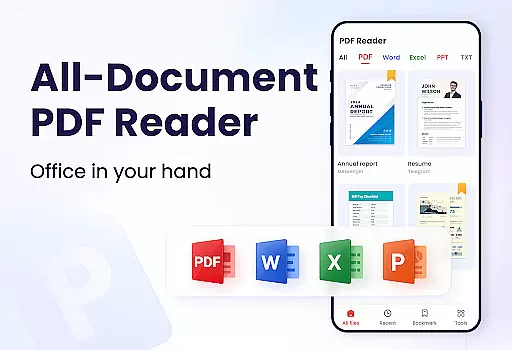
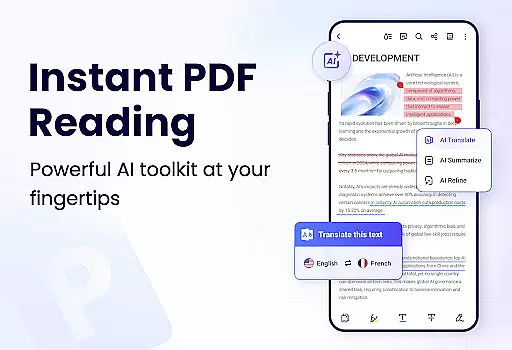
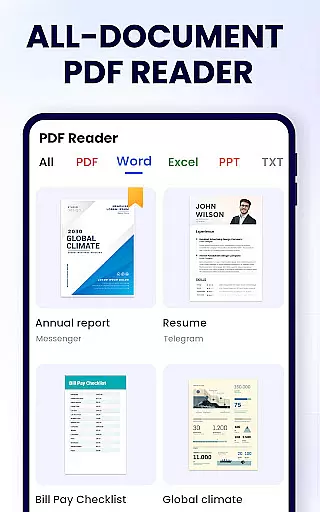
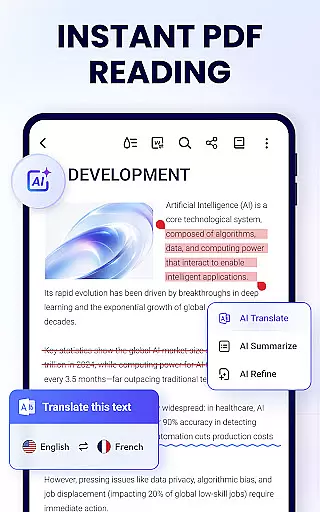
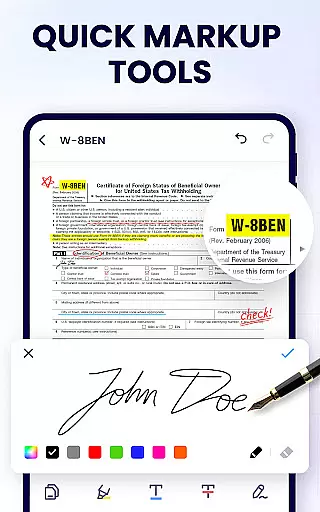
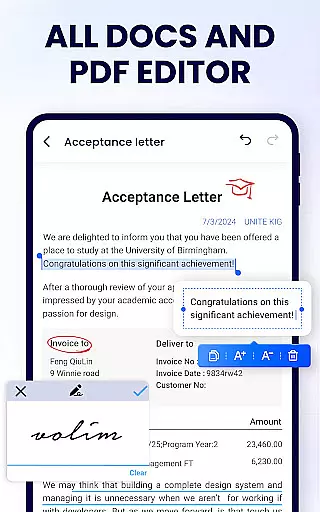
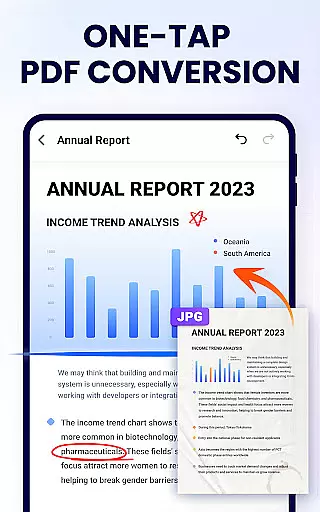
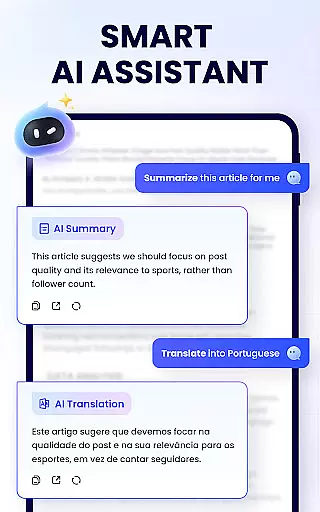
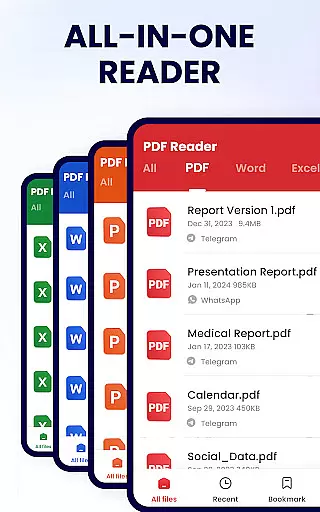
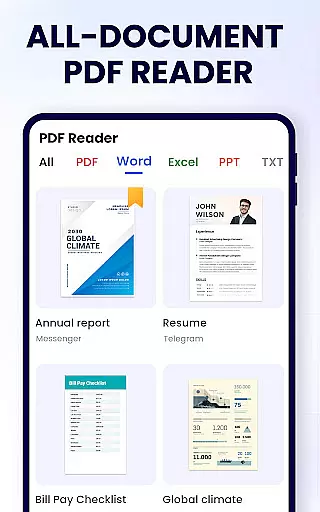
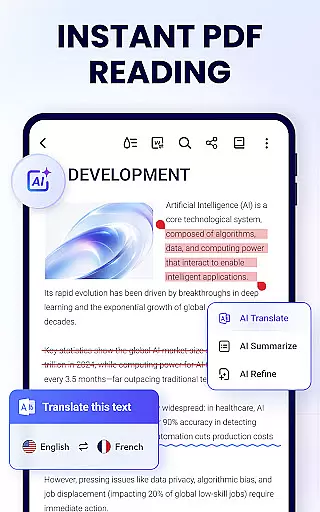
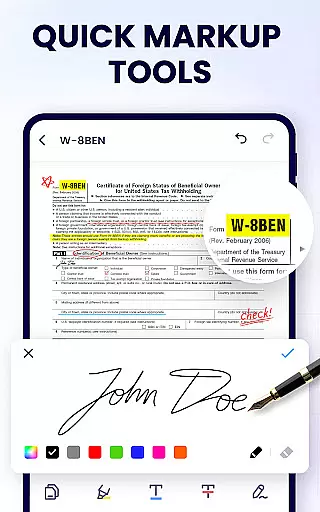
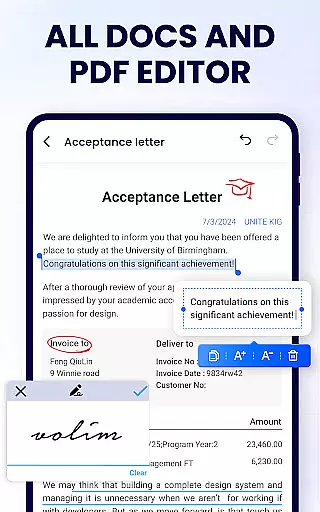
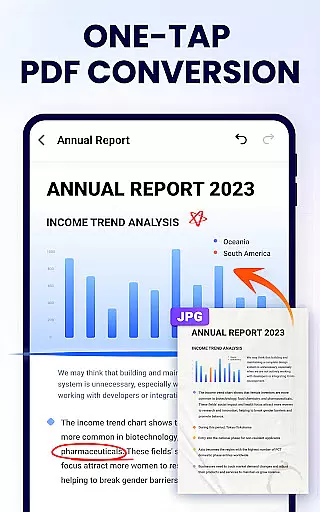
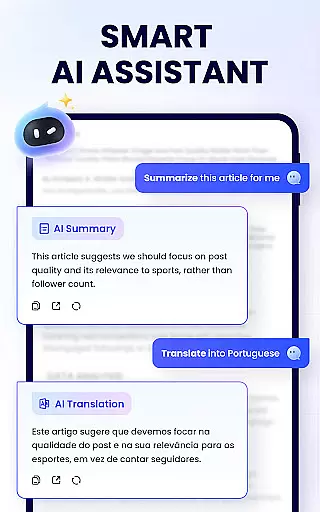
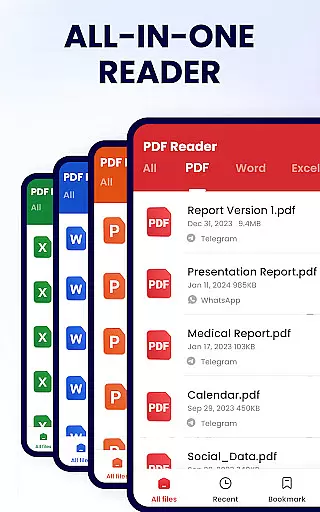
PDF Reader - PDF Viewer is a comprehensive productivity tool designed for Android users who need to manage, edit, and view PDF documents efficiently. This free app, A+ Read, offers an extensive range of features including reading, editing, merging, splitting, and securing PDF files with passwords. It stands out as not just a viewer but also a capable editor and manager, making it indispensable for work and study.
The app's interface is crafted for simplicity and ease of use, allowing users to auto-search for PDF files and open them swiftly. Its efficient management system lets users bookmark pages, add notes, and even doodle on documents. Sharing documents is straightforward, enhancing collaboration possibilities. With its lightweight design of only 12MB, it ensures that your device remains unburdened while you enjoy robust functionality.
Whether you're a student needing to annotate lecture slides or a professional managing reports, PDF Reader - PDF Viewer provides the tools necessary to handle PDFs with ease. The app supports various viewing modes, full-screen reading, and zoom capabilities, ensuring a comfortable reading experience tailored to individual preferences.
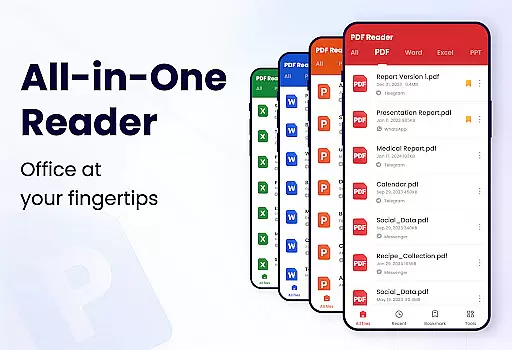
PDF Reader - PDF Viewer boasts an impressive array of features that cater to diverse user needs. As a convenient PDF viewer, it automatically searches and displays all PDF files, providing quick access and a clear file list. Users can easily search and retrieve PDFs, add bookmarks for future reference, and choose between page-by-page or continuous scrolling modes.
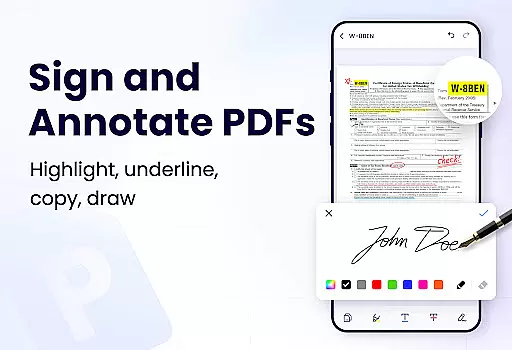
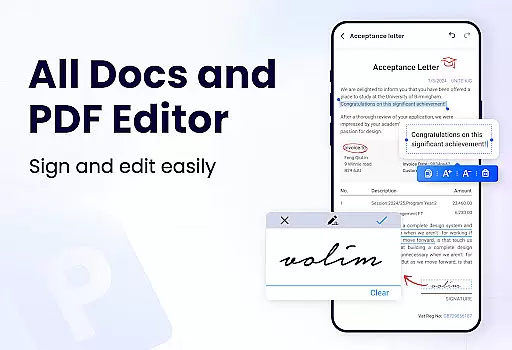
As a smart PDF reader, it offers horizontal and vertical viewing options, full-screen mode for immersive reading, and customizable zoom settings. Users can navigate directly to specific pages by entering page numbers, ensuring swift access to information. The app's efficient PDF editor allows annotation, highlighting, underlining, and striking through text, as well as doodling and copying text.
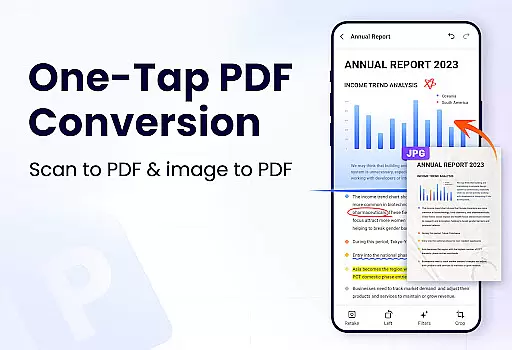
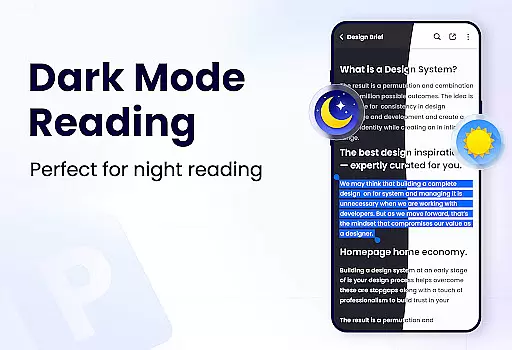
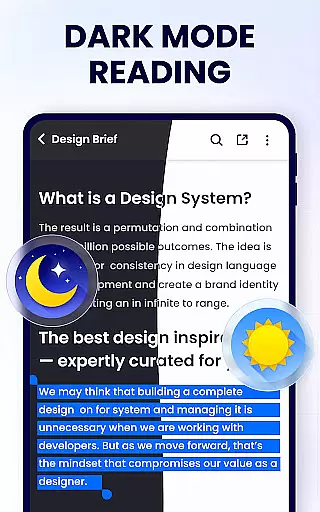
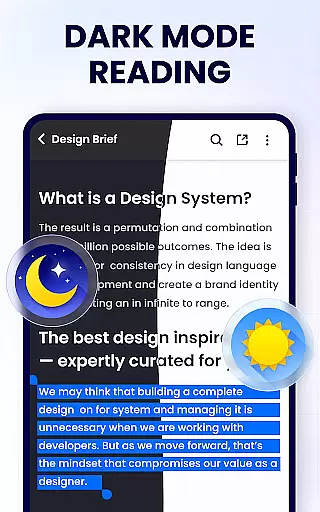
Moreover, its full-featured PDF manager lets users merge and split files, set passwords for document protection, and maintain a list of recently opened files for quick access. Sharing is simplified via social media platforms, and additional features like dark mode, compression, form filling, e-signature addition, and file conversion are on the horizon, promising even more versatility.
In the realm of productivity, managing tasks efficiently is paramount, and the PDF Reader - PDF Viewer excels in this area by offering a comprehensive suite of tools. This application goes beyond simple document viewing by integrating essential task management features that cater to both work and study environments.
Users can effortlessly organize their workflow with capabilities such as merging and splitting PDF files, which allows for streamlined document handling. The ability to set passwords on sensitive documents adds an extra layer of security, ensuring that confidential information remains protected while you manage your projects.
The app's bookmarking feature enables users to tag important pages for quick reference later, effectively prioritizing key sections of documents. Additionally, the recent files list provides rapid access to ongoing tasks, making it easier to pick up where you left off without searching through directories.
By incorporating these core task management functions, PDF Reader - PDF Viewer not only simplifies the process of interacting with PDFs but also enhances overall productivity. Whether you're editing notes or sharing crucial documents via social media platforms, this app ensures that all your PDF-related tasks are executed with precision and ease.
For professionals and students alike, having reliable cross-device synchronization is vital for maintaining continuity in their workflow. The PDF Reader - PDF Viewer addresses this need by providing a seamless experience across multiple devices, allowing users to transition smoothly between their smartphone, tablet, or computer.
This app supports real-time updates, meaning any changes made to a documentu2014such as annotations, highlights, or editsu2014are automatically saved and reflected on all linked devices. This ensures that no matter where you are or what device you're using, your work remains consistent and up-to-date.
Moreover, the lightweight nature of the application, at only 12MB, means that it won't burden your system resources, thus facilitating swift synchronization even on less powerful devices. With its full-featured PDF management tools, including the ability to rename files and print directly from your device, staying productive has never been easier.
Ultimately, the robust cross-device synchronization offered by PDF Reader - PDF Viewer empowers users to focus on their content rather than worrying about technical inconsistencies. By delivering dependable performance and easy accessibility, this app becomes an indispensable tool for anyone looking to optimize their digital document workflow.
User-friendly interface
Comprehensive editing tools
Secure file management
Efficient sharing options
Lightweight application size
Limited advanced features
Occasional ads in free version
Some functions require permissions
Advanced tools still in development
Interface may feel cluttered

When you Focus, so will your Bean in this cozy focus timer
 4.30
4.30
Experience real multitasking on your Android!
4.00
8 custom complications. Custom Time Fonts. Beautiful color schemes. A++ Design.
5.00
Device's storage information in a simple and clear graphical form (infographics)
4.10
Remotely view listen control and record cameras.
3.70
Create and edit presentations with Google Slides, part of Google Workspace.
4.00
The ultimate file manager for rooted devices. The original and still the best.
4.00
Simple notepad & memo. Take notes, to-do list, shopping list with reminders.
4.80
Put a lock on your cloud: Take the security of your data into your own hands
3.70
Great calculator for Android named one of USA TODAY's "25 Essential Apps".
4.90
aCalendar+ makes your day, week and month
4.70
A beautiful digital clock with autostart and many other functions
4.70
Quickly and easily keep track of your work shifts
4.70
Lightweight PDF, Word, Excel reader.
4.60
Docker, Kubernetes management over Portainer Mobile
4.40
* block pre-roll ads, pop-up and forced redirect ads * Samsung certification app
4.00
Experience and share your SolidWorks designs on your Android® phone and tablet.
2.50
Easiest event planning, volunteer signups & parent teacher conference scheduling
2.20
IP Camera Viewer - Android TV : RTSP Surveillance camera viewer for Android TV
4.3


User Reviews