
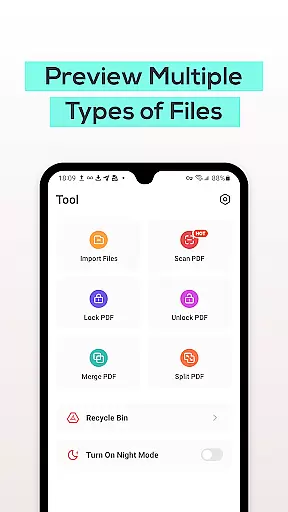
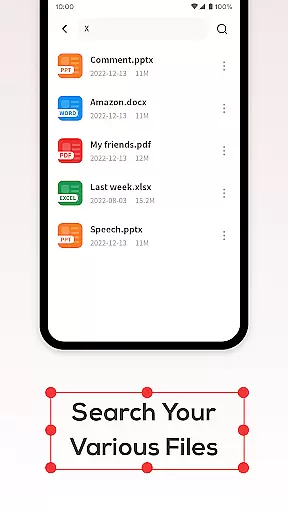
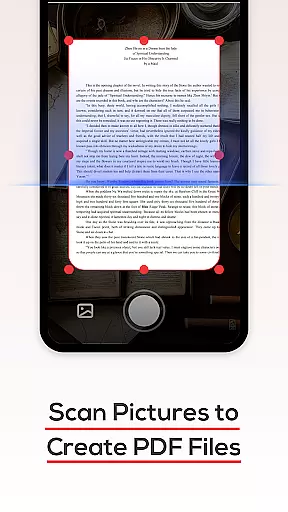
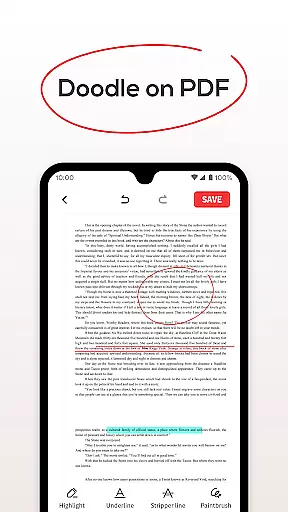
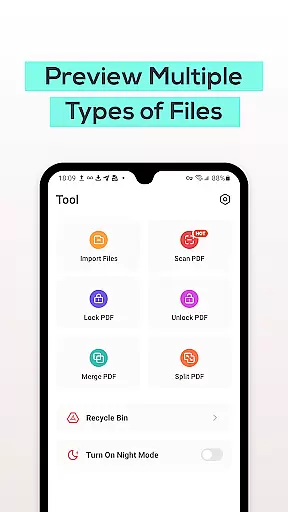
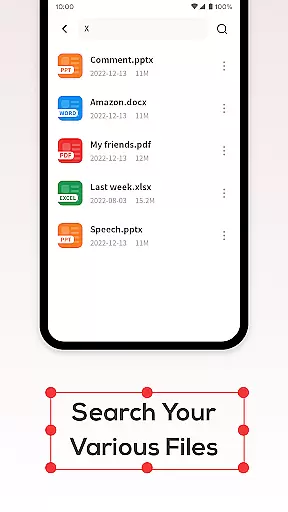
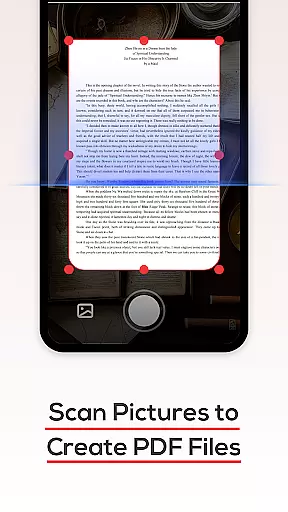
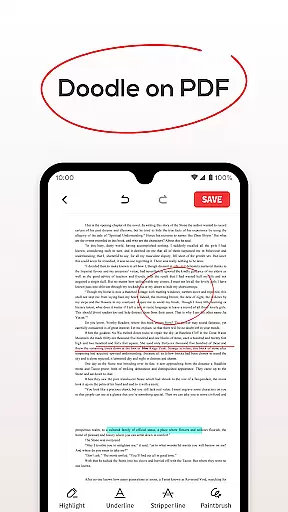
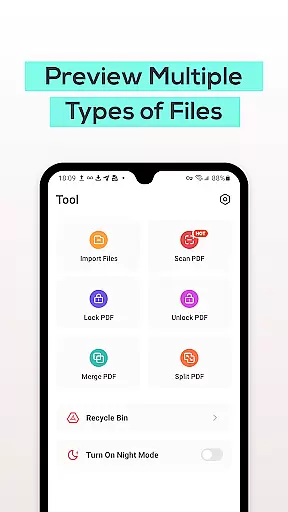
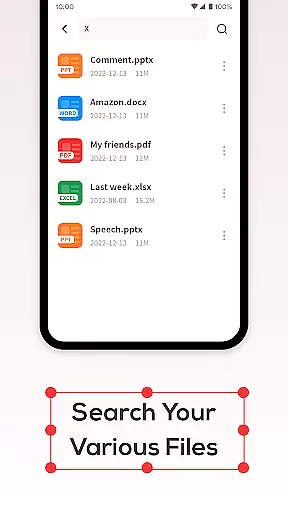
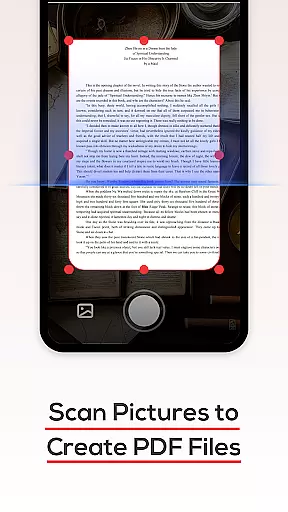
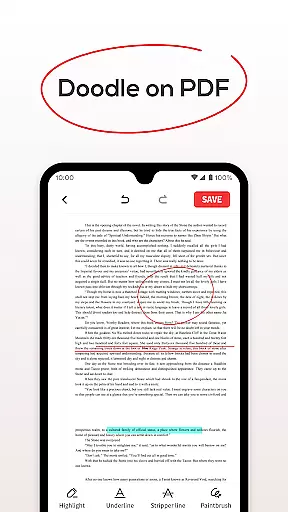
PDF File Reader is a powerful productivity tool designed to help users efficiently manage PDF files directly from their mobile devices. The app allows you to open and view PDF documents while providing essential features such as text highlighting, underlining, and simple annotations. Beyond just viewing, the app offers advanced functionalities like quick file search and Recycle Bin management, ensuring that your workflow remains seamless and organized.
One of the standout features of PDF File Reader is its ability to handle various document formats including Word, PowerPoint, and Excel files, making it an all-in-one solution for document management. Whether you're a student needing to annotate lecture notes or a professional managing reports and presentations, this app provides the tools necessary to streamline tasks and boost productivity.
The app's intuitive design ensures that even those unfamiliar with complex document management systems can easily navigate and utilize its features. With PDF File Reader, you can simplify your daily work tasks and enjoy a more efficient way to interact with digital documents on your phone.
PDF File Reader stands out in the productivity category due to its comprehensive feature set tailored for efficient document handling. One of the core features is its robust PDF viewing capability, which supports not only opening PDFs but also performing essential edits such as highlighting and underlining text. This makes it easy for users to mark important sections or add quick notes without needing additional software.
In addition to basic viewing and editing, the app includes a powerful search function that allows users to quickly locate specific PDF files among potentially hundreds of documents. This feature saves valuable time, particularly for users dealing with large volumes of data. Another innovative aspect is the integrated Recycle Bin, which temporarily stores deleted files for seven days before permanent removal. This safety net prevents accidental data loss and gives users peace of mind when managing their files.
Furthermore, PDF File Reader goes beyond standard PDF tools by offering compatibility with other document formats such as Word, PowerPoint, and Excel. This versatility ensures that users can handle multiple file types within a single application, streamlining their workflow and eliminating the need for separate apps. These features collectively make PDF File Reader an indispensable tool for anyone looking to enhance their document management process.
In the realm of productivity, managing tasks efficiently is paramount. PDF File Reader excels in this area by offering a suite of features designed to streamline document handling. With capabilities such as viewing PDF files, adding highlights, underlines, and performing searches swiftly, it ensures that users can manage their document-related tasks with ease.
The application supports not only viewing but also manipulating PDF documents through simple operations. This includes highlighting important information and underlining key points directly within PDFs, which aids in organizing thoughts and emphasizing critical content without altering the original document.
Moreover, its efficient search functionality allows users to locate specific PDF documents quickly, eliminating unnecessary delays. The presence of a dedicated recycle bin adds another layer of task management by providing a safety net for deleted files, allowing recovery within seven days. These features collectively enhance workflow efficiency and document management.
Cross-device synchronization is crucial for maintaining consistency across multiple platforms. While the description does not explicitly mention cross-device syncing, PDF File Reader lays a solid foundation for potential future enhancements in this area. Its robust handling of PDF files suggests a reliable framework that could support synchronization features.
Currently, the app provides essential functionalities like opening PDFs, adding annotations, and searching for files rapidly. These core competencies indicate a strong infrastructure capable of supporting advanced features such as real-time updates across devices, ensuring that changes made on one device reflect seamlessly on others.
Furthermore, the inclusion of a recycle bin feature demonstrates an understanding of user needs for data integrity and recoverability. Although explicit cross-device sync isn't detailed, the existing architecture hints at a promising direction towards developing dependable synchronization mechanisms, enhancing user experience across various devices.
User-friendly interface
Fast file search
Recycle Bin feature
Multi-format support
Efficient workflow
Limited advanced editing
No cloud integration
Basic annotation tools
Occasional lag
Ads in free version

Total remote control for your Android device, PC and cloud services (IFTTT)!
 4.20
4.20
The upgraded version of Name Wheel with AI and the power to add your own wheels.
4.2
Device's storage information in a simple and clear graphical form (infographics)
4.10
Absolutely the best CNC machinist speed and feed calculator around. fswizard.com
4.60
Activate Two Factor Authentication (2FA or Multi OTP), Password manager and more
4.10
Secure, open-source, SPICE and SSH Remote Desktop for QEMU KVM virtual machines
4.00
Docker, Kubernetes management over Portainer Mobile
4.40
* block pre-roll ads, pop-up and forced redirect ads * Samsung certification app
4.00
Great calculator for Android named one of USA TODAY's "25 Essential Apps".
4.90
Protect and view your important info on your phone and tablet with eWallet®
4.80
Seamlessly integrate data and reports to build your presentation to impress
4.80
The long-awaited modern gallery app for your Nextcloud server
4.70
Secure, fast, open-source, Remote Desktop Client for Windows and Linux with SSH
4.60
App Lock with fingerprint, password: Lock apps & hide photos with lock screens
4.60
A lightweight JSON & XML files creator, editor and viewer (Premium Version)
4.40
A customizable calendar for your Wear OS watch
4.20
Take control of your clipboard with Clipper!
3.90
Smart PDF reader & editor to view, organize and manage PDF documents easily.
3.70
Find and delete junk files & block unwanted notifications & manage files
3.70


User Reviews