
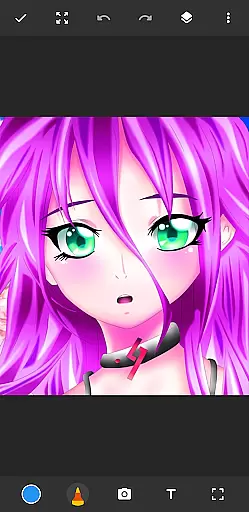
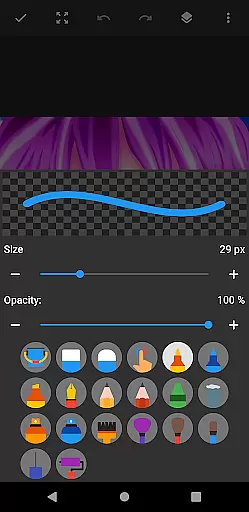
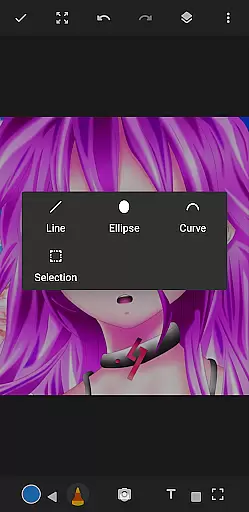
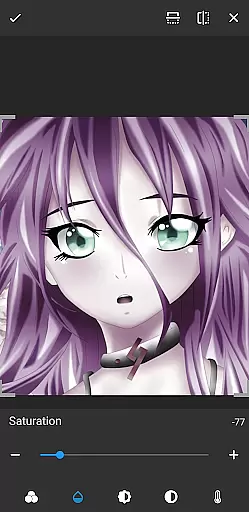
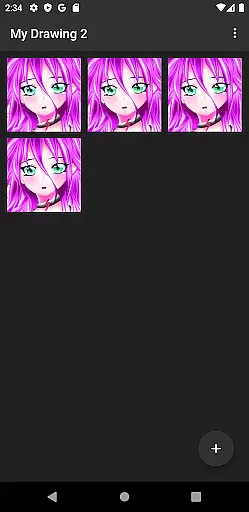
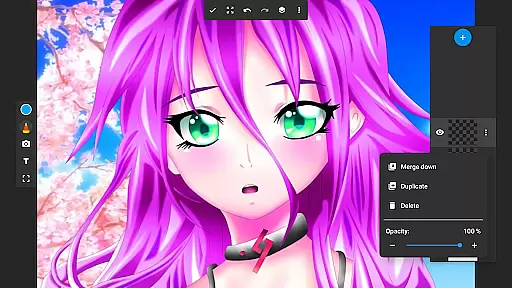
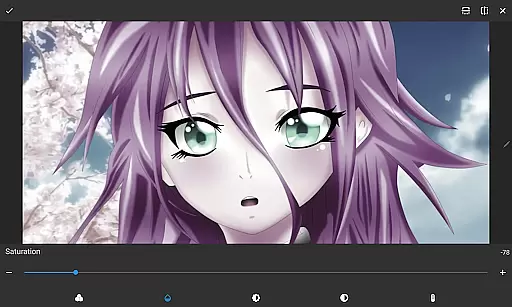
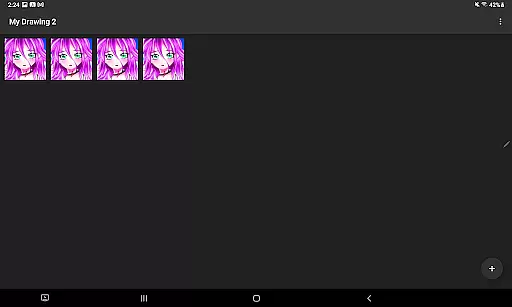
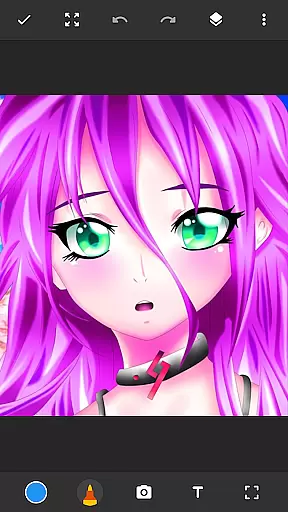
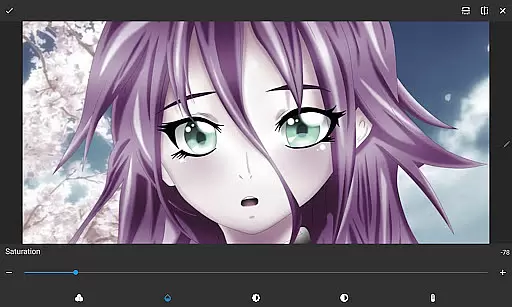
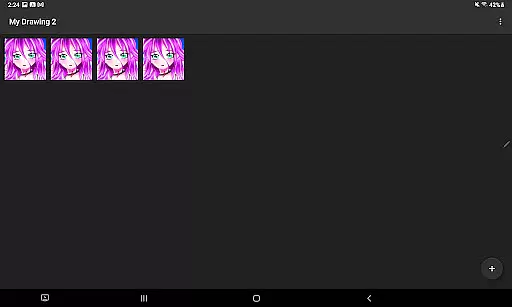
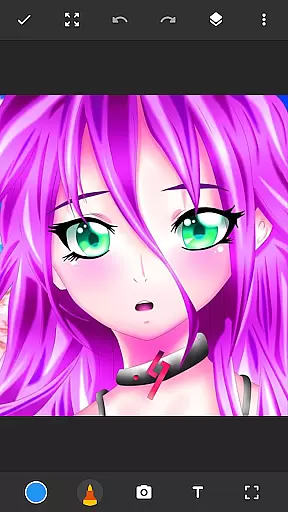
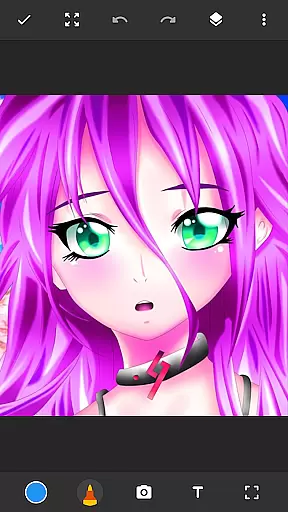
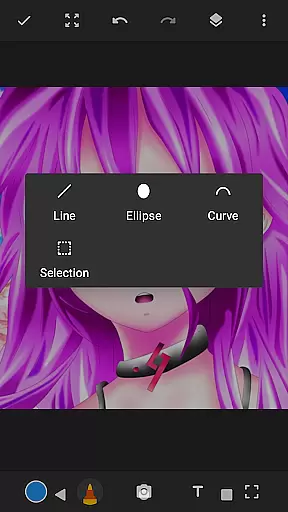
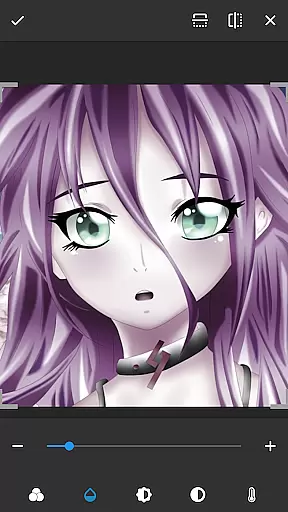
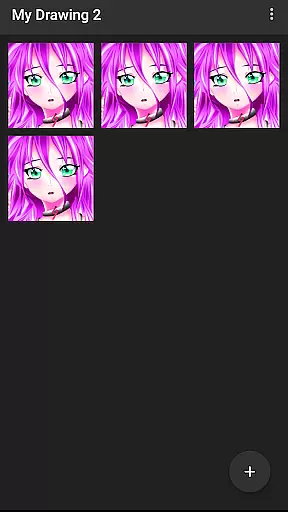
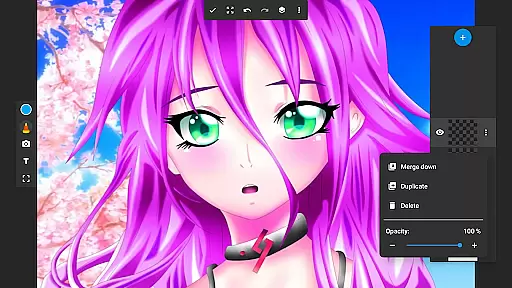
Drawing Pad Lite is an intuitive digital art application designed for both beginners and experienced artists. This versatile drawing app provides a complete suite of tools including pencils, pens, markers, and brushes with various sizes and styles. Users can create detailed sketches, vibrant paintings, and intricate doodles with ease.
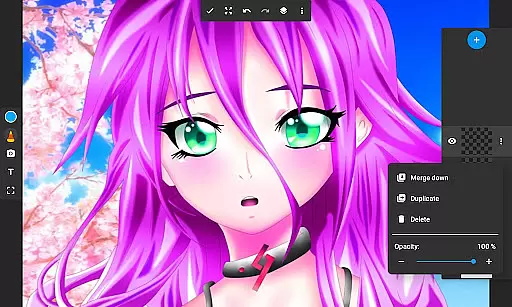
One standout feature is the layer functionality, allowing artists to organize their work and experiment with different effects. The app also supports drawing on photos, making it a great tool for creative photo editing. Whether you're into anime coloring, manga drawings, or realistic portraits, Drawing Pad Lite delivers professional-grade features in an easy-to-use package.
The application's user-friendly interface makes it perfect for quick sketches or elaborate artworks. With its comprehensive set of drawing tools and customization options, this app serves as a portable artbook that helps users unleash their creativity anytime, anywhere.
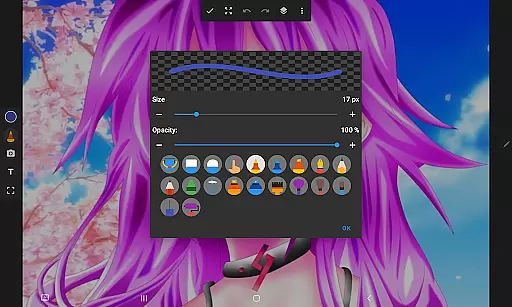
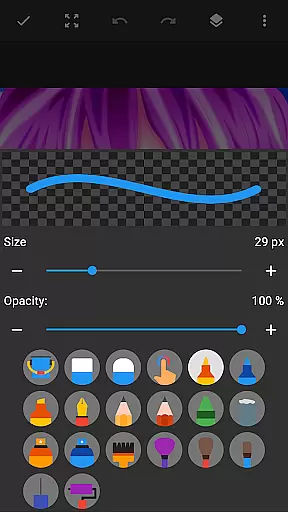
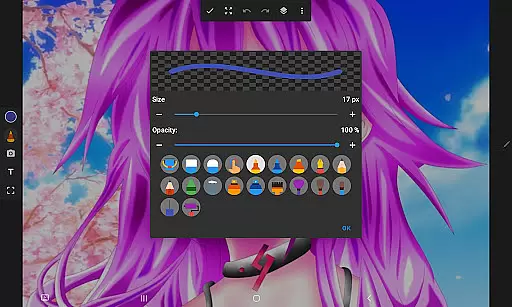
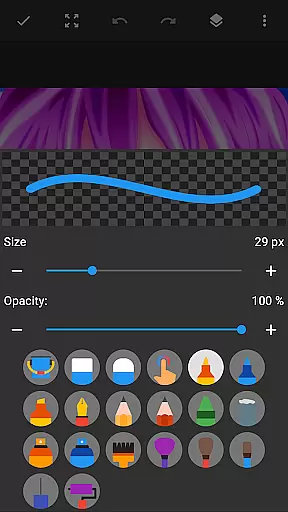
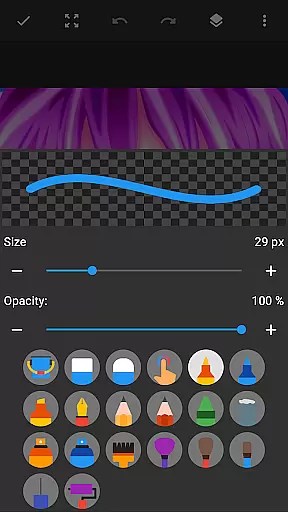
Drawing Pad Lite stands out with its diverse selection of artistic tools. The app offers multiple brush types including watercolor, oil painting, and calligraphy pens, each with adjustable size and opacity settings. The pencil tool provides realistic graphite effects with varying hardness levels, while the marker tool allows for smooth color transitions.
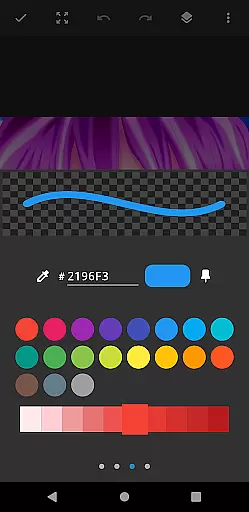
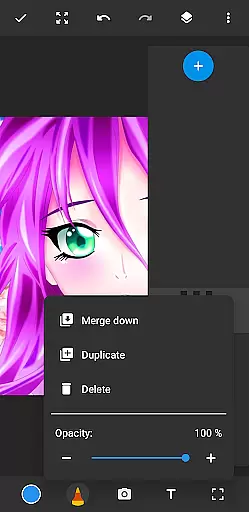
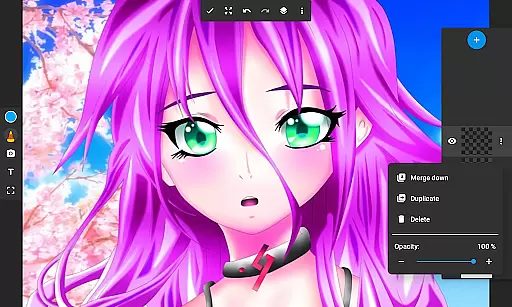
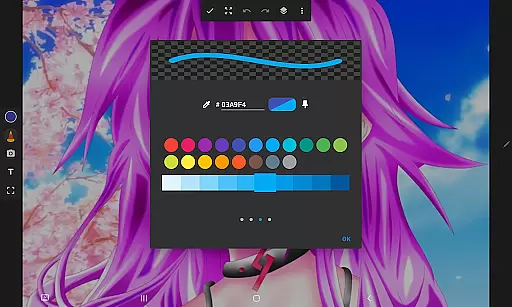
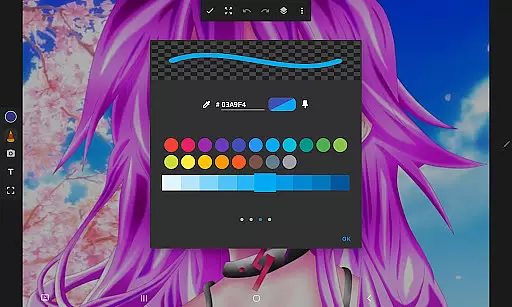
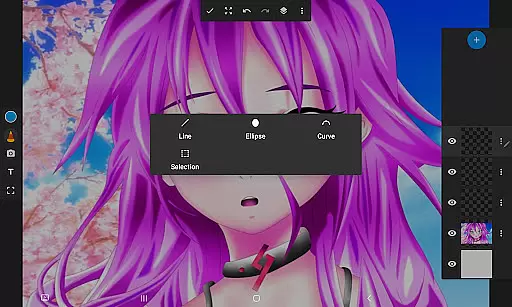
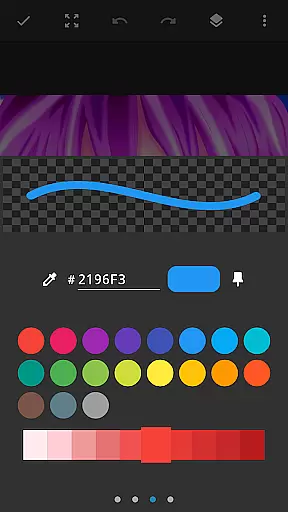
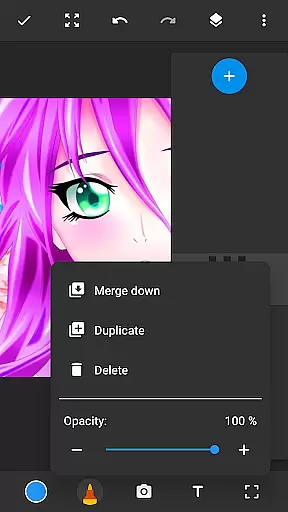
A key innovation is the layer system that enables users to separate elements of their artwork. Artists can create, merge, reorder, and adjust the transparency of layers, providing unprecedented control over complex compositions. The app also includes a color palette with millions of shades and the ability to import custom colors.
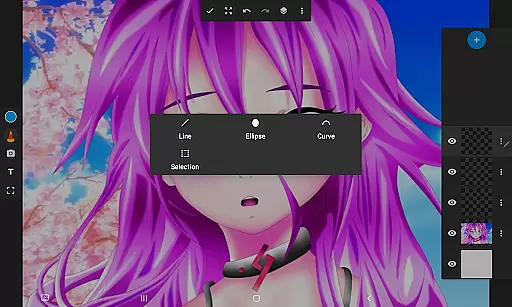
Additional features include symmetry drawing modes, perspective grids, and customizable canvas sizes. Users can export their artwork in high-resolution formats suitable for printing. These professional-grade tools make Drawing Pad Lite a powerful companion for artists looking to create sophisticated digital artwork on mobile devices.
In the realm of digital art, having a comprehensive set of creative tools is paramount. Sketchbook Lite - Artbook rises to the occasion by offering an extensive array of brushstrokes, pencil types, pens, and markers. This drawing app ensures that whether you are into anime coloring, manga, or sketching on photos, your artistic needs are fully catered for.
The application's powerful brushstroke and pencil tools stand at the heart of its appeal. With diverse selections of sizes and styles, users can create perfect brushstrokes with complete control over their drawings and paintings. The ability to adjust these tools provides artists with the precision needed to bring their visions to life.
Moreover, Sketchbook Lite enhances creativity through its layers feature, allowing artists to organize sketches effortlessly. Experimentation with different ideas becomes seamless as one can create multiple layers, rearrange them, or adjust opacity levels. Such versatility supports complex artwork creation while maintaining ease of use.
Flexibility in canvas and format options is crucial for artists who wish to explore various dimensions of their craft without limitations. Sketchbook Lite - Artbook addresses this need by providing a dynamic platform where creativity knows no bounds. Users can draw on photos, utilize vibrant colors, and add intricate details to their work.
This drawing tablet app allows for customization that caters to individual preferences. Whether itu2019s doodling for fun or creating professional digital art, Sketch Lite empowers users with editing options akin to having a professional drawing editor at their fingertips. These features ensure every sketch reaches its full potential.
Furthermore, the convenience of carrying an entire artbook in your pocket makes Sketchbook Lite an indispensable companion for modern artists. It combines traditional sketching joy with contemporary technology, enabling stunning drawings and paintings that leave lasting impressions. With such adaptable capabilities, artistic expression finds a new home within this versatile application.
User-friendly interface
Extensive brush library
Powerful layer system
Vibrant color options
Photo drawing capability
Limited free features
Occasional lag
No cloud backup
Ads in free version
Steep learning curve

Unleash your drawing and painting potential
 4.50
4.50
Convert image to JPG PNG HEIC PDF, support almost all kinds of image formats
4.70
Novices can also easily complete diamond painting masters
4.70
Minecraft & Roblox Clothes
4.70
Share the joy of painting with ibis Paint! Drawing anime and manga art.
4.50
Create cute cat emojis & PFPs! Fun, custom avatars for cat lovers.
3.70
How to draw anime step by step for beginner easily by AR drawing sketch & paint.
3.60
Unleash your inner artist! Sketchar: AR Drawing for Limitless Creativity
4.40
All-in-One art, logo & collage maker. Design photos and edit video backgrounds
4.80
Draw beautiful mandala's very easily
4.60
Image/ Text to Video Generator
4.40
Trace, draw, and create art with AR - from memes to masterpieces!
4.30
Beauty Camera - Selfie Camera is the ultimate beauty camera and selfie app
4.30
Sketch, plan, take notes and illustrate on an infinite canvas.
4.20
Create stylish invitation cards using templates for weddings, birthdays & RSVP.
4.20
Your homescreen as an elegant glass with customized blur, lighting, and visuals.
3.70
Apply cartoon, caricature, and portrait effects to make your photos stand out!
3.60
Sketch, trace and master AR drawing with awesome anime art!
3.30
Art of Combination Wear OS Watch faces
4.0


User Reviews