
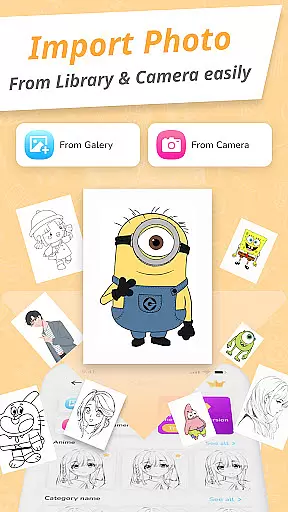
Draw Cartoon - AR Drawing App is an innovative art application that allows users to create stunning augmented reality drawings. The app utilizes advanced AR technology, enabling artists to incorporate real-world elements into their artwork through the device's camera.
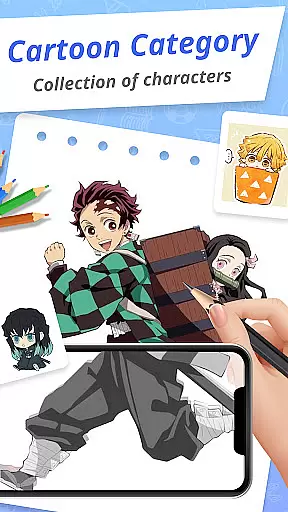
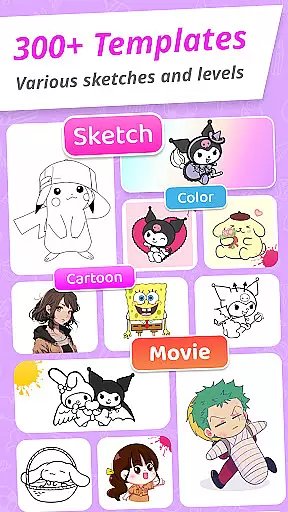
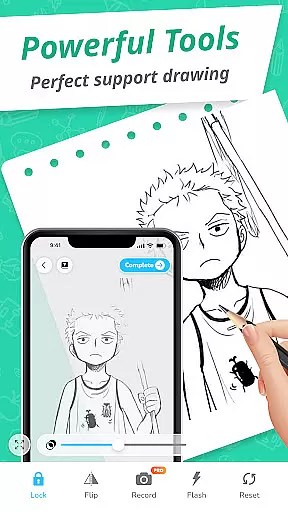
With features like adjustable opacity, flashlight control, and image locking, the app caters to both amateur and professional artists. Users can choose from various cartoon templates including popular themes like Pikachu and Scooby-Doo, making it easy to trace and improve drawing skills.
This versatile app is particularly useful for aspiring artists who want to track their progress over time. The My Artwork feature lets users save and share their creations with friends and family, creating a supportive artistic community.
Draw Cartoon offers an impressive range of features designed to enhance the drawing experience. The app's core functionality revolves around its powerful AR capabilities, which project images onto real-world surfaces for tracing and sketching.
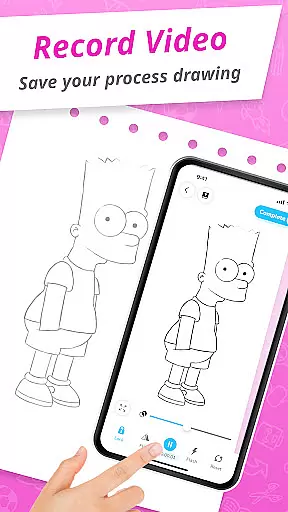
Users can access advanced tools including video recording, photo capture, and precise opacity adjustment. The app provides numerous cartoon templates featuring beloved characters, helping beginners learn basic techniques while offering more experienced artists creative inspiration.
The intuitive interface maintains a balance between simplicity and functionality. Additional features include My Artwork tracking, flash control, and image stabilization, all contributing to a comprehensive drawing experience that adapts to different skill levels and artistic styles.
In the realm of digital art, having a comprehensive set of creative tools is essential for artists to fully express their visions. Draw Cartoon - AR Drawing App rises to the occasion by offering an extensive suite of features that cater to both amateur and professional artists.
At the core of this app is its powerful AR cartoon drawing capability, which allows users to infuse real-world elements into their sketches through their device's camera. This feature is complemented by advanced options such as recording video, taking photos, adjusting opacity, controlling the flashlight, and locking or resetting your work, thus providing a complete toolkit for creativity.
Furthermore, the app provides amazing AR sketch cartoon templates, including free samples of painting and tracing templates that cover a variety of beloved cartoon themes. These resources are invaluable for users looking to improve their skills or find inspiration for their next masterpiece.
The inclusion of these diverse and robust tools ensures that artists have everything they need at their fingertips, making Draw Cartoon - AR Drawing App a one-stop destination for augmented reality art creation.
Flexibility in canvas and format options is crucial for artists who wish to customize their workspace to fit their unique style and project requirements. Draw Cartoon - AR Drawing App addresses this need by providing versatile solutions that adapt to various artistic preferences.
Users can easily adjust their drawing space using the app's functionality to change the opacity of their images, essentially allowing them to control the transparency of their canvas. This level of control is important when layering elements or tracing from an existing image.
In addition to adjustable opacity, the app facilitates different methods of creation, whether it be through traditional sketching or modern AR-assisted drawing. Artists can select from a range of cartoon themes like Pikachu and Scooby-Doo, which serve as starting points or inspiration for their artwork.
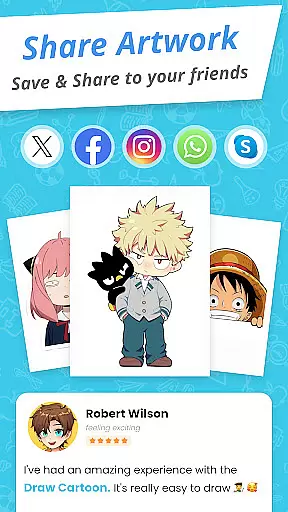
Finally, once the artwork is complete, users have the ability to save or share their creations directly from the app. The My Artwork feature not only allows for sharing with friends and family but also enables artists to track their progress over time, adding another layer of personalization and flexibility to each user's artistic journey.
User-friendly interface
Wide template selection
Advanced AR tools
Progress tracking
Community sharing
Limited free content
Device compatibility
Occasional glitches
Premium pricing
Learning curve

Premium version of Shimeji-ee app with no ads & no limit active shimeji
 4.3
4.3
Art of Combination Wear OS Watch faces
4.4
Draw beautiful mandala's very easily
4.60
Draw glowing spinners, relax, and spin your creative art
4.60
Novices can also easily complete diamond painting masters
4.70
Turn your drawings into flipbook-style animations with simple creative tools
4.60
OneUI 8.5 icons ✨ Smooth, modern & based on the latest Play Store design ??
4.10
Create Logos, Tattoos, AI Art & more with our AI Photo Generator & Design Editor
4.20
How to draw anime step by step for beginner easily by AR drawing sketch & paint.
3.60
Photo stitcher for automatically screenshot stitching into a long screenshot
4.70
Castle is social media for creating and playing games!
4.60
Unleash your drawing and painting potential
4.50
Draw Trace image sketch by, AR art projector app, Easy to trace any image.
4.50
Just trace a projected picture on paper and color! Draw & Paint with AR drawing
4.40
Beauty Camera - Selfie Camera is the ultimate beauty camera and selfie app
4.30
Text to Image, Image to Video & AI Chat
4.20
Art of Combination Wear OS Watch faces (for Wear OS 5+ devices)
3.90
Art of Combination Wear OS Watch faces
4.3
Your Essential Color Theory Guide: Red, Yellow, Blue (RYB)
4.2


User Reviews